




Microsoft says Windows has personalization and customization in its DNA, and it plans to roll out new features over the coming months that will give you greater control over Windows 11, including the taskbar and Start menu. We’re already seeing personalization options like a movable and smaller taskbar, but that’s only the tip of the iceberg.
Windows used to be Microsoft’s star product, but that changed in recent years, and the operating system has been on the back burner. It had gotten so bad that Windows started to look like a platform for Microsoft’s AI efforts, as the company added Copilot almost everywhere, including Notepad.
All of that led to the “Microslop” campaign on social media, and Microsoft eventually changed course. In March 2026, Microsoft publicly committed to improving Windows 11’s quality, and Satya Nadella later said the company wants to “win back” Windows fans by focusing on the fundamentals.
Now, Windows boss Pavan Davuluri is making a similar point around personalization.
“Personalization and customization is in Windows’ DNA. It always has been,” Pavan wrote in a post on X, quoting Windows 11’s new taskbar upgrade.
“Reading through your feedback and meeting with Windows Insiders over the past few months reminded us just how deeply people care about this. You wanted more control, more customization with the taskbar and Start. We heard you, and today we’re delivering,” he added.
We all agree with Pavan’s statement that Windows is highly customizable, but at the same time, there’s no denying that Windows 11 hasn’t done a great job with personalization controls.
For example, it doesn’t even allow you to change the height or width of the Start menu. On Windows 10, you could hold the edge of the Start menu and drag it to change its size. In fact, you could unpin all live tiles and just have your apps list in a slim sidebar-like interface.
All of that changed when Microsoft shipped Windows 11 in October 2021 and dropped support for live tiles. While the removal of live tiles isn’t necessarily a problem, most of us hated the fact that you couldn’t move the taskbar, change the height of the Start menu, remove the Recommended feed, or even drag and drop files on the taskbar.
Thankfully, Microsoft is bringing back all the legacy personalization or customization features to Windows.
How Microsoft is bringing back customization and personalization to Windows 11
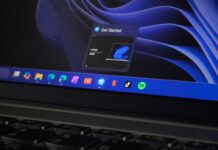
On May 14, Microsoft began rolling out movable and smaller taskbar options to testers in the Windows Insider program.
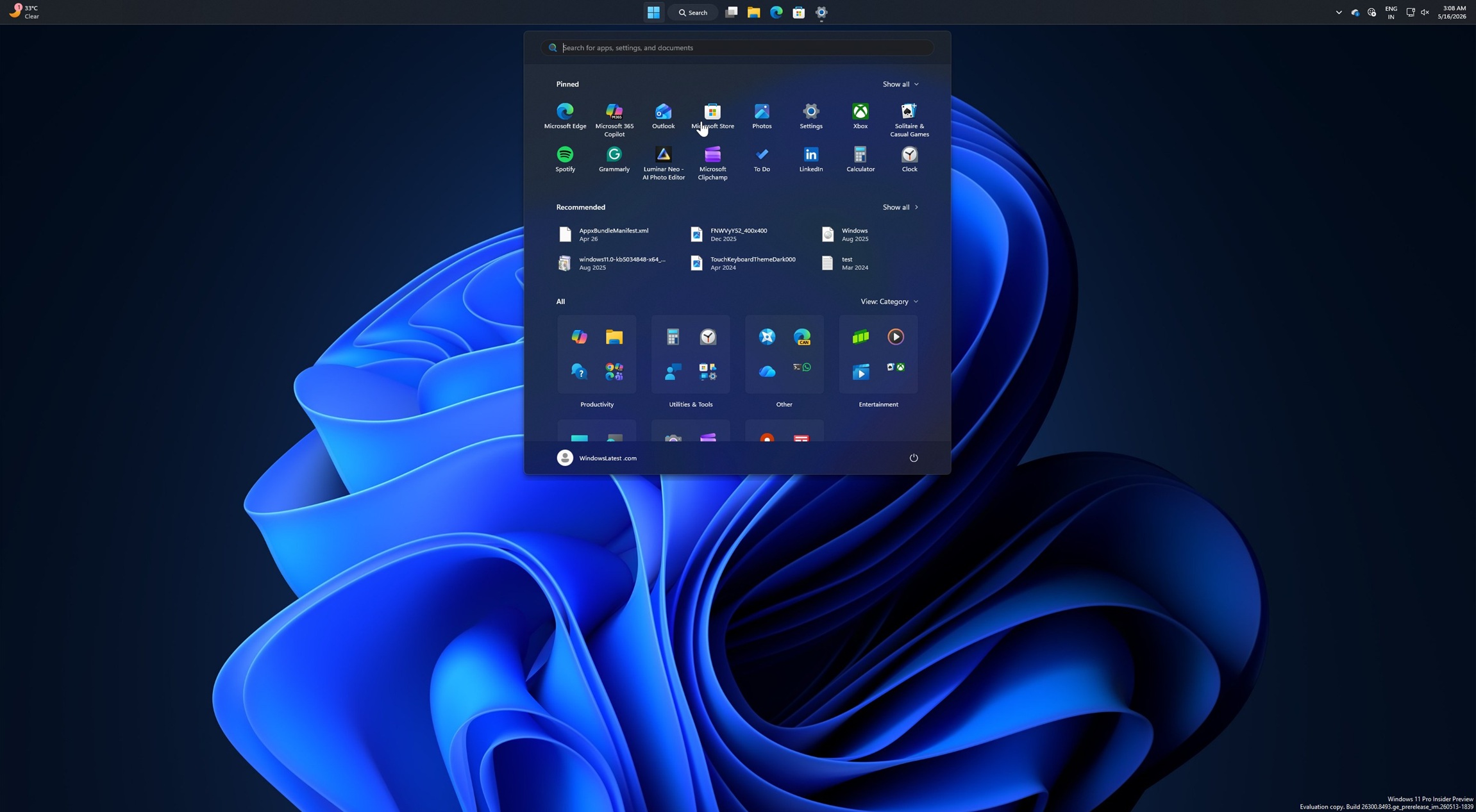
This means you can finally move the taskbar to the left side of the screen or keep it at the bottom, and even make it smaller so it takes less screen space. A smaller taskbar is particularly handy when it’s pinned to the left side, and you need more room for your apps.
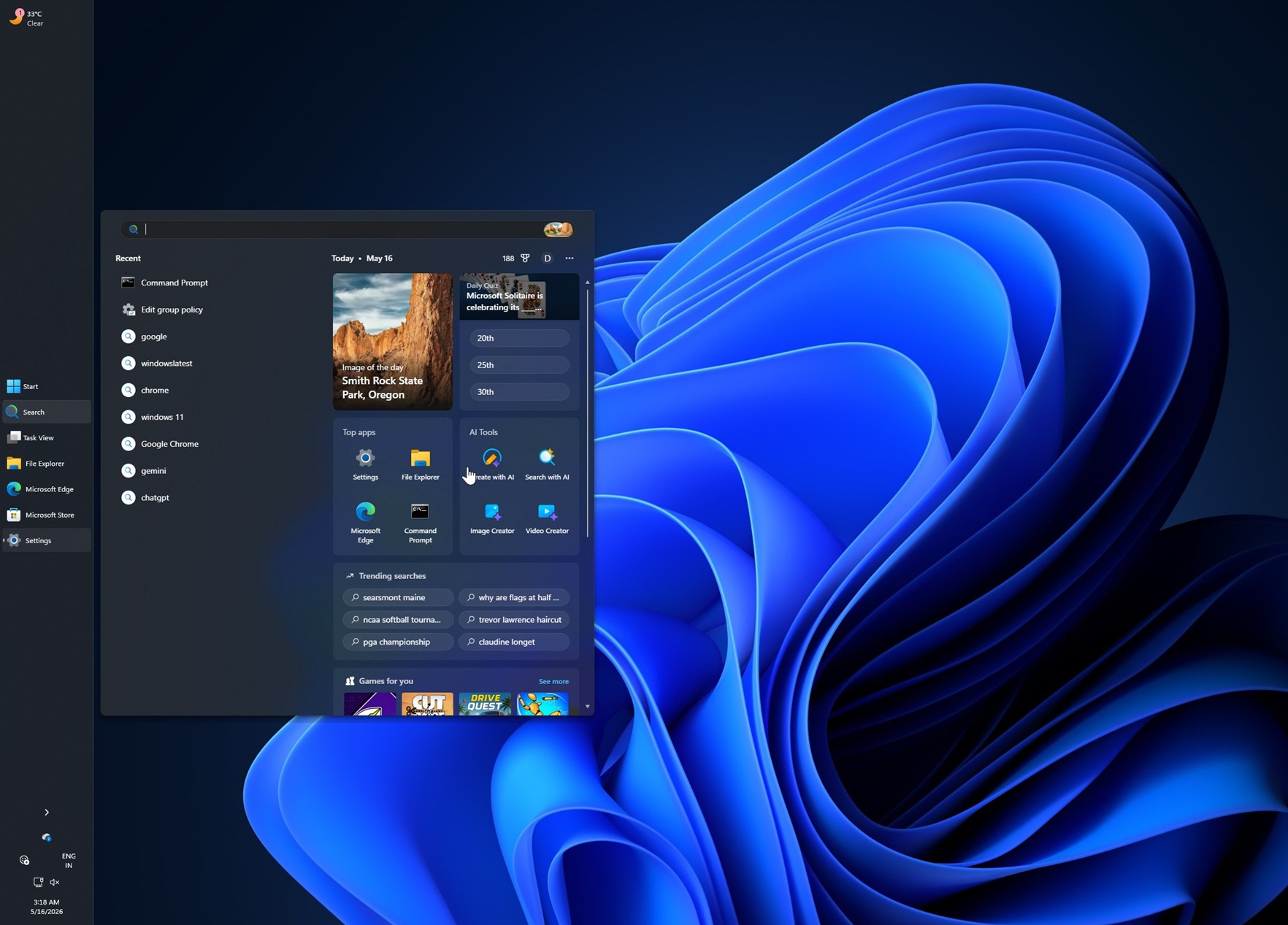
Microsoft told Windows Latest that it’ll roll out the two new features to the general public after ironing out the bugs in the integration.
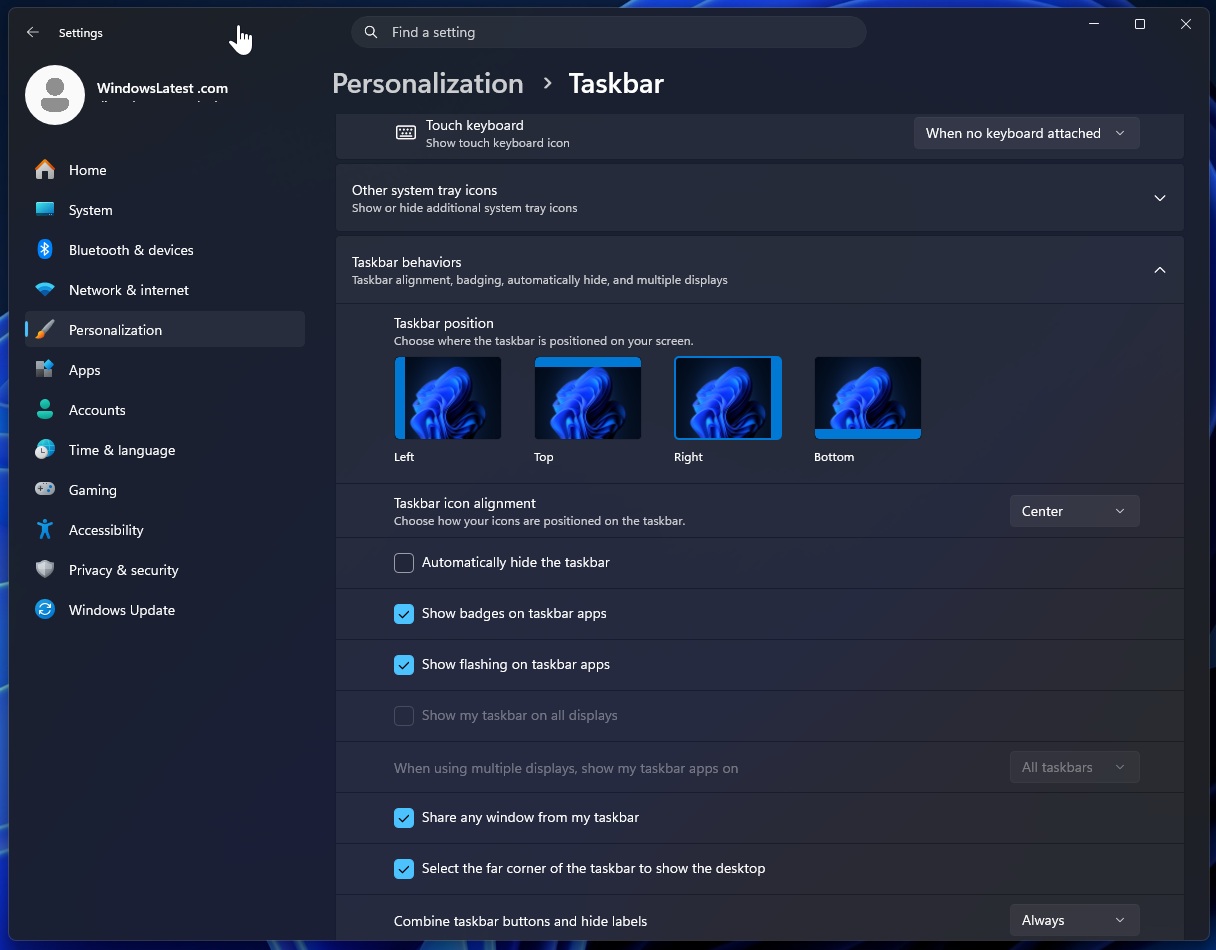
Right now, the integration is pretty rough on certain configurations. In our tests, Windows Latest observed that when you move the taskbar to the left side, the Start button and icons are not aligned correctly. Similarly, there are other bugs or odd behaviour where notifications do not follow the new alignment.
Microsoft says it’ll patch these and other bugs before it begins rolling out the customizable taskbar to the public.
A customizable Start menu
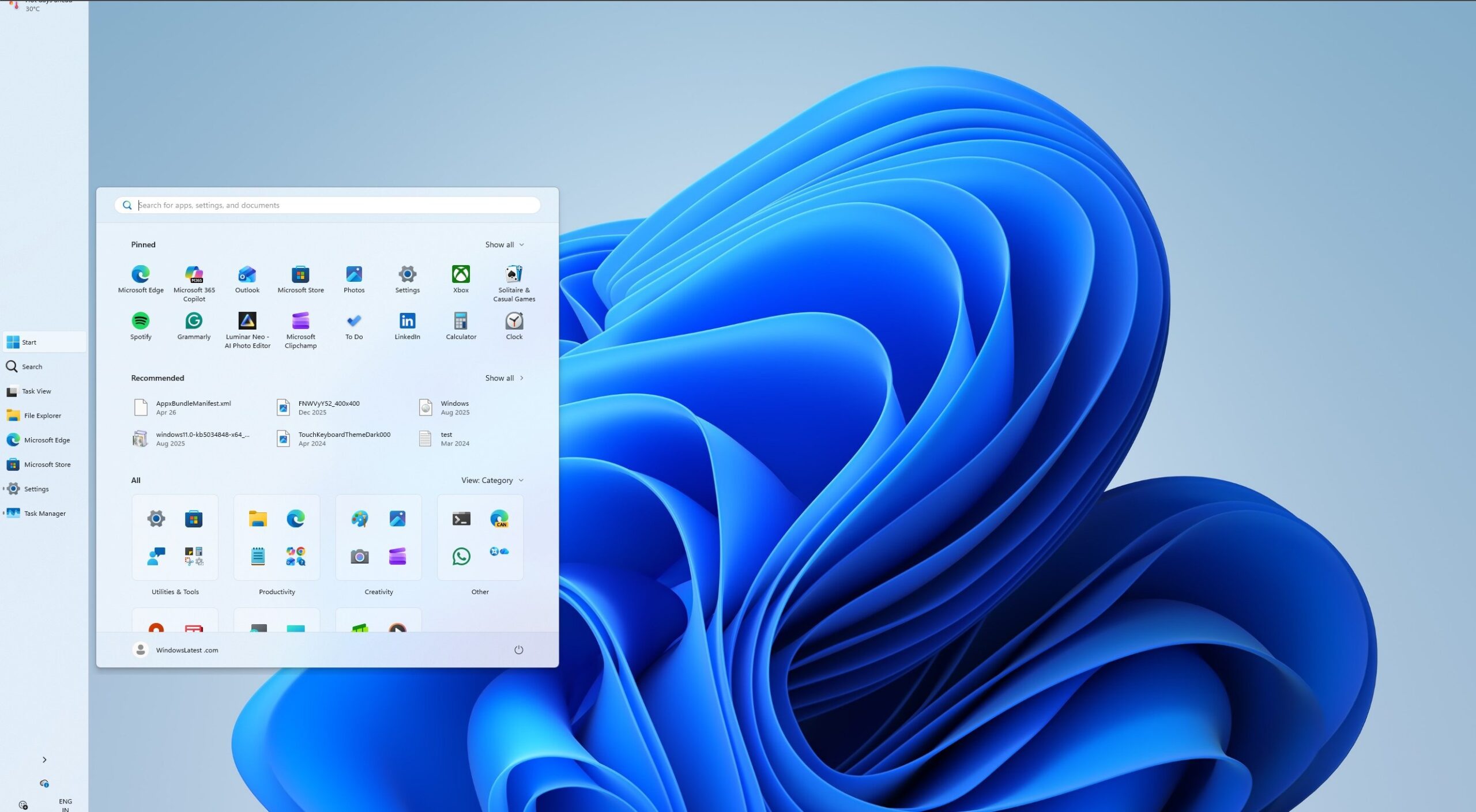
In addition, Microsoft is making the Start menu in Windows 11 highly customizable.
First, it’s adding back a feature that lets you change the size of Start. For now, you can switch between small and large options, but the company might add more options in a future release.
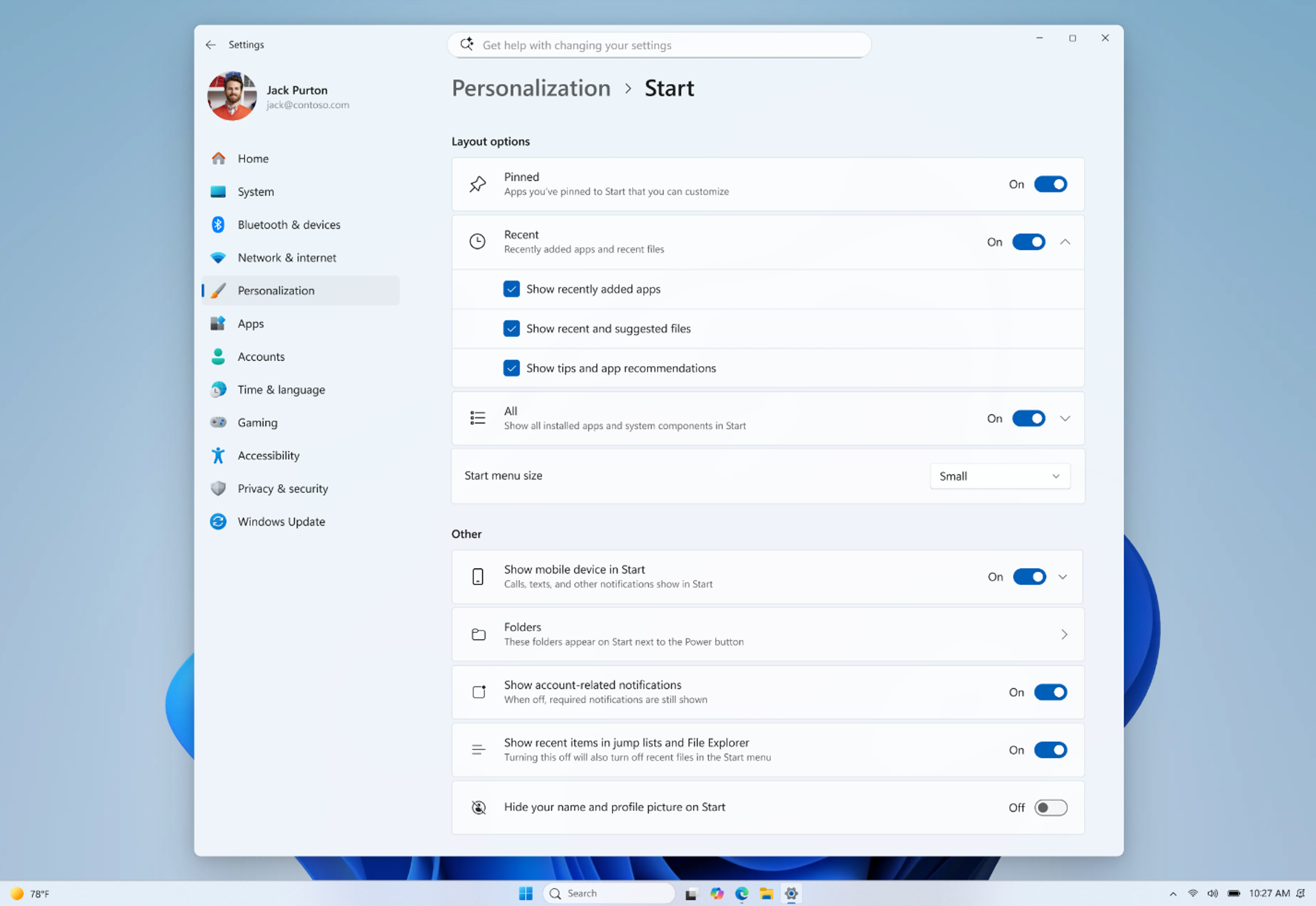
Second, Microsoft is testing a new feature that lets you turn off different sections of the Start menu. For example, if you use only a few apps and don’t want to see the entire list, you can turn off All apps and the Recommended feed section, and just keep your pinned apps. Likewise, you can turn off Recommended and Pinned to just have the apps list.
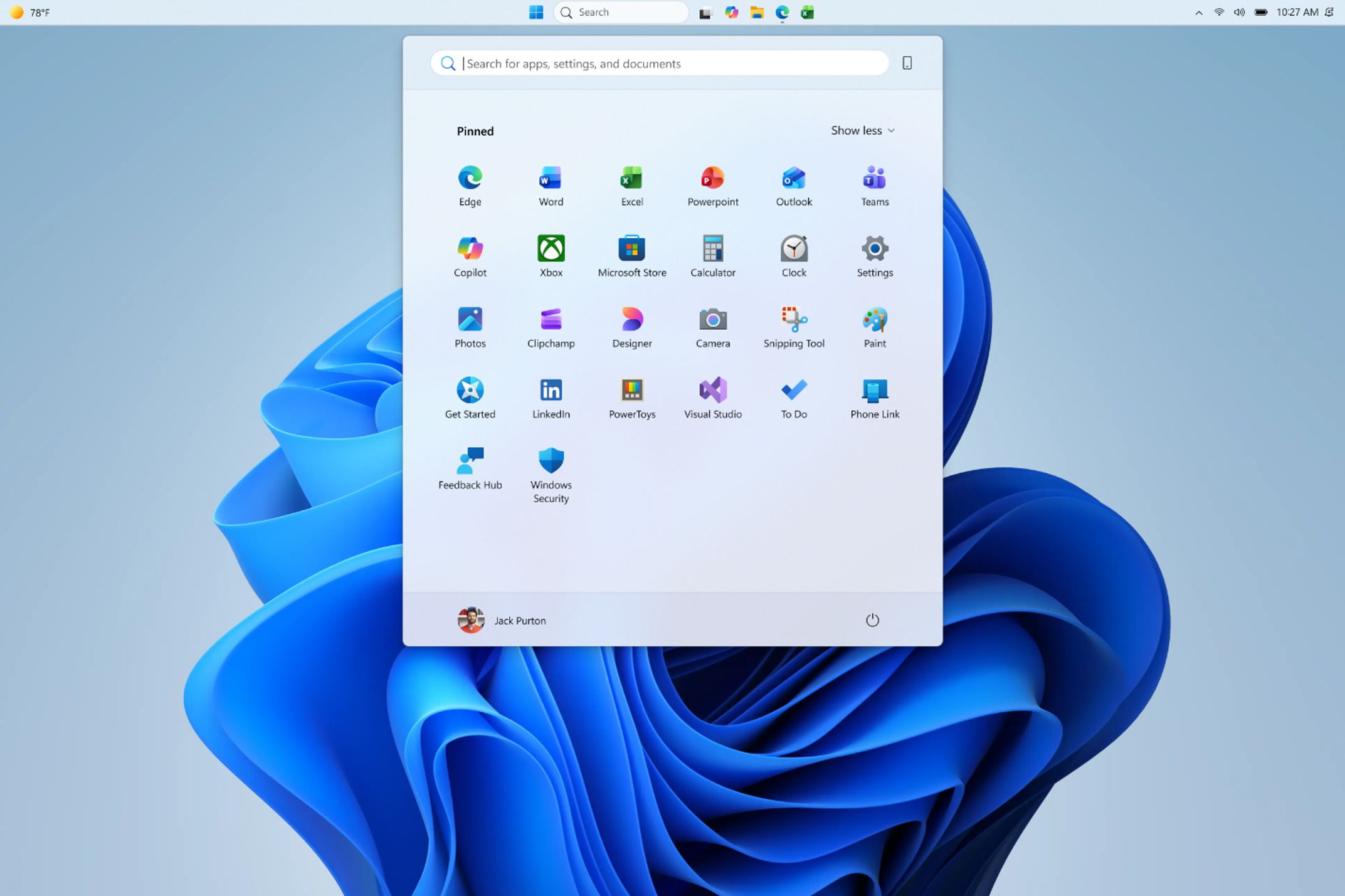
Here are some of the changes coming to the Start menu:
- Recommended is being renamed to Recent, and Microsoft is improving file relevancy, so the Recent section is actually useful.
- Recently installed apps will now instantly appear in the Start menu.
- You can hide your name and profile picture from Start for privacy reasons.
- You can now turn off the recent files section in the Start menu without affecting recent files in File Explorer or taskbar jump lists.
Windows Latest has learned that Microsoft has more major improvements coming to Windows 11, including the ability to resize the taskbar.
Right now, Microsoft is rolling out the smaller taskbar feature, but you still can’t resize it by dragging it from the edge. I’m told there are plans to let users resize the taskbar manually, similar to how it worked in Windows 10.
All these improvements will roll out throughout the year, and more changes are planned as well.