








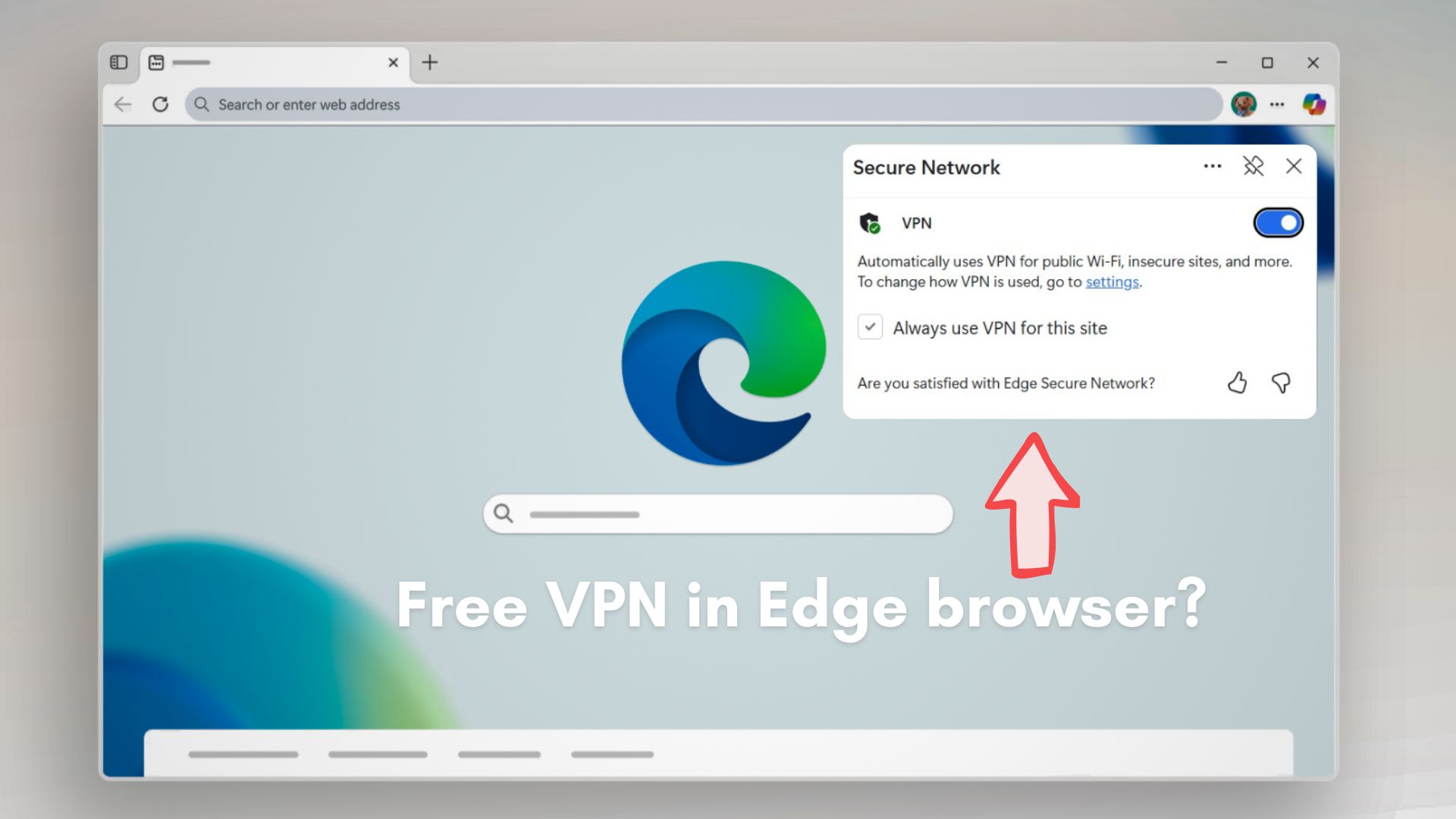
Microsoft recently drew the attention of a privacy researcher to one of Edge’s lesser-known features through a post on X, describing Edge Secure Network VPN as a free, built-in privacy tool that requires no additional apps or subscriptions.
The post, by the official Microsoft Edge handle, positioned the feature as a simple way to add an extra layer of protection while browsing, particularly on public Wi-Fi networks, and encouraged users to turn it on directly from Edge’s settings.

The feature is called Edge Secure Network VPN, and in theory, it could free you from installing third-party VPN services, as it is already baked into Edge, but it does have a limited monthly data allowance.
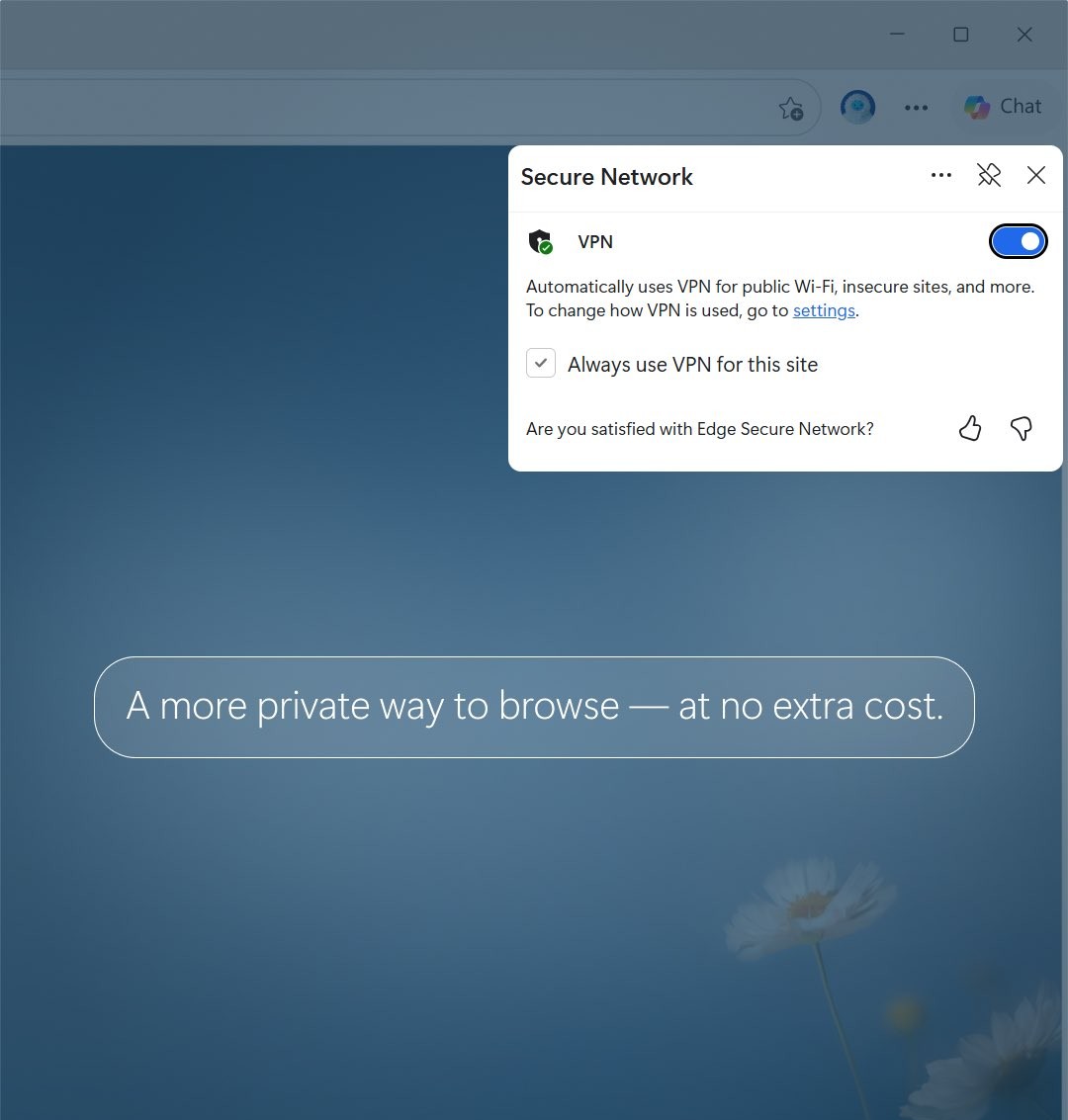
Not long after, a privacy researcher responded with a detailed technical critique, arguing that the feature operates very differently from what most people associate with a traditional VPN. That reply quickly gained traction and shifted the conversation to a debate about how browser-integrated privacy tools should be described and what level of protection users should realistically expect.
“Edge Secure Network is NOT a VPN. It’s an HTTP CONNECT proxy built on Cloudflare’s Privacy Proxy Platform. It only tunnels traffic inside the Edge browser”, says Sooraj Sathyanarayanan, a Privacy Researcher & Security Strategist, who works at Brave Browser.
We have reached out to Microsoft for additional clarification on how it characterizes Edge Secure Network VPN and will update this story if we hear back.
Sooraj’s claims are largely true, but to understand where the disagreement comes from, it helps to first look at how Microsoft itself explains what Edge Secure Network VPN is meant to do.
Microsoft says Edge Secure Network VPN adds built-in encrypted browsing protection with a 5GB monthly limit
According to Microsoft’s feature documentation, Edge Secure Network VPN is a lightweight, browser-level protection feature that uses “VPN technology” to encrypt traffic generated inside Microsoft Edge, helping shield browsing activity from third parties, trackers, or malicious actors.
If you are browsing from a public network, like a coffee shop or airport, Edge can route that browser traffic through an encrypted tunnel so sensitive data, such as logins, payment details, or form submissions, cannot be intercepted. Microsoft also says the feature obscures the user’s IP address from websites, adding an additional layer of privacy while browsing.
To turn on Edge Secure Network VPN, click the three dots in Edge, select More tools, and click Secure Network. Click Get VPN for free, and sign in to your Microsoft account.
Edge Secure Network is available at no extra cost, but only for users signed into Edge with a personal Microsoft account. The free tier includes a 5GB monthly data allowance, after which the protection stops until the quota resets. To conserve that data, certain high-bandwidth scenarios, including video streaming services like Netflix, Hulu, HBO, and more, are excluded from routing through the feature.
Note that some people use VPN services exclusively to bypass streaming platforms’ filtering of content for certain regions.
Edge Secure Network VPN has some other limitations, too. The feature is currently unavailable on managed or enterprise devices and does not work in certain regions. It also does not support manual server selection, which Microsoft confirmed in response to a user question on X, noting that Secure Network automatically connects to a geographically nearby server rather than allowing users to choose a country or region.

However, Microsoft describes the system as being smart enough to activate automatically in situations it considers higher risk, such as when visiting sites that are not fully secured. Users can also manually control how it behaves, choosing whether to enable it selectively or expand coverage to more browsing sessions.
From Microsoft’s perspective, Edge Secure Network VPN is a built-in safeguard designed to add baseline protection without requiring users to install or configure third-party tools. It is not marketed in official documentation as a full replacement for standalone VPN services, although the company does use phrases like “free VPN data protection every month” and “uses VPN technology”.
The clever marketing wasn’t enough to deter a security analyst from critiquing the feature.
Security researcher says Edge Secure Network functions closer to a browser proxy than a traditional VPN

The promotional language around Edge Secure Network VPN prompted a detailed response from Sooraj Sathyanarayanan, a Privacy Researcher and Brave Browser employee, who argues that the feature behaves very differently from what most users expect when they hear the word “VPN.”
According to the analysis, Edge Secure Network operates as a browser-level tunneling mechanism rather than a system-wide virtual private network. So, only traffic generated inside Microsoft Edge is routed through the protected channel. Activity from other applications, background services, email clients, operating system updates, and even DNS queries would continue to use the regular network path.
He describes the feature as an HTTP CONNECT proxy built on Cloudflare’s Privacy Proxy infrastructure, designed to secure browsing sessions within Edge itself, not to create a device-wide encrypted tunnel. Note that many commercial VPN tools route all system traffic through a secure endpoint, with kill switches and user-configurable server locations.
The analysis also notes that Edge Secure Network ships in what Microsoft calls an “Optimized” mode by default, meaning the protection may only activate under certain conditions, such as when using public Wi-Fi or visiting non-HTTPS sites, unless users manually change the configuration to cover all browsing scenarios.
Another point raised is the requirement to sign in with a personal Microsoft account to enable the feature. Microsoft says this is necessary to enforce the 5GB monthly usage cap, but the researcher argues that it connects the protection layer to an authenticated identity and not an anonymous usage.
Sathyanarayanan further describes the architecture as a two-party trust model, where Microsoft manages account identity while network routing is handled by Cloudflare.
Microsoft assures that Cloudflare does not see account identities, and Cloudflare states it does not inspect user traffic, but the researcher points out that the system relies on trusting both parties’ claims without an independent public audit.
The critique also notes concerns about the lack of manual region selection, limited transparency into routing behavior, and the absence of certain protections that full-device VPN software provides.
Built-in browser protection is common, but it is not the same as a full VPN
Microsoft is not alone in the quest to add network protection directly into the browser. Opera, for example, has long shipped a built-in VPN feature inside the browser, setting it as an integrated privacy layer.

These built-in tools are set for a convenience-first world. They turn on automatically in certain situations, require minimal setup, and reduce obvious risks like unsecured Wi-Fi connections. They also avoid the performance impact that system-wide VPN software introduces.
At the same time, browser-integrated protections are not meant to be a replacement for traditional VPN services.
Clarity about what these features do and do not cover is increasingly important for user trust. Whether the feature is seen as a useful safeguard or something overstated will likely depend on how Microsoft continues to explain its role and limitations.