







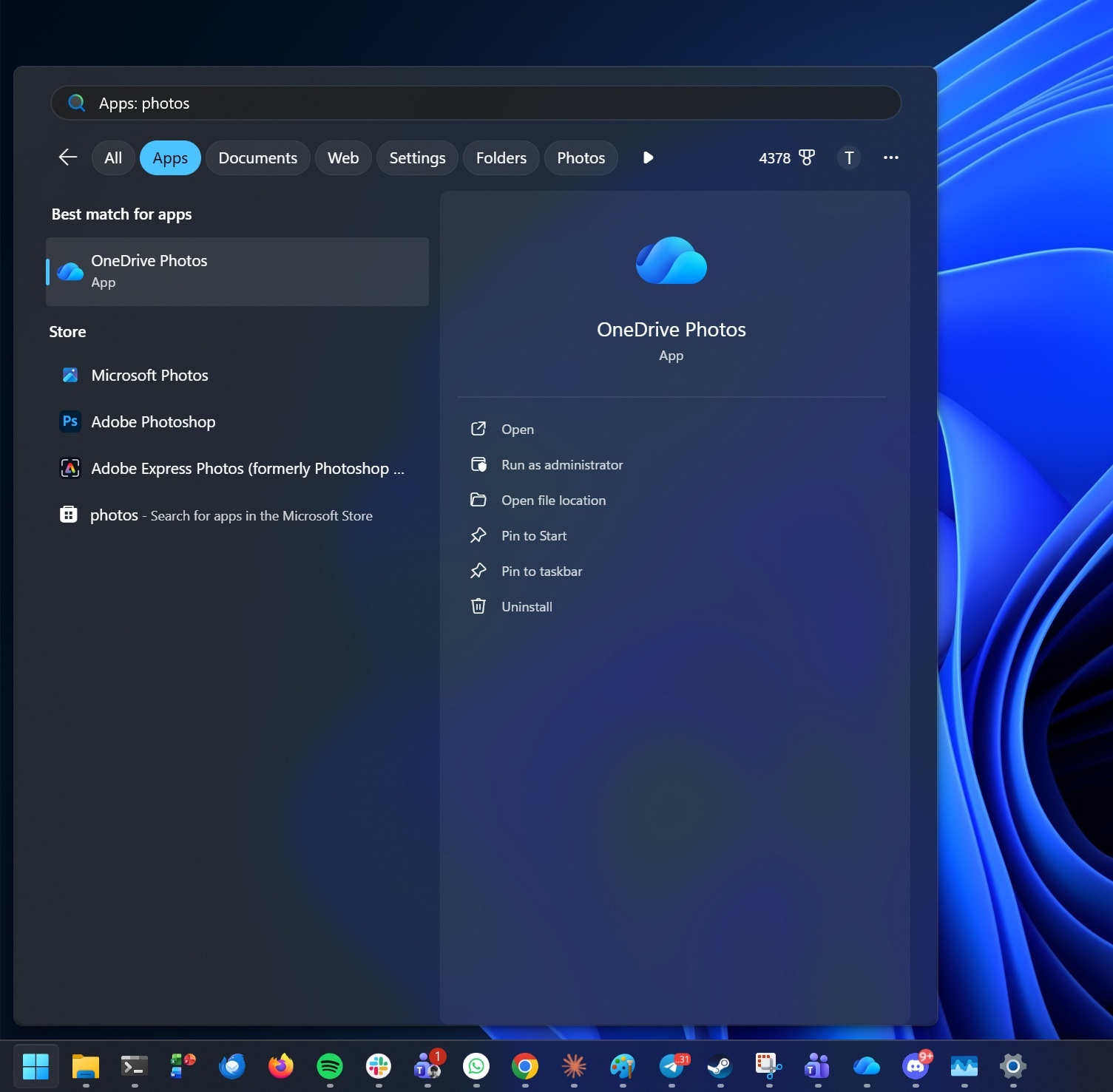
The year is 2026, and I’m still amazed when I find a new entry in my Start menu’s All apps list for an app I don’t remember installing. This time, it’s Microsoft again, and the product is OneDrive Photos, which appears to be yet another photo viewer and editor for Windows 11 that nobody asked to have installed automatically.
While searching for Microsoft Photos, a new app called “OneDrive Photos” showed up in my results out of nowhere. It appears to have arrived either via Windows Update or an update for the OneDrive sync client on Windows.
For those unaware, Windows already comes with OneDrive pre-installed, and it syncs your personal files to the cloud.
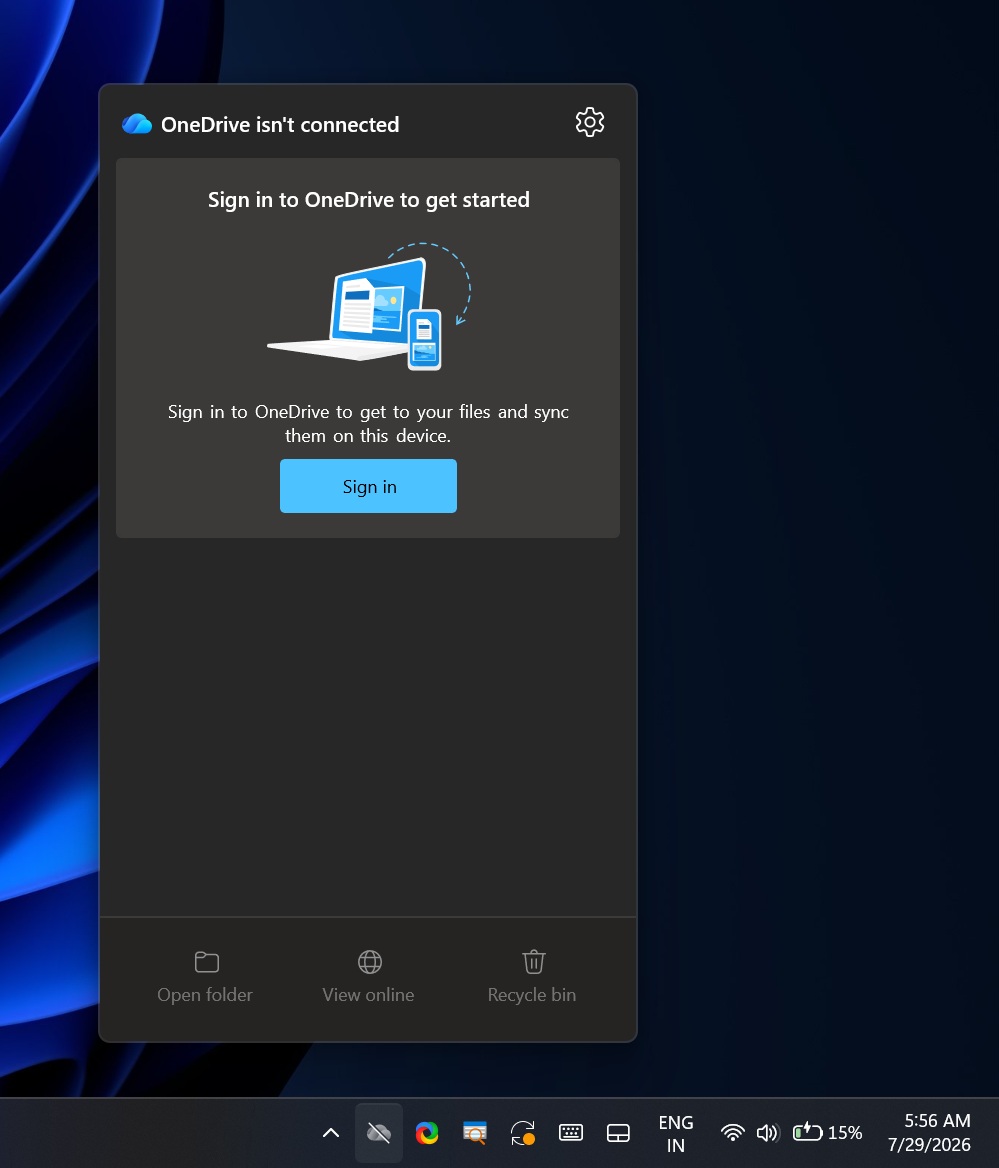
Right now, you can manage OneDrive files directly in File Explorer and control sync from the system tray on the taskbar. It looks like the nagging during Windows setup to use OneDrive, along with the backup feature being turned on by default, wasn’t enough, as Microsoft is now adding “OneDrive Photos.”
If Windows has already installed OneDrive Photos on your PC, you can find its entry in the Start menu or Windows Search, whether you’ve signed in to a Microsoft account or not.
In my case, I have the OneDrive sync app installed because it was bundled with Windows, but I haven’t signed in with a Microsoft or work account. I don’t use it. Yet OneDrive Photos still appeared.
Testing the new OneDrive Photos app for Windows 11
In our tests, Windows Latest noticed that the new “OneDrive Photos” app is part of the existing OneDrive installation and runs through “C:\Program Files\Microsoft OneDrive\OneDrive.App.exe.” I also noticed that it’s based on WebView2, so it’s not a native app.
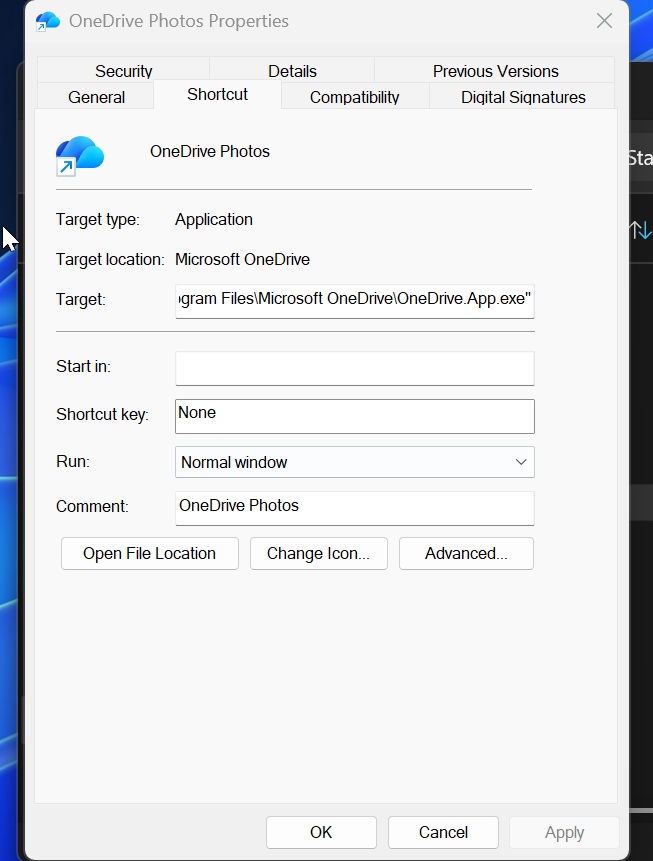
For comparison, the primary OneDrive sync client is “C:\Program Files\Microsoft OneDrive\OneDrive.exe.” So these are two distinct executables, but they’re weirdly named.
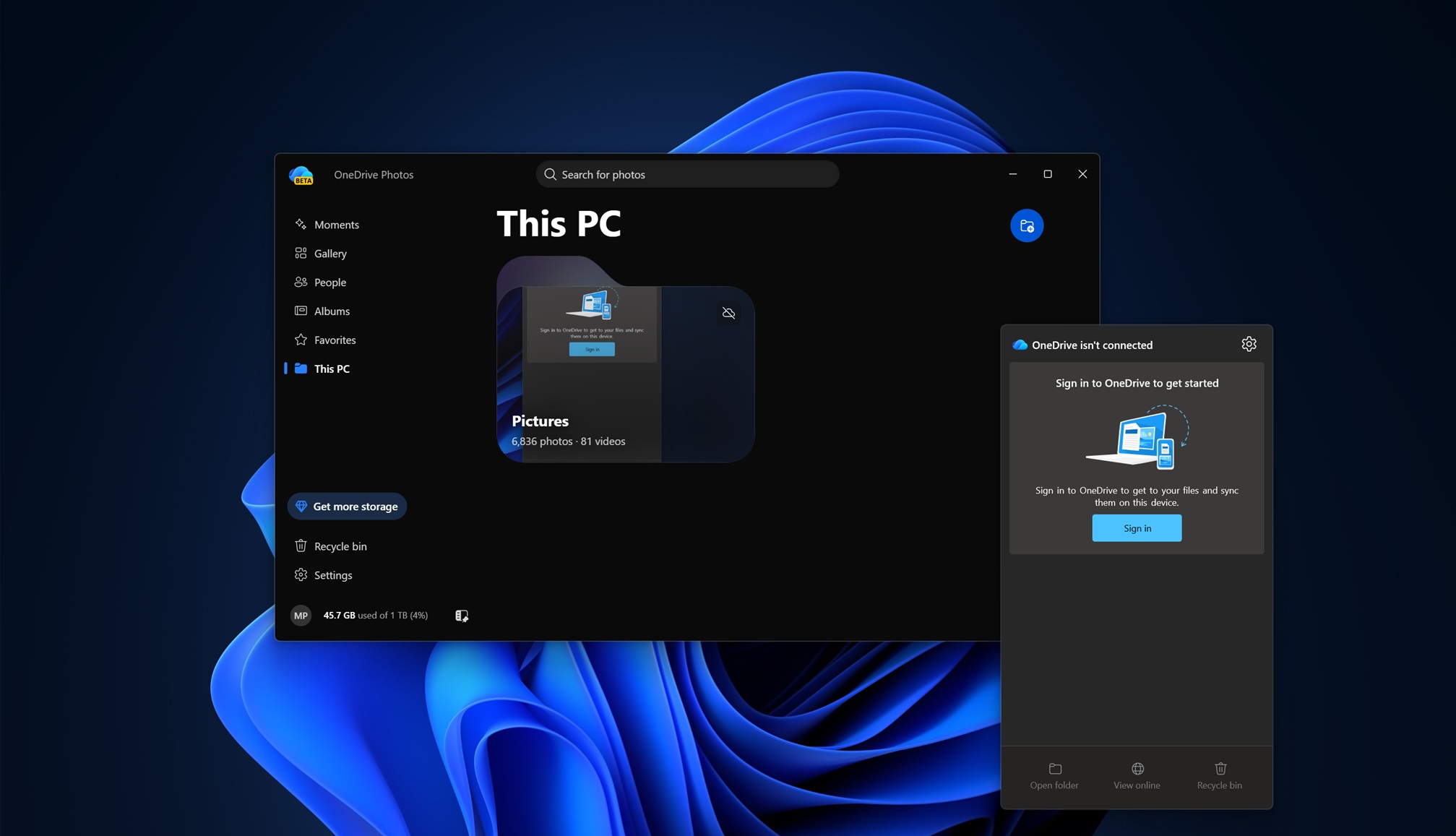
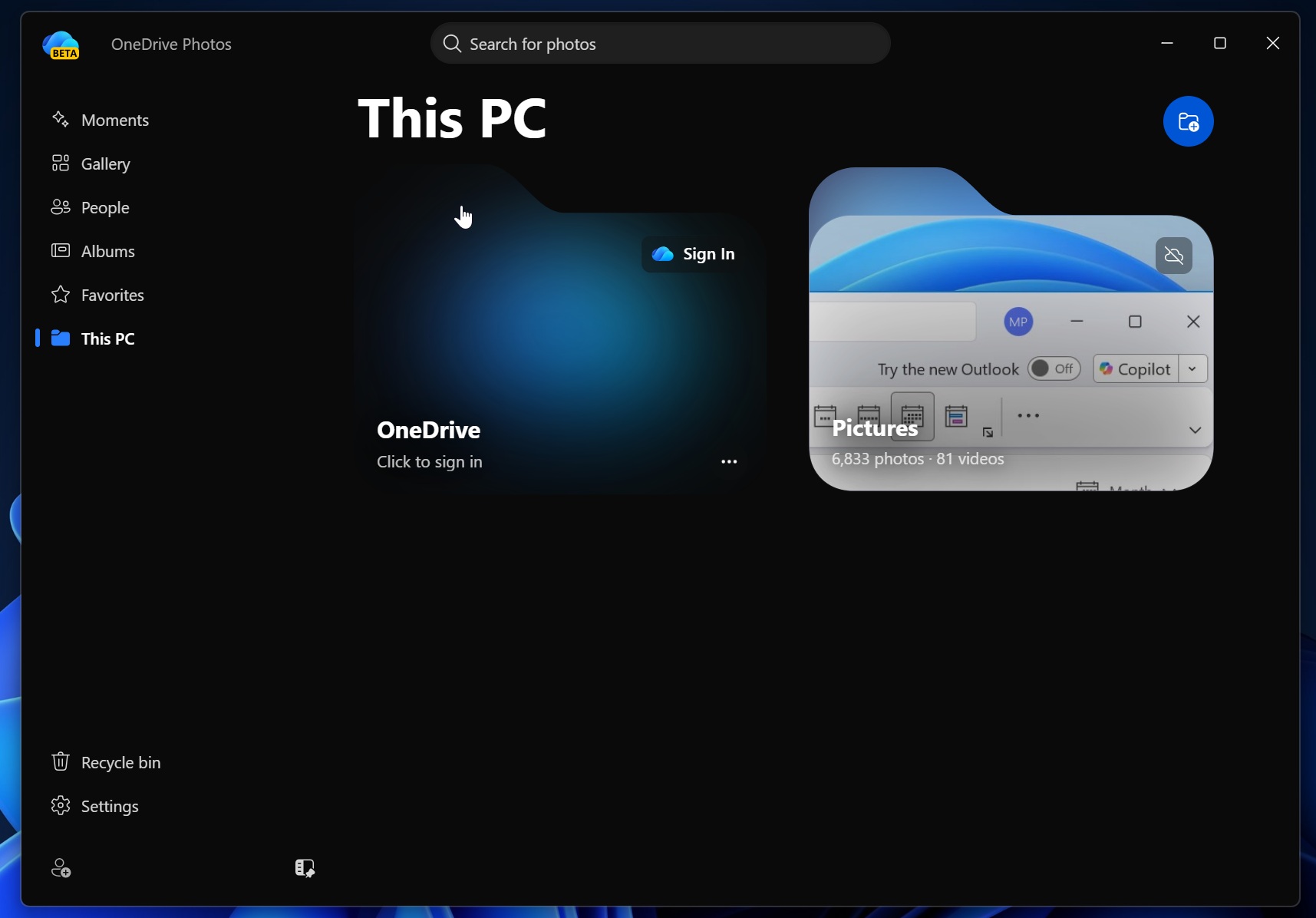
OneDrive Photos automatically scans your system storage for photos
OneDrive Photos doesn’t need a Microsoft account to work, as it can also detect your local files. At one point, I started to wonder whether it’ll eventually replace the Microsoft Photos app because it immediately started acting like a second Photos app on my PC.
The app itself isn’t terrible, but that’s not the point. The problem is that Microsoft added another photo viewer without asking, and you can’t remove it separately from OneDrive.
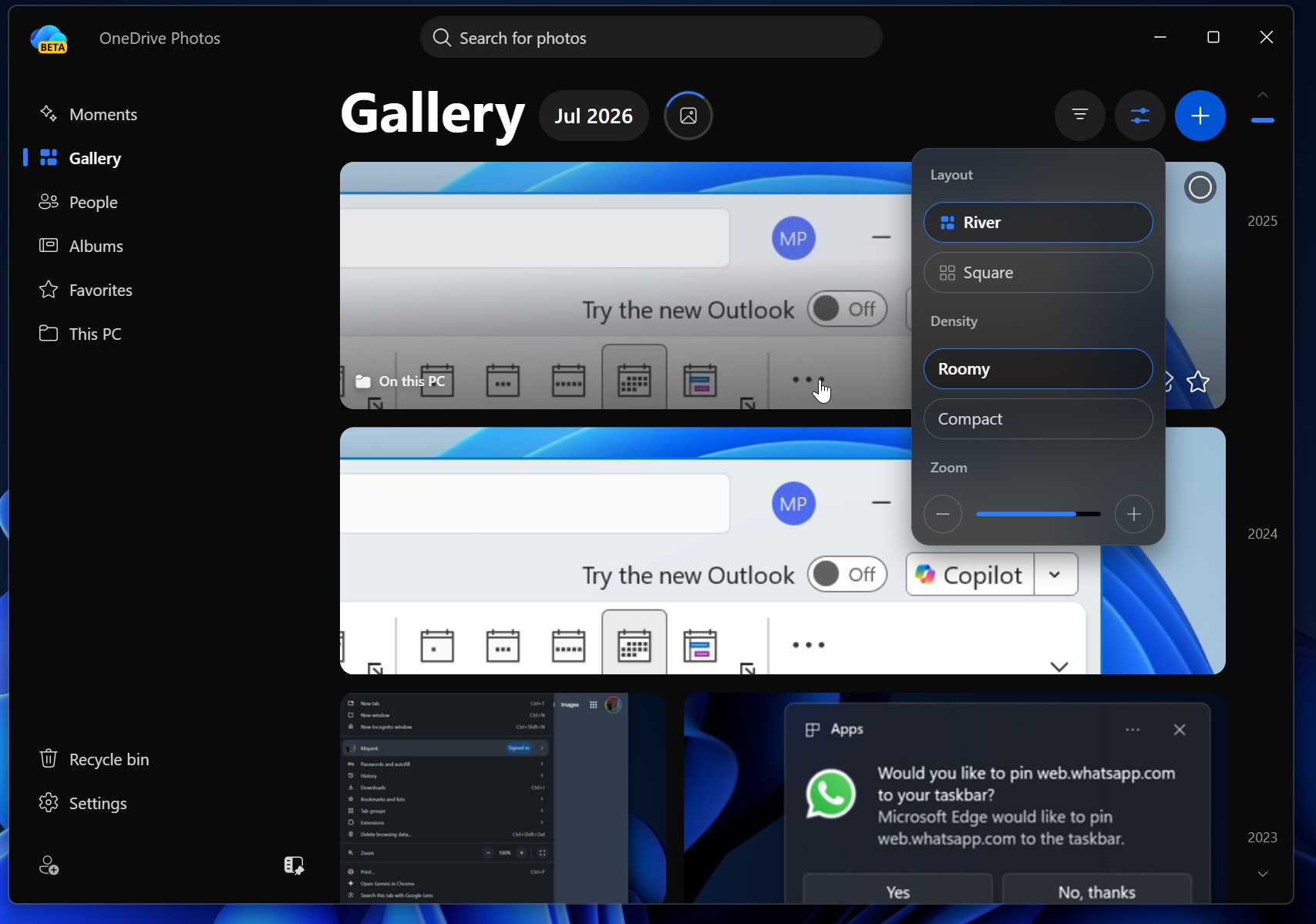
Although OneDrive Photos is a web app and appears to load OneDrive.com’s new design, it performs reasonably well. The interface tries to mimic Windows 11’s acrylic effect and includes dedicated sections for Moments, Gallery, People, Albums, Favorites, and This PC. These are the same sections you’d find on the OneDrive web app, with “This PC” being the exception.
When you open Gallery without signing in to a Microsoft account, the app automatically displays your local images. You can switch between River and Square layouts, choose Roomy or Compact density, and adjust the thumbnail size.
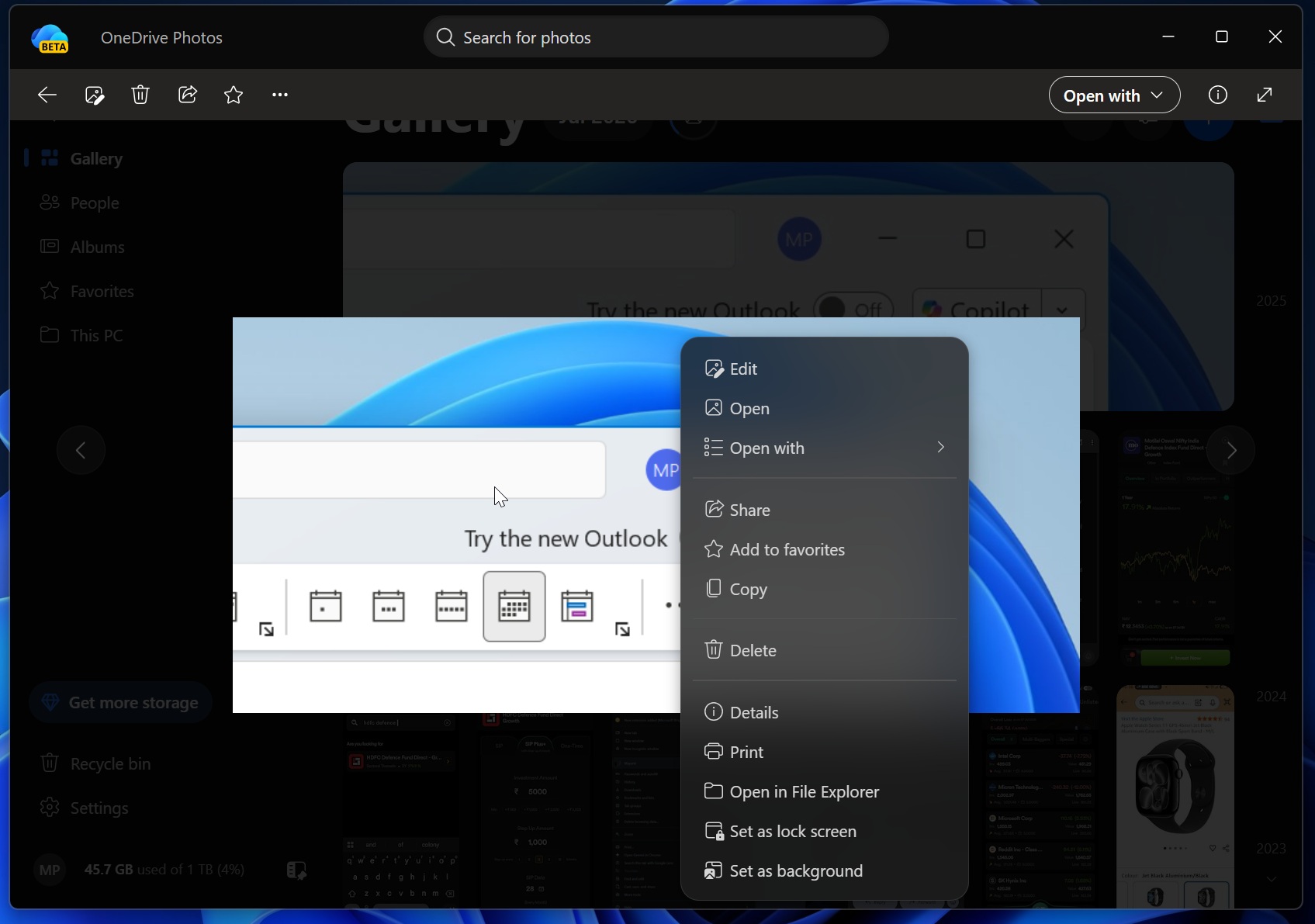
When you open an image, you can edit, share, favorite, copy, delete, print, open it in File Explorer, or set it as your lock screen or desktop background. Again, all of that might sound familiar because it overlaps heavily with the Microsoft Photos app.
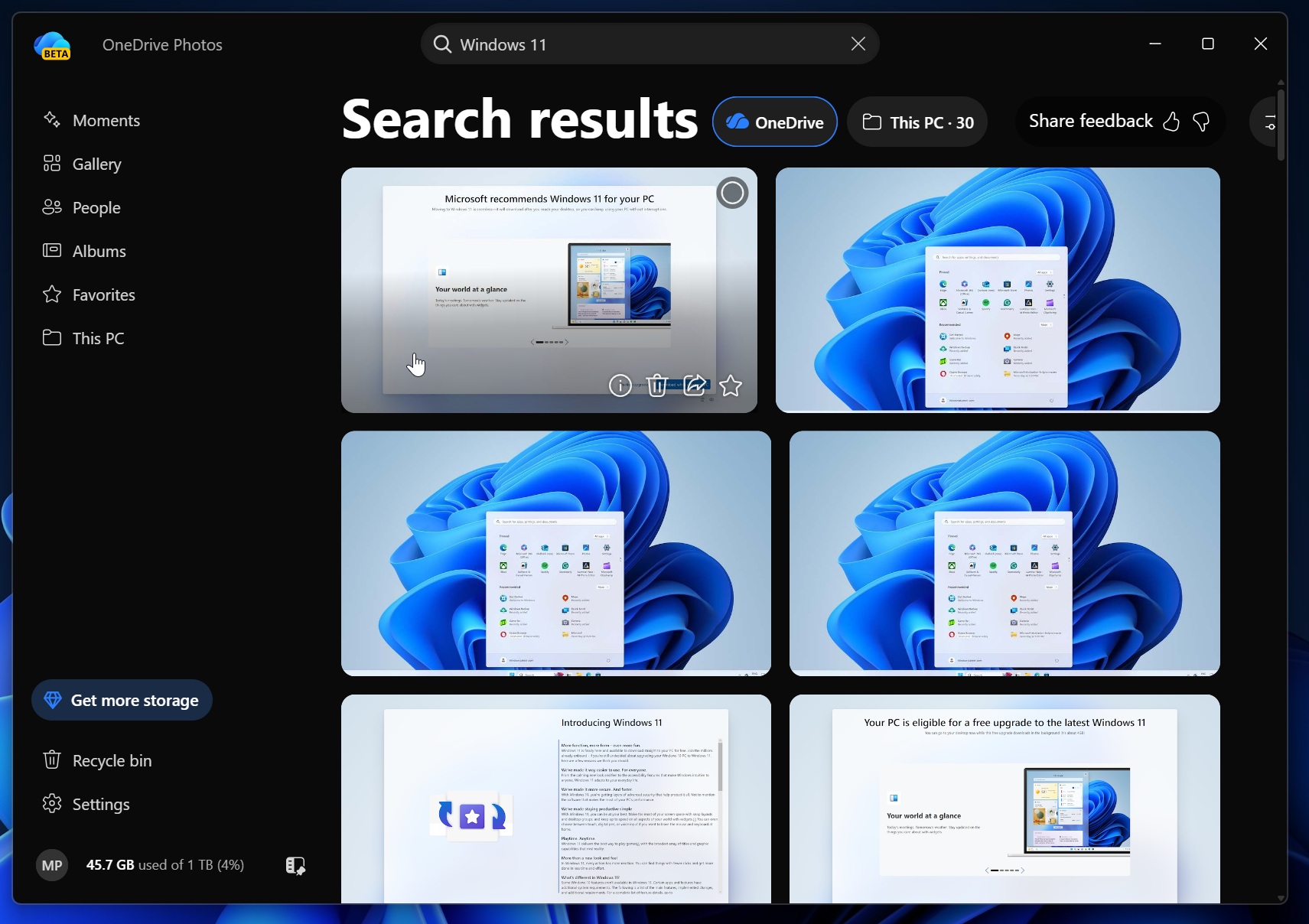
Once you sign in, the app becomes a full OneDrive gallery, and you get access to AI-powered cloud search.
For example, you can enter a vague search query, and OneDrive’s AI will try to find the most appropriate image or file. In the case of photos, it can use OCR to read visible text and locate relevant results.
OneDrive Photos app can scan your faces
There’s also a People section that groups similar faces in your photos. Microsoft asks for permission before turning it on and explicitly warns that facial data could be considered biometric data in some regions.
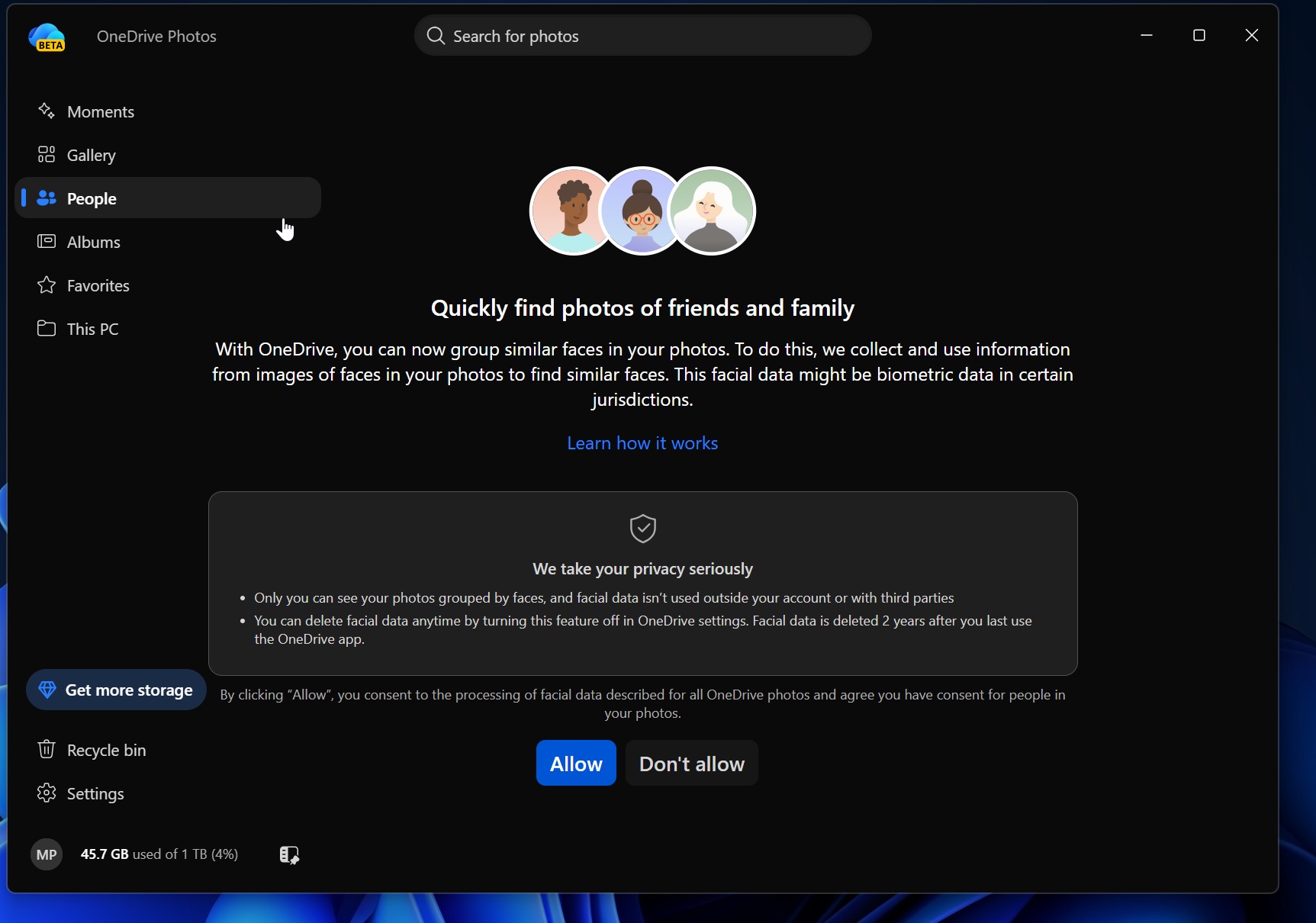
The company says only you can see the grouped faces, that the data isn’t shared with third parties, and that you can delete it by disabling the feature.
OneDrive Photos is clearly more than a simple extension of the OneDrive sync client. It’s a second photo viewer with many of the same features already available in Microsoft Photos.
However, the issue isn’t that OneDrive Photos is unusable. In fact, it’s a decent app in terms of performance and overall UX. The problem is that Microsoft quietly installed another app, gave it access to local photo folders, and tied it to OneDrive so you can’t remove one without removing the other.
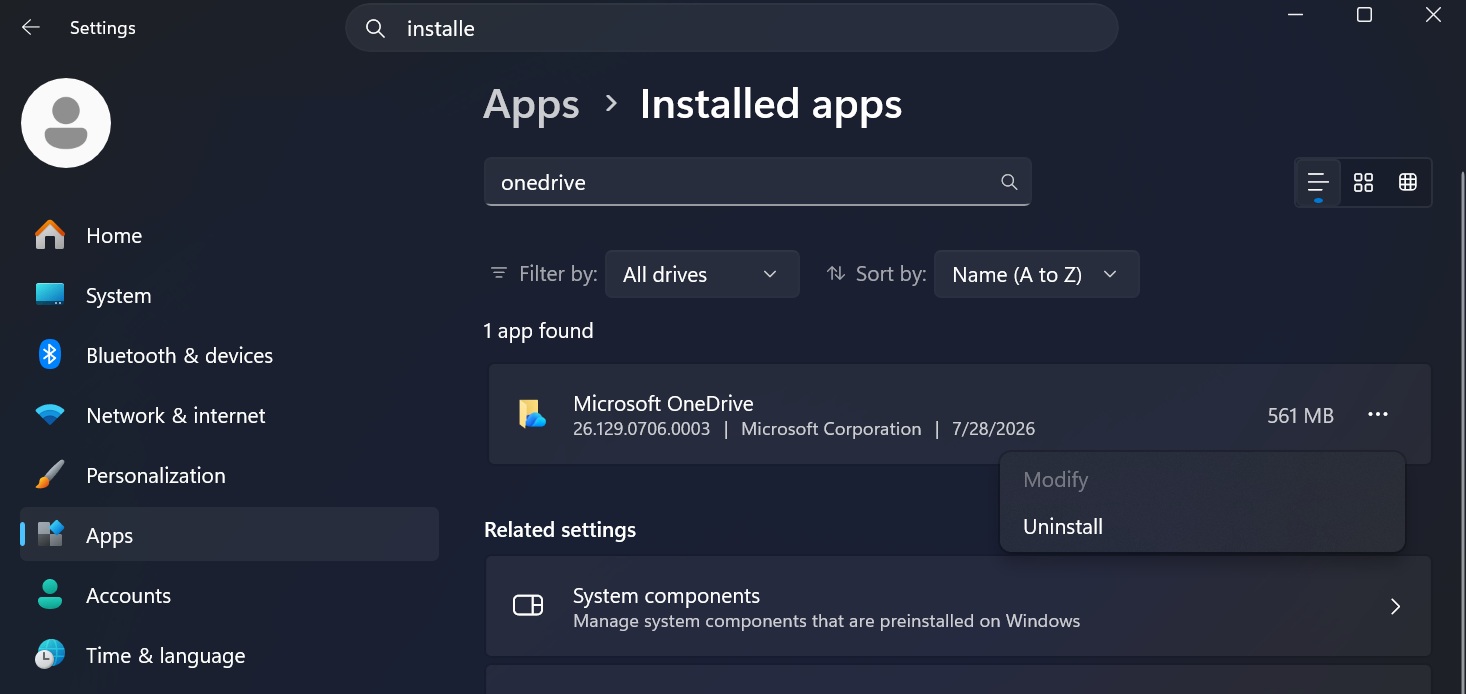
If you want to block the OneDrive sync client from installing OneDrive Photos, you’ll need to remove OneDrive entirely from Settings > Installed apps.