






Last week, Microsoft claimed that 2026 is the moment for AI computers and tried to explain the benefits of AI PCs running Windows 11. Those benefits include the controversial Windows Recall, AI in apps like MS Paint and Photos, and Copilot, among others. Now, Microsoft lists Copilot as the number one productivity app for Windows 11, well above File Explorer.
I’ve been tracking all Microsoft marketing campaigns in the United States, including those on YouTube, in print media, and on the company’s website, promoted via ads on Google and Bing. This week, Windows Latest spotted new marketing material where Microsoft lists eight productivity tools for Windows 11.
According to Microsoft, the number one productivity app on Windows 11 is Copilot, your “AI assistant.”
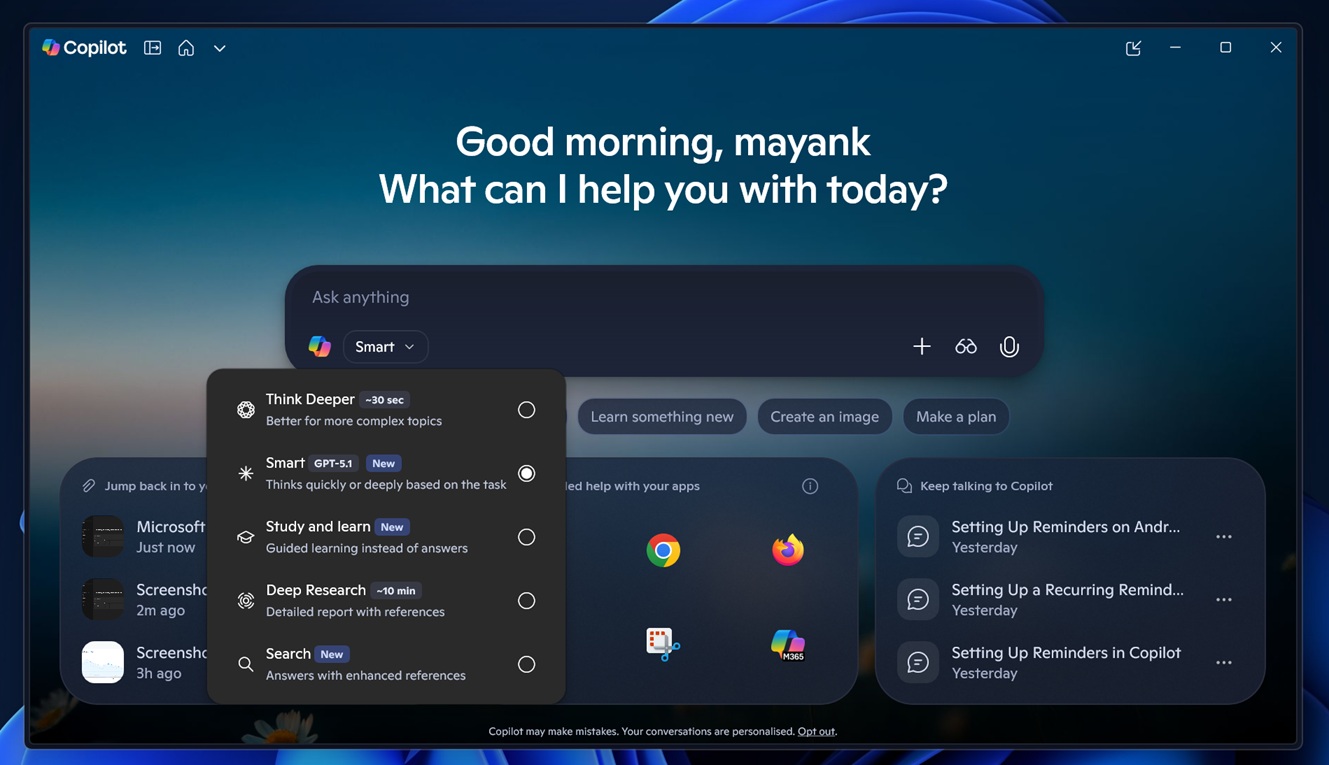
Microsoft argues that Copilot is its top productivity app for students or professionals, as it can help you think, plan, and get things done right from your desktop.
“Available on Windows, Copilot helps you handle tasks more efficiently,” Microsoft noted in a new marketing campaign.
Microsoft also listed multiple reasons to prove the argument. One reason is that Copilot can be used to summarize emails, turn your rough notes into checklists, and draft messages across your apps. It then goes on to explain how Copilot works with your inbox.
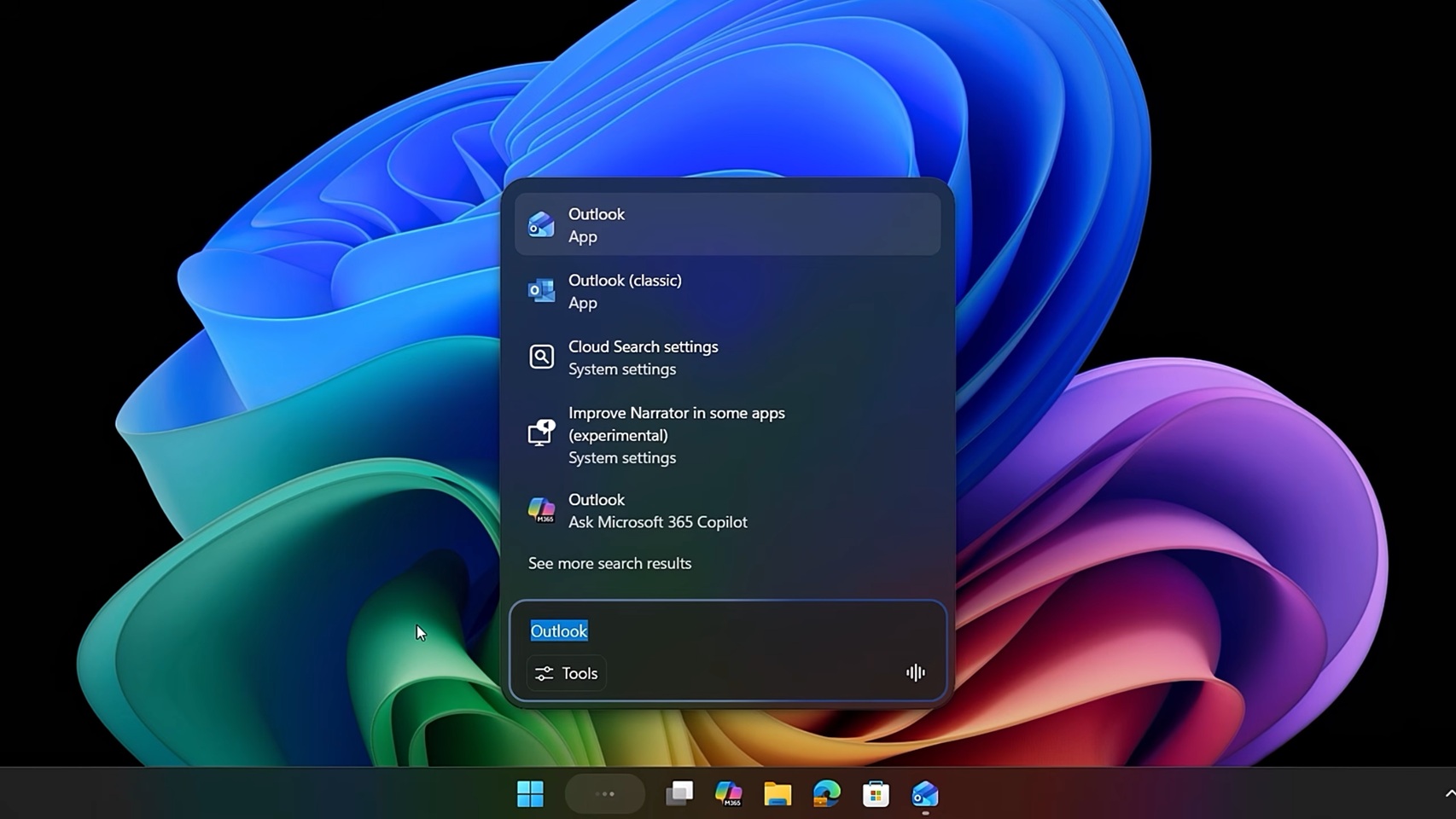
“When your inbox fills up with long emails, you can use Copilot to pull out the key points so you don’t have to read every paragraph,” Microsoft says.
Microsoft also noted that Copilot can turn your notes into a checklist and help you plan your ideas for a trip, whether professional or personal.
“When you want to talk through ideas to plan your family’s Spring break ski trip, just say ‘Hey Copilot’ on Windows 11 and have a conversation with your AI companion. Copilot listens and helps you draft the travel plans,” Microsoft explained.
According to Microsoft, these are the best productivity apps for Windows 11:
- Microsoft Copilot
- Microsoft To Do
- Windows Calendar
- OneNote
- Snipping Tool (and screen recorder)
- Clock app (Focus sessions)
- Microsoft Sticky Notes
- File Explorer
- Microsoft Edge (productivity features)
If you look at the “best” ranking, it’s actually hard to take seriously if you use Windows every day. It’s funny how the entire ranking feels disconnected from reality, especially because the marketing campaign is supposed to convince people to buy a Windows 11 PC.
I wouldn’t be surprised if the list was curated using Copilot.
Microsoft not only listed Copilot as the number one productivity app, but also named ‘Clock,’ which had a Spotify feature broken for months before we called it out, as the 6th best app on the list.
Granted, ‘best productivity’ apps are subjective, and I can see why Copilot could be the ‘best’ app for some people, but it makes no sense to rank it above something more powerful like File Explorer, Snipping Tool, or even Microsoft To Do, which is one of my favorite apps.
It’s not the first time we’ve seen an absurd statement used to promote Copilot. Lately, Microsoft’s marketing campaigns have been making bold claims. More recently, Microsoft said Copilot+ PCs put the ‘plus’ in productivity because they’re faster than five-year-old Windows 10 PCs.
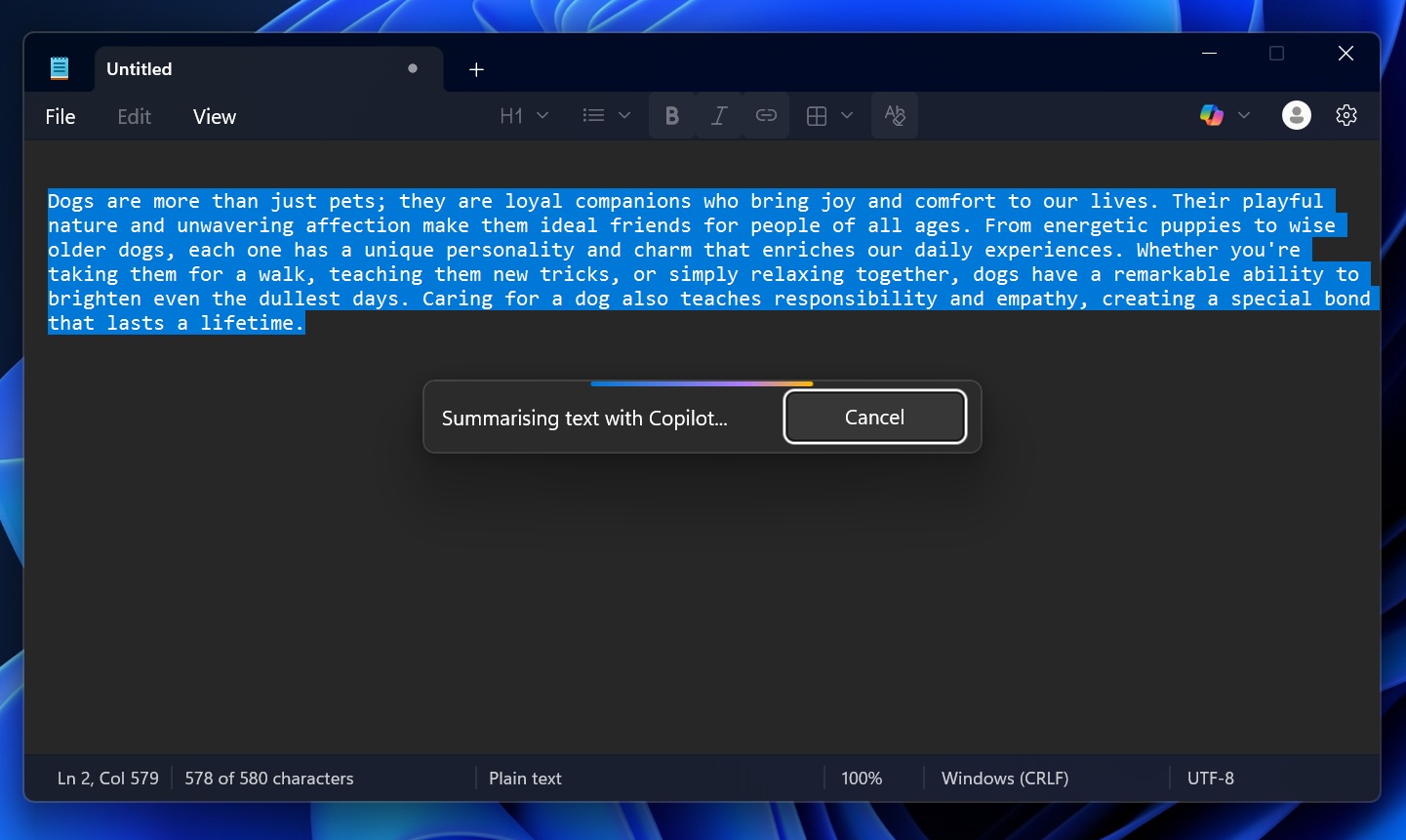
Microsoft also said Notepad on Windows is ‘elevated’ because of AI, and it will be adding more features soon, including images.
What about you? What are your favourite Windows apps? Let me know in the comments below.