






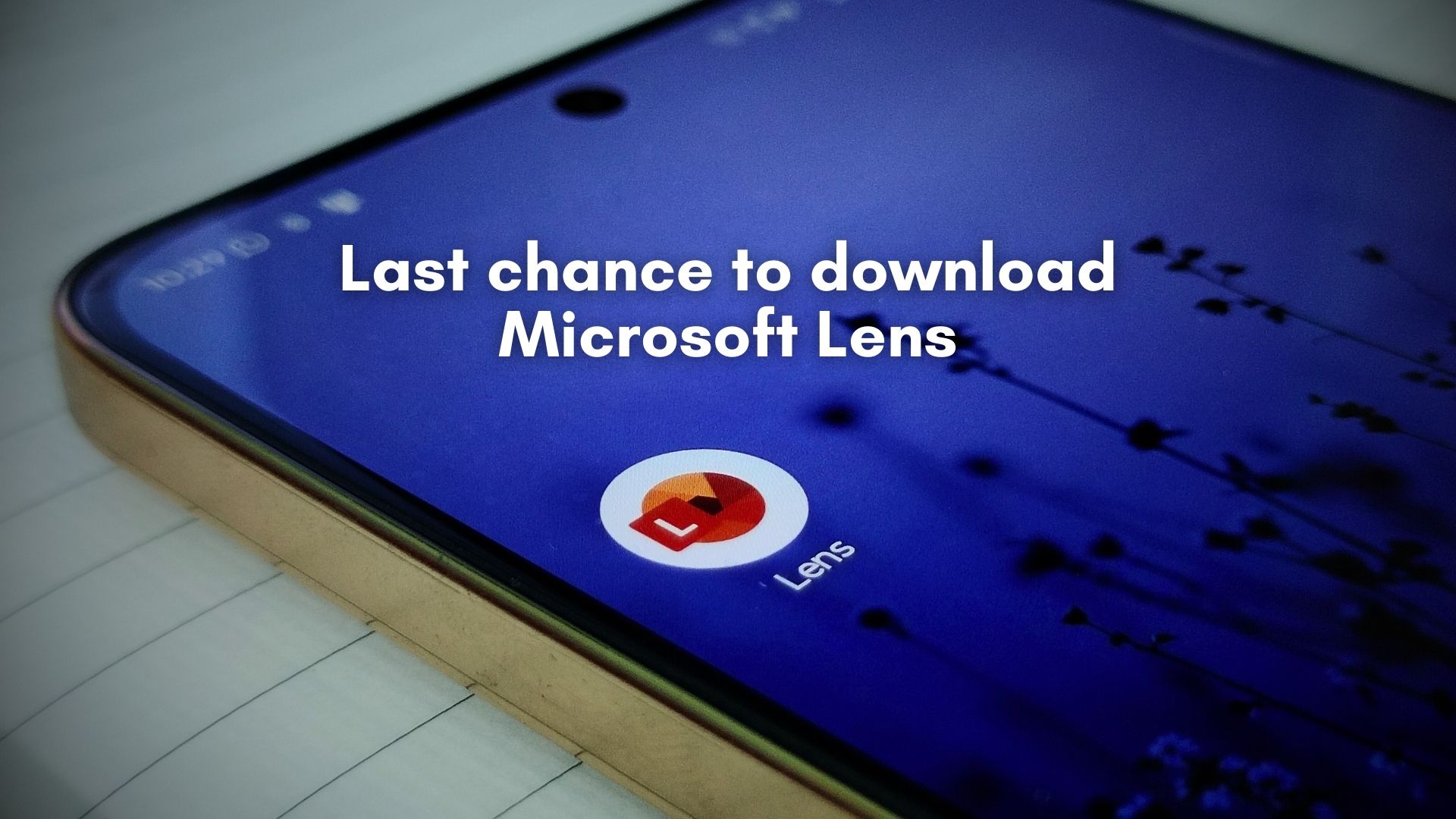
About a month ago, Microsoft announced that it is retiring Microsoft Lens, a free document scanner app that has been around since the days of Windows Phone. Well, as per the company’s announcement, today (February 9, 2026) is the last day that the app will be available to download from both the Google Play Store and Apple App Store.
In their support document, Microsoft mentions that you can continue to scan documents in the app until March 9, 2026, which is a month from today. Post that day, you will not be able to create new scans. But if the Microsoft Lens app is still installed on your phone, you’ll still be able to access previous scans.
Windows Latest already reached out to Microsoft for more details, and we were told that the company is merging similar products into one, hinting that we should move to the OneDrive app, which now has almost all the capabilities of Microsoft Lens.
However, if you want to use Microsoft Lens one last time, it will be available till the end of the day in the Play Store and App Store. In some regions, the app might have already been taken down on either platform.
Microsoft’s alternative to Microsoft Lens is OneDrive
Almost a decade ago, I was using a Microsoft Lumia 640 XL, and I was in College, and as you’d expect, there was a ton of handwritten notes, textbooks, and study materials that we had to take photocopies of. Microsoft Lens was my savior back then, and since most of my peers were on Android, they weren’t aware of this clean and minimalist document scanner.
A couple of years later, when I switched to Android, Microsoft Lens was in the list of apps that I first downloaded on my new phone.
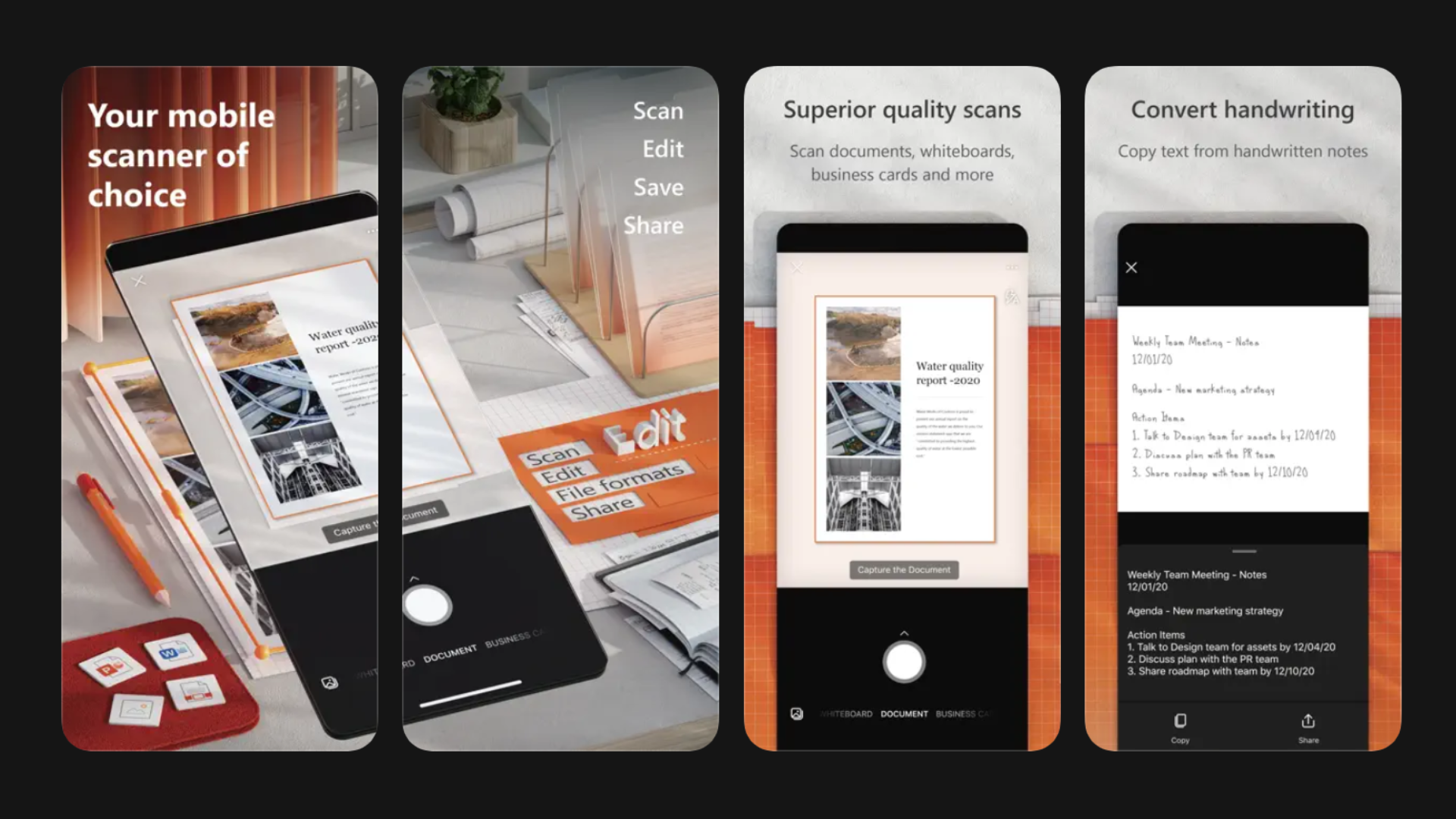
Sentiments aside, the company’s support document recommends the OneDrive app as an alternative to Microsoft Lens, which is funny because people don’t search “cloud storage app” while looking for a “document scanner”.
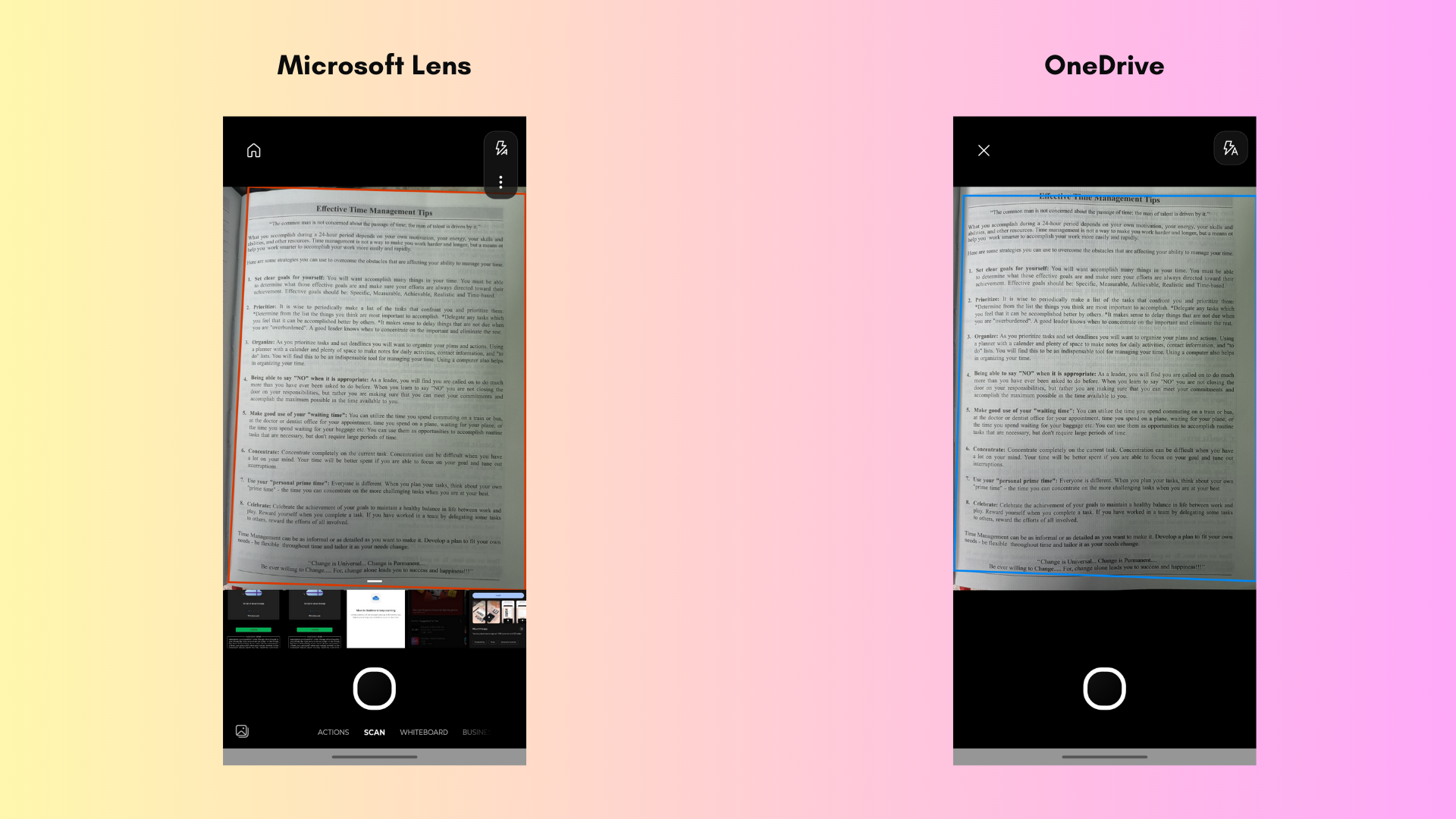
That being said, the OneDrive app does have neat scanning capabilities and is pretty straightforward to use.
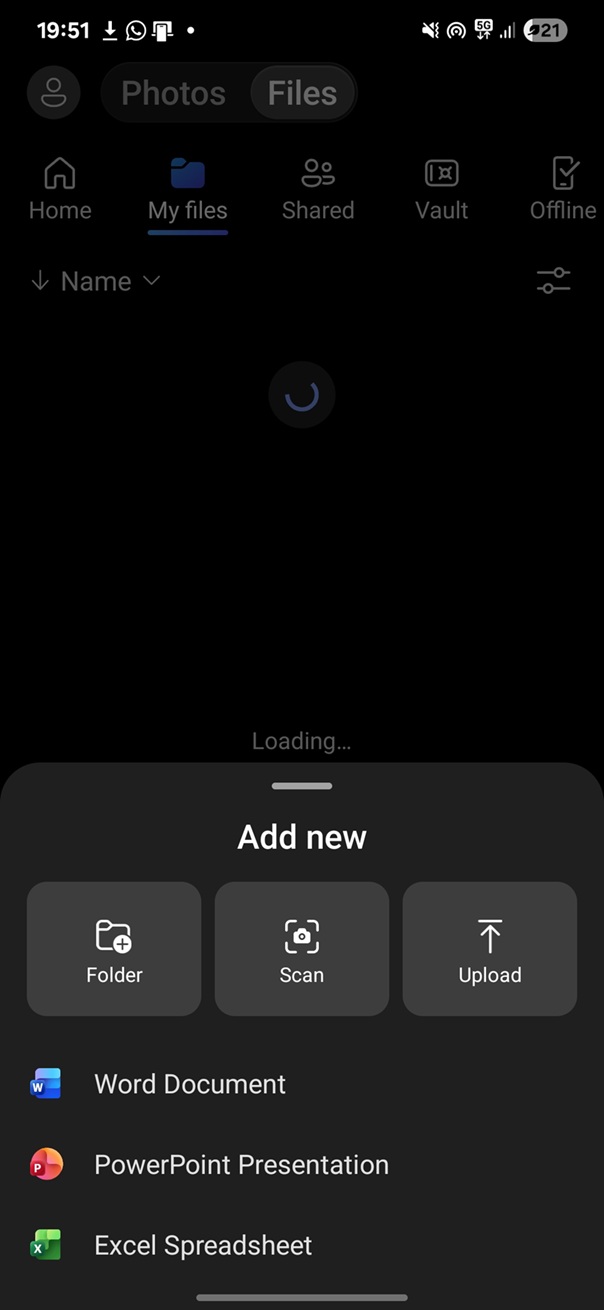
In the OneDrive app, click the + button in the bottom corner and tap “Scan photo” to scan a document. Then you can save it to your preferred location in OneDrive.
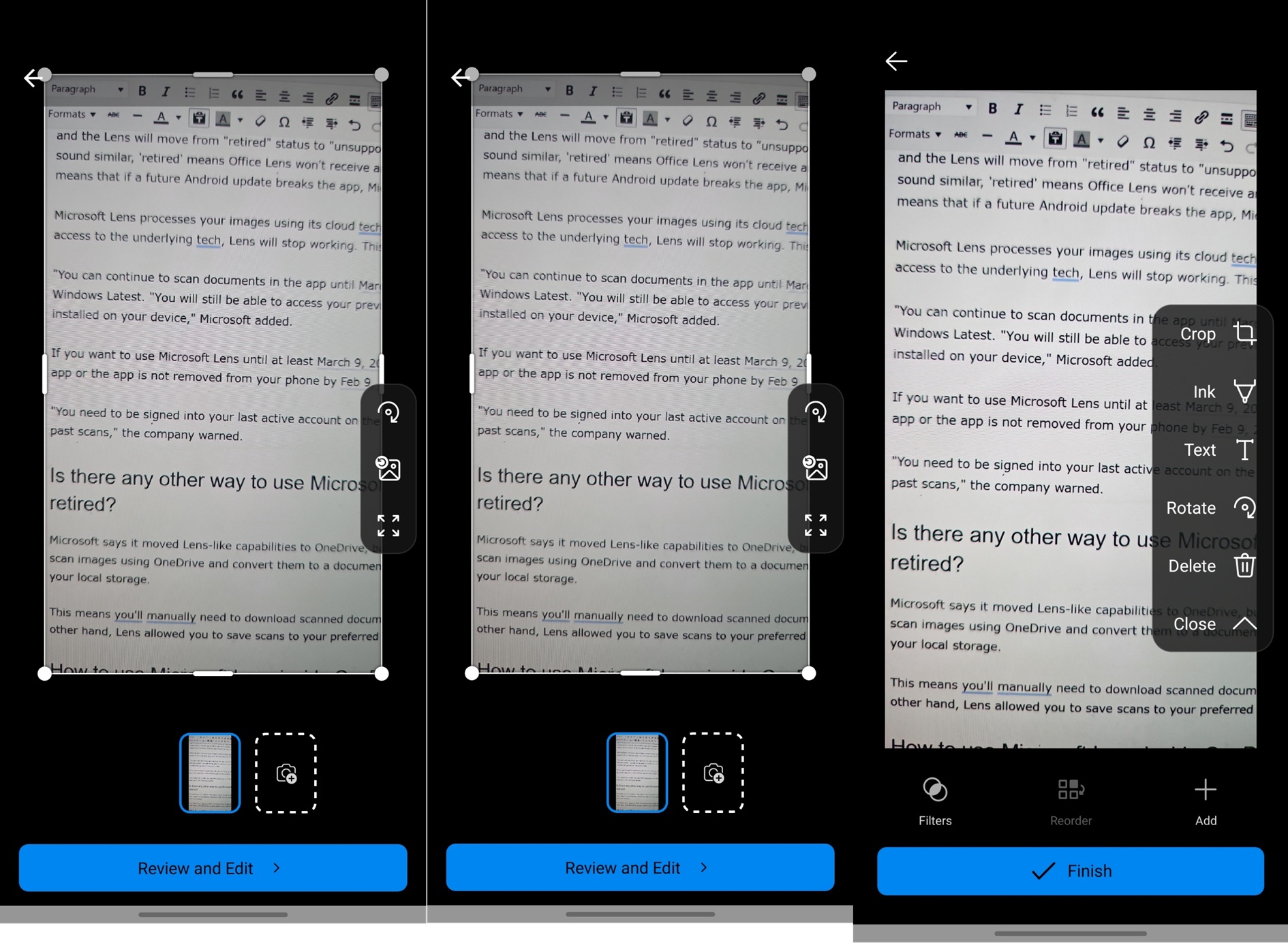
And that’s the limitation. OneDrive can scan documents, but cannot save them directly to your phone’s internal storage. You’ll have to manually download it from OneDrive. This is why I switched to Adobe Scan.
Microsoft Lens was one of the best free document scanners
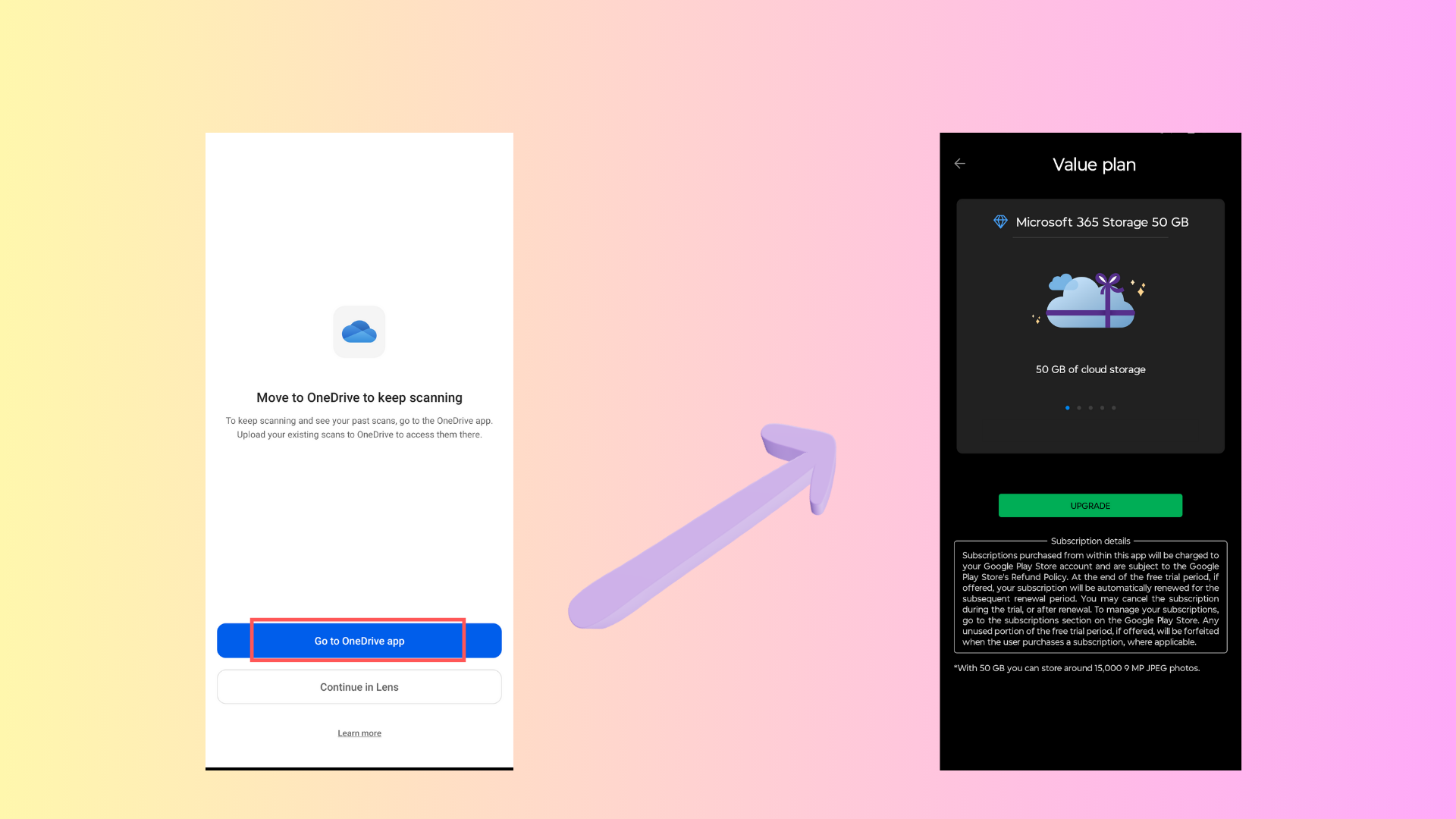
If you install the Microsoft Lens app now, you’ll be shown a full-screen recommendation from Microsoft to move to OneDrive to keep scanning. Then there would be a highlighted button that says Go to OneDrive app. Clicking it will open OneDrive for sure, but what you’ll first see is Microsoft’s ad prompting you to purchase OneDrive cloud storage.
Microsoft Lens was cleaner. It’s a document scanner and nothing else. Perfect for minimalists. You tap on the icon, and it directly opens the built-in camera with a multitude of options to scan different types of documents. OneDrive doesn’t have all those options.
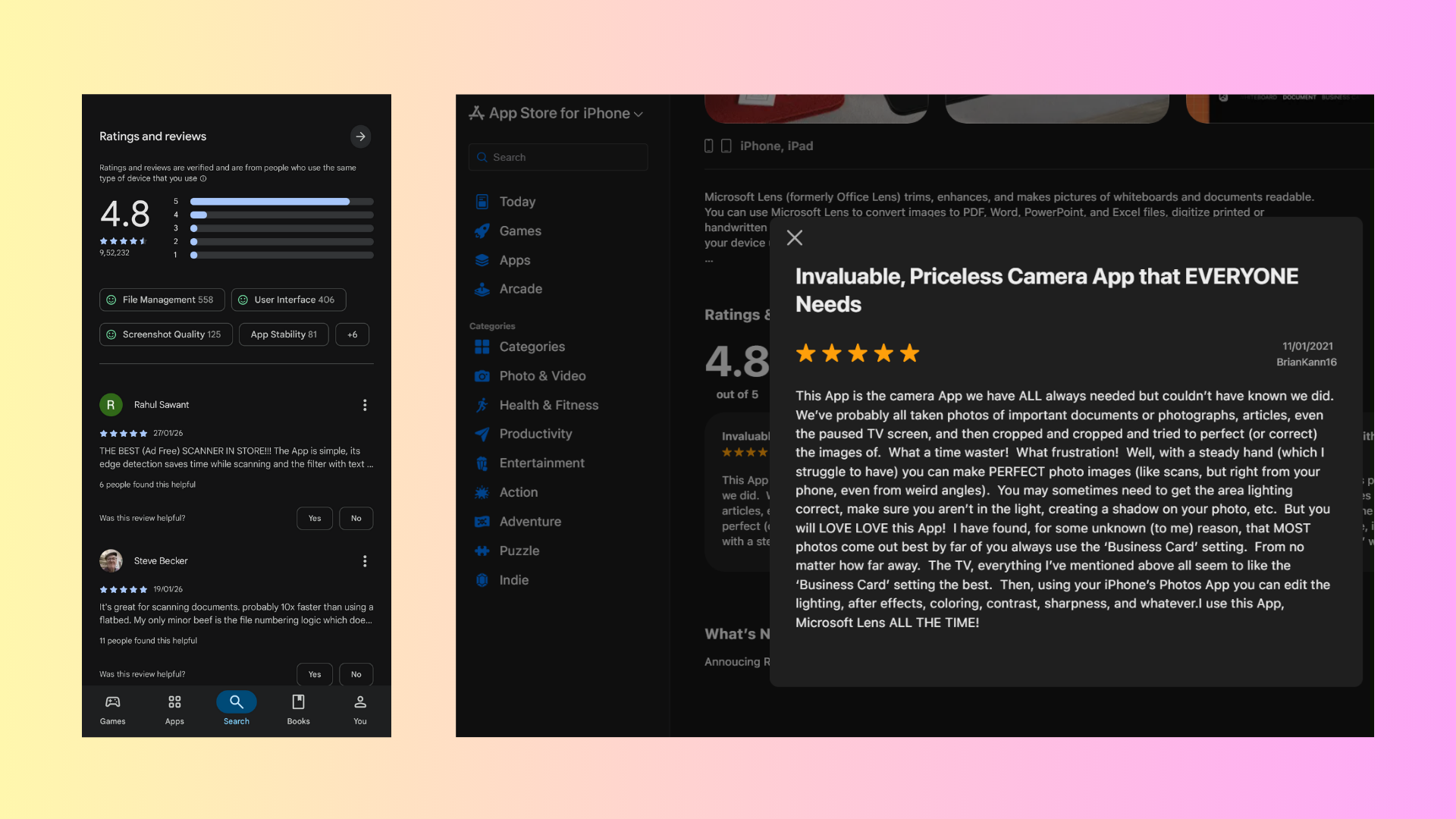
What makes the retirement of the Microsoft Lens app is that it was loved by most people who used it, and both the Play Store and App Store had a 4.8 rating for Microsoft Lens, with people referring to it as a perfect document scanner.
It’s unfortunate to see Microsoft retiring its most-loved products. Hopefully, the company will take the money it saves here and invest it in its most-hated product, Windows 11, which, if reports are to be believed, will see much-needed attention from the company in 2026.