





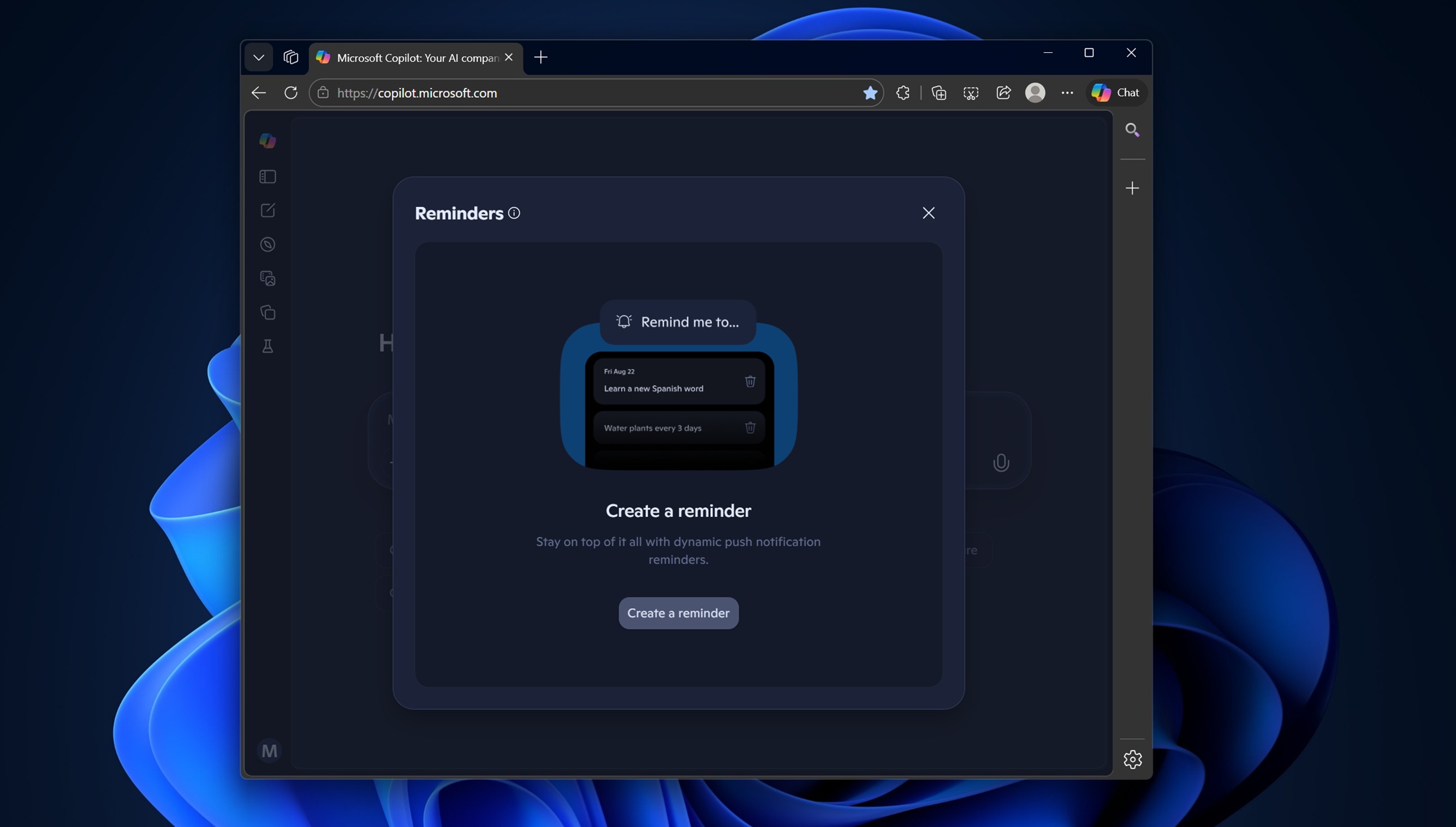
Microsoft Copilot is testing a new feature called ‘Reminders,’ and it’s rolling out to everyone on mobile with partial support for the web. I do not pay for Copilot’s $20 subscription, but I still have access to the Reminders feature, as it’s also available for free users. However, if you pay for Microsoft 365 Personal, you will get additional Reminders.
All gen-AI tools are trying to be all-rounders, which is why we’re seeing features like Reminders in tools like ChatGPT or Copilot. Regardless, Reminders is actually a pretty decent idea, and I’ve some use cases that you can try.
For example, if you ask Copilot to remind you to cancel your Microsoft 365 subscription in five minutes, it’ll send an alert to your connected mobile device with Copilot. Or you can ask Copilot to remind you about an important meeting. Copilot is aware of your device’s time and date, so it can also send reminders in less than a minute.
However, the alert/notification won’t pop up if you’ve disabled permissions for Copilot on Android or iOS.
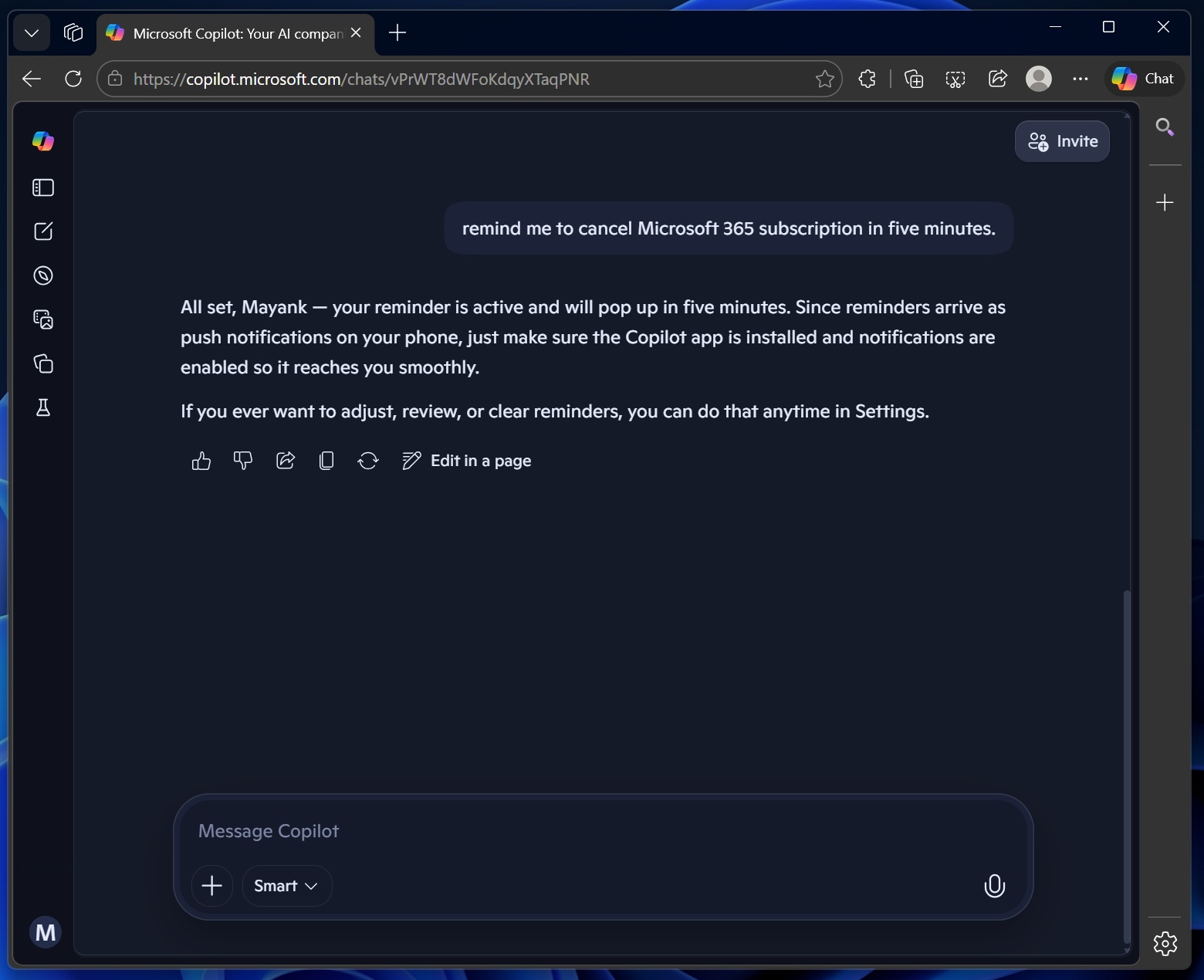
In a statement to Windows Latest, Microsoft told us that Reminders work across devices, but the alerts are sent to mobile devices only. It’s unclear if support for Reminders will be added to the Windows 11 Copilot version in the next version.
“To receive them, the Copilot app needs to be installed, and notifications turned on,” Microsoft explained in a statement to Windows Latest.
Copilot reminders can be one-time or recurring, so you could ask Copilot to remind you every Monday to review your presentation before weekly meetings.
“Meaning the content can change each time, like Teach me a new Spanish word every day,” Microsoft said.
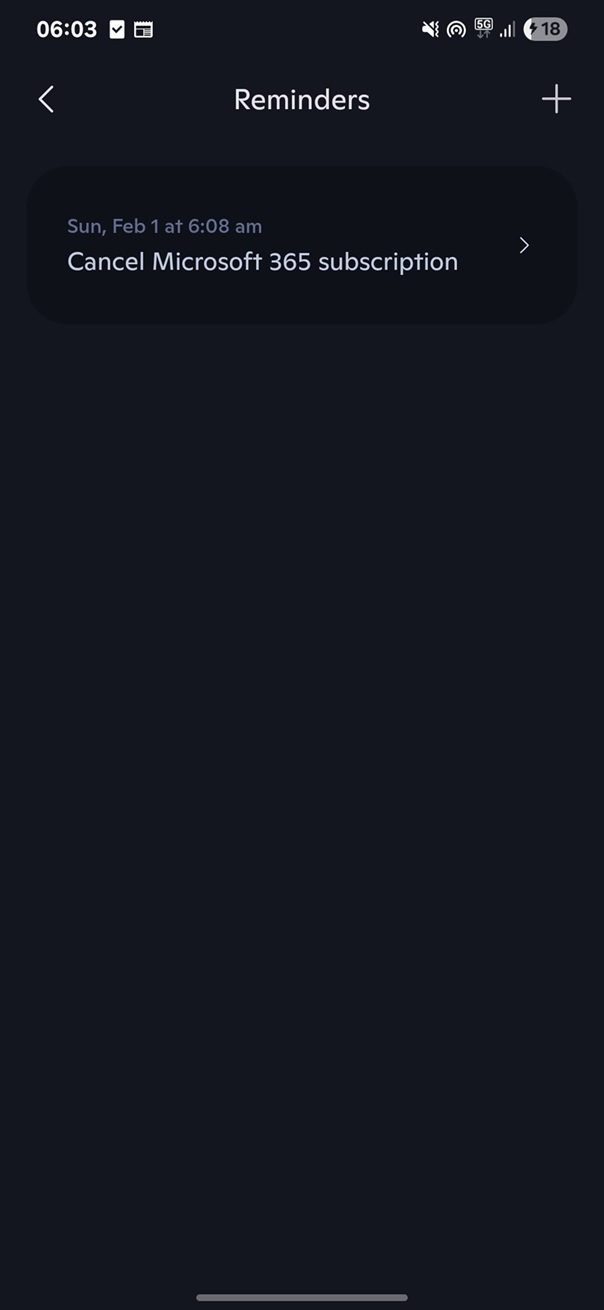
It is also worth noting that you can have up to 5 reminders with free accounts, or up to 20 if you’re using a Microsoft 365 subscription.
To manage reminders, open Copilot on mobile, select Settings, and then try to delete or add reminders.
Copilot has other improvements, and they’re rolling out
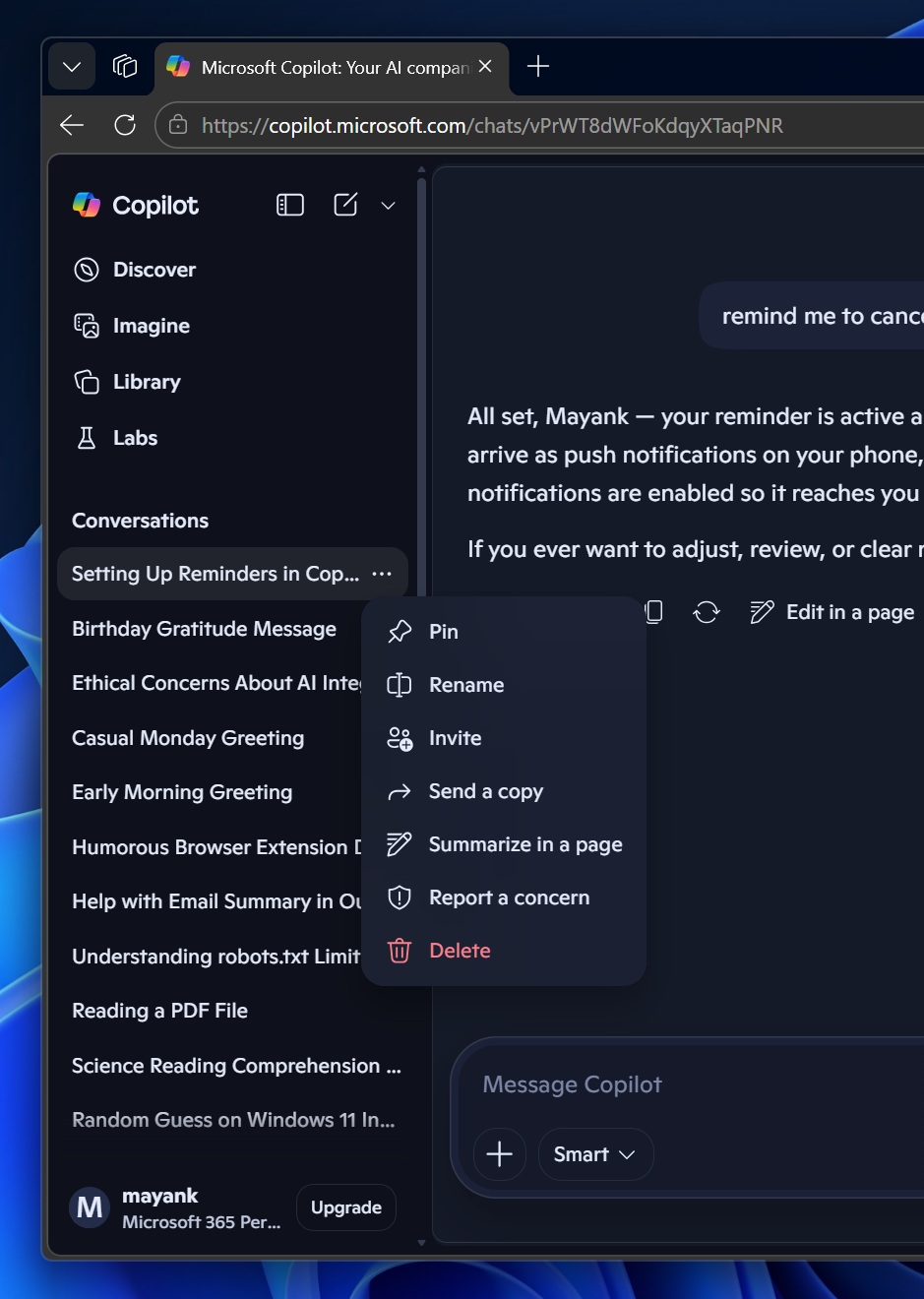
Microsoft told Windows Latest that it’s rolling out several minor improvements for Copilot, including the ability to pin a chat in the sidebar. Moreover, you can now click the three dots (…), select ‘send a copy’ to instantly share the conversation with your friends, or create a summary of the conversation on a page.
More recently, Microsoft added a new “Study & Learn mode,” which lets you generate a custom quiz, learn out loud with Mico, create flashcards, upload your notes, and get help understanding them.
Last but not least, Copilot.com for free users now supports over 10,240 characters, and a large chunk of texts now automatically uploads as a file.