





A new Chromium code commit shows that Google hasn’t given up on its plans to add Windows 11 Mica design to Chrome, but we don’t know when it’ll begin rolling out to everyone.
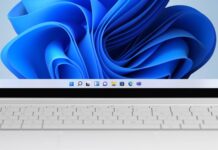
Windows 11’s makeover isn’t just about adding rounded corners. When Windows 11 shipped in 2021, Microsoft also announced ‘Mica,’ a new material that connects desktop wallpaper to the title bar of the app. Mica isn’t about adding ‘transparent’ or translucent effects, which are applied when apps use Fluent Design’s Acrylic.
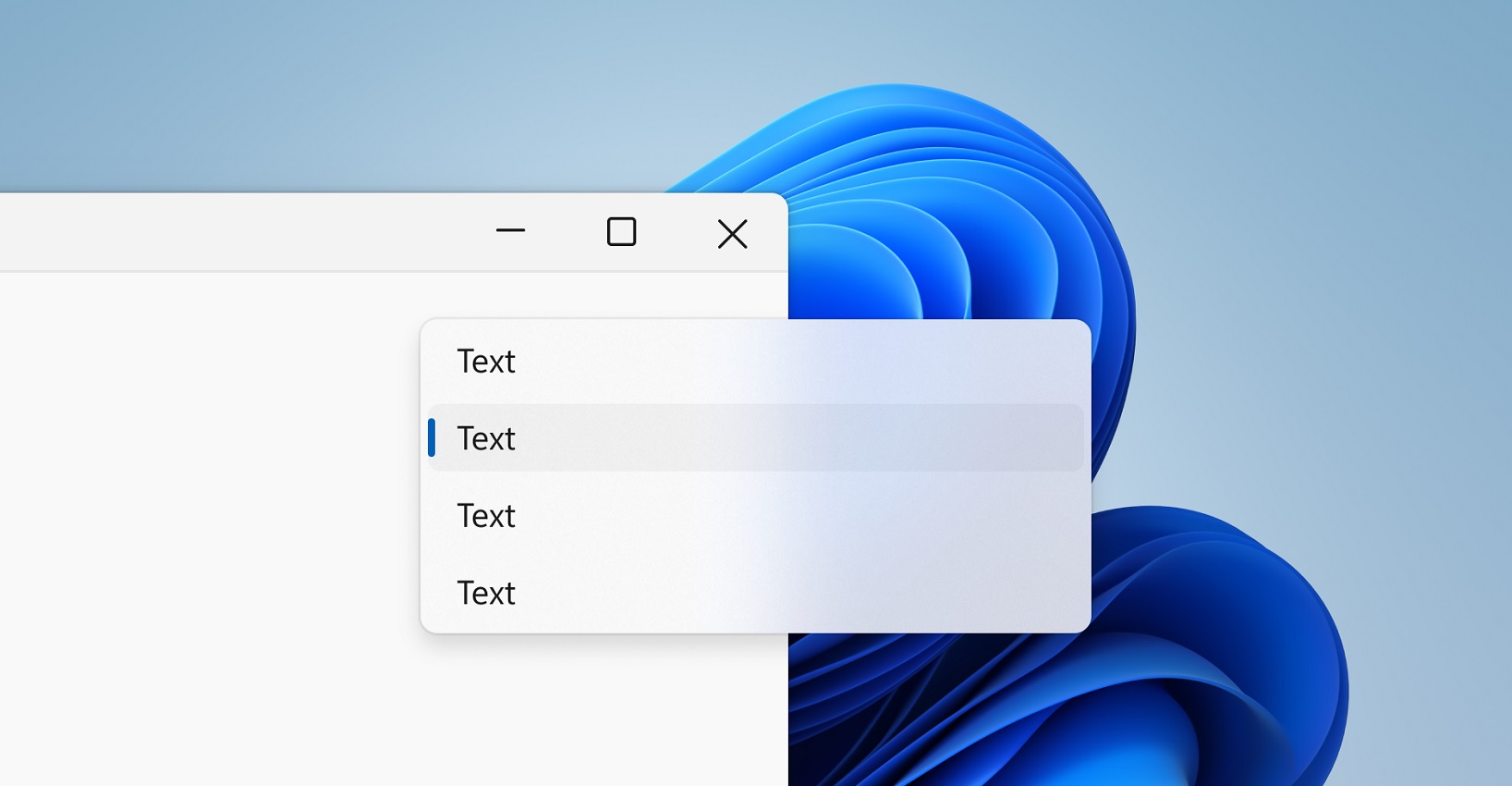
With Mica material, Windows apps can create a new visual hierarchy, where the OS paints the app title bar with colours from the desktop wallpaper. For example, when I’ve set Windows 11 Bloom Dark as my desktop wallpaper, and an app uses Mica for its title bar, you can see Bloom wallpaper’s subtle blue tint automatically applied to the title bar.
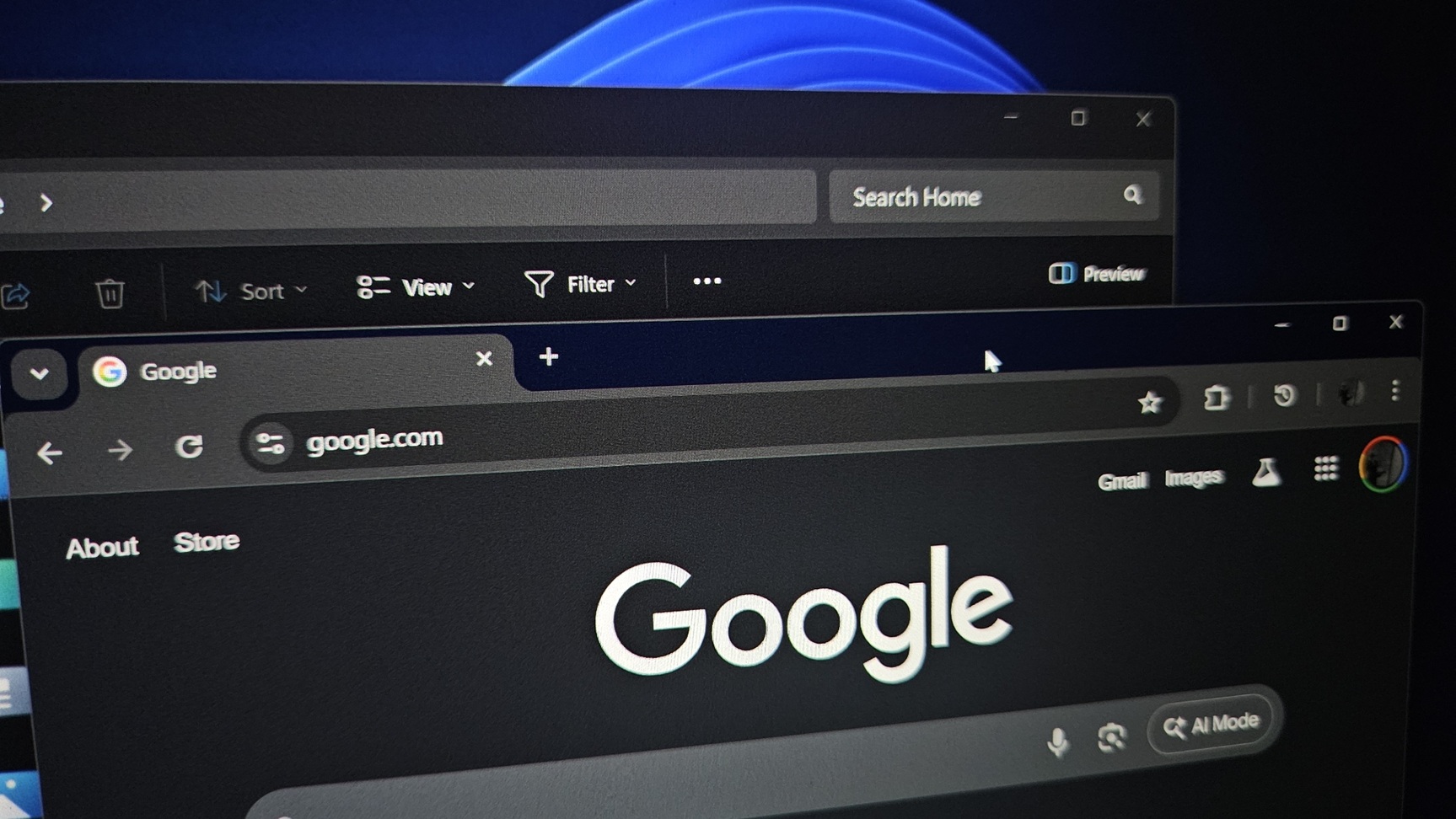
While most native apps use Mica material, more popular options like Google Chrome still don’t have Mica or other native Windows design features, such as the Acrylic (transparency) effect.
Google Chrome tests “Mica” makeover on Windows 11
Google originally started exploring Mica for Chrome in 2023, and you could enable it by turning on an experimental flag “Windows11-mica-titlebar.” I turned on the flag, and it still works, but what’s holding back Google from releasing the Windows 11 makeover to everyone?
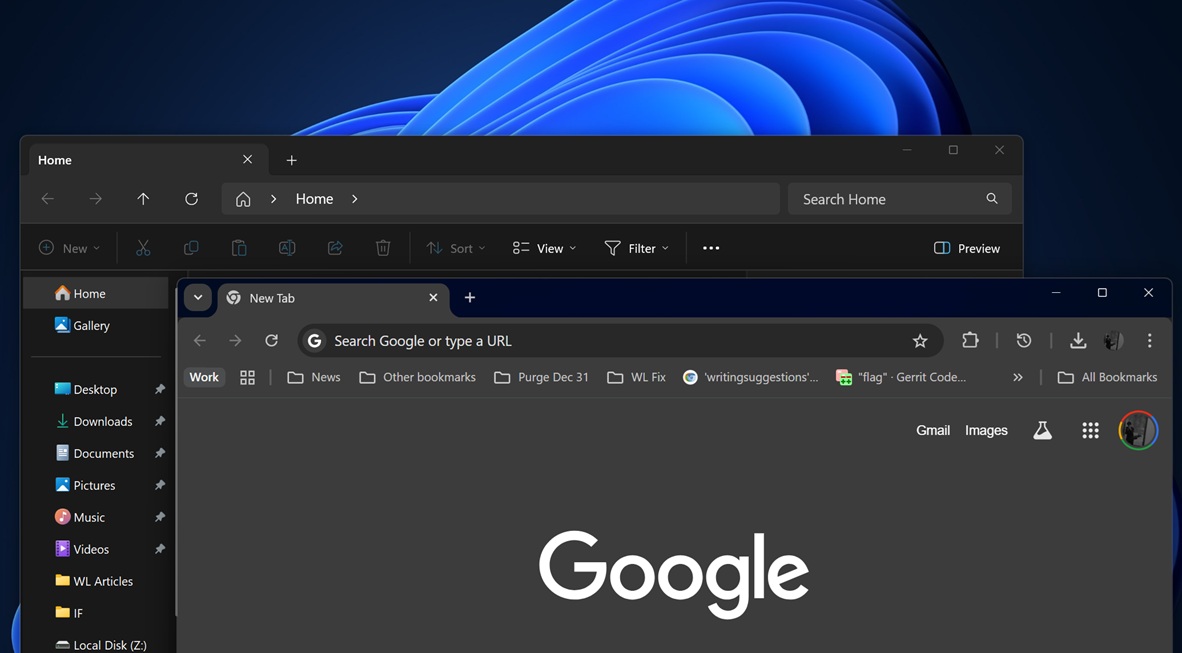
It turns out there are still some rough edges when Mica is turned on in Chrome, and Google is trying to iron out the problems.
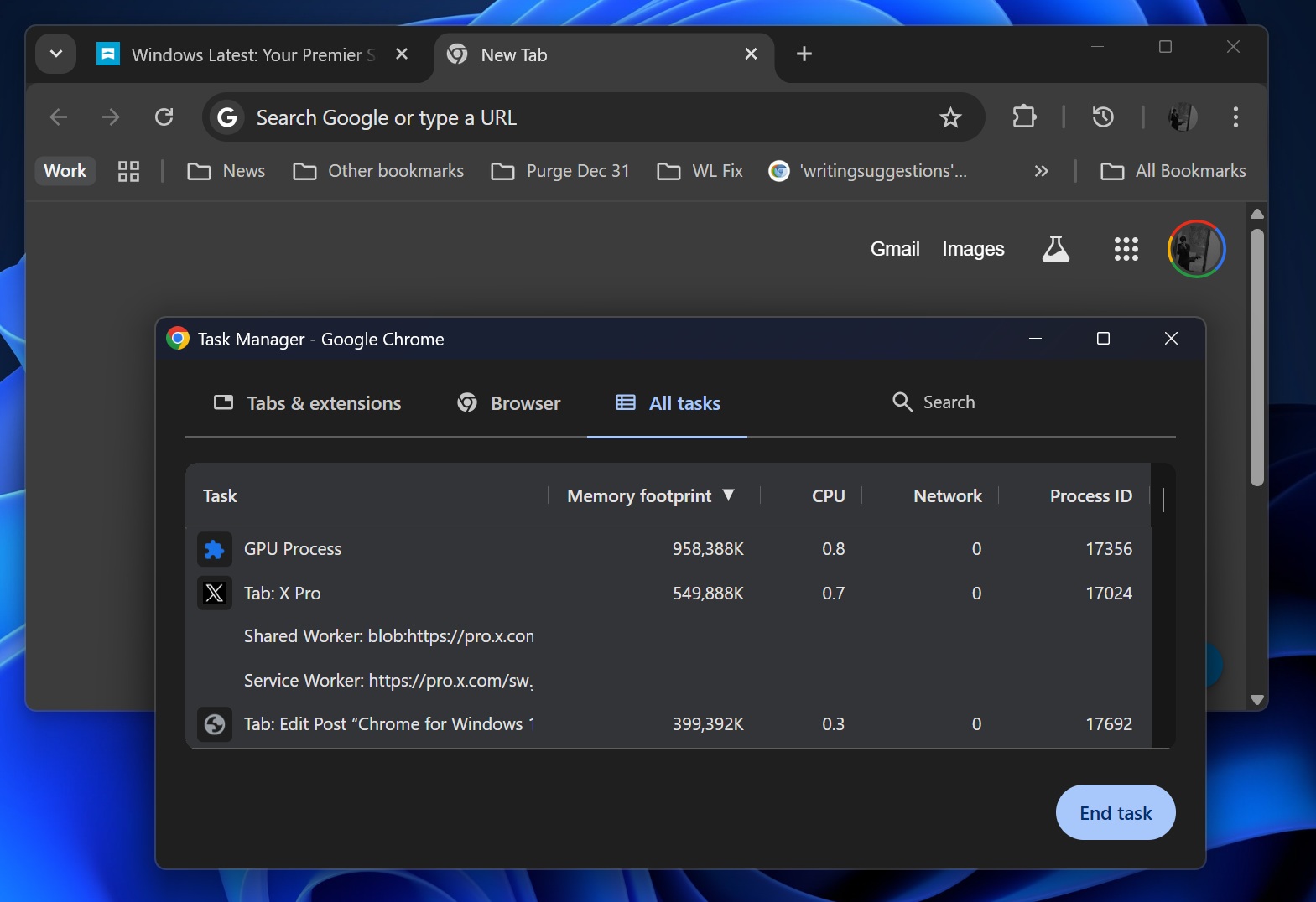
As first spotted by Windows Latest, a Chromium commit confirmed that Chrome’s tabstrip placement in Mica mode depends on the X position of the minimise button. But due to a bug, that number was getting flipped (mirrored/un-mirrored) along different code paths.
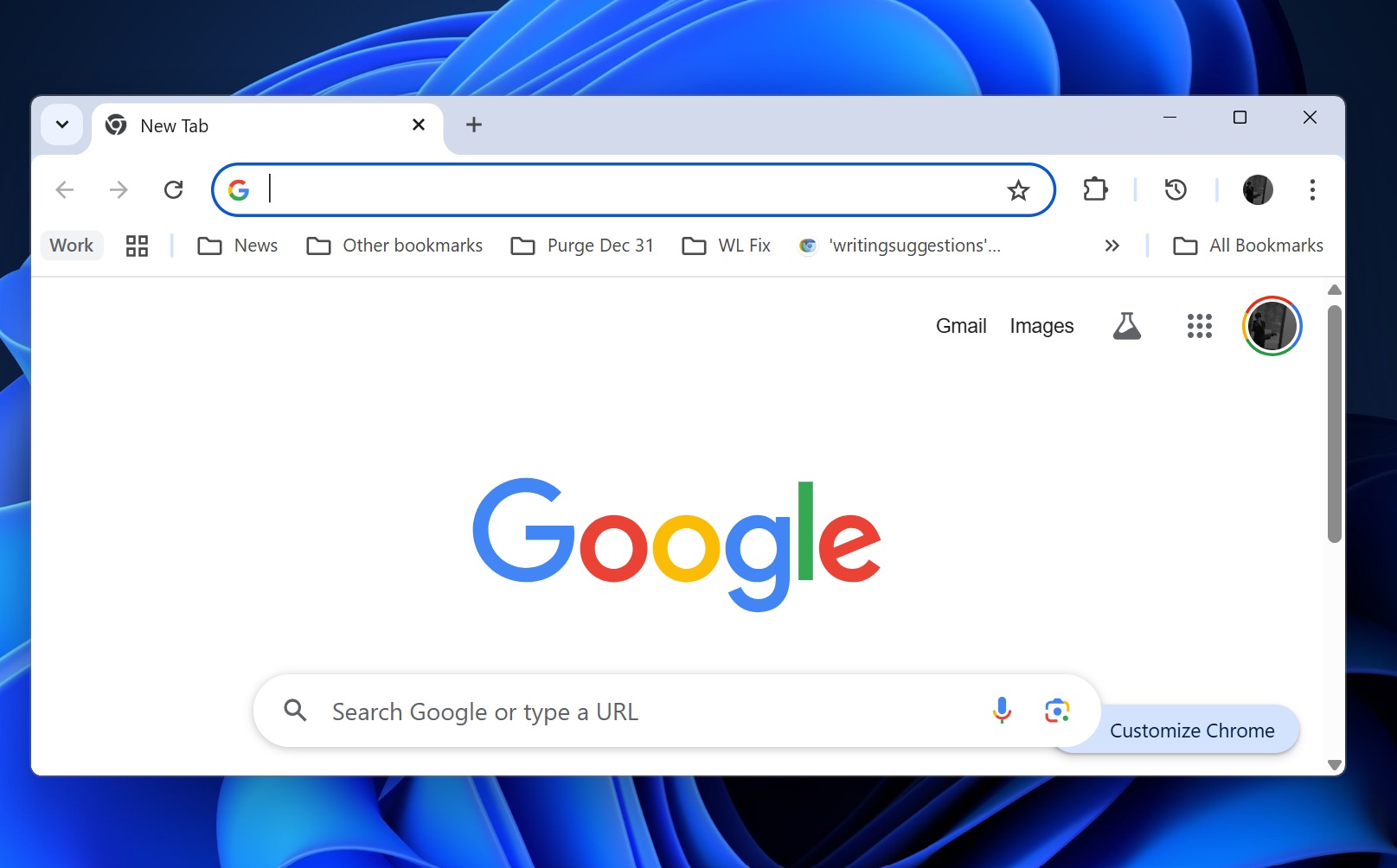
This meant that when Mica was turned on, Chrome would display janky tabstrip alignment and the wrong window width.
“In Mica mode in Windows 11, the frame retrieves the X coordinate of the
minimize button in order to position the tabstrip,” wrote Google’s Dana Fried, who now heads UI for Chrome on Windows.
“This value was being mirrored several times, often different numbers of times based on which code path was hit, and the value that was returned was inconsistent. Recent updates to frame layout logic did not account for this discrepancy,” Google explained.
It’s not worth talking about how Google is patching button placement issues when Chrome is using Mica in Windows 11 because it’s complicated. However, the Chromium commit makes it clear that Google didn’t rip Mica out yet. Instead, it’s tightening the Windows frame logic so Mica windows line up perfectly and behave correctly.
In addition, Google changed how Chrome’s Mica mode behaves when the accent colour is applied to the browser’s window. Google will automatically turn off Mica if you turn on accent colour for apps in Windows 11. These two changes are now live in Chrome Canary.
Ironically, Microsoft Edge for Windows 11 also doesn’t support Mica for title bar, but it does use Acrylic (translucent) effects for context menu and some other areas.