






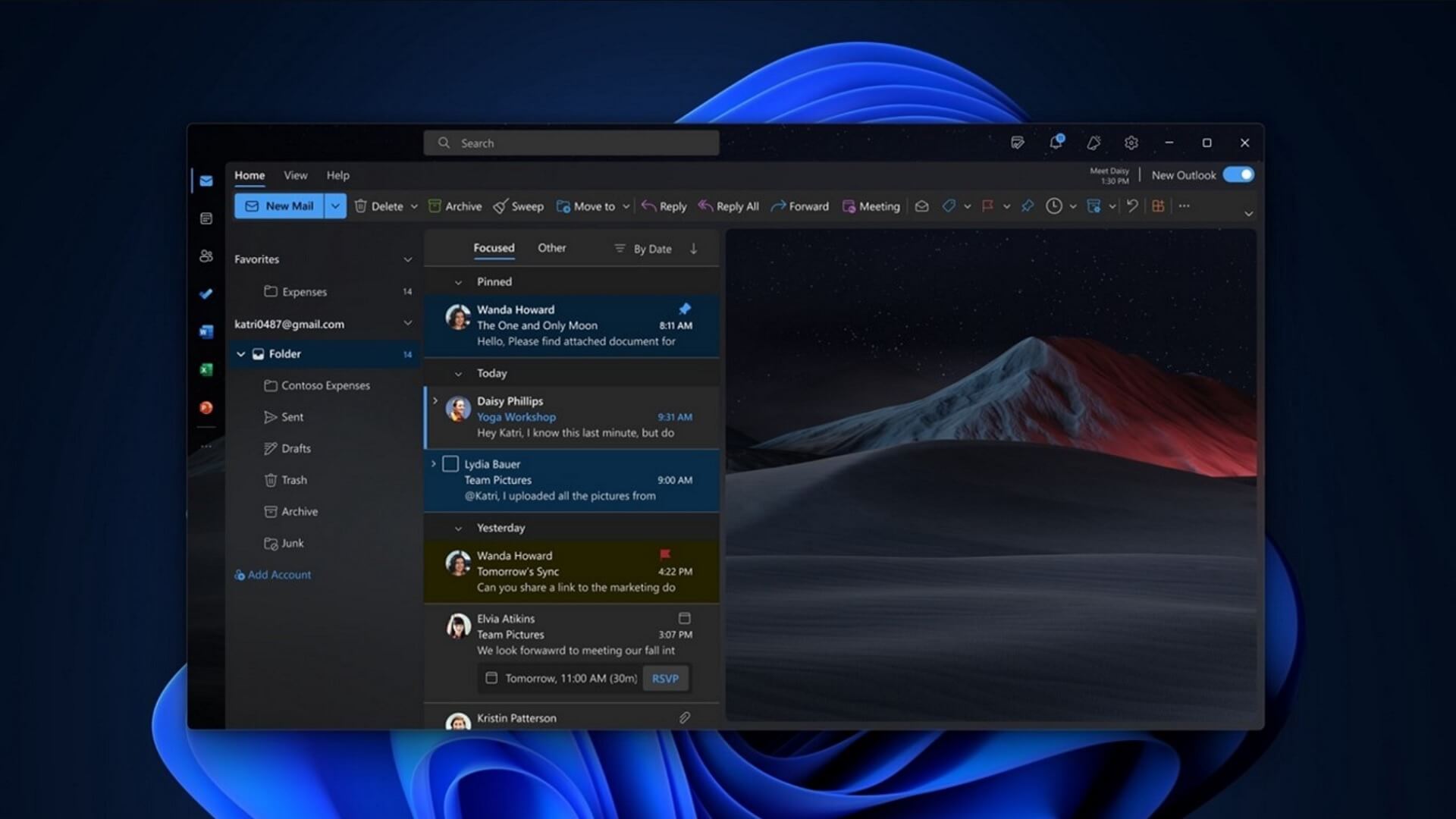
Microsoft has confirmed that it won’t force enterprises to use the new Outlook in April 2026, as the deadline has now shifted to March 2027. This is an interesting change, and it suggests that Microsoft is not fully confident in the new Outlook yet, or that it knows enterprises would immediately opt out if a forced migration were attempted now.
Microsoft has forced all consumers to use the new Outlook by shutting down the Mail & Calendar apps, but it can’t really upset its enterprise user base, which can stay on Outlook Classic until April 2029. If you are a consumer with a Microsoft 365 license, you can also keep using Outlook Classic.
Unlike the new Outlook, the original Win32 Outlook Classic is native, faster, and has more features.
But you can’t keep using Outlook Classic for the rest of your life, as the product’s support ends in April 2029, which is why Microsoft has been slowly migrating users to the new Outlook.
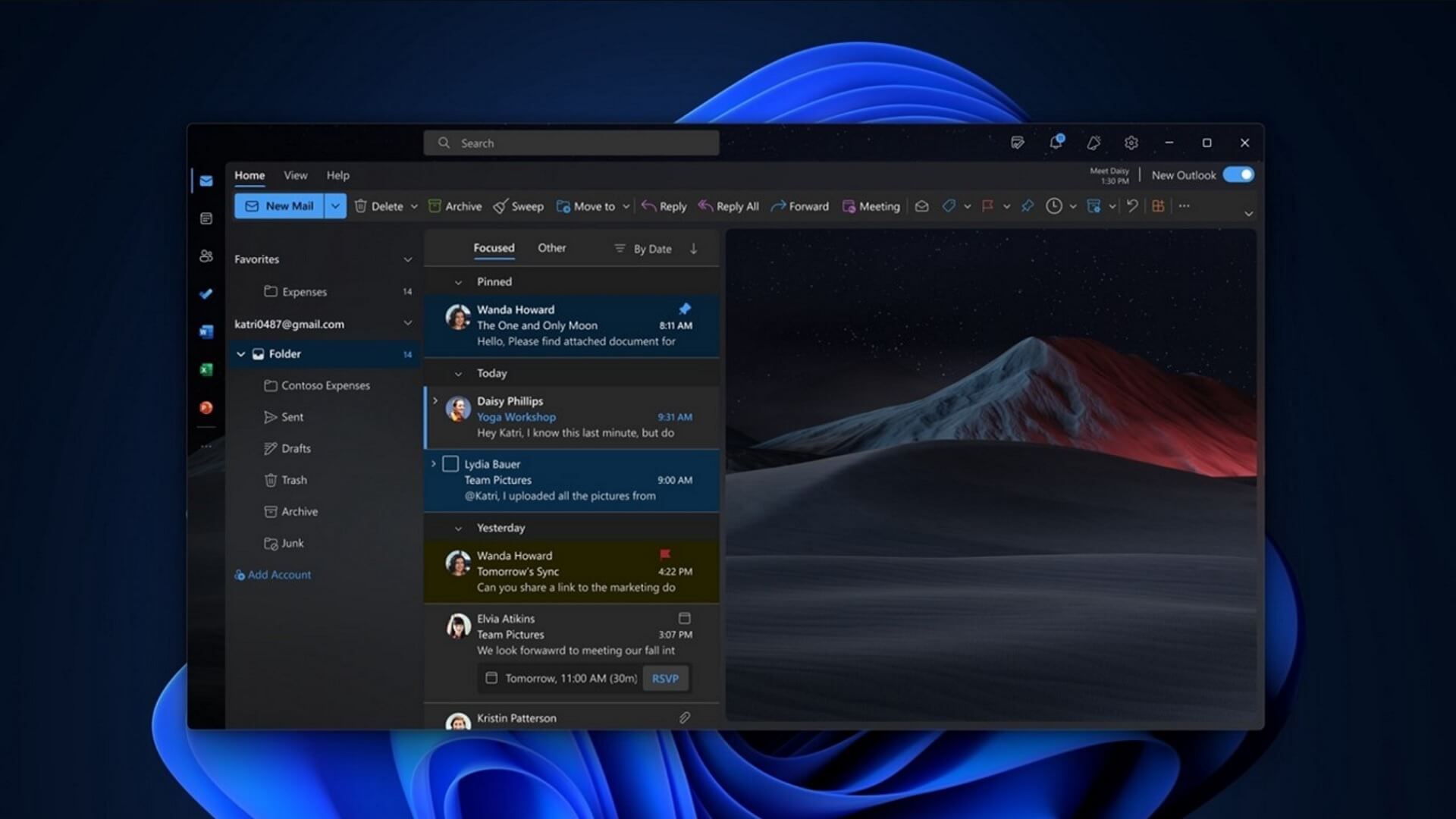
In early 2025, Microsoft confirmed that in April 2026, it would begin forcing enterprise users to use the new Outlook, with an option to opt out. This was already a delay from the earlier plan.
As per the original plan, if you opened Outlook Classic in April 2026 or later, you would be automatically upgraded to the new Outlook.
This means the new Outlook would auto-download and open on your PC, but you’d still have the option to go back to Outlook Classic.
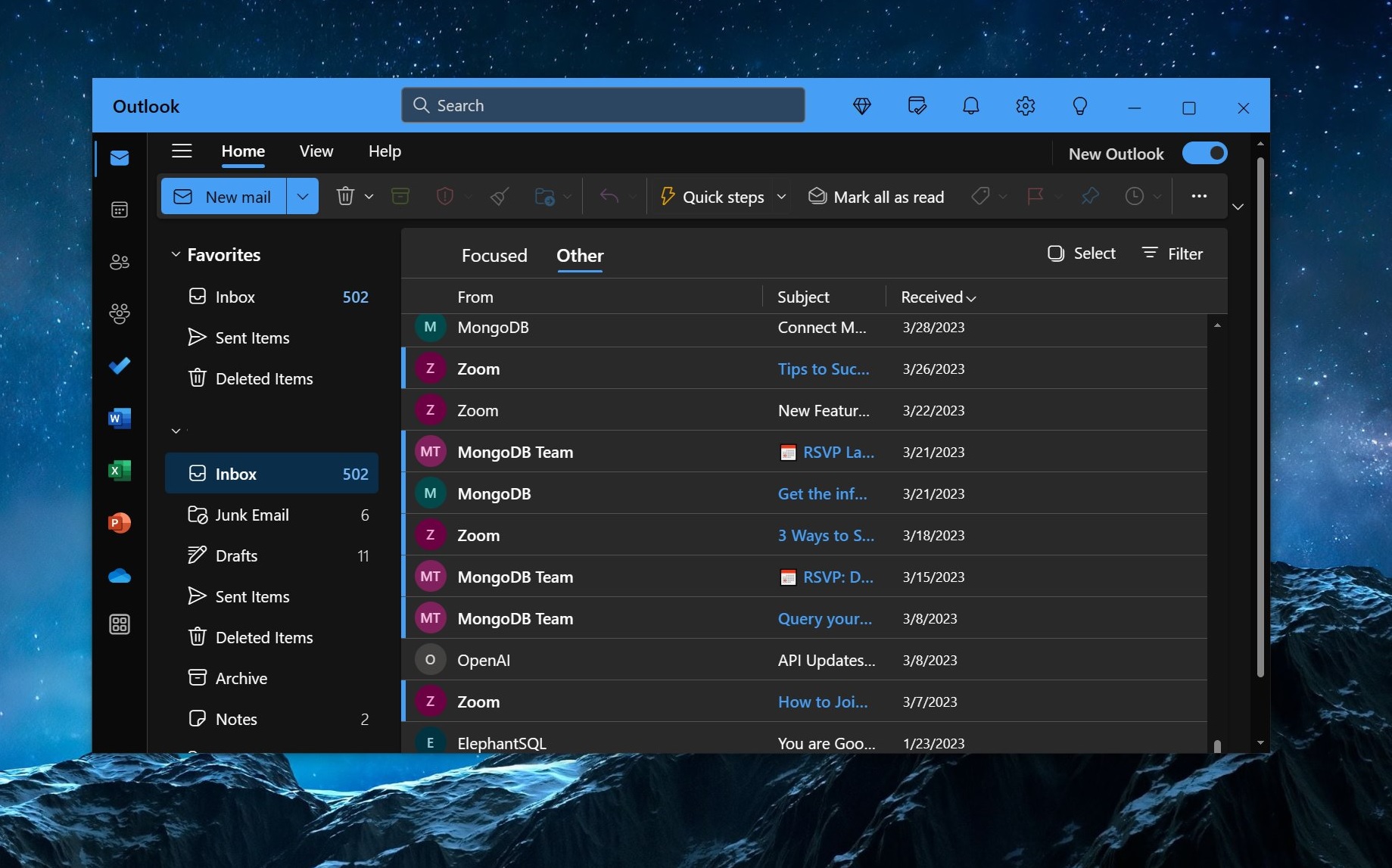
“Users will be toggled into new Outlook once with this roll-out, with the potential to be toggled again in the future. Users will maintain the ability to go back to and use classic Outlook,” Microsoft previously stated in a roadmap update seen by Windows Latest.
This roadmap was posted more than a year ago, and the change was supposed to roll out in April 2026.
Now, we’re in March 2026, a month away from the opt-out phase start date, and the good news is Microsoft’s plans have changed yet again.
Windows Latest has learned that Microsoft is giving enterprises another 12 months to prepare for the forced rollout of the new Outlook.
“Microsoft has postponed the opt-out phase for new Outlook in Enterprise from April 2026 to March 2027, giving organizations 12 months to prepare,” Microsoft noted in a document spotted by Windows Latest. This document is accessible only to those with Microsoft 365 Enterprise license.
Can you block new Outlook?
If you’re an admin in your organization, Microsoft says you should use policies for the staged migration of the new Outlook. Or if you don’t want to be auto upgraded to new Outlook in 2027, you can use the registry to block new Outlook from getting installed.
In the Registry Editor, create a key NewOutlookMigrationUserSetting with DWORD-32 value set as ‘0’ in the following path:
HKEY_CURRENT_USER\Software\Policies\Microsoft\office\16.0\outlook\preferences
When the value is zero, you’re blocking automatic migration, compared to ‘1’ which allows automatic migration.
Does the 12-month extension mean enterprises are not willing to adopt the new Outlook?
I believe so, and I don’t see any other reason why Microsoft would put its plans on hold. It knows that if a new Outlook is forced upon enterprises today, they would simply choose to opt out.
This isn’t a change of heart. We’re talking about Microsoft after all, and it’s not like the company really listens to all feedback. If that were the case, we wouldn’t be talking about the forced rollout of the new Outlook in the first place, right?
While Microsoft confirmed that it won’t force the new Outlook until March 2027, it also added that the new Outlook is seeing “strong and accelerating adoption” as “organizations progress on timelines that match their readiness.”
Of course, that’s a load of crap, and the reality is that enterprises are not exactly happy with the new Outlook.
Outlook Classic is better in many ways, and enterprises have their own reasons to stick to the original version. For example, some of us widely use .pst files, and the new Outlook currently only partially supports the feature.
Microsoft still argues that the new Outlook is quite decent, and I don’t completely disagree because most features have made it to the new version. But enterprises have their own requirements, and solely based on performance, I’d prefer Outlook Classic. Microsoft knows that, too.
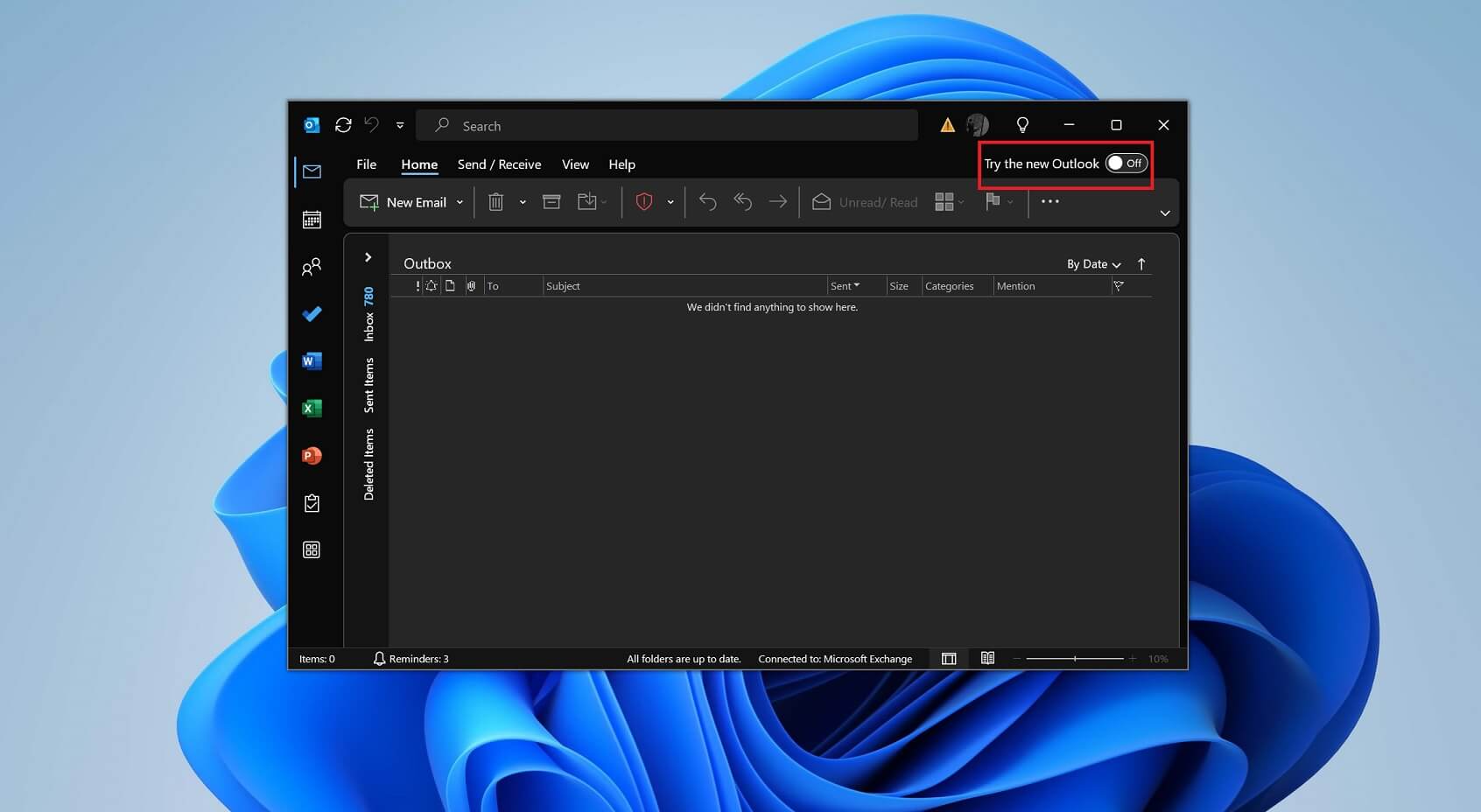
Of course, if you want, you can always try the new Outlook immediately from the classic version, but if you dislike the toggle, you can remove it.
What do you think? Do you think the new Outlook is progressing well? Let me know in the comments below.