








Microsoft Outlook is not working for some users, and it’s been a week since the problem first surfaced. If you are affected or eventually run into the problem, you’ll see an error code 0xc0000409 in Event Viewer when you try to launch Outlook on Windows 11, which refuses to open.
As first spotted by Windows Latest, users on forums have been complaining about Outlook issues for more than a week at this point. For example, there’s a forum post that says, “The app (on my laptop) is not opening. Is anyone else having this issue?” One user says that the app has failed to open since last night, which was six days ago.
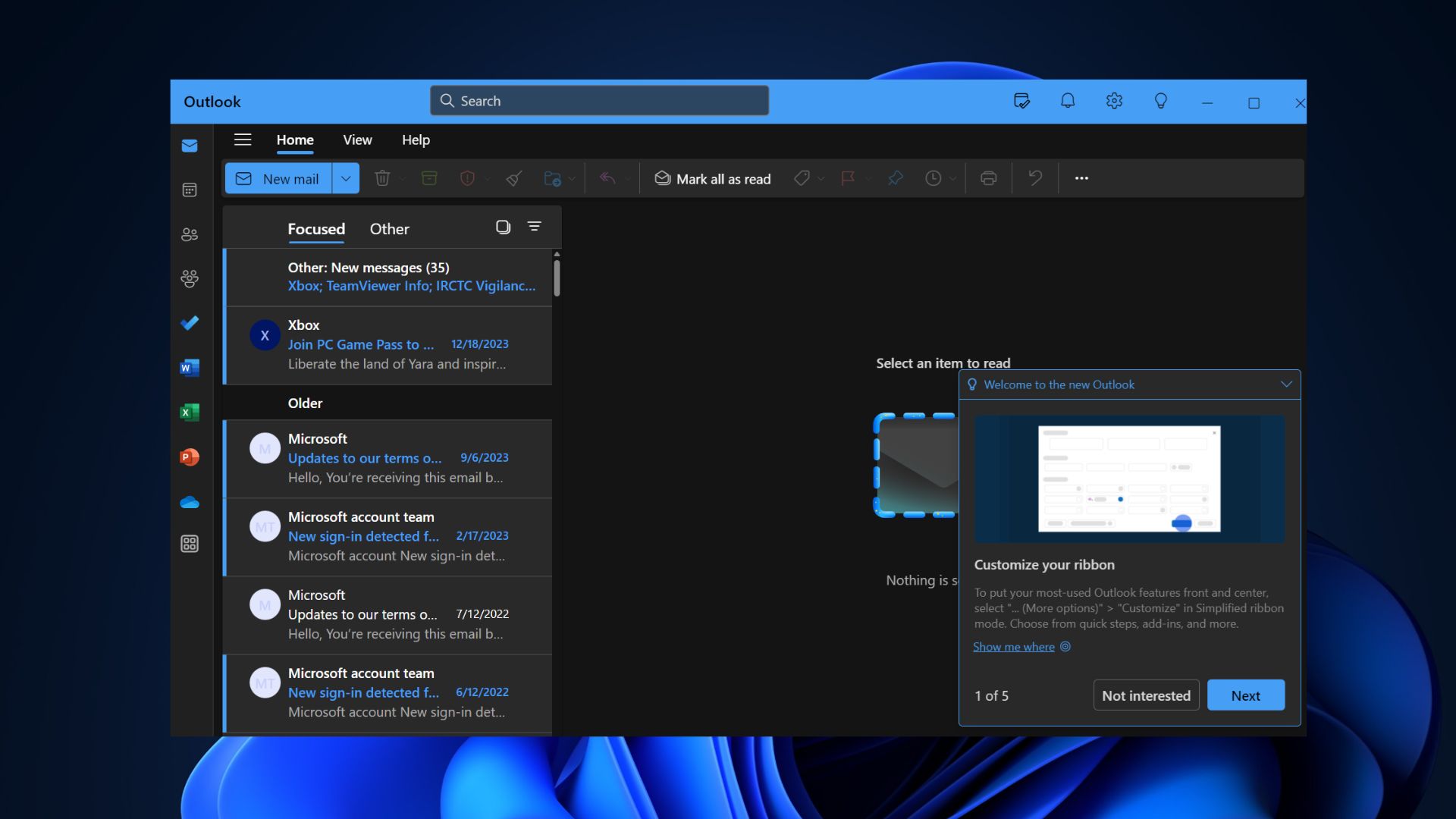
Other users also confirmed similar problems, including on Microsoft’s own forums. One of the users created a thread, “Outlook will not open,” after never getting any response from Microsoft’s support.
Ironically, all these Microsoft forums now have AI-generated answers, which do not help anybody. Based on reports seen by Windows Latest, it looks like Outlook’s launch issues are likely due to one of the shortcomings of these “web apps” that we all dislike. That’s because Outlook Classic and mobile apps do not have problems.
The timing couldn’t be any worse because Microsoft recently urged users to embrace the new Outlook.
What can you do to fix the new Outlook app not opening issue?
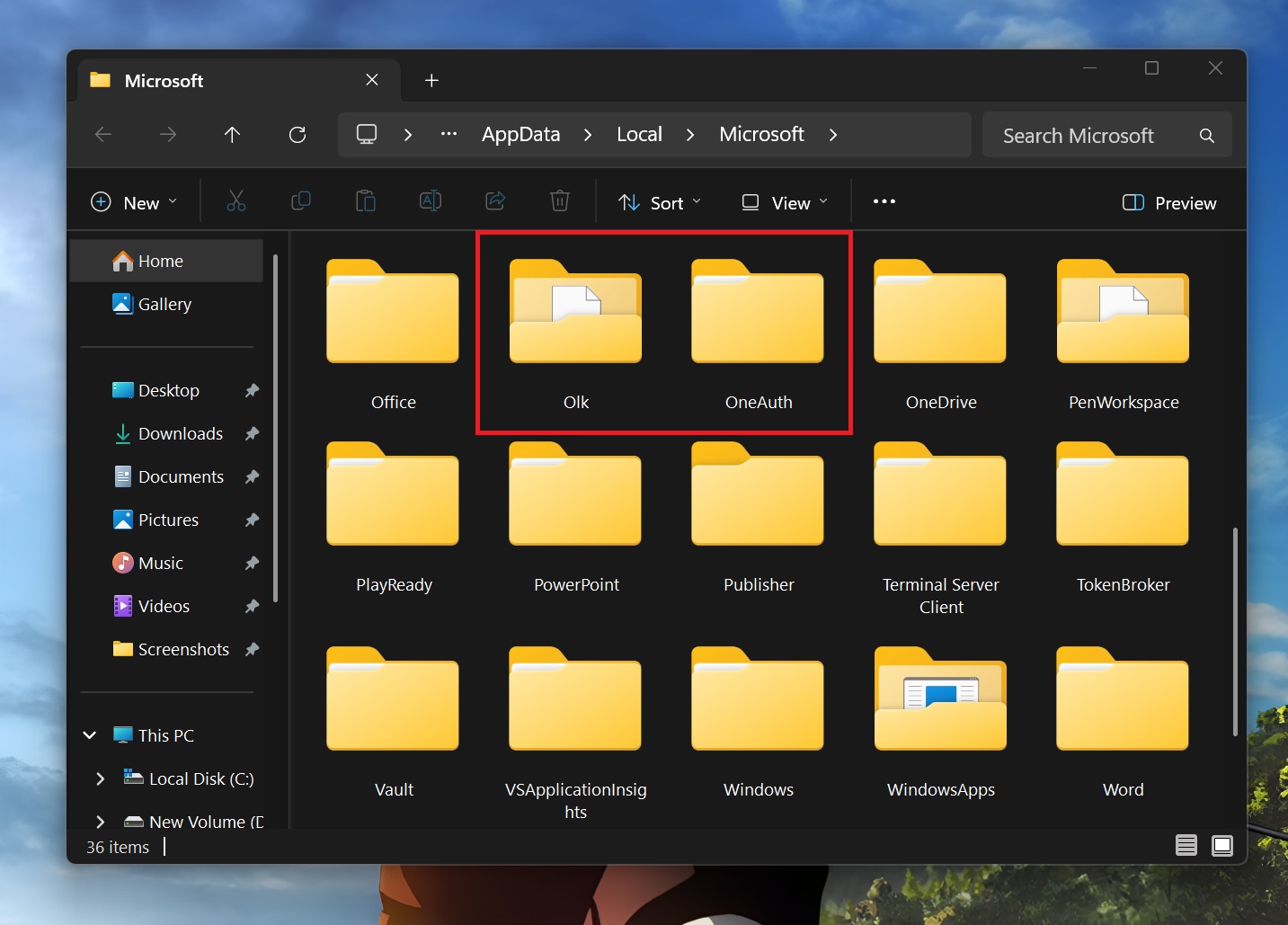
I have not personally experienced Outlook launch issues on Windows 11, but some users told me that they found a workaround. If you are affected, you need to delete two Outlook app subfolders named Olk and OneAuth.
But what are these folders, and why do you have them? Since Outlook is a web app, it uses an Olk folder as a temporary storage for everything you download or open from emails. This folder has been created to block Outlook from accidentally downloading cached material and is present inside the %localappdata%\Microsoft folder.
Similarly, the OneAuth folder serves as temporary storage for authentication actions. If you delete these two, the app should start working again. However, but recommend creating a backup of these two folders in a separate drive.
To fix a bug where Outlook does not launch on Windows 11, follow these steps:
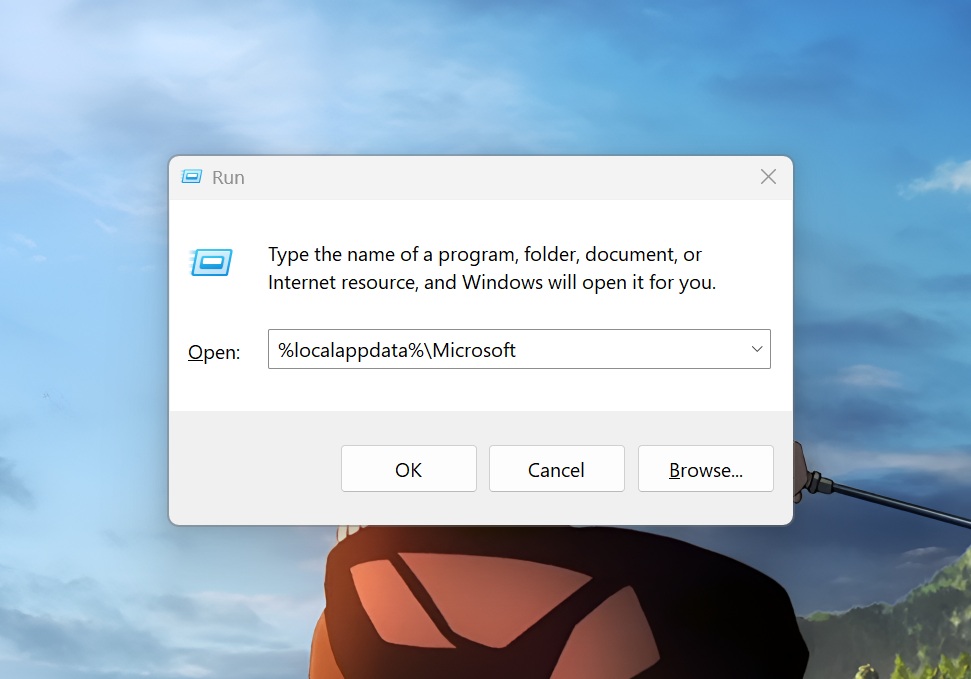
- Press the Win + R key to open the Run dialog box.
- Type %localappdata%\Microsoft and press Enter.
- Locate the Olk folder and delete it permanently.
- Then, delete the OneAuth folder as well and close the File Explorer.
- Restart Outlook, and it should work fine now.
As I mentioned at the outset, I don’t think Outlook launch issue is a widespread problem, and I’ve not been able to reproduce it on our multiple machines. If nothing works, I recommend checking for updates in the Store, as Microsoft might have already pushed a patch.
Or you can also use Outlook.com in Edge, as the app itself is a web wrapper at the end of the day.
Microsoft has also not mentioned anything about Outlook in the Known Issues portal. There have been incidents of the app not working on Windows 10 as well.