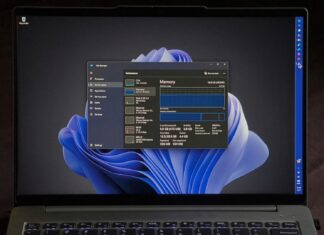








Microsoft updates Windows 11 26H2 Media Creation Tool with October 2026 security patches.
Media Creation Tool now downloads Windows 11 26H2 Build 26300.9711, allowing you to perform a clean installation without downloading the October security patches separately.
Interestingly, Microsoft hasn't changed the Media Creation Tool's version number, which remains 10.0.26100.7019, despite updating the Windows installation files.
The October update also comes with some known issues, including enterprise Wi-Fi authentication failures, for which Microsoft has provided a workaround.
You can download the tool from Microsoft's official Windows 11 download page and select Create Windows 11 Installation Media.

 Gareth Smith

 Abhijith M B