







Microsoft says it will give users greater control over new features they can try on their PCs after Windows 11 updates.
Windows as a service means new features roll out outside the usual annual update cadence, but the catch is that new features don’t really show up immediately, even for those who specifically sign up for early testing via the Windows Insider Program.
Microsoft employs an approach called “Controlled Feature Rollout,” otherwise known as CFR, which means new features are gradually rolled out in a controlled manner, starting with the “most” compatible devices. When Microsoft detects that a feature is stable and not causing problems, it rolls it out to more PCs.
“Using CFR, features may be gradually rolled out, starting with devices that install the monthly optional non-security preview release,” Microsoft explained in a support document. “When we’ve validated that each feature is ready, we’ll gradually roll it out to new devices, and eventually include it enabled-by-default in a subsequent monthly security update.”
CFR is not a bad idea, especially when you recall that most Windows 11 updates end up causing problems on “some” PCs.
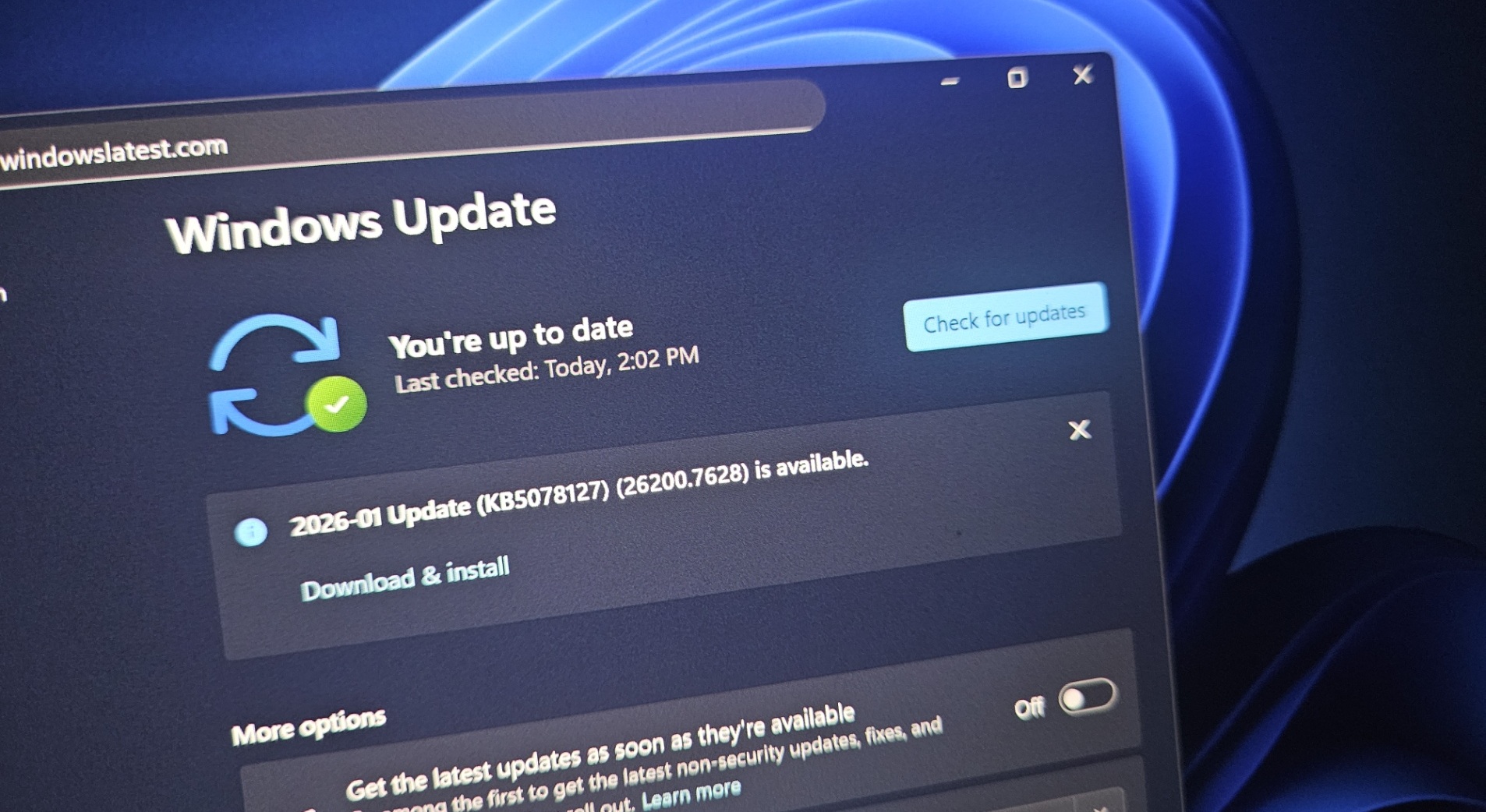
At the same time, what’s the point of installing an update in anticipation of a feature, or even a major bug fix, only to find out that it’s not yet offered on your PC, with no way to verify where you stand in the queue?
For example, when Microsoft said it had rolled out the new Start menu, colorful battery icons on the taskbar, and other changes, most users did not receive them until six months after the rollout. In fact, some still do not have the new Start menu with categories, and that should explain how annoying the “gradual rollout” approach is.
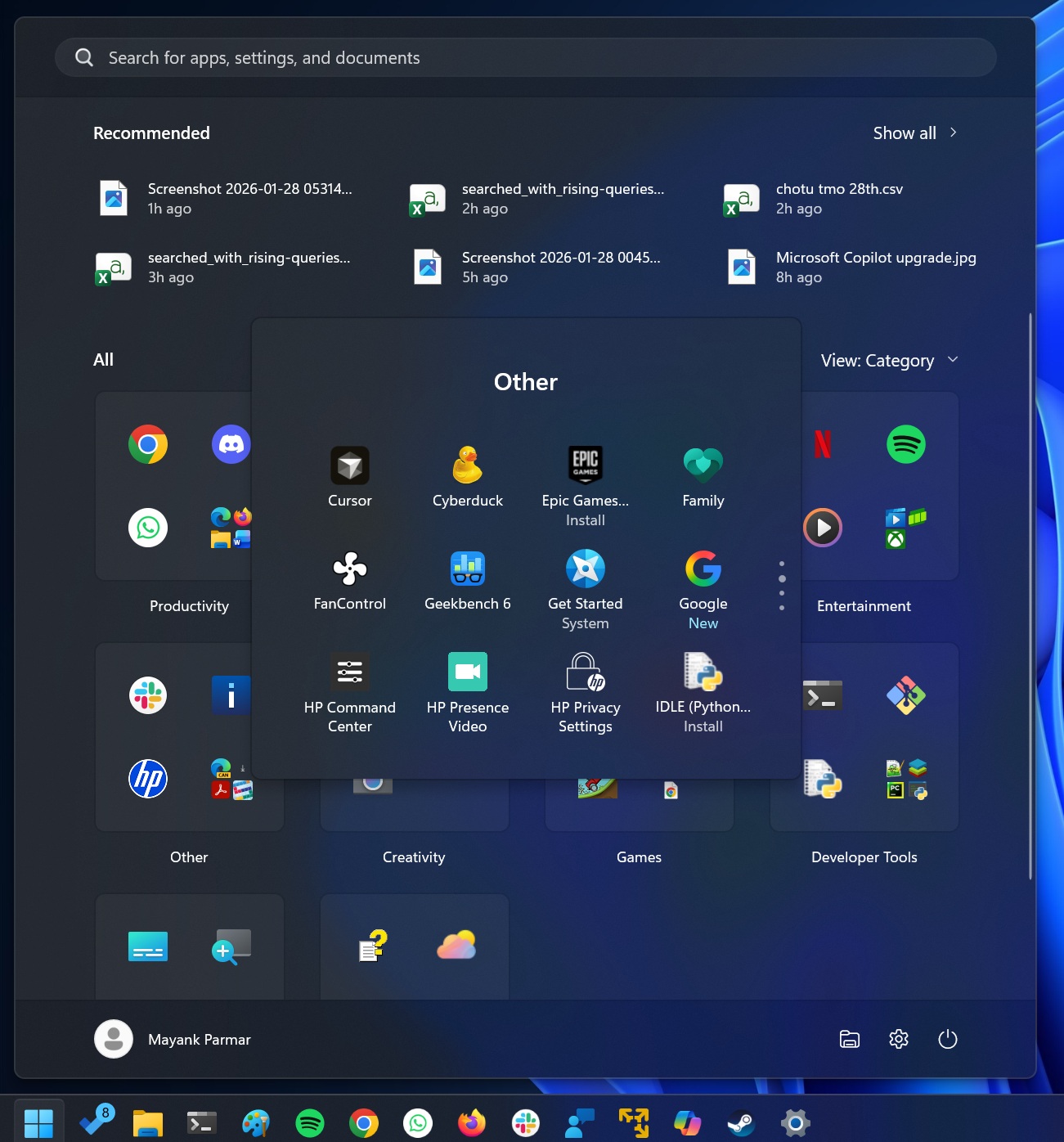
But it’s not just about new features, as some critical bug fixes also roll out in a controlled manner, and you don’t even know when they will be applied to your PC. In fact, there’s no guarantee that a bug fix being rolled out will actually patch the issue on your PC, as the root cause could be different. But you still need to wait to find out.
Thankfully, this might change soon, as the company has promised to make CFR less annoying.
“We’re also working on the CFR point; we want you to get access to features with more control over deciding what you want to see,” wrote Marcus Ash, who heads Design and Research for Windows + Devices.
Marcus added that Microsoft is bringing one of its star employees, Aria, to work on the consumer side as well. Aria is known for helping IT admins gain greater control over Windows updates, feature rollouts, and Group Policies, and I wouldn’t be surprised if she ends up bringing her LTSC/Enterprise ideas to the consumer side.
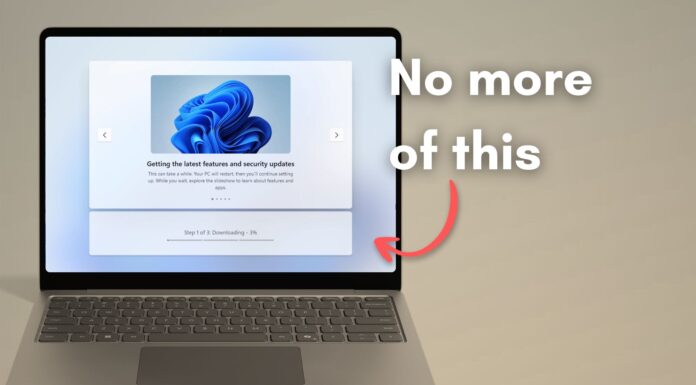
Microsoft has also committed to a less annoying OOBE (out of the box experience), fewer ads in the OS, faster File Explorer, and more native UI over WebView, as part of its project to fix Windows.