






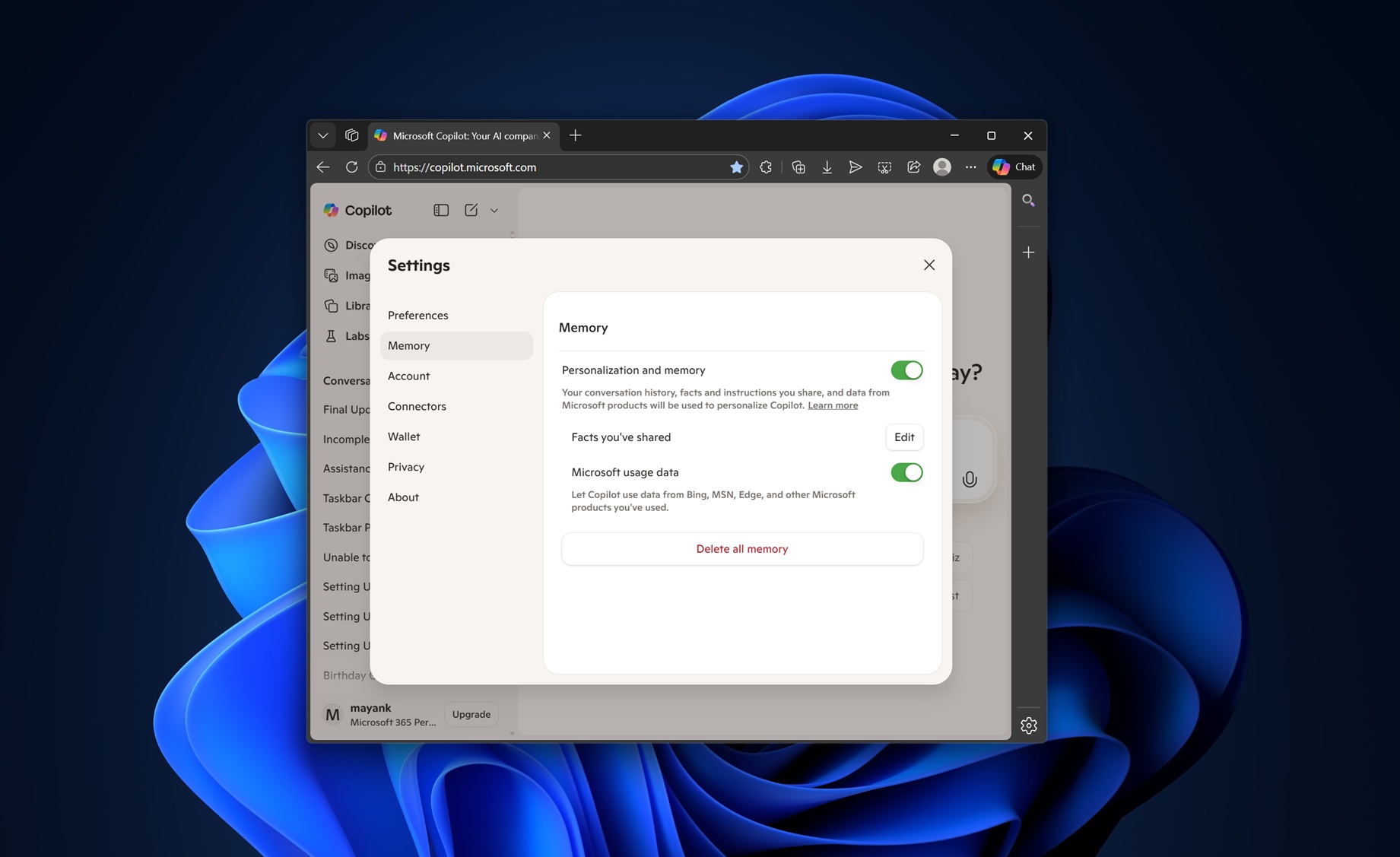
Microsoft has quietly confirmed that Copilot automatically pulls your data from other Microsoft products, such as Bing, MSN, and Edge. We don’t know whether Windows is included in “other” products, but it doesn’t appear to be, at least for now. Regardless, you can turn off “usage” sharing with Copilot, but it could make Copilot less useful.
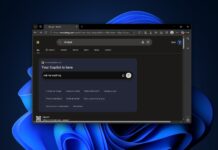
In our tests, Windows Latest observed that there’s a new toggle called “Microsoft usage data” when you open copilot.microsoft.com in any browser and go to Settings. The toggle is buried inside the “Memory” tab, so it’s likely that your data from other Microsoft products powers the memory feature of Copilot.
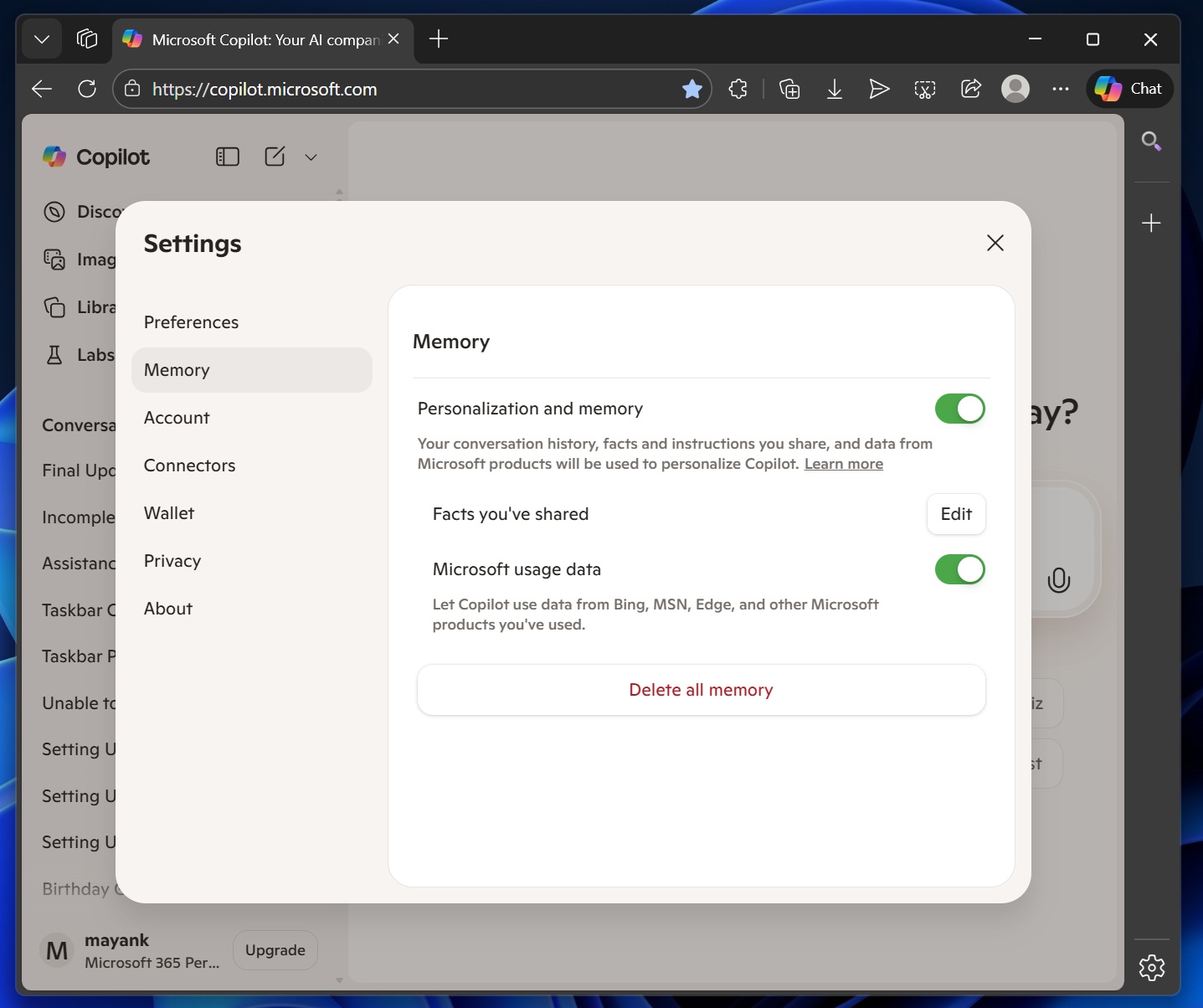
When memory is turned on, Copilot is able to remember things about you, including your preferences. And given the fact that “Microsoft usage” data is part of the memory feature, it is possible Copilot can now pull your personal preferences or data from apps like Microsoft Edge, Bing, MSN, and other products.
“Let Copilot use data from Bing, MSN, Edge, and other Microsoft products you’ve used,” Microsoft warns.
I noticed that the toggle was turned on by default, and you need to turn it off if you want to block Copilot from pulling your personal information.
Microsoft insists that your product usage data is only used for personalizing Copilot, and it won’t train its AI models on your data.
You can always turn on or off the feature from Copilot > Settings > Memory. But you’ll also need to click “Delete all memory” to remove existing data from Copilot.
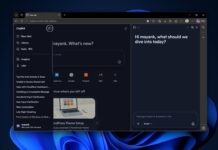
There are also other improvements coming to Copilot, including the ability to set reminders and alarms, and even connecting your health app.
Copilot is testing health apps integration, similar to ChatGPT
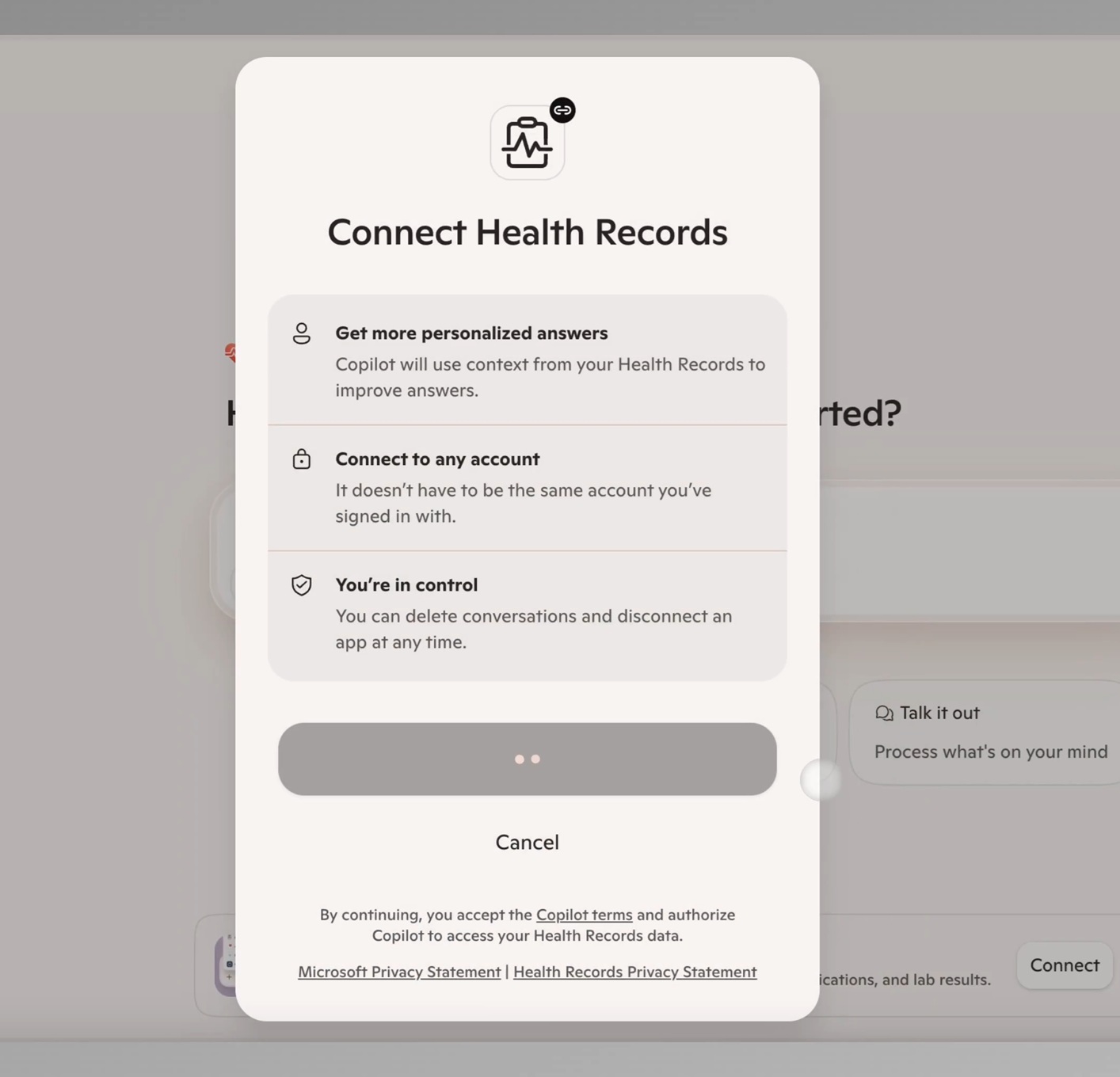
Microsoft is testing a new feature called “Copilot Health Records,” which pulls data from your health apps or hardware, including your Apple Watch.
“Copilot will use context from your health records to improve answers,” Microsoft noted, and added that you can delete conversations or disconnect an app at any time.
This feature isn’t available to everyone yet, but it’s rolling out alongside the ability to set reminders. In our tests, Windows Latest observed that you can ask Copilot to remind you at a specific time or date, and it will send a notification on your mobile.
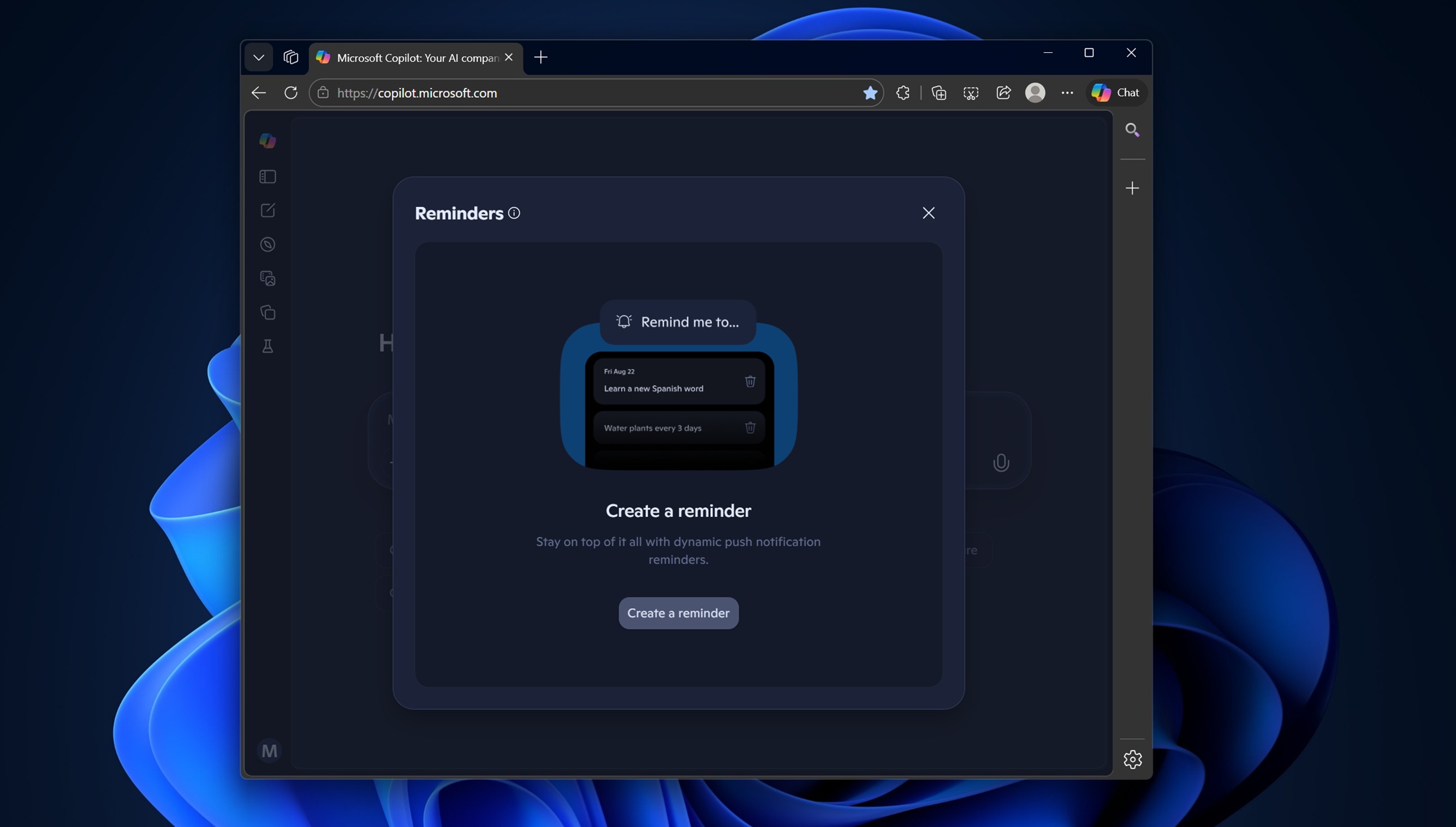
You can also ask Copilot to set a recurring reminder or on specific days. Copilot reminder is a good idea, but it only works on mobile and is hit or miss.