







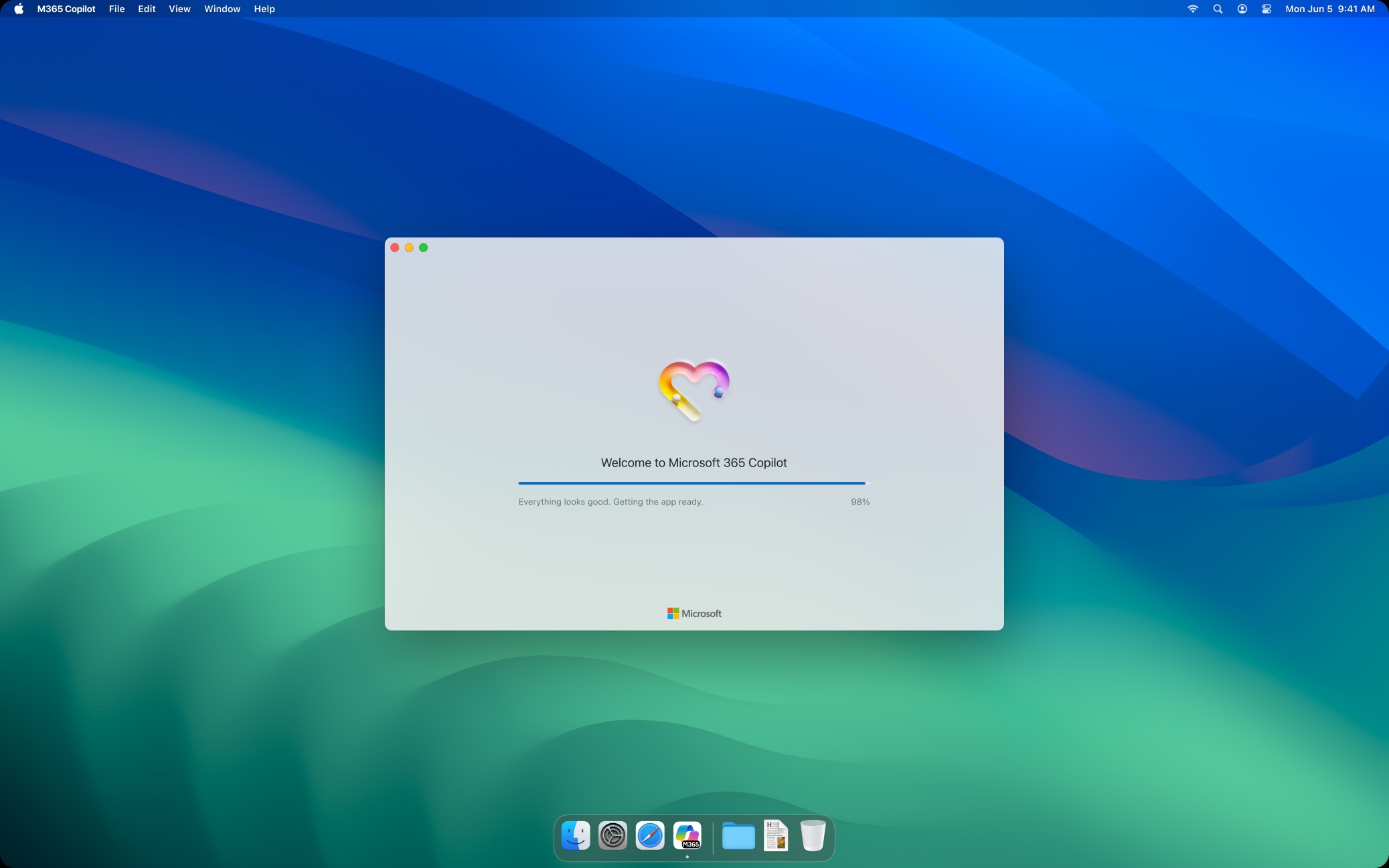
Microsoft is moving ahead with its plans to push Microsoft 365 Copilot to more customers on macOS, mostly enterprises. In a roadmap update spotted by Windows Latest, Microsoft says the Microsoft 365 apps suite now includes an extra app icon called a “Microsoft 365 Copilot,” but Copilot is not auto-installed unless you click on the placeholder icon.
“Starting mid-February 2026, the Microsoft 365 apps for Mac suite installer will include a shim for the Microsoft 365 Copilot app, enabling users to download the full Copilot app easily,” Microsoft noted in an update roadmap spotted by Windows Latest. The roadmap update is only visible to those with a Microsoft 365 enterprise subscription.
Windows Latest understands that Microsoft does not plan to install a full-fledged Microsoft 365 Copilot app when you install Microsoft 365 apps, such as Word, PowerPoint, Excel, and Access. Instead, it plans to create a Microsoft 365 shortcut, also known as “skim” among enterprises.
The MS 365 Copilot app is installed only when you open the shortcut, and you can cancel the installation.
Microsoft has promised that existing installations will not be affected, as this change applies only to new Microsoft 365 installs, and organizations will have a choice to exclude Microsoft 365 Copilot during the deployment.
When will Microsoft install Microsoft 365 Copilot on my Mac?
If you install Microsoft 365 apps for Mac using that suite installer, which is typically used by enterprises, starting mid-February, you’ll see a Microsoft 365 Copilot app icon in Applications on macOS. When you open it, it will download and install the full Copilot app (so you need internet access).
Your existing Office apps (Word, Excel, PowerPoint, Outlook, etc.) aren’t changed by this, and as I mentioned, it’s only aimed at IT admins because they commonly deploy Microsoft 365 on Macs using the suite installer package.
If you’re an enterprise customer and don’t want to install Microsoft 365 Copilot, make sure you don’t forget to exclude the shim during deployment. Or if you prefer Copilot, you should include it in the deployment, as Microsoft recommends.
“This change helps organizations more easily deploy the Microsoft 365 Copilot Mac app by enabling users to download the full application directly from the shim,” Microsoft explained.
But is there a chance it’ll affect regular customers? In most cases, I don’t think so, but if a consumer uses the same suite installer package, they might also get the shim (shortcut or placeholder that installs Microsoft 365 Copilot).
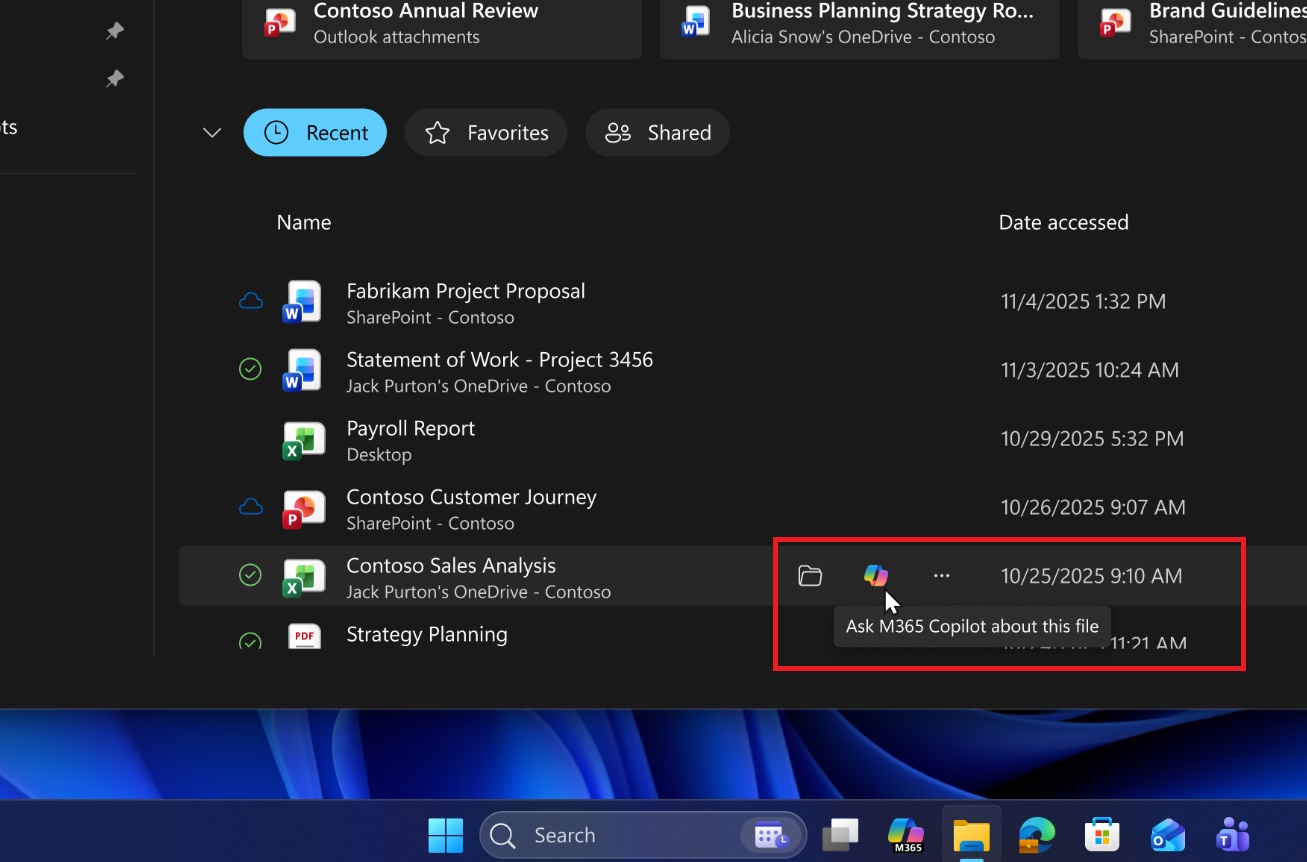
On the other hand, Microsoft 365 Copilot apps are automatically installed on Windows 11 and integrated into Explorer, so macOS users still have a choice and leverage over what gets installed.
Outlook to open files in the Word, Excel, or PowerPoint app on iOS
In other news, especially for consumers, it looks like Outlook will now open files in Word, Excel, and PowerPoint on iOS unless you specifically block the request.
This change will roll out on iPad first, where Outlook will send you to Word, Excel, and PowerPoint when you open the attachments.
Right now, Outlook uses a built-in previewer, but now it’ll open Microsoft 365 apps. Microsoft calls it an experiment, and it’s rolling out to everyone starting the third week of February.
Windows Latest spotted the change in a roadmap update.