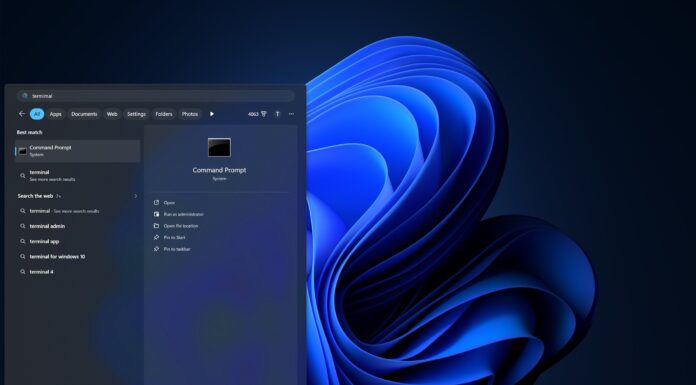






Windows 11 has a new Start menu. Well, sort of. It’s not perfect, and users aren’t happy with some decisions, especially the lack of an option to manually move apps from one category to another. Microsoft says it will consider the feedback in the future, but it can’t guarantee the ability to customize these categories, at least for now.
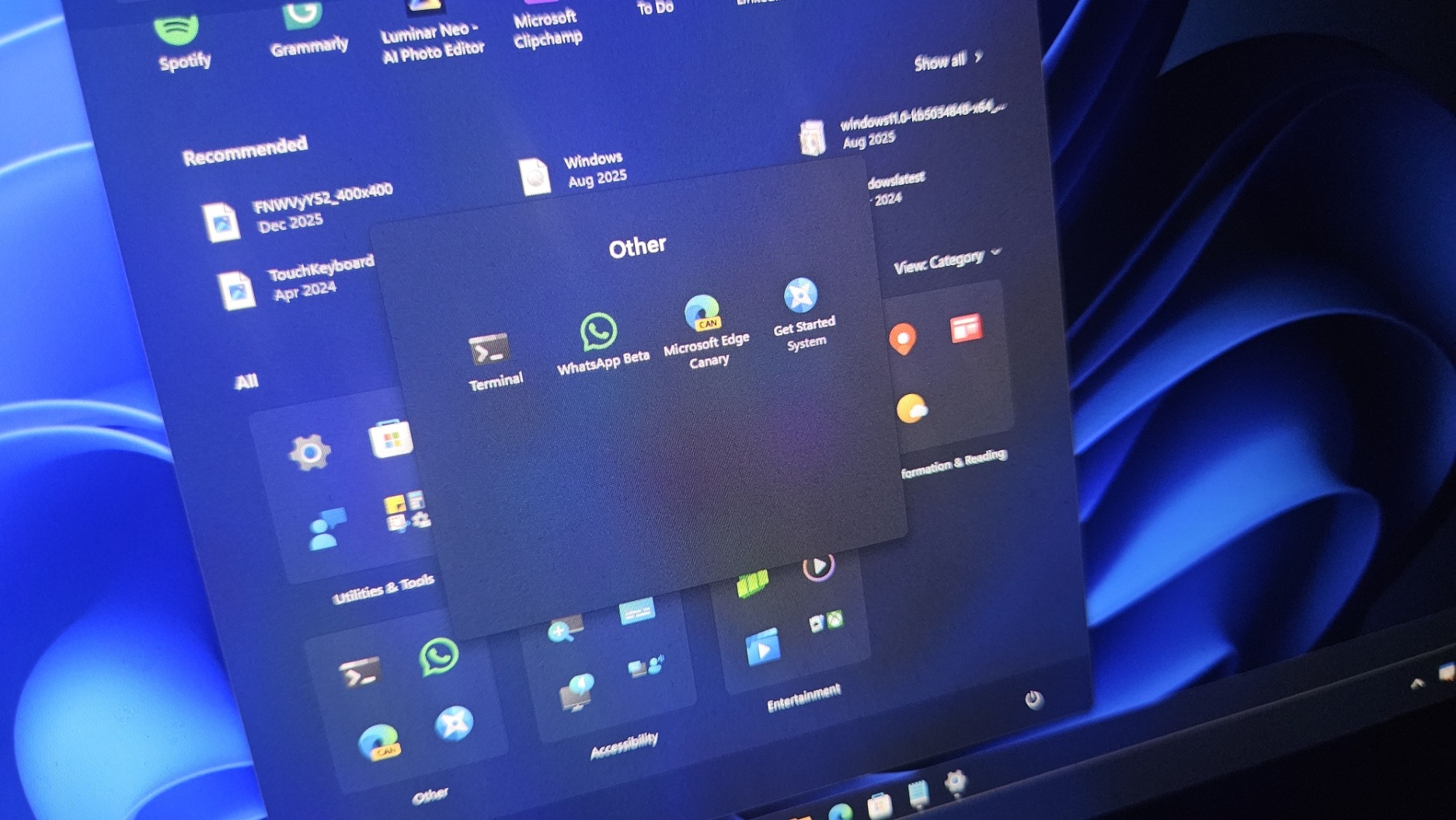
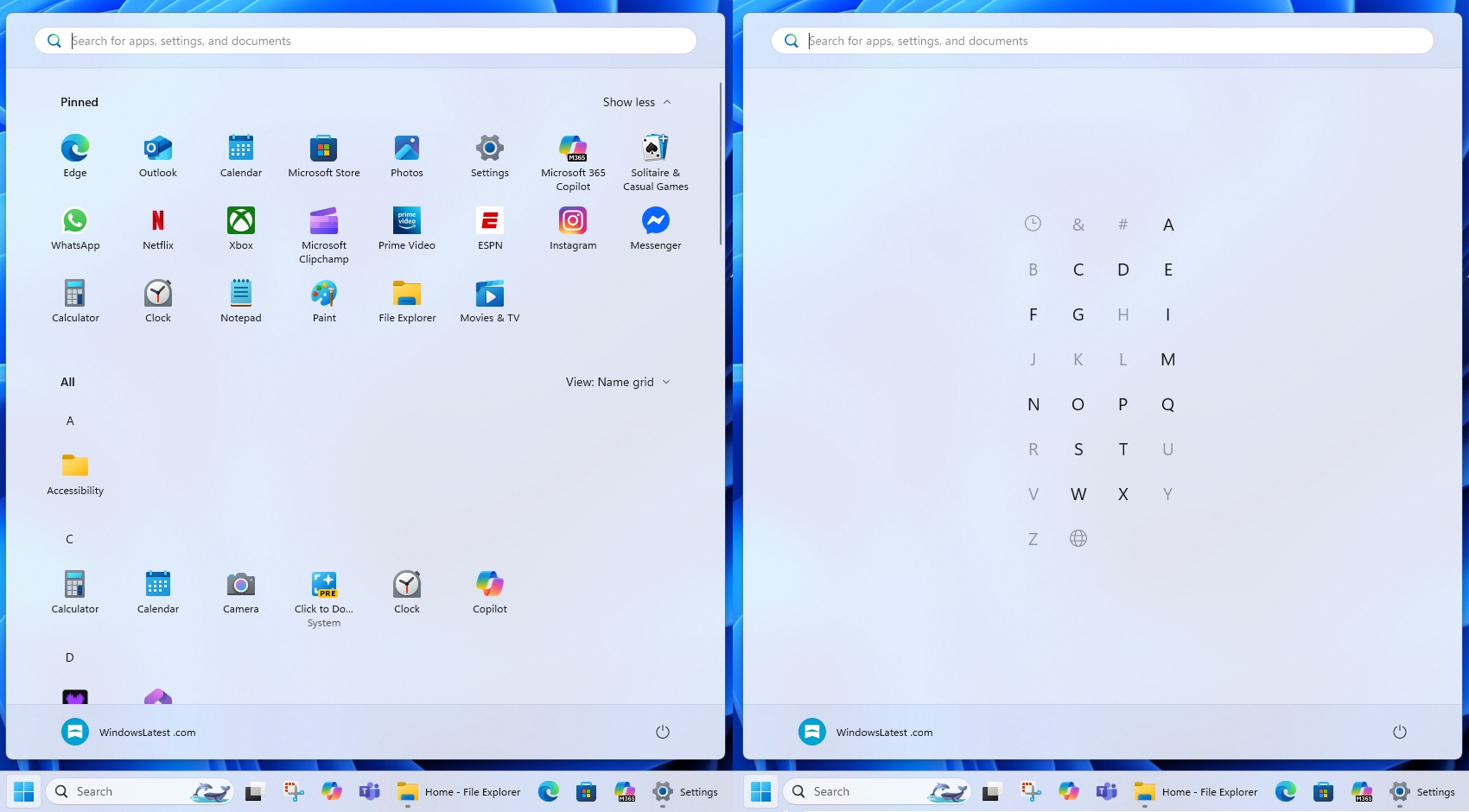
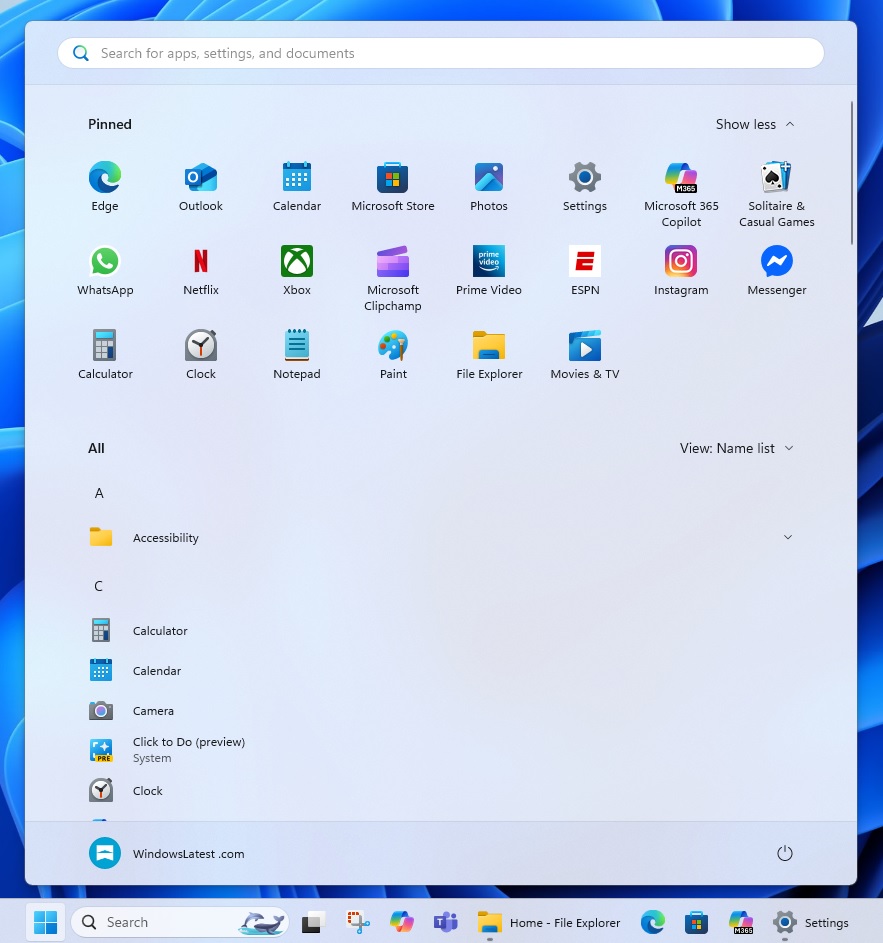
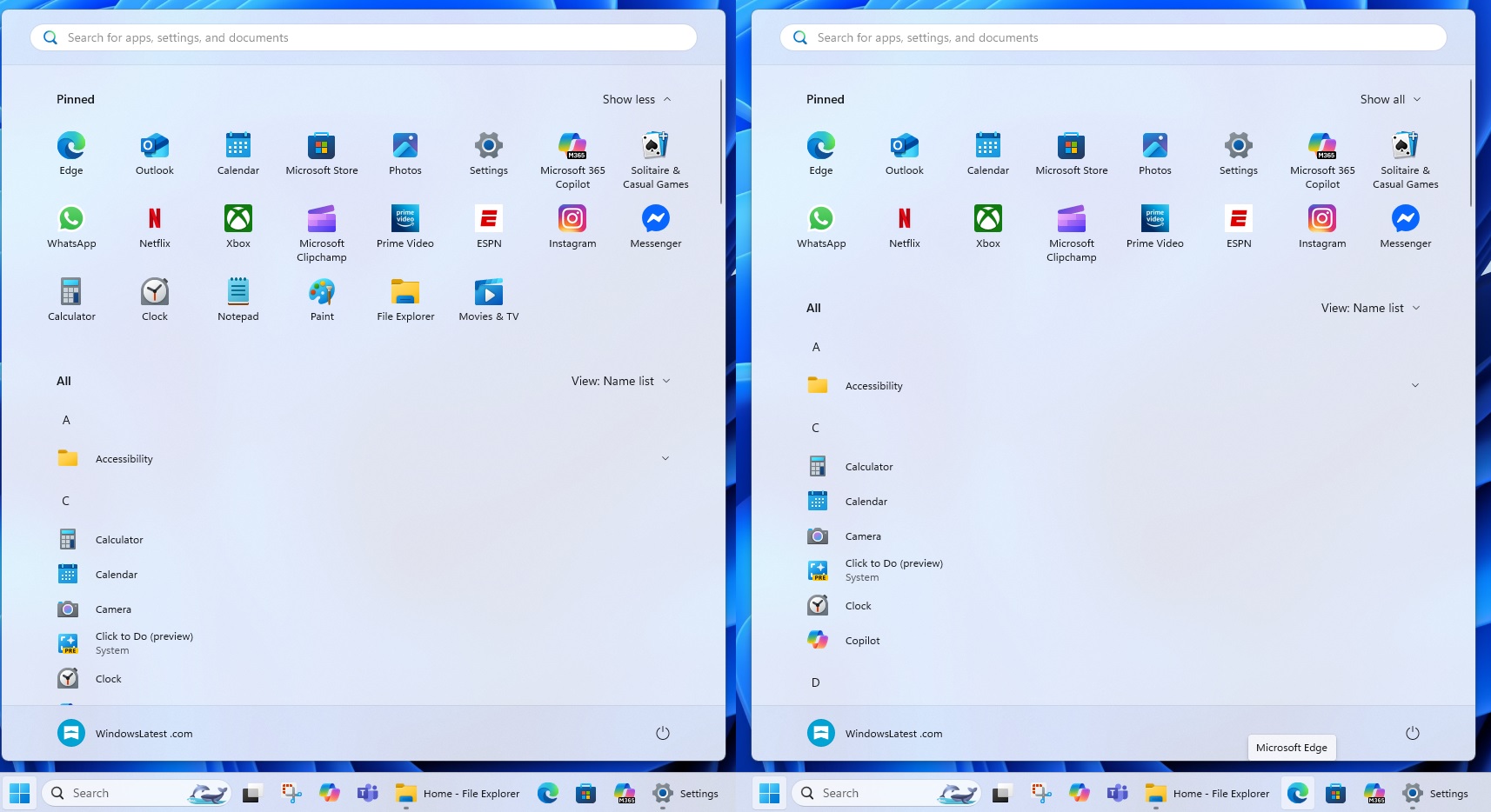
This new Start menu has a single-page layout, so you don’t have to click “All” to see installed apps, games, or tools. The “All” apps list now appears below the optional Recommended feed. The new “All” apps list has three layouts. The first is “Category,” which is the default. Second is “Grid,” and third is “List,” which is the original look (somewhat).
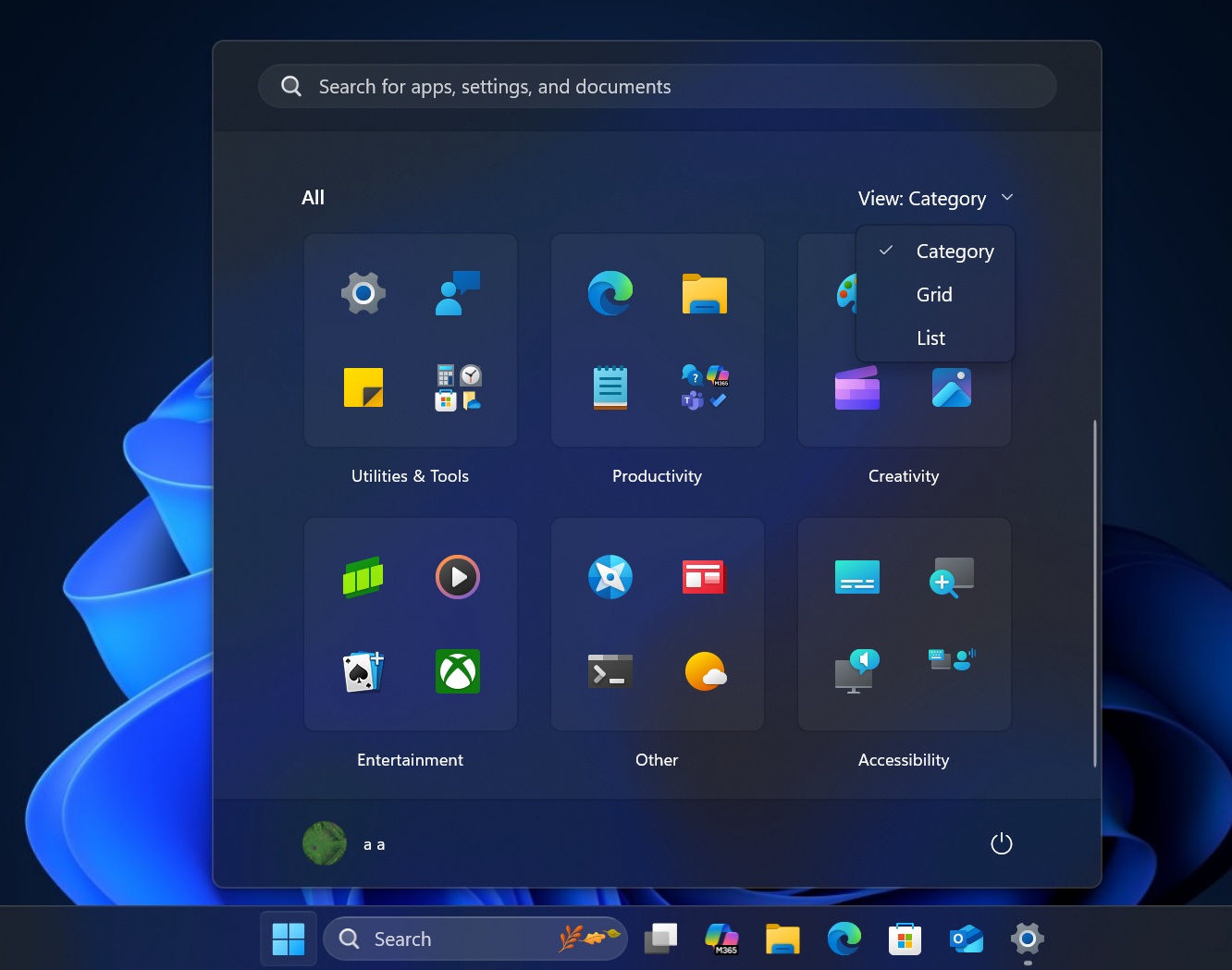
Some people find the Categories view similar to Android or iOS, and I don’t hate the idea, but I’m not a big fan of how Microsoft doesn’t let us modify the Categories. I’m not even asking for the ability to change the name. At this point, given how Microsoft is busy with AI advancements, I’d take a simple feature – the ability to move apps between groups.
For example, if I only have Spotify as my music or entertainment app, it would end up in the “Other” category, bundled with dozens of similar single apps. In that case, I’d want to create a category or move the app to another category, so it’s a bit more organized. Sometimes, most apps end up in the “Other” category.
However, Microsoft won’t let you customize the Category view.
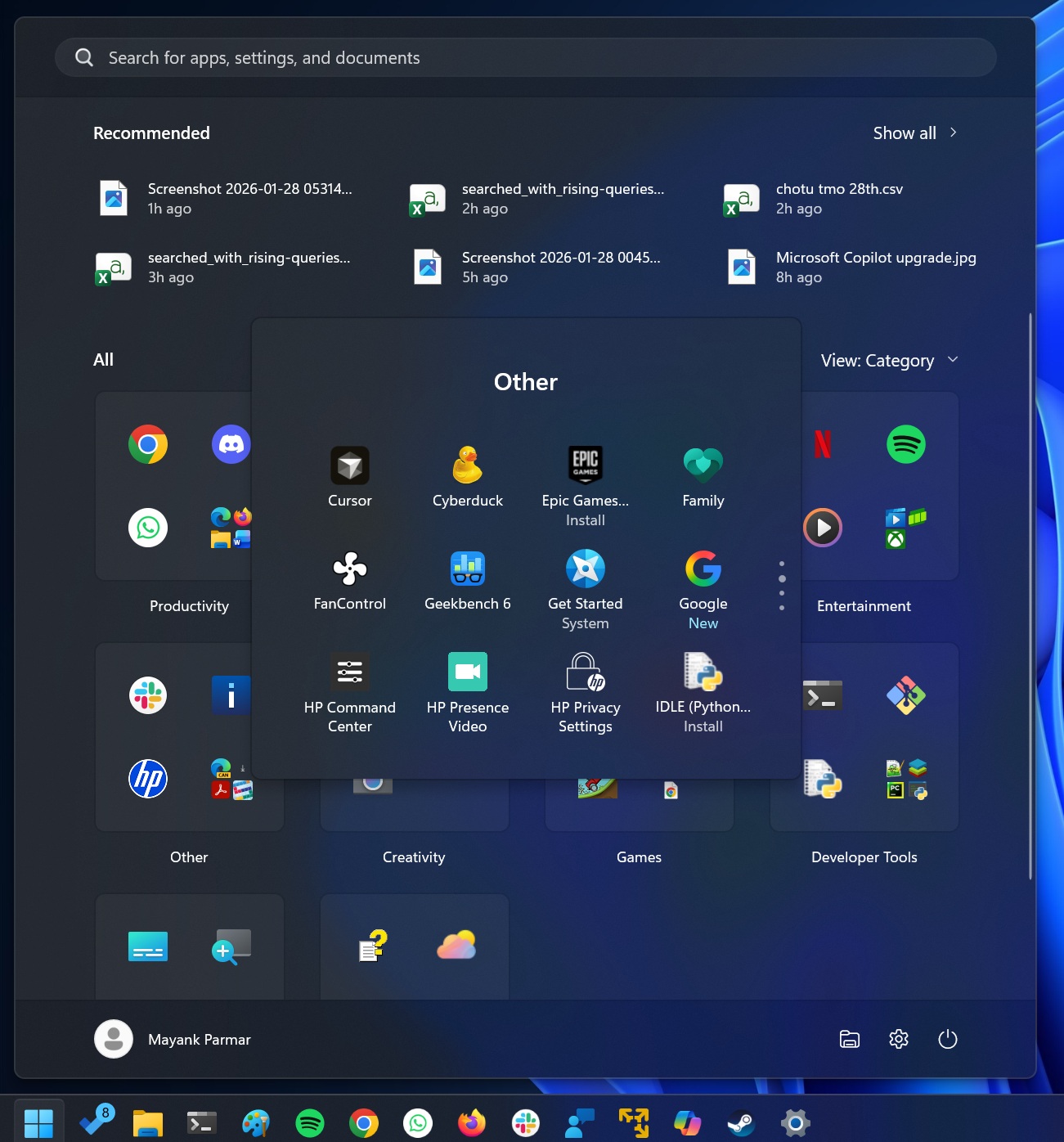
I have 48 apps in the “Other” category, and I need to scroll through four pages to finally find the app I’m looking for. Why? Because it’s lost in the sea of “Other” apps.
Turns out I’m not the only user who isn’t happy with the Categories feature in the Start menu.
In a Feedback Hub post with up to 110 upvotes in less than a week, one user shared:
“Hulu, Teams, Settings, WhatsApp, and Visual Studio 2026 all got placed in ‘Other.’ Visual Studio 2022 got placed on the third page of ‘Other.’ Visual Studio Installer got placed in Productivity, along with File Explorer, Edge, Firefox, Discord, and Windows System Security… OpenRCT2 (an open-source Roller Coaster Tycoon 2 clone) got placed in Developer Tools. The vast majority of things are in ‘Other,’ and many of them very clearly belong in the categories that it placed incorrect items in.”
“The fact that this even has to be said is insane. Maybe ten years from now, they’ll let us actually use our computers how we’d like. The new Windows designs are obviously all catered towards people who only use the included software, like Edge and Outlook. I have hundreds of Music Production programs, Graphics Art Programs, etc. Organizing the Start Menu is a nightmare. Yet, this was never a problem 20 years ago. I would trade the Win11 Start Menu for WinXP in a heartbeat. That’s just sad,” another user wrote.
As first spotted by Windows Latest, Microsoft confirmed that it’s aware of the Start menu Category view feedback and concerns. This specific issue has been passed on to the engineering team for future consideration.
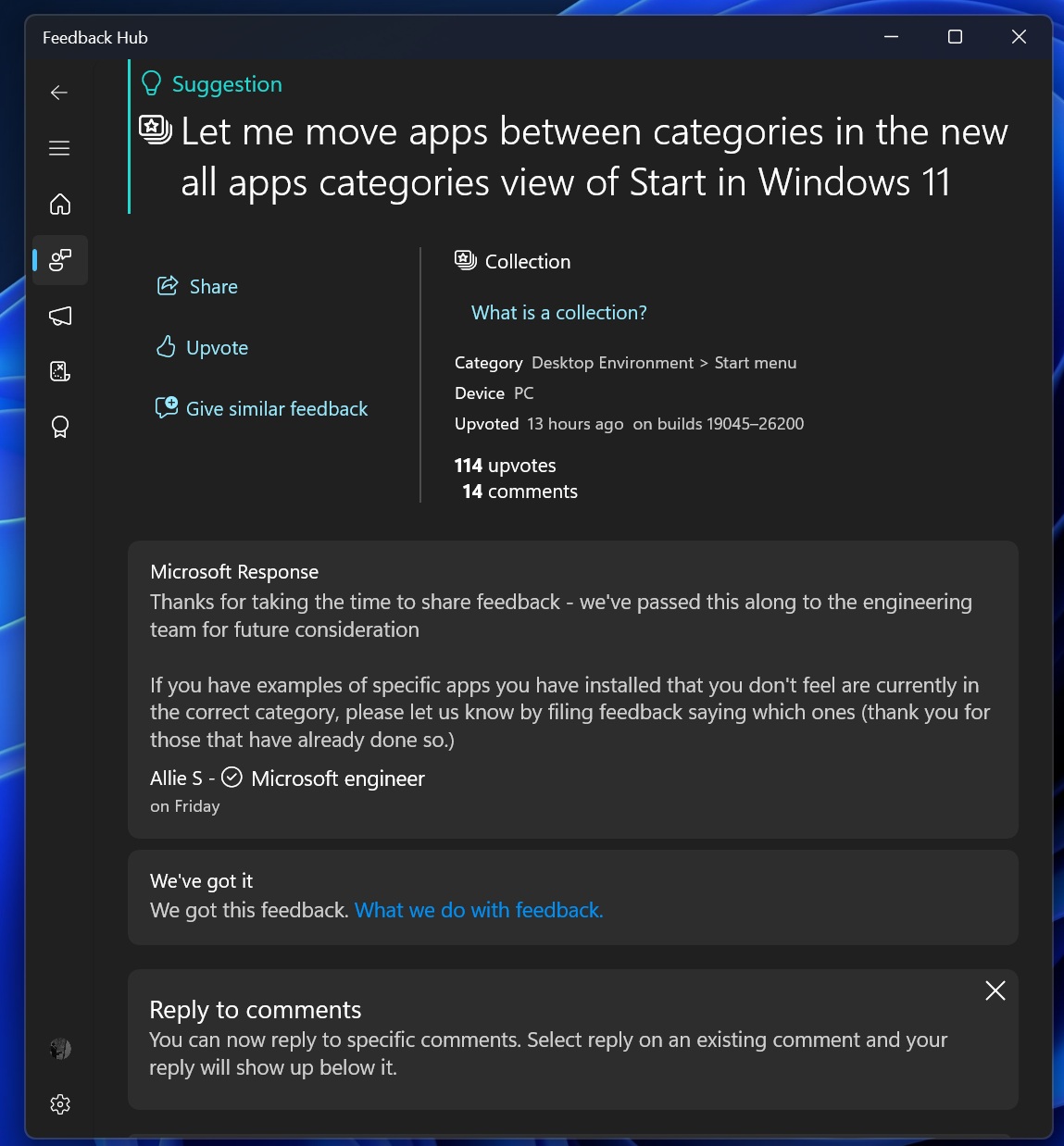
“If you have examples of specific apps you have installed that you don’t feel are currently in the correct category, please let us know by filing feedback saying which ones (thank you to those who have already done so),” Microsoft said.
But the million-dollar question is, why do most of your apps end up in the “Other” category? Is it totally random, or is there logic?
How are Categories in the Windows 11 Start menu formed?
Start menu Categories are created using a local mapping table. In fact, it’s a 15MB JSON file that powers the feature, and it does not connect to Microsoft servers or require an internet connection to assign a category to an app.
Most apps are identified by their package family name, and the string is mapped to a numeric category ID. The Start menu treats those numbers as labels like Productivity, Social, Games, Music, and so on.
When the Categories view is enabled, Start reads that JSON locally and identifies the category for the app.
When you install a new app, Start takes the installed app’s package family name, scans the JSON for a match, and then assigns the app to the mapped category ID. For example, if you install Windows Media Player from the Store, its package family name matches an entry that points to the Music or Entertainment bucket, and Start places it there.
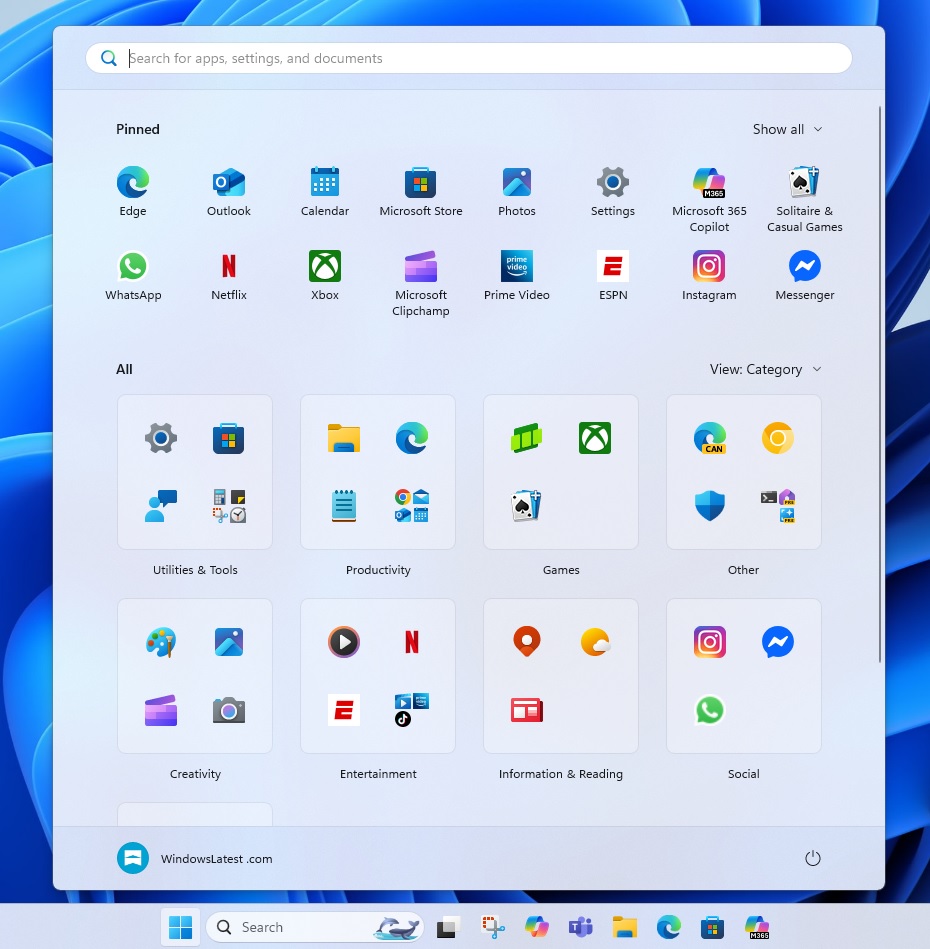
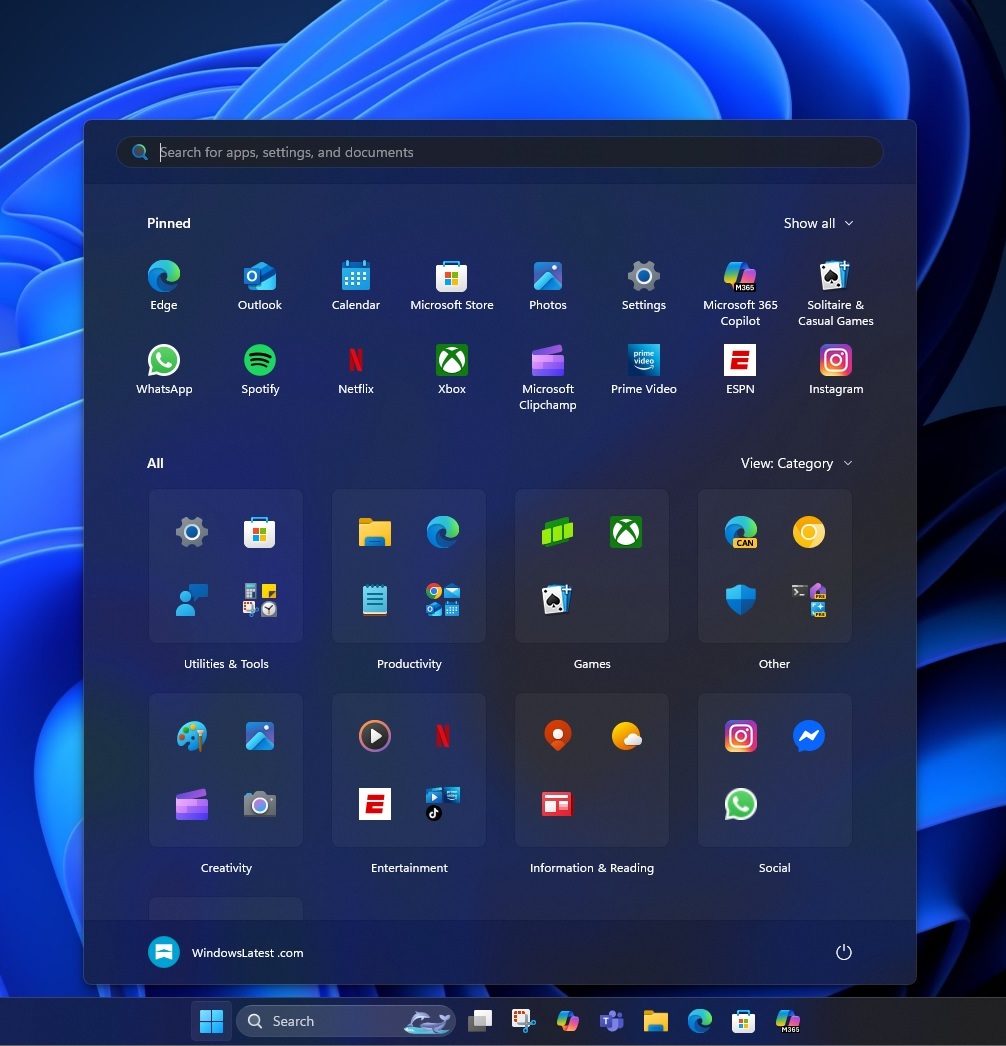
If the app is an unknown package that the Store can’t recognize, that app falls back to the “Other” category. But the “Other” category does not just include apps that cannot be recognized.
If you don’t have at least three apps in the same category, Microsoft won’t place one or two apps in their respective category, even when it knows where they belong. Those apps will also end up inside “Other.”
Another problem with the new Start menu is that it takes up a lot of space, and you cannot change its size.
What about you? Do you like the new Start menu? Let me know in the comments below.