






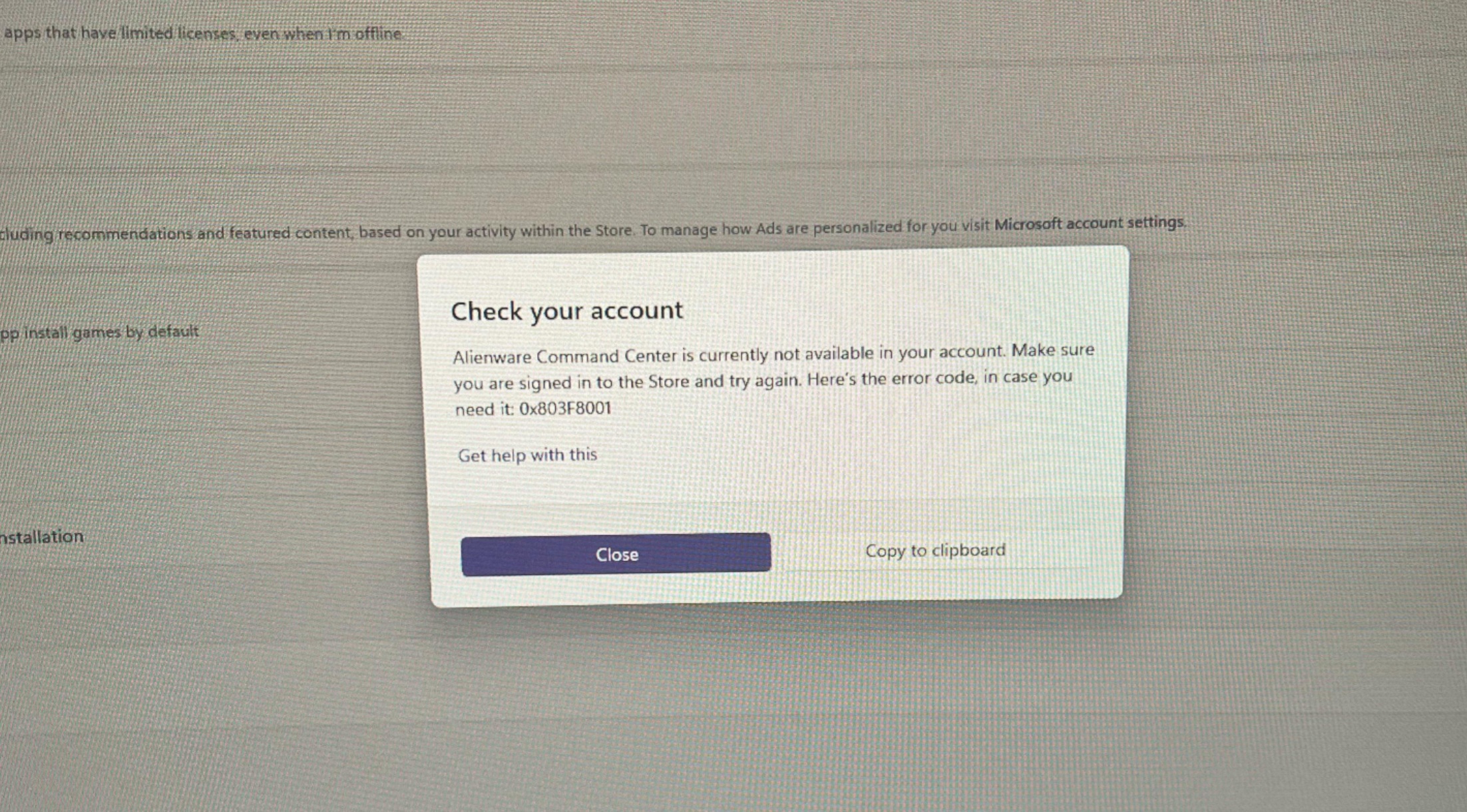
Microsoft told Windows Latest that it was aware of an issue where some apps, specifically inbox apps like Notepad, Snipping Tool, or even Paint, would not open on Windows 11 due to error 0x803F8001 in Store. It’s unclear how Windows Store broke apps like Notepad, but Microsoft told me that it’s a server-side issue and it’s fully patched now.
On Wednesday evening, one user told Windows Latest that all of their apps had suddenly stopped working on Windows 11. This included Notepad, Snipping Tool, and Microsoft Paint, among other tools. If you go to the forums, including the one hosted by Microsoft, there are hundreds of similar complaints.
“I got stuck in a loop where my pre-installed Alienware Command Center was giving me an error code 0x803F8001. According to what I looked up, it’s something to do with the Microsoft store not finding an app or failing to do something,” one user wrote in a Reddit post.
In our tests, Windows Latest observed that even the essential inbox apps, such as the Windows Security app, would not open due to the following error:
“Windows Security is currently not available in your account. Make sure you are signed into the store and try again. Here’s the error code in case you need it: 0x803F8001.”
A lot of users described their PC as “unusable” because the 0x803F8001 window kept stealing focus every few seconds. As for what got hit, most Store apps were affected, but users mostly pointed at Alienware Command Center (and related components like OC Controls) being the loudest offender, because it repeatedly tried to start and kept throwing the Store-related activation error.
Some people uninstalled these apps to survive the day, but then got stuck because they couldn’t reinstall them.
Windows Latest understands that any app or service that relied on the Windows Store briefly stopped working on Windows 11. This issue likely affected thousands of Windows 11 users, but apps like Google Chrome weren’t affected because Google does not offer Chrome via the Store.
Regardless, all good when it ends well, as Microsoft told us that it fully resolved a Store issue that broke Windows apps.
“We have fully resolved a Microsoft Store issue that impacted app activation for some users, Microsoft told us in a statement.
January 2026 has been a hell of a ride for Windows 11 users, while we wait for February madness
The mandatory Patch Tuesday update (KB5074109) broke Outlook Classic, Remote Desktop, customization in File Explorer, and more. In fact, the state of Windows 11’s January 2026 Update is so bad that Microsoft has recommended that affected Outlook users either switch to webmail or uninstall the patch as a final resort.
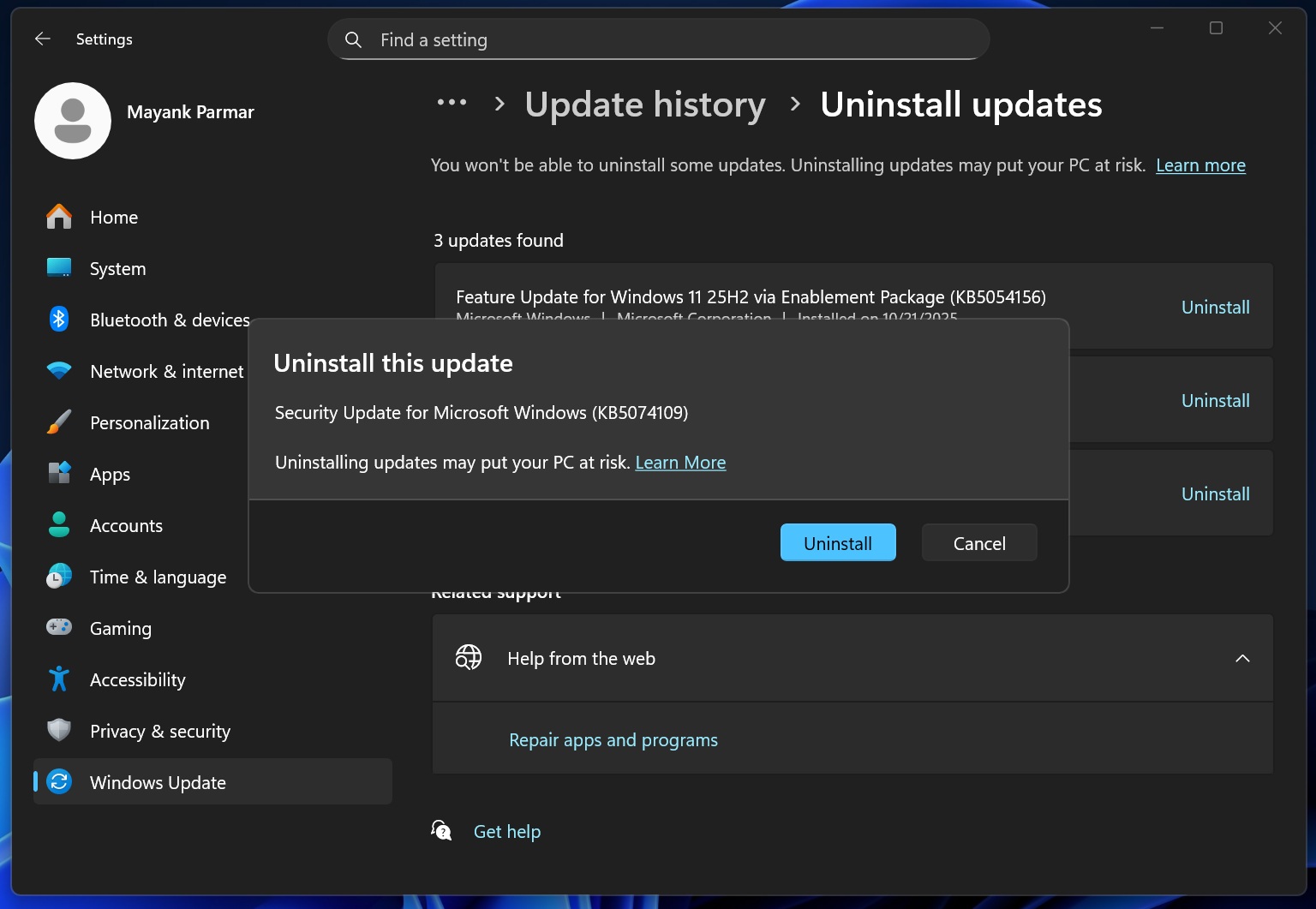
Microsoft is still investigating the issues in the January 2026 Update, but for now, the Store is good to use.