








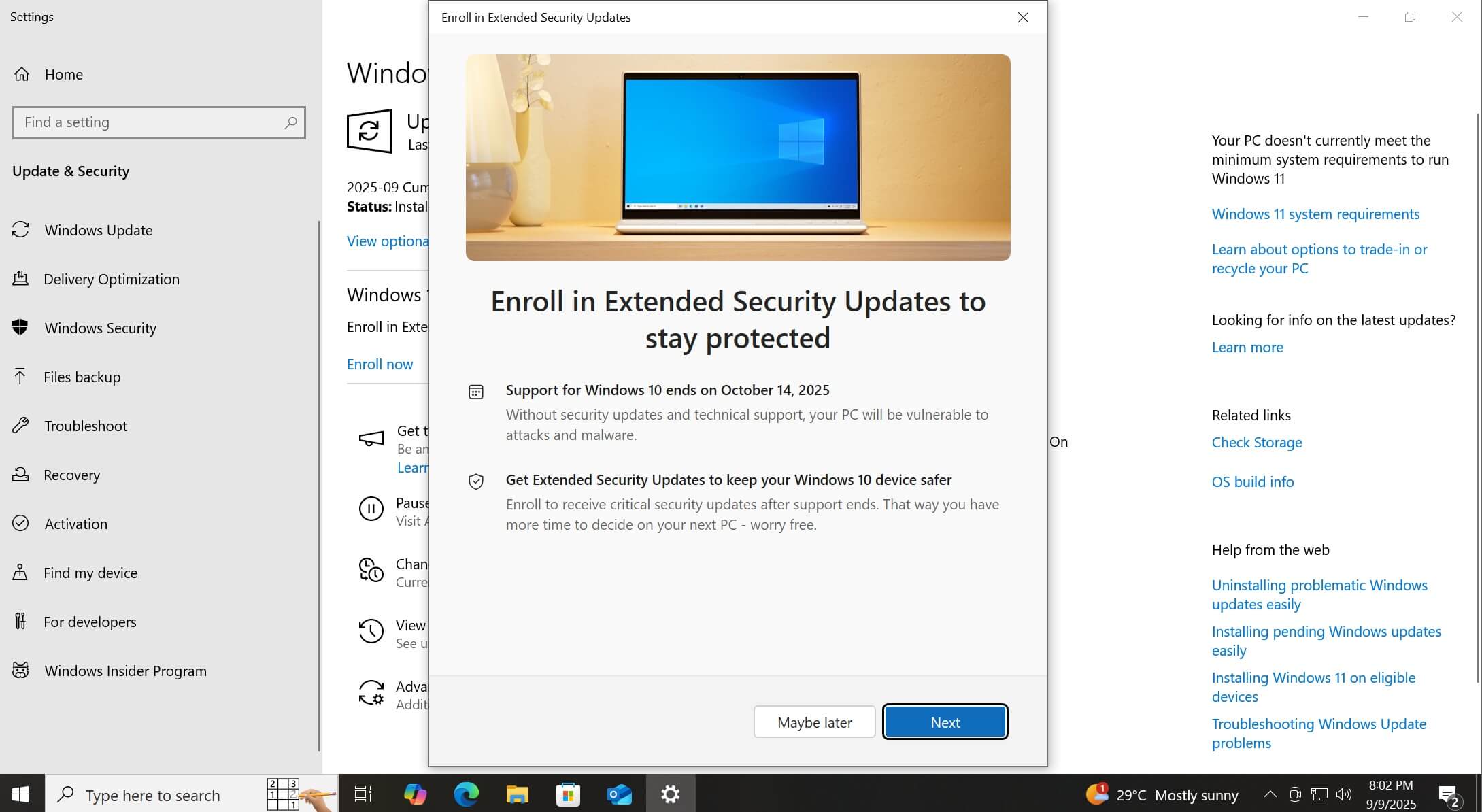
Windows 10 Extended Security Updates (ESU) won’t work on some PCs due to two separate issues. First, it looks like ESU is still “temporarily unavailable” for some users, especially if you are based in Europe. Second, there’s a bug where Windows 10 ESU setup throws an error, “Something went wrong,” without any explanation.
Over the past few weeks, several users told me that they are not able to sign up for Windows 10 Extended Security Updates (ESU), even as the OS has already reached the end of support on October 14, 2025. The next patch is scheduled for November 11, but it will be offered only on PCs with ESU.
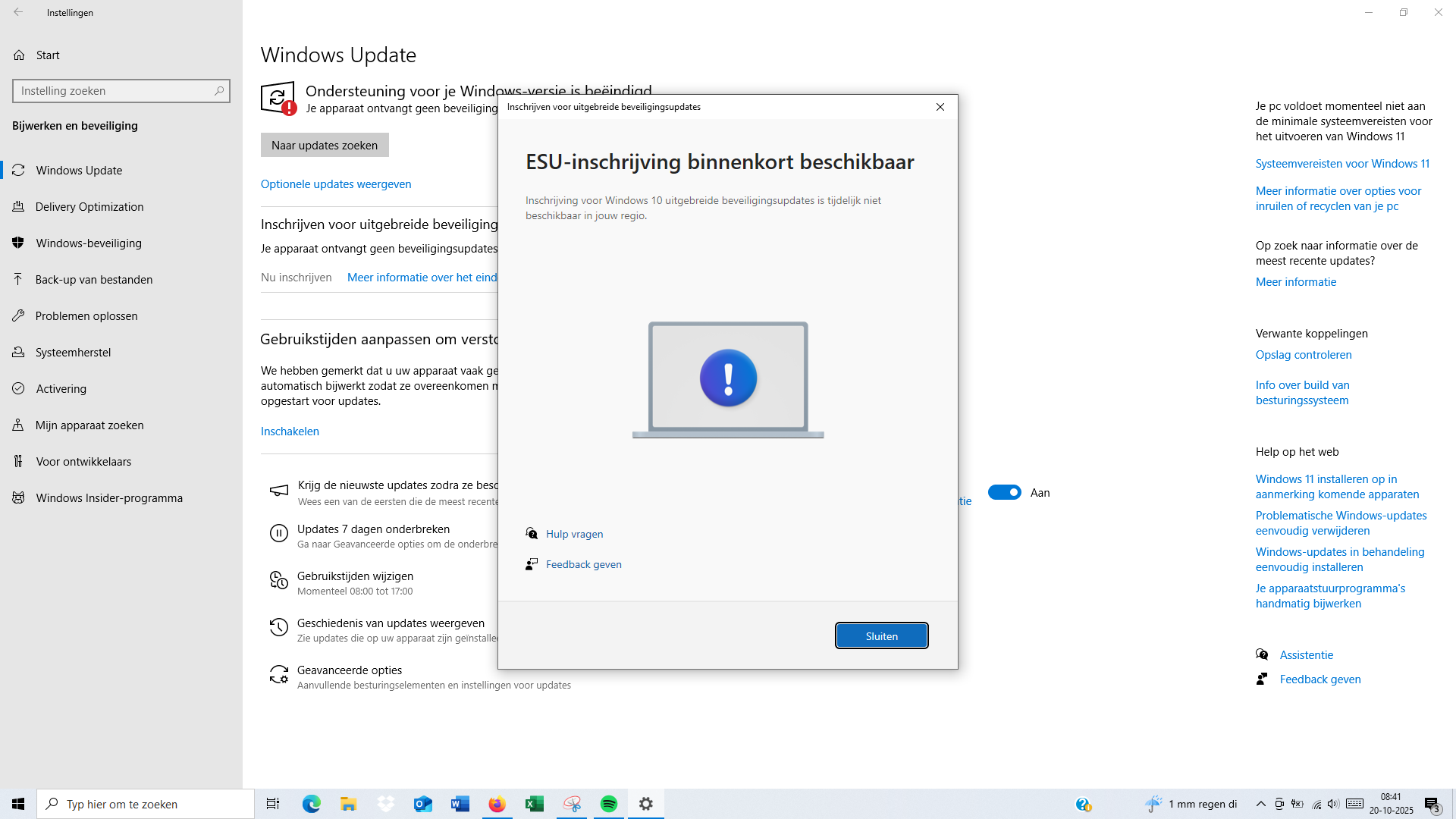
On October 20, 2025, a Dutch user reached out to me with a screenshot in their language that shows Windows 10 ESU is not available.
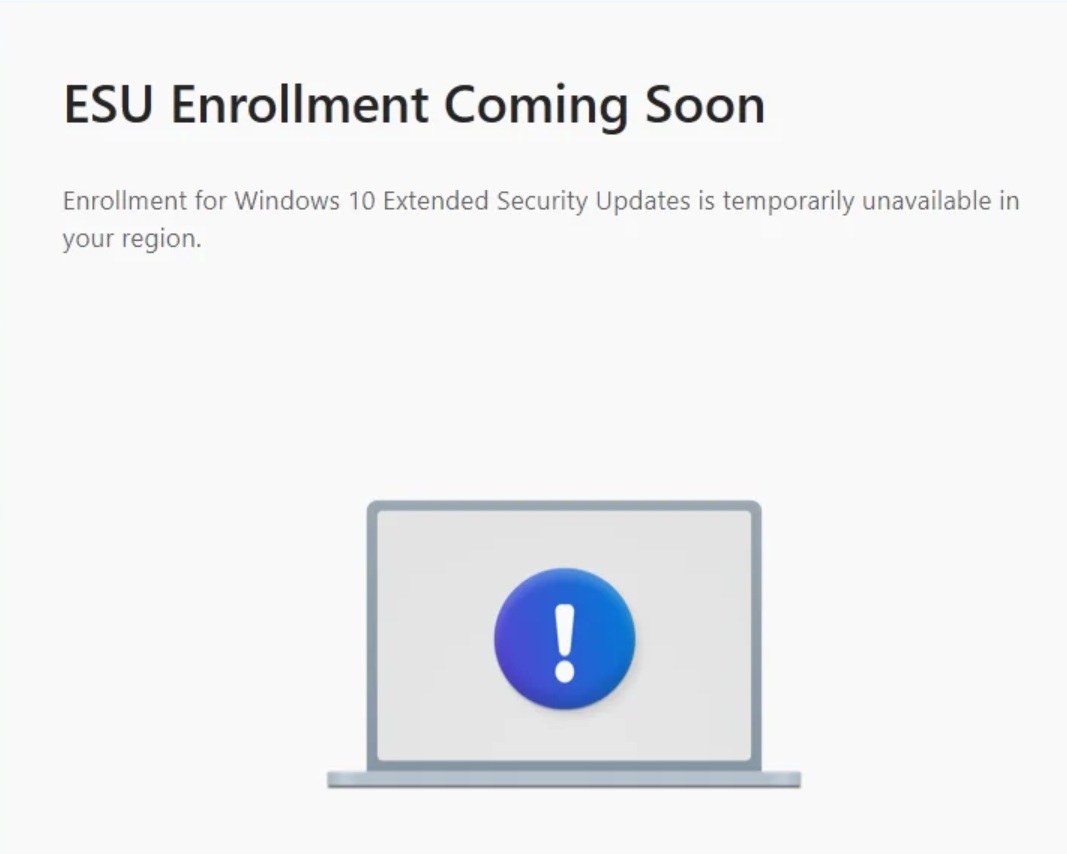
In the above case, Windows Update clearly warns that Windows 10 is out of support, and it won’t get updates, and urges you to sign up for Extended Security Updates (ESU) or check for Windows 11 requirements.
But when you click on the “Enroll now” button, some of you will see an alert that says “ESU Enrollment coming soon.” “Enrollment for Windows 10 Extended Security Updates is temporarily unavailable in your region,” Microsoft explains in the alert, but at the same time, it won’t tell you when you will be able to sign up.
Microsoft says ESU is a staged rollout
When I asked Microsoft for more details, it previously told me that ESU can take time to show up on all PCs, due to local market factors, especially if you are based in Europe.
“The enrollment experience for the Windows 10 Extended Security Updates (ESU) program may vary by region based on local market factors,” Microsoft told Windows Latest in a statement recently.
“ESU enrollment will begin rolling out to Windows 10 customers in the EEA in early October, with coverage available beginning October 15, 2025. The latest Windows update is required to enroll in ESU,” Microsoft explained.
Microsoft also told me that it’s been making changes to options offered in the EU and that might delay things for some people. If you are not seeing the ESU option and Windows Update shows an error that it’s unavailable, you’re not alone. This appears to be an issue affecting some people in certain regions.
However, it doesn’t make sense if you ask me. Microsoft told us clearly that the ESU option would appear for everyone in early October. Now, it’s November and we’re still not seeing ESU as an option on PCs in certain EU regions, such as the Netherlands.
For those based out of the United States, ESU appeared in September, and even August if you had installed the optional monthly.
Windows 10 ESU shows “Something went wrong.”
There’s a second issue with Windows 10 Extended Security Updates that I’ve come across from our testers, and this can affect everyone, including those in the US. If you are affected, you will be able to open the ESU setup, but it will fail abruptly with an error “Something went wrong.”
“We can’t enroll you in Extended Security Updates right now. Close this window and try again,” the warning reads.
The problem with errors like “Something went wrong” is that they don’t really explain what’s blocking ESU on a perfectly Windows 10 PC. In fact, Microsoft is still offering a Windows 11 upgrade on the above PC.
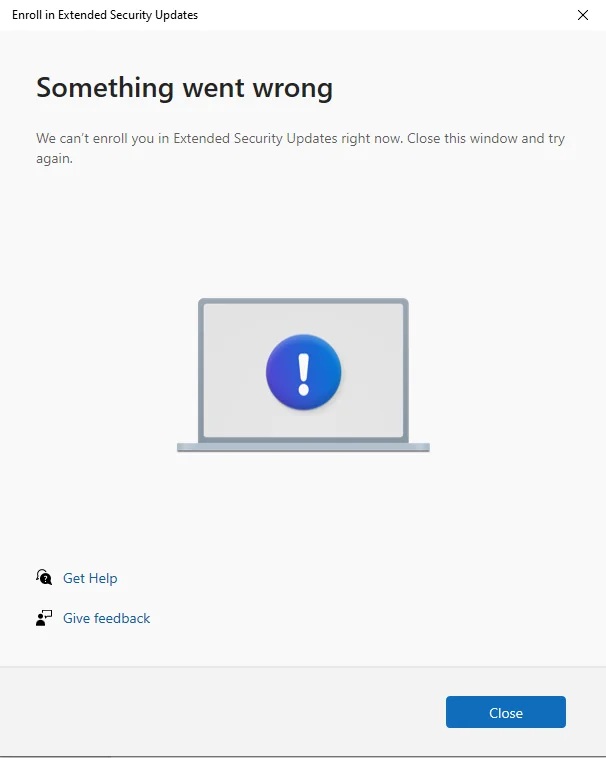
But I’ve a theory that might explain what’s happening, and I’ve been able to patch it on one of our testers’ machines. In our tests, Windows Latest observed that “Something went wrong” ESU screen appears when Windows determines your PC isn’t eligible for the consumer Extended Security Updates.
This can happen due to two reasons. First, if Windows detects that you’re based in an unsupported region, which appears to be Russia. This is not the case here. Second, if Windows incorrectly determines your PC as part of an organisation. In that case, you need to pay for Extended Security Updates for business, and the consumer option is not for you.
However, there are race conditions where even a consumer PC can get recognised as a work PC.
For example, if you connected a work account or tried connecting in the past, but there are leftovers from an old work or school connection. This could incorrectly identify a regular PC as an enterprise PC by the ESU program.
If that happened in your case, try fully disconnecting any work or school account and deleting related folders in File Explorer.
If nothing works, you should just download the Windows 10 Media Creation Tool or an ISO file and perform an in-place upgrade to Windows 10. This will 100% fix issues with Windows 10 ESU and allow you to sign up.