





Microsoft has confirmed it’ll let you move the taskbar in Windows 11, after more than 5 years of removing the feature.
While Windows 11 has become quite stable with the last couple of updates, its reputation is at an all-time low. But, Windows Latest understands that Microsoft is seriously and sincerely focusing on making Windows 11 a better operating system, and it will focus on addressing the ‘pain points’ over adding new AI features.
One of the biggest Windows 11 complaints is that you cannot move the taskbar. All modern/recent Windows releases have allowed you to move the taskbar, but that changed with Windows 11 in 2021 when Microsoft dropped the feature as part of its efforts to modernize the taskbar.
I’ve always preferred having my taskbar pinned to the top of the screen when I used Windows 10, Windows 8.1, or Windows 7. It’s largely because it helps me quickly switch back and forth between apps and browser tabs in Edge. This feature has been missing for more than five years, but now it’s coming back along with a new, smaller taskbar.
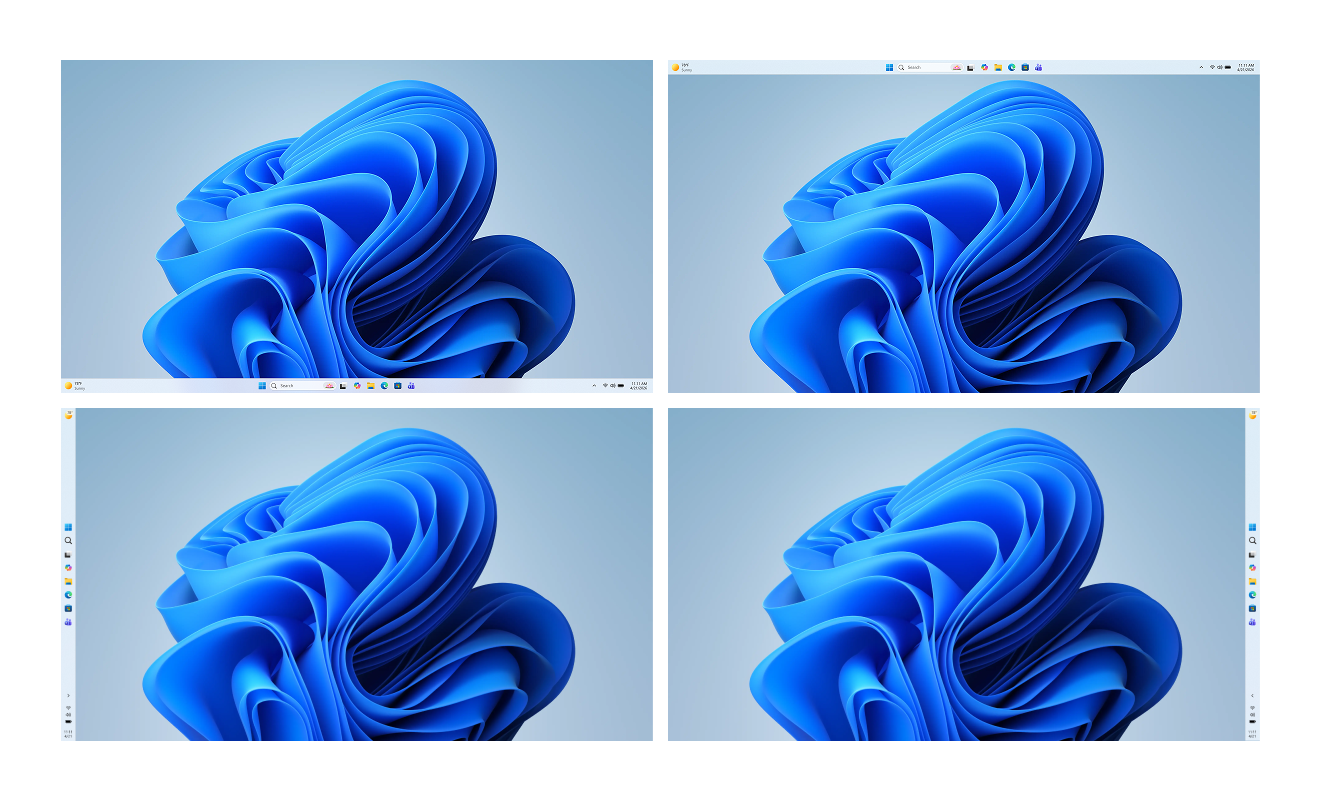
As you can see in the above screenshot, you can now move the taskbar to the top, left, and right sides. The screenshot is from an early build of Windows 11, and it’s not yet available for testers to play.
“Repositioning the taskbar is one of the top asks we’ve heard from you,” Microsoft said in a statement. “We are introducing the ability to reposition it to the top or sides of your screen, making it easier to personalize your workspace.”
By default, the taskbar will be pinned to the bottom, but if you go to Settings > Personalization > taskbar, you’ll be able to customize where the taskbar is located.
I am not sure if you can hold and drag the taskbar to the other sides instead of manually changing the toggle in the Settings, but I’ve asked Microsoft for more details.
However, we are getting buttons on the taskbar that allow us to move it. Right-clicking the taskbar will soon show Left, Top, Right, and Bottom buttons just below the Taskbar settings option.
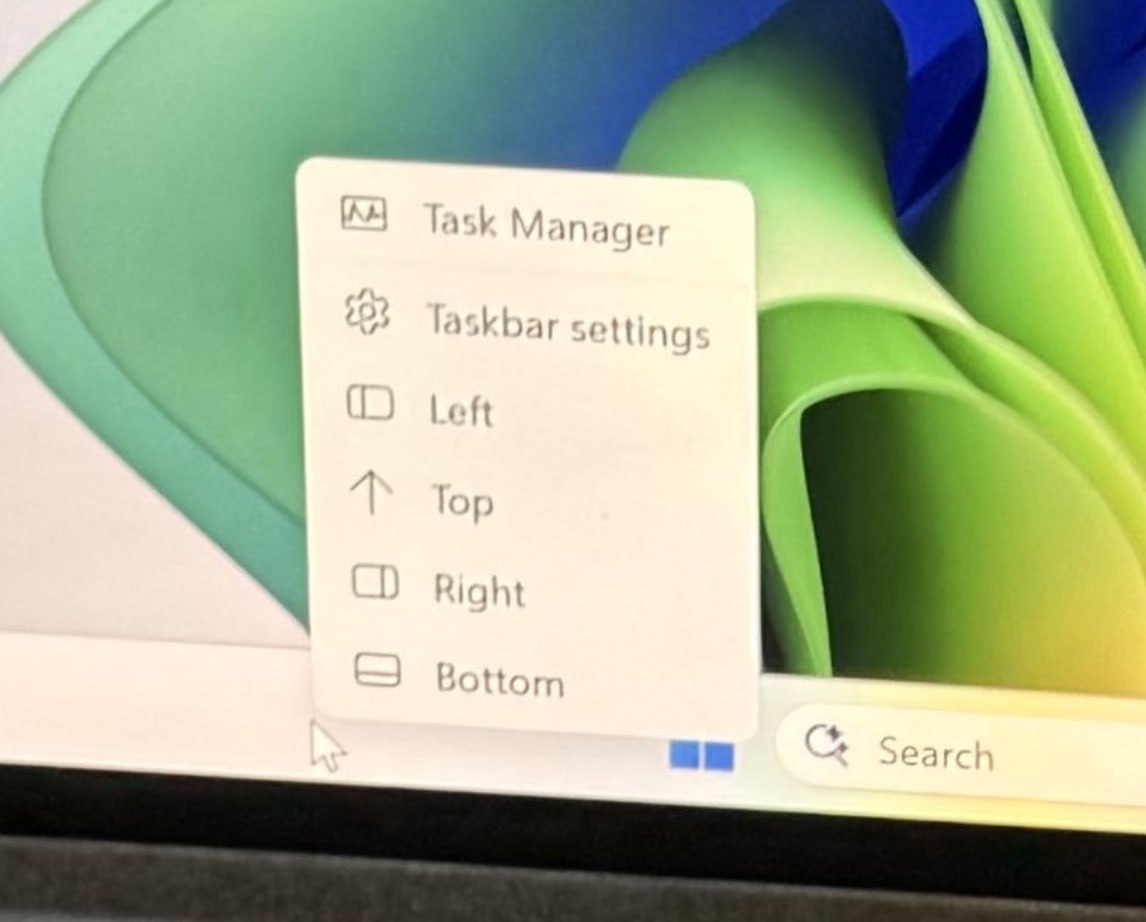
This makes it easier to switch between Taskbar positions without having to open the Taskbar settings. Of course, dragging the Taskbar to the desired position would be ideal, but this is good enough and a very welcome change.
Resizable taskbar coming to Windows 11 in 2026
About a month ago, we reported that Windows 11 may finally let you move and resize the taskbar. Now, in addition to the former getting official confirmation from Microsoft, we understand that you’ll also be able to adjust the size of the taskbar, either make it smaller or larger.
Right now, Windows 11 has a toggle that allows you to show smaller taskbar buttons, but the catch is that it only shrinks the button. You can choose to make the taskbar buttons smaller when the taskbar is full or all the time, and an option to keep the taskbar icons huge.
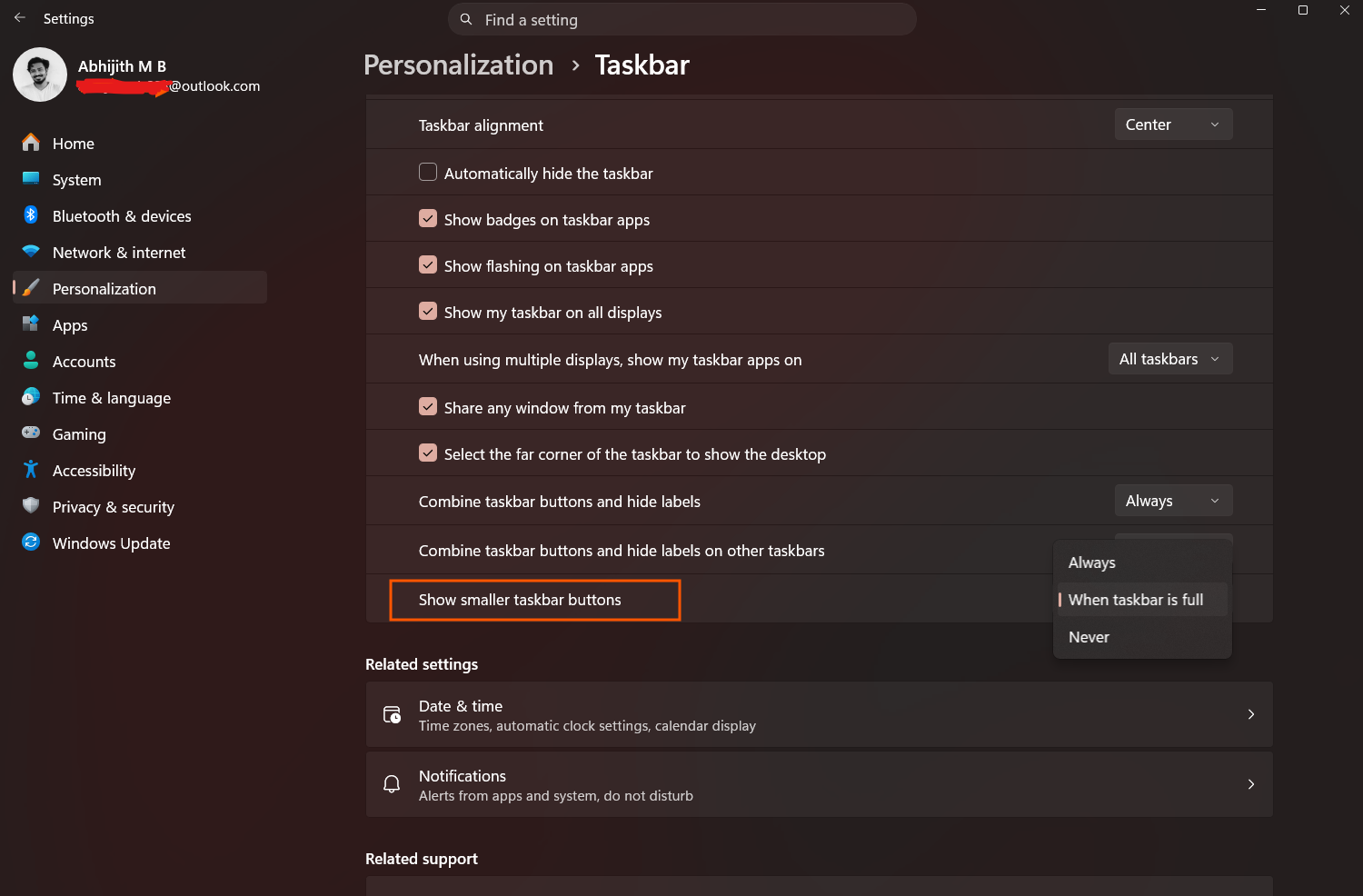
The smaller taskbar buttons option was added in 2025, but it’s not the perfect replacement of Windows 10’s smaller taskbar, where you could change the size of the taskbar itself, not just the apps/icons. The two are different things, and Microsoft is now adding the option to make the taskbar smaller.
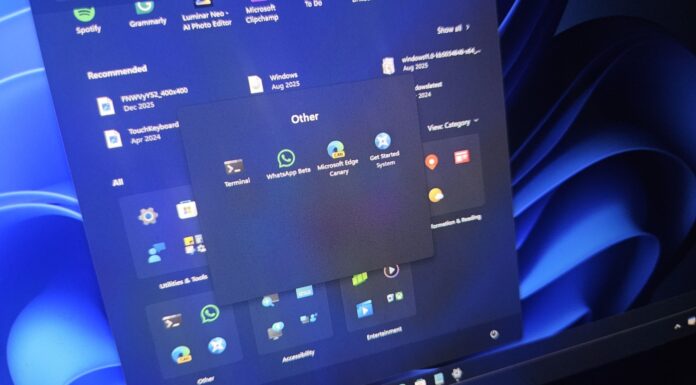
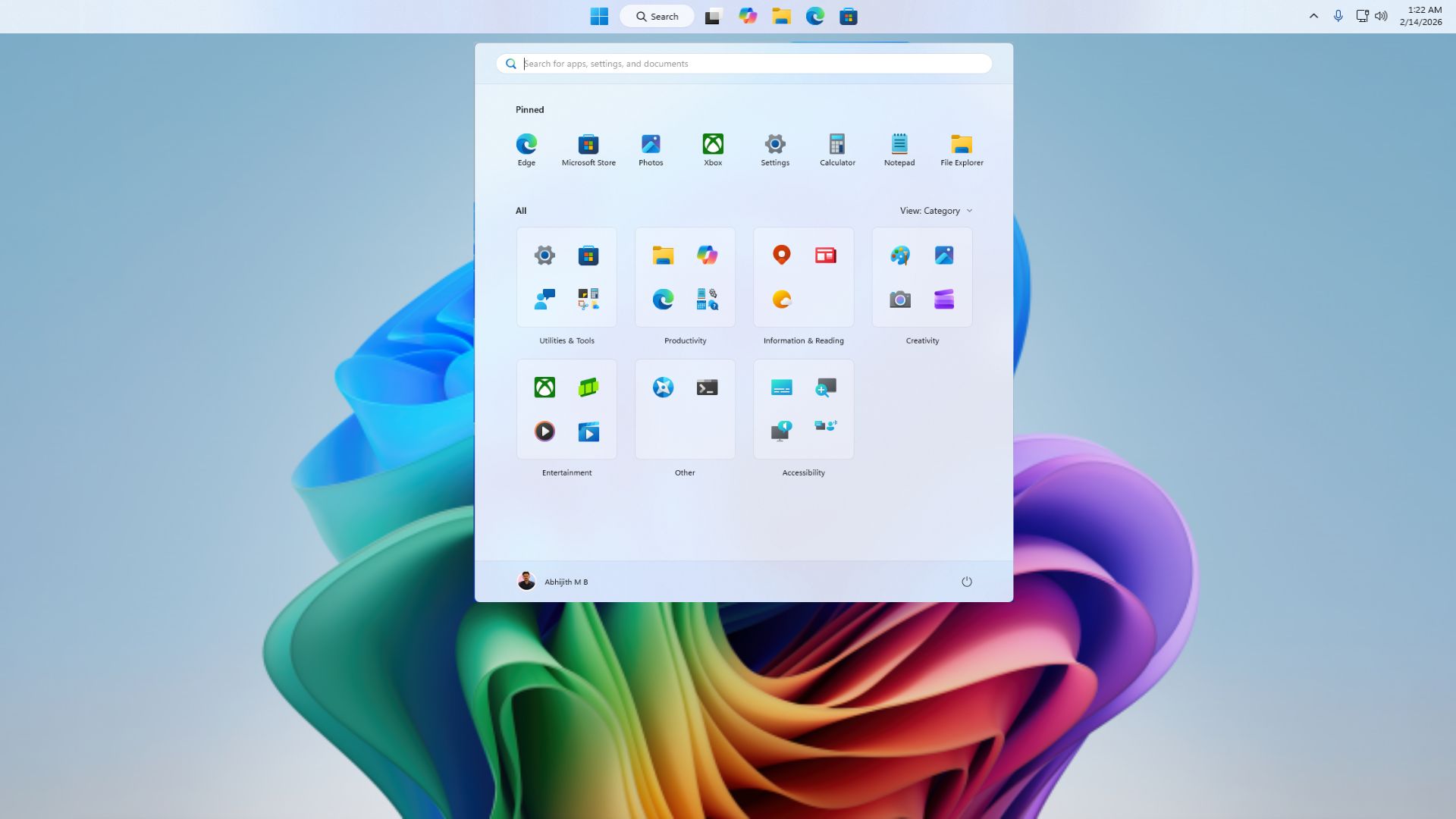
Microsoft has also confirmed that it’ll make the Recommended feed in the Start menu more useful by better surfacing apps and content you care about.
For a feature that should’ve never been removed in the first place, the ability to resize and reposition the taskbar are both big win for Windows 11 users.
And this isn’t happening in isolation. Microsoft has already outlined a comprehensive 2026 roadmap for Windows 11 with a focus on performance improvements, lower memory usage, better reliability, and a cleaner overall experience.
If everything rolls out as promised, 2026 could be the year Windows 11 finally starts to feel complete.