





Windows 11 KB5079473 March 2026 Update quietly shipped with a performance boost that could make the ‘search’ bar in File Explorer less frustrating, at least on some PCs.
Microsoft has made searching in File Explorer more reliable, which means some of you should be able to find files faster when searching multiple drives or simply ‘This PC.’
This is one of those improvements that is real, but some of you might ignore it as a “meh” change because it’s not easily measurable. You can’t just benchmark a reliability fix, as it’s something you can experience when you’re casually using the Windows File Explorer search bar without the intention to prove it’s broken or better.
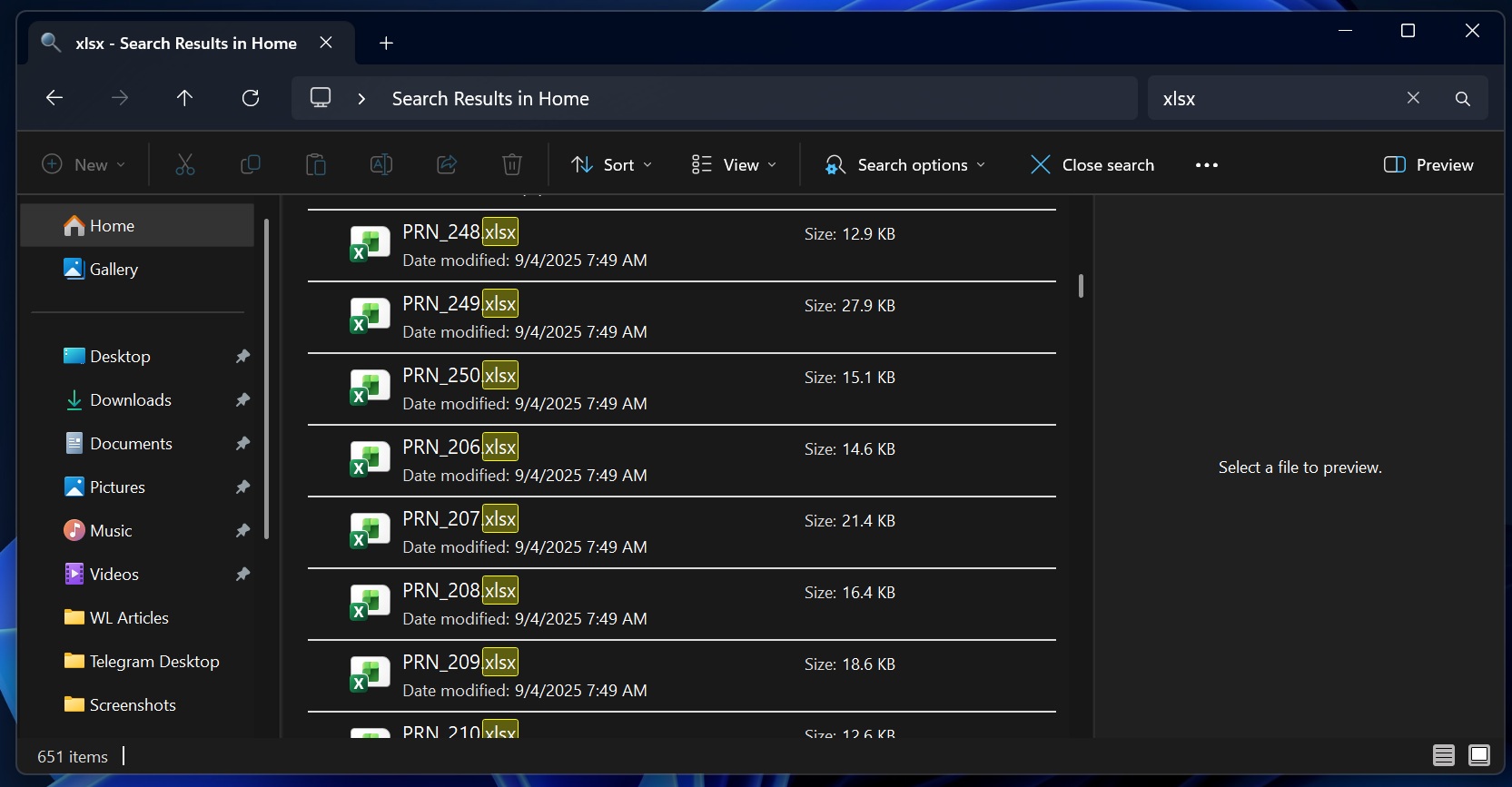
Windows Latest understands that File Explorer search depends too much on indexing, folder structure, drive setup, and file history, so you can’t really produce a neat before-and-after benchmark. For most people, it will likely show up as a search feeling less confusing and unreliable.
Most people won’t notice the change because it’s buried in the release notes, and it was recently spotted by Windows Latest.
“This update improves File Explorer search reliability when searching across multiple drives or ‘This PC,'” Microsoft noted in the release notes.
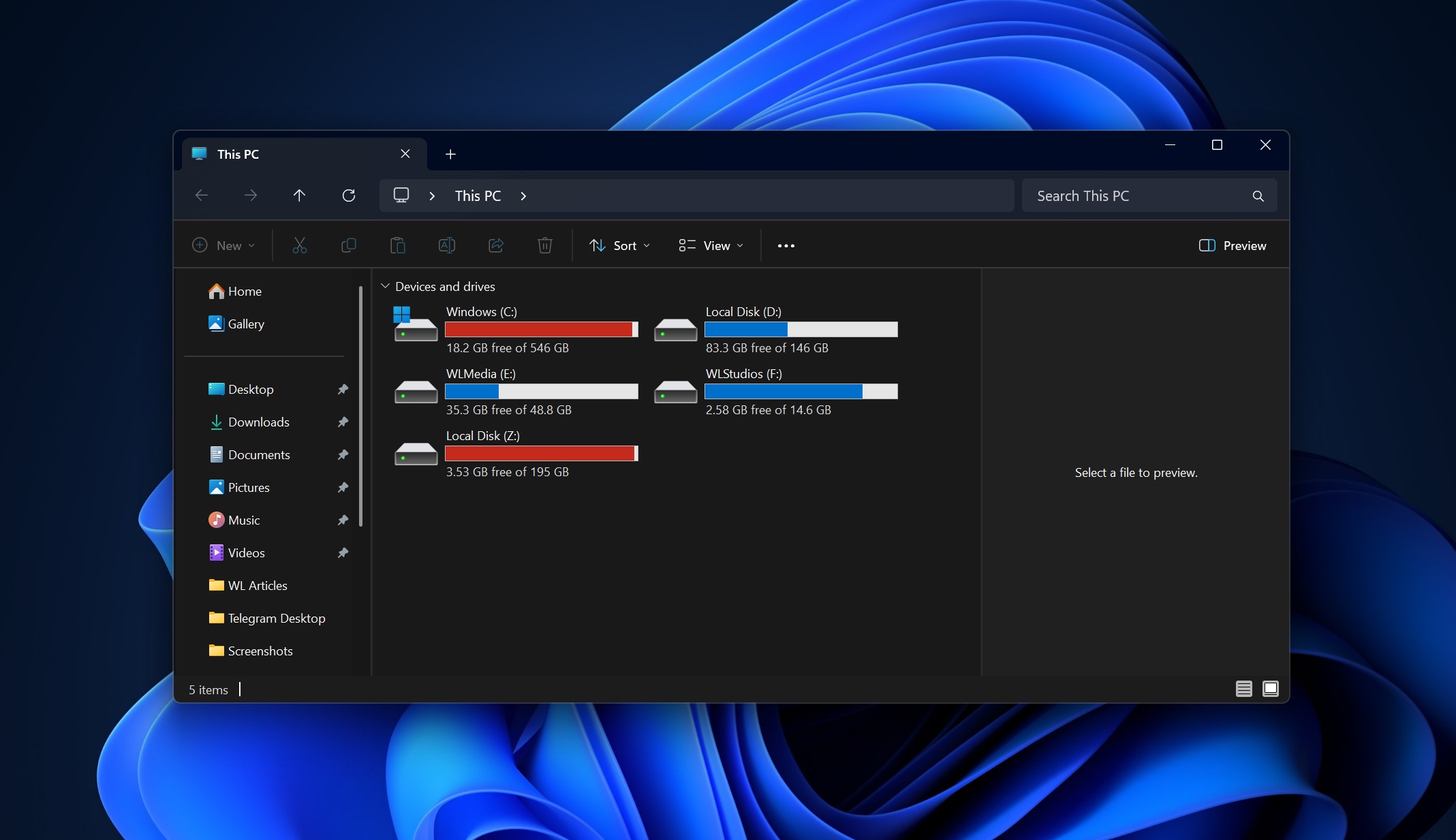
Now, the fact that it also applies to ‘This PC’ makes it even more interesting. For those unaware, searching This PC is far more complex because you are not searching inside certain folders or even a single drive. When you search in ‘This PC,’ Windows searches multiple drives, including all folders inside the drives available on the PC.
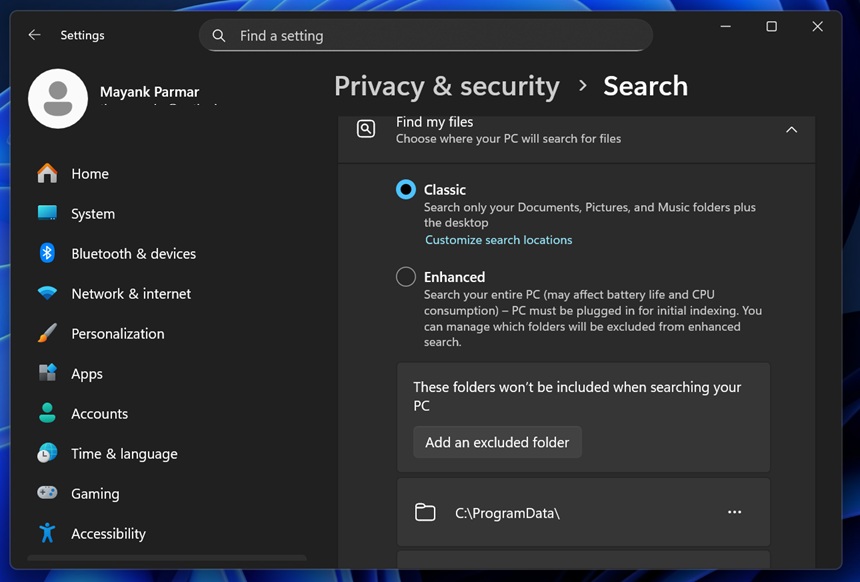
In our tests, Windows Latest has observed that File Explorer usually takes several minutes to surface files older than a few weeks or those less frequently opened when you use the search bar in ‘This PC.’ In fact, sometimes it gets stuck on searching, which is super annoying, but Microsoft isn’t making any bold promises here.
It just says the reliability is better, and I’ve been testing it for the past two days. I’ve personally found that File Explorer no longer goofs up with results when the query is literally the same. However, File Explorer search still feels slower most of the time, especially when you try to find complex files.
Windows 11 KB5079473 makes Storage scanning and printing faster
And it’s not just File Explorer. Windows Latest found that Windows 11 KB5079473 also made the Storage Settings’ temporary files checkup faster when it scans your drives, but it still fails to detect Windows Update files after Microsoft turned on the administrator pop-up for Storage settings.
Last but not least, it looks like Windows printing service won’t slow down your PC when you’re using the service to print your files.
So far, Windows 11 KB5079473 does feel like a great update, and I’ll share more details in the coming days as I continue to test the update. But what about you? How is the March 2026 Update treating you? Let me know in the comments below.