





If you were a program manager at Chrome, what would you do: (a) debloat the browser, remove AI, and make it faster, or (b) nag users to let it auto-start when you sign in to Windows so you can browse “instantly.” For Google, the correct answer is the second option. Google has started testing the “auto launch” feature in Chrome on Windows, but it’s optional.
As spotted by browser expert Leo on X, Chrome Canary quietly added a new toggle that allows Chrome to start when you sign in to Windows 11. This toggle is for a foreground launch, so when you turn it on, Chrome will actually open a visible browser window immediately after you enter your PIN or provide biometrics to log in.
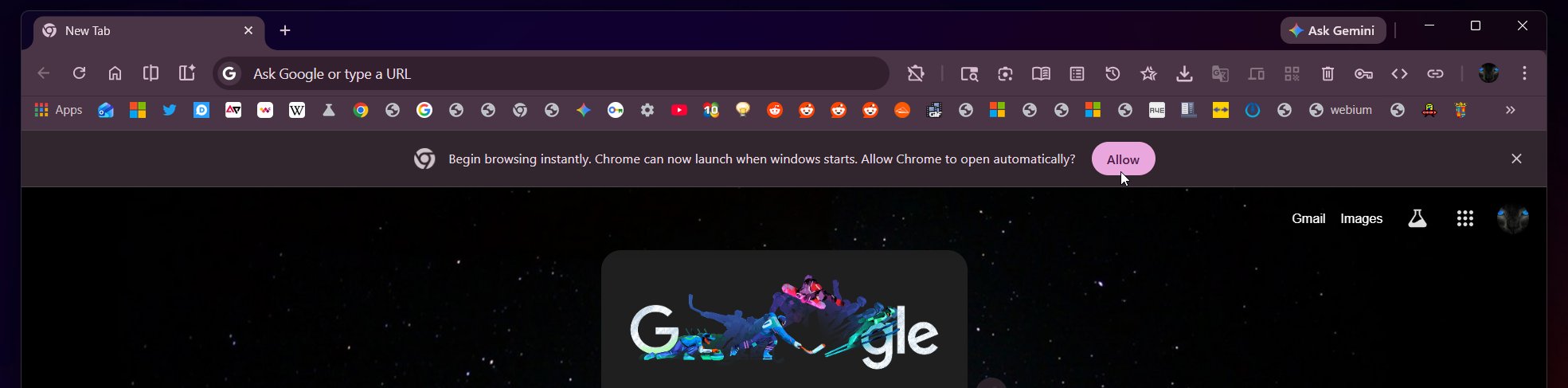
Google won’t make this the default behaviour in Chrome on Windows 11, but soon it will begin nagging you to configure Chrome to auto-start. For example, Canary builds already include a nag “Begin browsing instantly. Chrome can now launch when Windows starts. Allow Chrome to open automatically.”
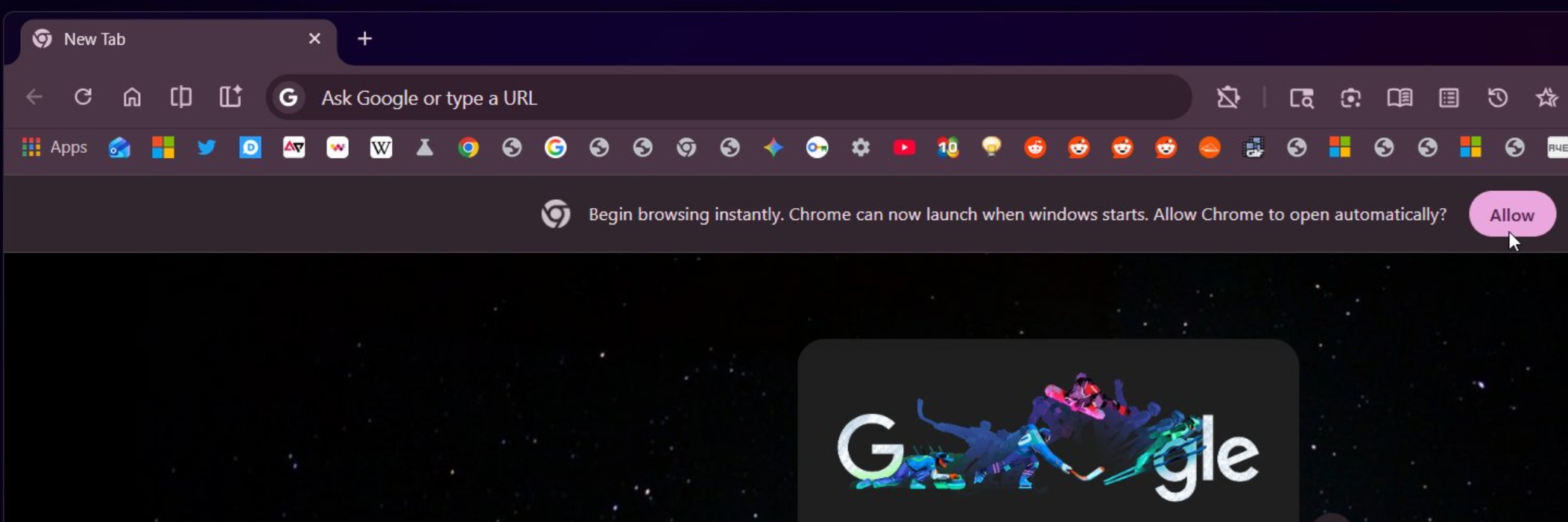
When you click “Allow,” Chrome automatically gets configured to launch on startup.
Chrome will then open a browser window right after Windows sign-in, so you can begin browsing immediately without manually launching the app. While this can make Chrome feel faster (because it’s already up and running), it also means Chrome will start using a small amount of system resources as soon as you log in.
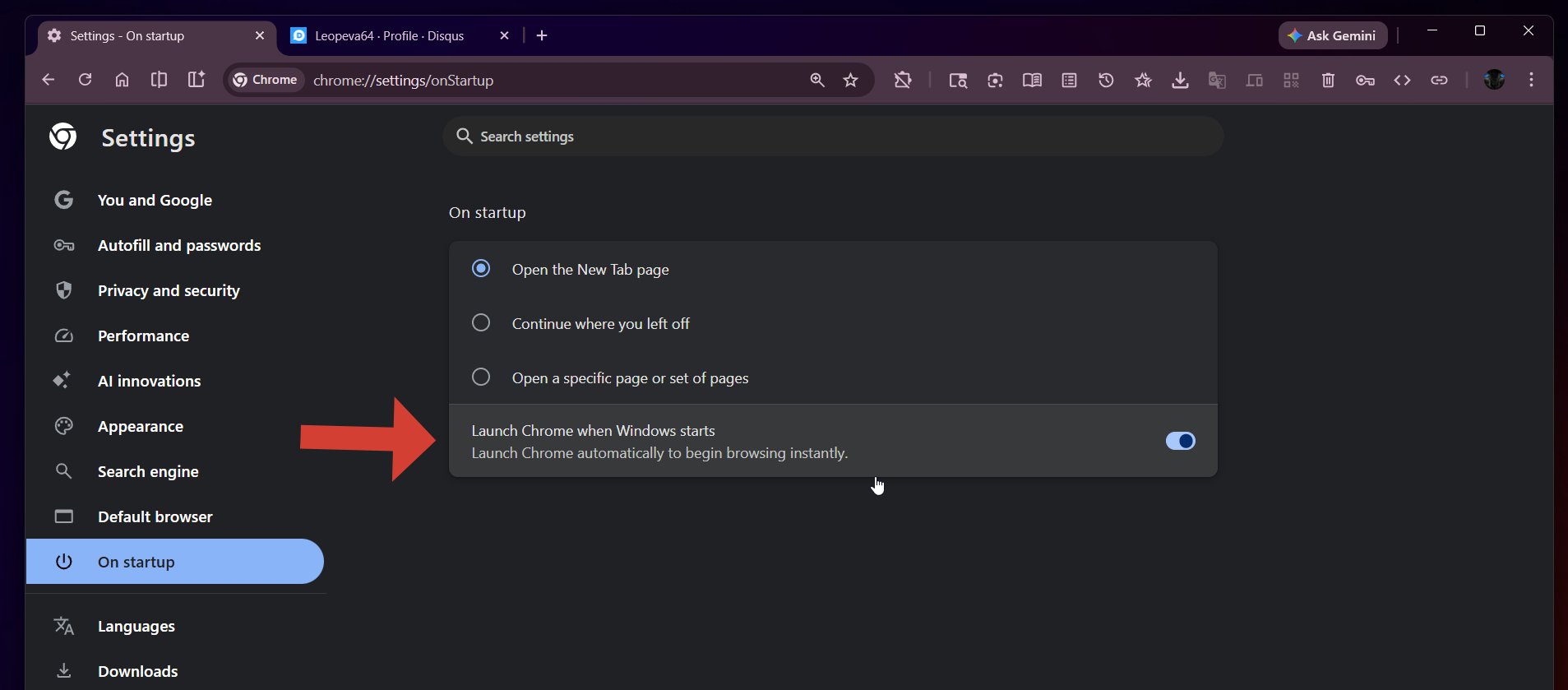
You don’t have to use this feature, and if you turn it on accidentally, you’ll be able to disable it from Chrome Settings > On startup.
Microsoft is fixing the ZIP drag-and-drop freezing bug in Chrome
In other news, Windows Latest spotted that Chrome will finally stop freezing when you drag a large file out of a ZIP in Windows 11. In a Chromium post, Microsoft confirmed that it’s testing a bug fix that allows Chrome to support ‘drag-and-drop’ of large files from a ZIP (not extracted).
Until now, a bug in Chrome freezes the browser when you drag a big file out of a ZIP or other “virtual” sources like Outlook attachments. This happens because the browser tries to read the file’s data synchronously on the UI thread. Microsoft’s change makes that work asynchronous and chunked, so the browser stays responsive while the data is being copied.
“When dragging virtual files from sources like Windows zip, the current implementation blocks the UI thread during file extraction. This change adds two improvements guarded by feature flags,” wrote Sambamurthy Bandar, who works at Microsoft Edge.
Chromium ZIP file drag and drop fixes will benefit Chrome, Edge, Opera, Brave, and other browsers.
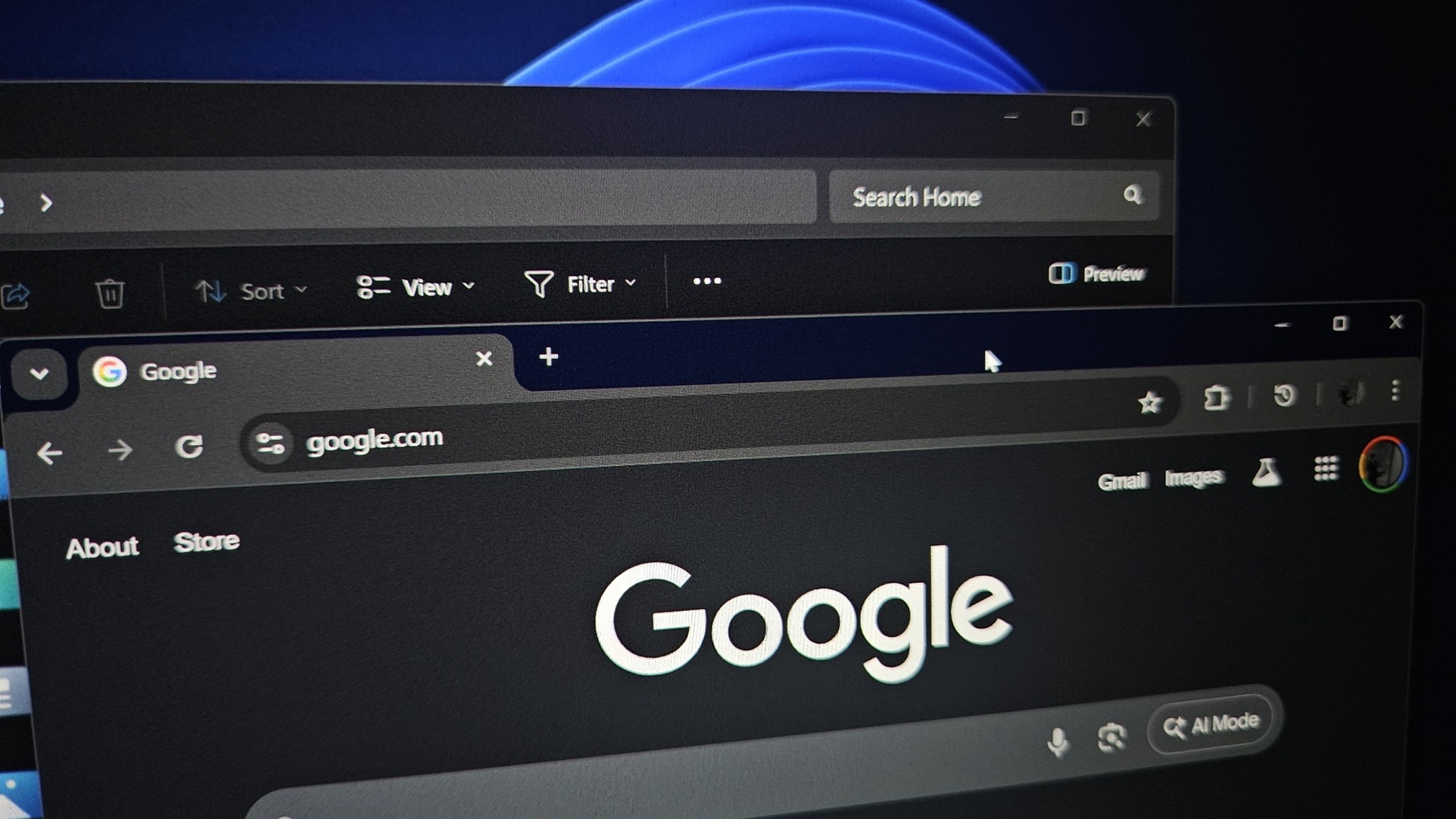
In addition, Google is testing Mica material for Chrome’s titlebar on Windows 11, but it’s unclear when the feature will roll out to consumers.