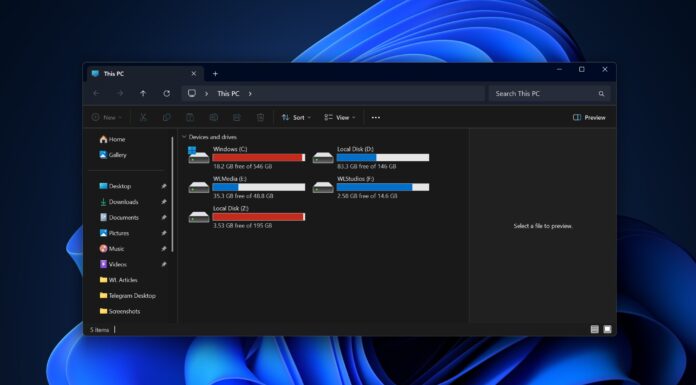






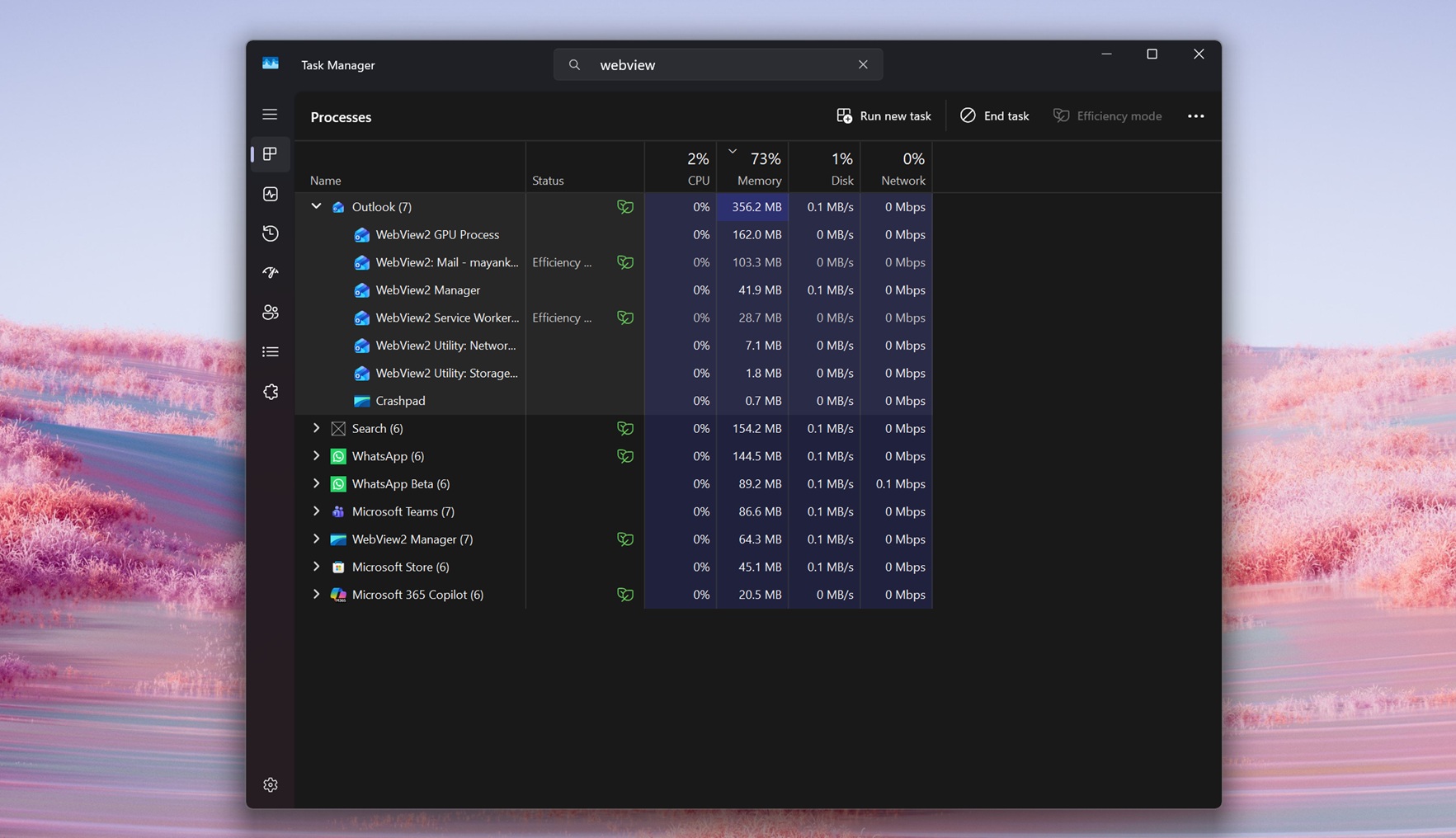
You might have noticed that we’ve been very vocal about web-enshittification of Windows 11, especially after we found that Notification Center’s new Agenda view is powered by WebView2. Turns out, we’re going to see more web-based UI in Windows 11, but Microsoft says it’ll make complex web apps faster, especially apps like Outlook.
“Based on our own experience, we know that complex applications require complex architectures that sometimes rely on multiple windows, iframes, or worker threads,” Microsoft noted in a support document.
Microsoft is not going to encourage developers or its own in-house teams to move away from web apps. Instead, Microsoft is testing a new API called “Delayed Message Timing,” which, according to a GitHub listing spotted by Windows Latest, is a diagnostics feature for web apps.
It’s not supposed to directly make web apps faster like magic because it’s a “diagnostic” tool, but Microsoft insists it’ll allow developers to measure where time is spent when a web app uses “postMessage().”
A web app uses postMessage() between contexts like a window, an iframe, or a web worker, and it reports those timings through the Performance APIs (as “delayed-message” entries). It also appears that Microsoft is using this new API to detect what causes performance issues in Outlook, and future releases might make the email client faster.
Is it specifically going to make WebVeiw2 apps faster on Windows 11?
The proposal is for all web apps, so that includes WebView2 apps on Windows 11, but it’ll help only in a specific way, and changes will be visible.
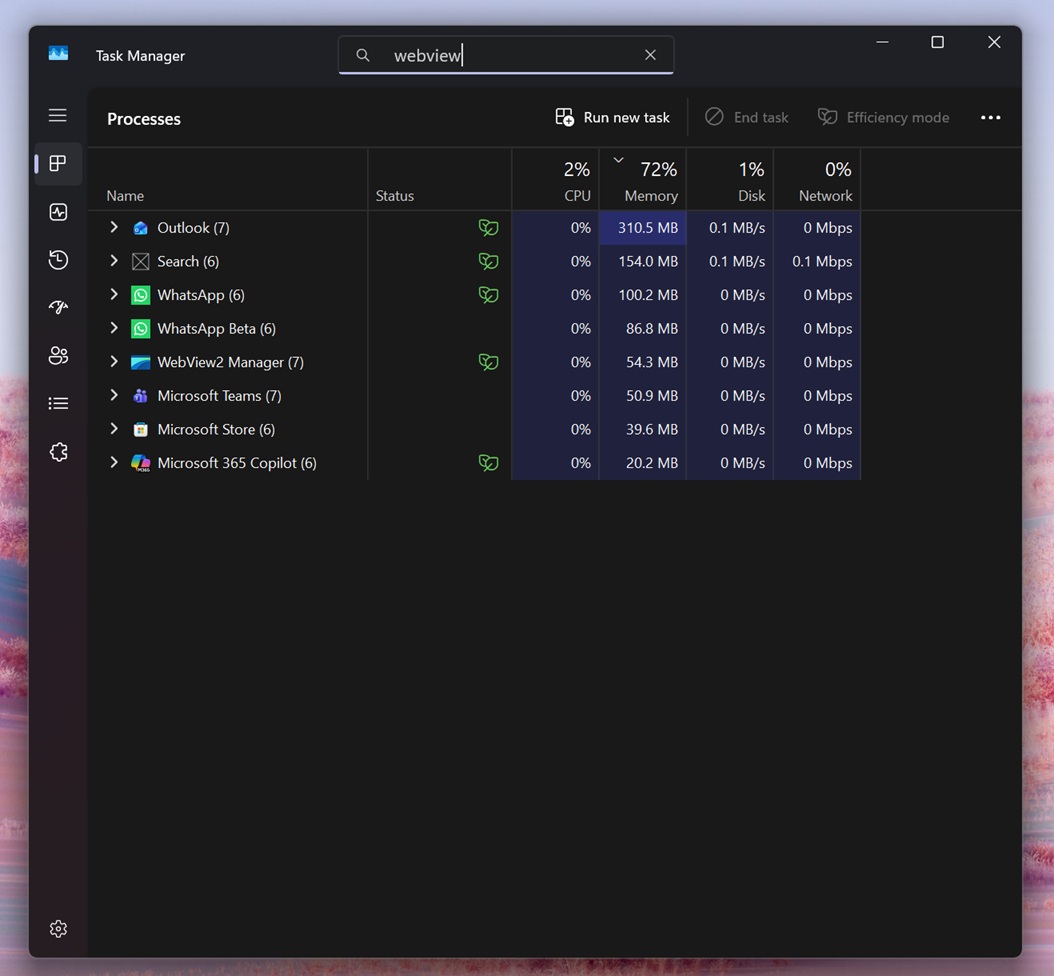
For those unaware, apps like Outlook and WhatsApp use WebView2 to embed web content, and the whole experience is powered by Microsoft Edge as the rendering engine, which is built on Chromium. Electron is also built on top of Chromium. That explains why everything feels slower on Windows 11 because most apps are linked to Google-funded Chromium.
“Delayed Message Timing” API helps WebView2-based apps that rely heavily on postMessage() inside their web layer to understand where the bottleneck is.
New Outlook for Windows 11 needs a serious performance upgrade
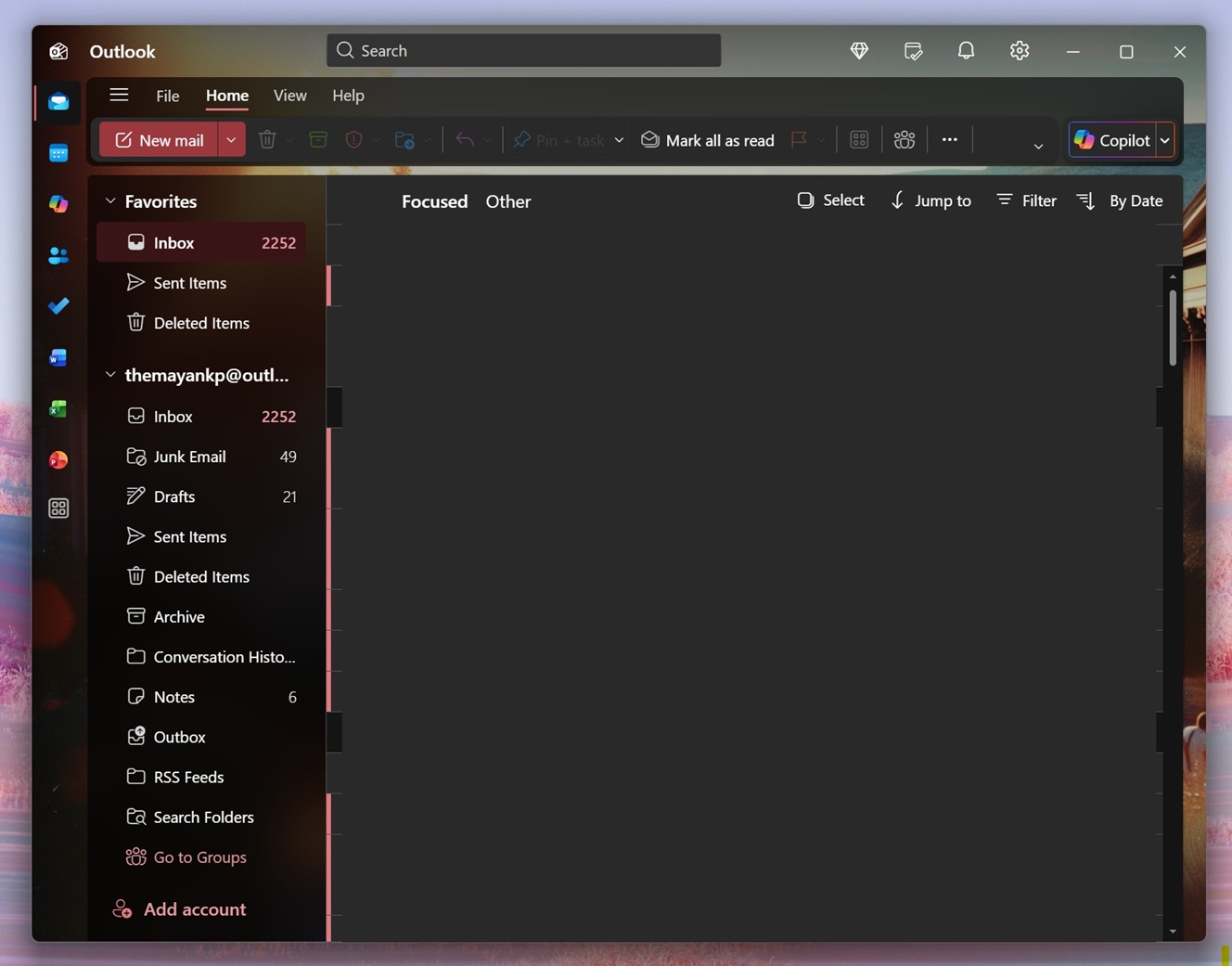
New Outlook is largely decent on Windows 11, but there are some rough edges. For example, when you click a Windows 11 notification, a new Outlook opens slowly, and a big part is the embedded web engine. All of that takes time, such as loading the first page, network or auth, rendering, etc.
If the UI appears but feels “stuck”, and the root cause is delayed postMessage() handling inside the web layer, this API would show that delay and point at the reason.