




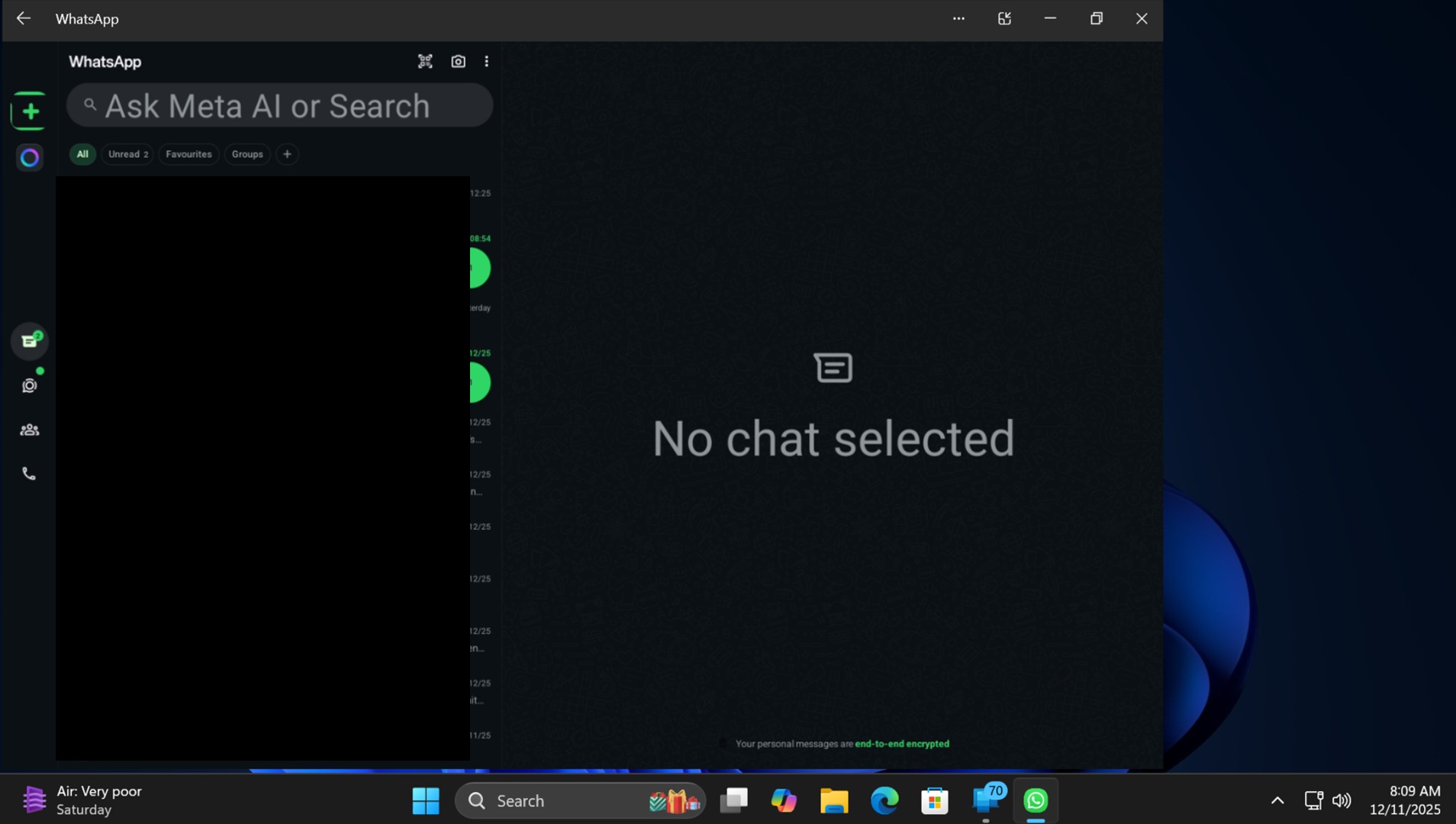
Phone Link is testing an expanded view option for the Apps section, allowing you to increase the view area while using Android apps on your Windows 11 PC. Phone Link has been toying with several ideas, and this is one of the improvements I’ve been waiting for a long time.
Microsoft’s Phone Link has always supported streaming or screen sharing Android apps to the desktop. This feature is called “Apps.” Microsoft Phone Link’s Apps feature is available only on select Samsung, HONOR, OPPO, ASUS, VIVO, and Xiaomi devices, and my Galaxy S1 FE is among those.
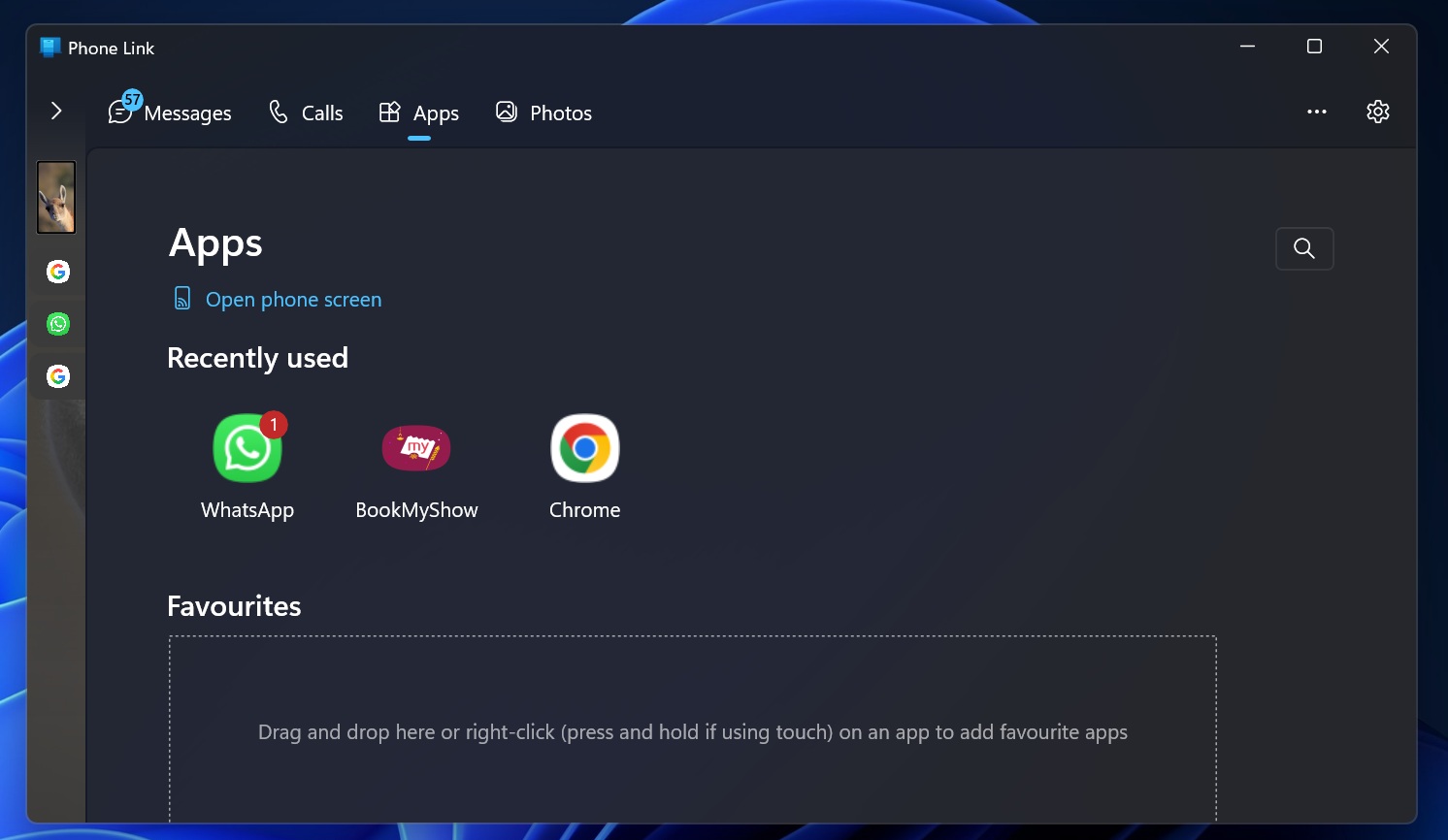
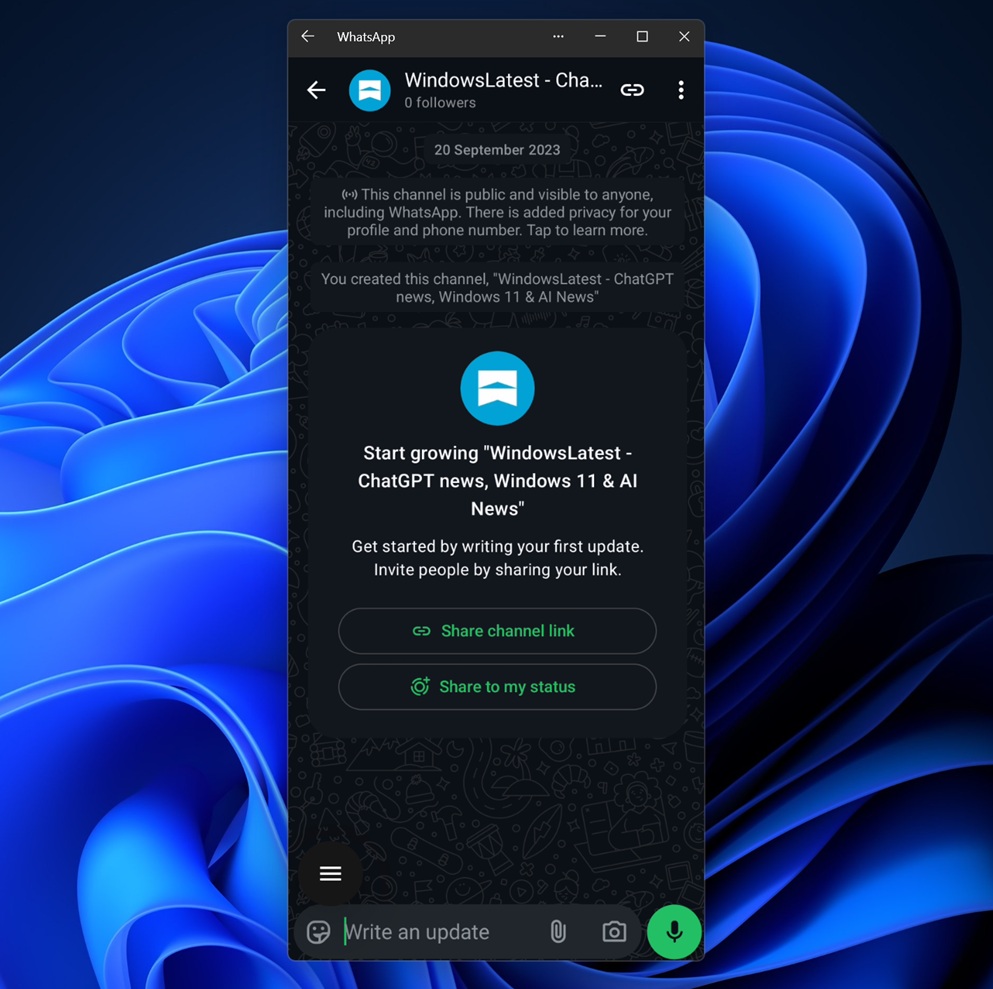
The biggest letdown while using the Phone Link’s App streaming feature is the inability to maximize the window. I have a 2K monitor, and whenever I open an app, it appears vertically with a very narrow width. The appearance looks like a phone screen, but it is difficult to use on a monitor.
For example, if you look at the screenshot below, I’ve opened WhatsApp in the older version of Phone Link, and it opens in a small window that mimics the mobile device resolution.
I previously used a workaround method to maximize the app screen. To do that, I would rotate the phone screen after opening the app and then use the “Open Phone screen” option.
But that only works for apps that support horizontal layout. Uber, for example, doesn’t support horizontal layout, and I cannot use it in that mode.
Microsoft is testing “Expanded” view for Android apps streaming, but it only works best with apps optimized for bigger screens
As I mentioned, you change your phone’s orientation to landscape/horizontal as a workaround, but is that really a good experience? Certainly not. Microsoft is testing a new “Expanded” view mode when you launch apps on your PC. It’s a small icon that appears before the minimize button and stretches the app window for better visibility.
I upgraded the app to version 1.25112.33.0, after which I could access the new mode, but don’t worry if you don’t see the toggle, as it’s still rolling out.
When I expanded the Uber app, the screen became wider than before. However, the app window covered two-thirds of the display and had a huge black bar on both sides. So, it does expand the app view to some extent, but it’ll only work when an app is optimized, so the overall gain in size isn’t what I expected.
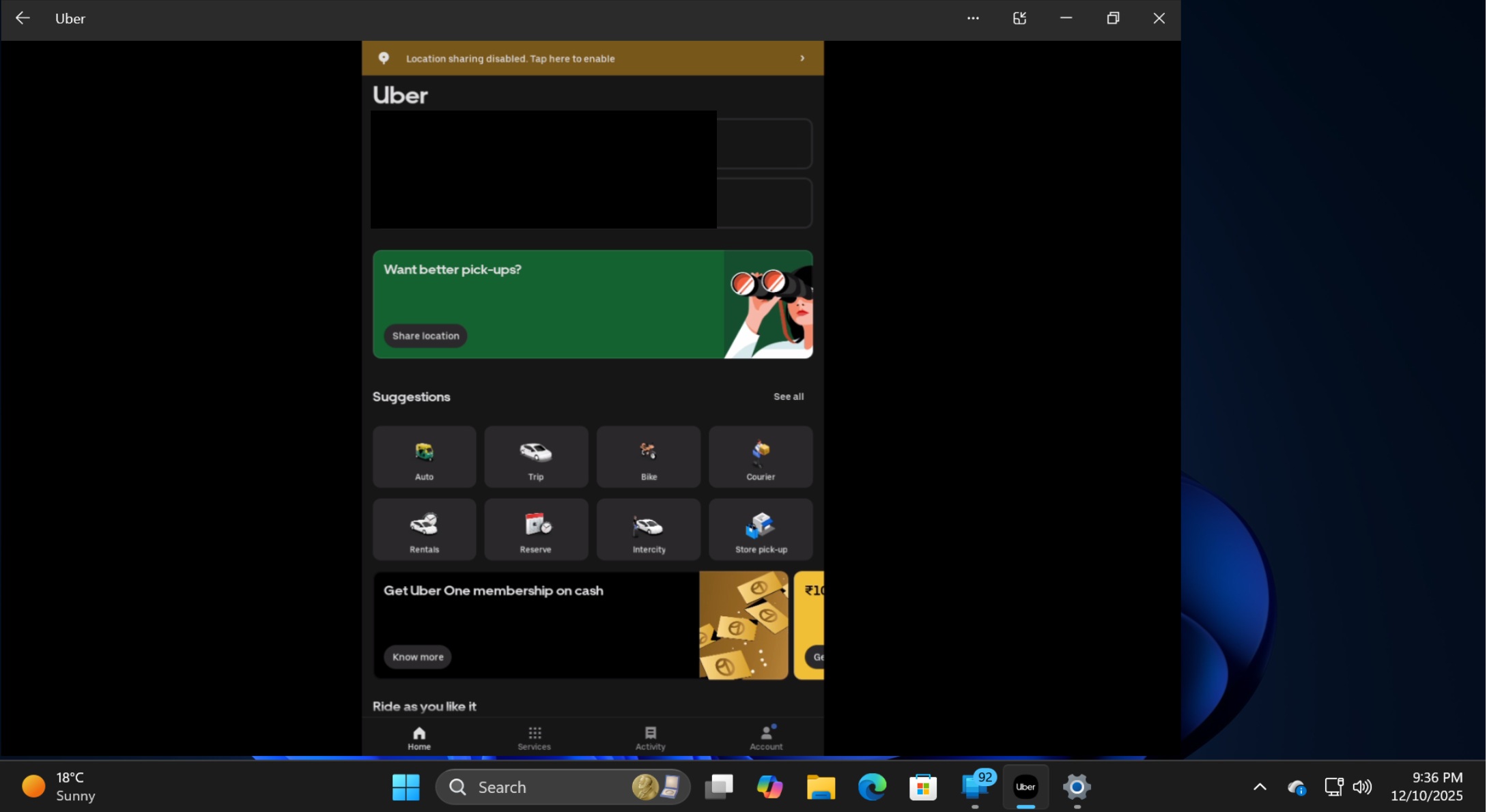
Expanded view needs refinement
Most phone apps are tailored to offer a vertical layout experience, and Uber is no exception. Still, some apps like VLC and Amazon can take complete advantage of the maximized view. When I opened VLC in the Phone Link app, it covered the window and didn’t show a thick black background like Uber.
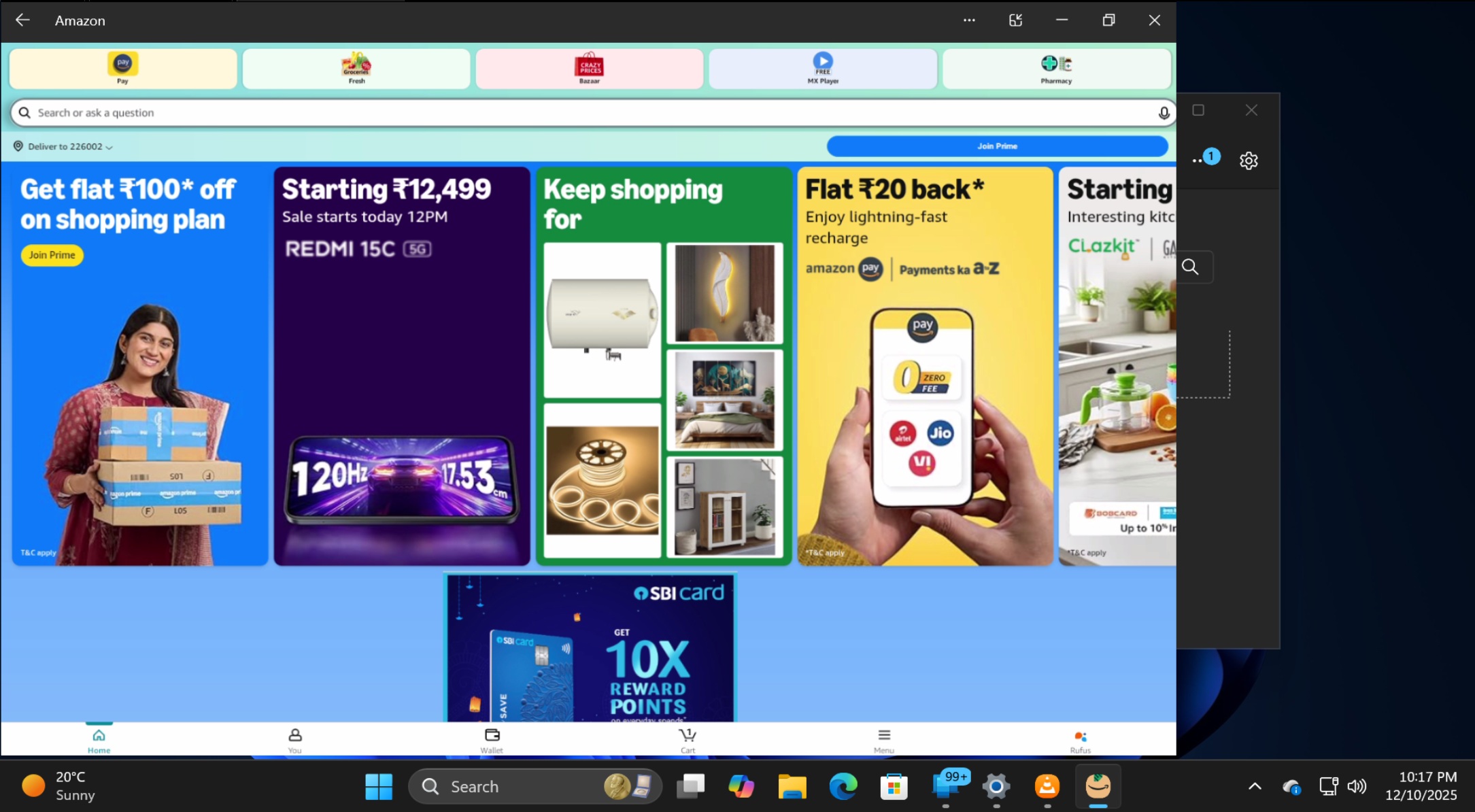
Likewise, WhatsApp on Android is optimized for tablets, so when you expand WhatsApp streaming on Windows 11, it makes use of your desktop screen space. But the catch is that the streaming isn’t exactly high-definition.
That means the streamed apps in Expanded video may look slightly hazy. This happens because the fonts do not increase in size when you switch to the expanded mode.
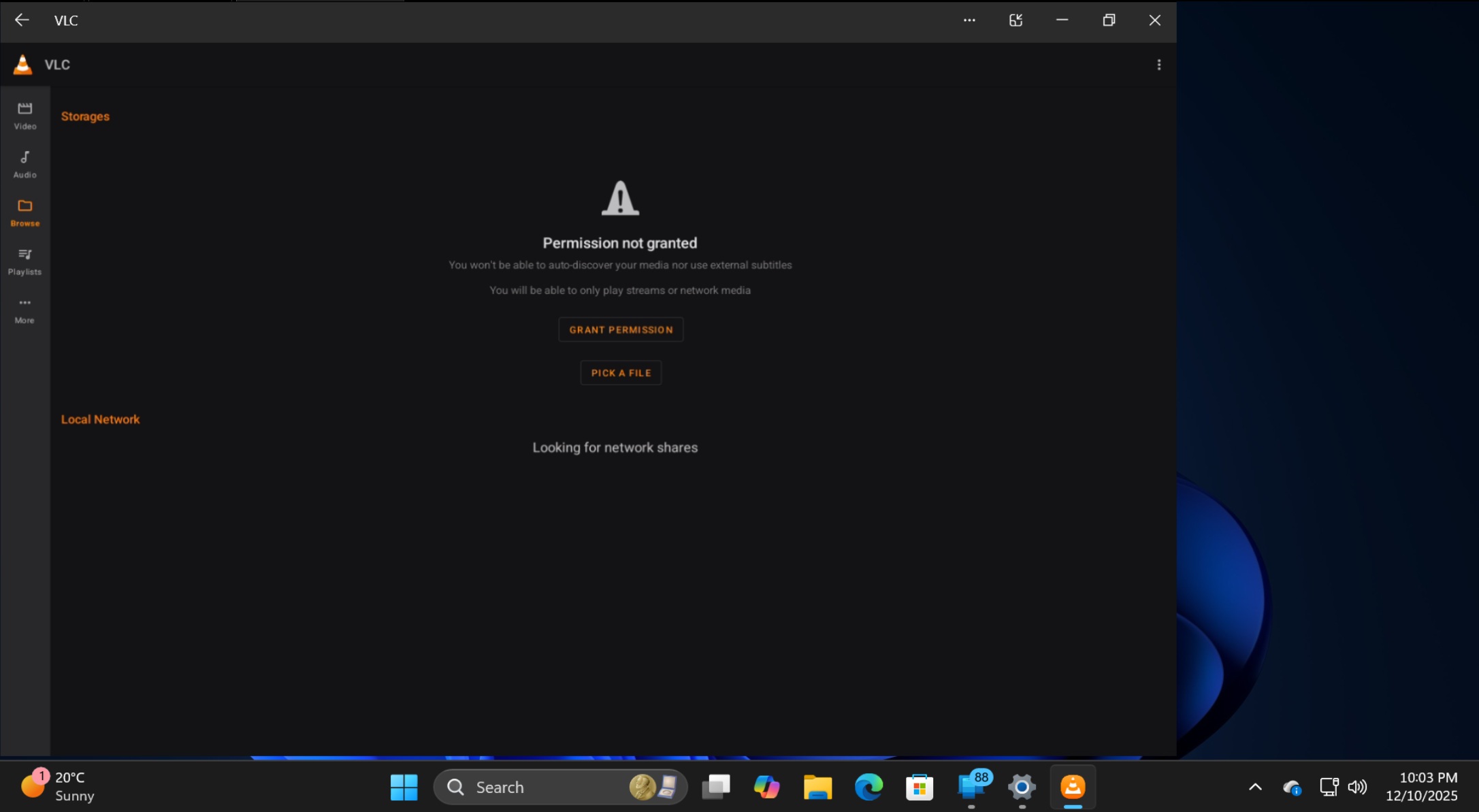
The expanded window also auto-aligns to the left side of the screen, which is very weird. You cannot maximize it to full screen.
If I compare it with the default app view, the screen and elements look sharper there. I expect the same from the expanded view mode, or it will be a pain to use for extended hours. There’s huge room for improvement if Microsoft wants to release the new Phone Link feature to the stable edition.
More recently, Microsoft updated the Phone Link app to include a new “Remove” device option, which has been missing for months.