




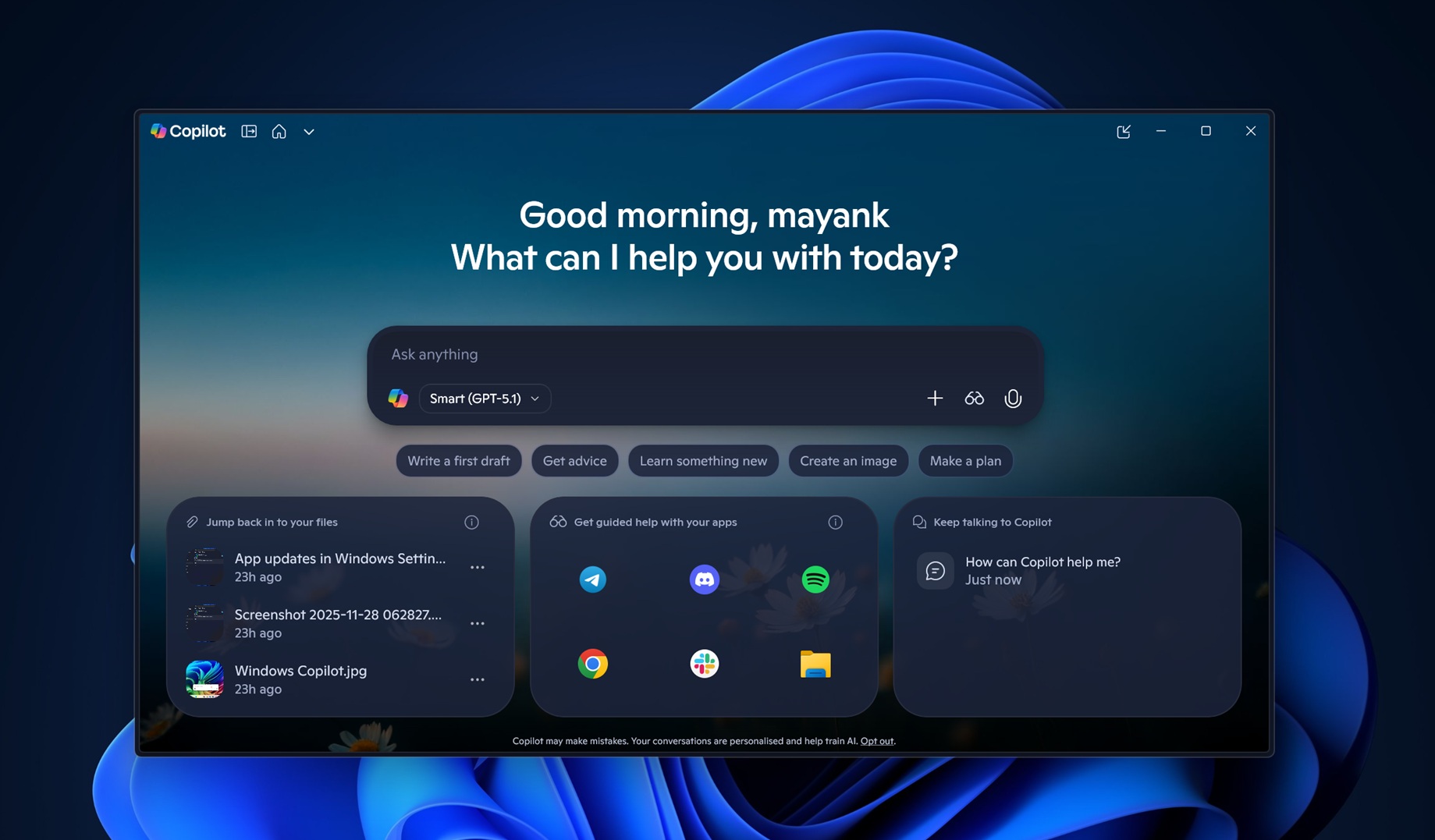
GPT 5.1 shipped on November 12, 2025, and it’s now rolling out to Copilot on Windows, including for those who use Microsoft’s AI without a paid subscription. That makes sense as GPT 5.1 is also free on ChatGPT, but Copilot gives you access to GPT 5.1’s Thinking models without a subscription.
Microsoft told me that GPT 5.1 is being rolled out on Copilot gradually, and it won’t show up right away. You don’t have to log out, create a new account or update the Copilot app on Windows or anywhere else to see the new GPT 5.1. It’s a server-side rollout, and I’m only seeing it in the Copilot app. I don’t have it on the web.
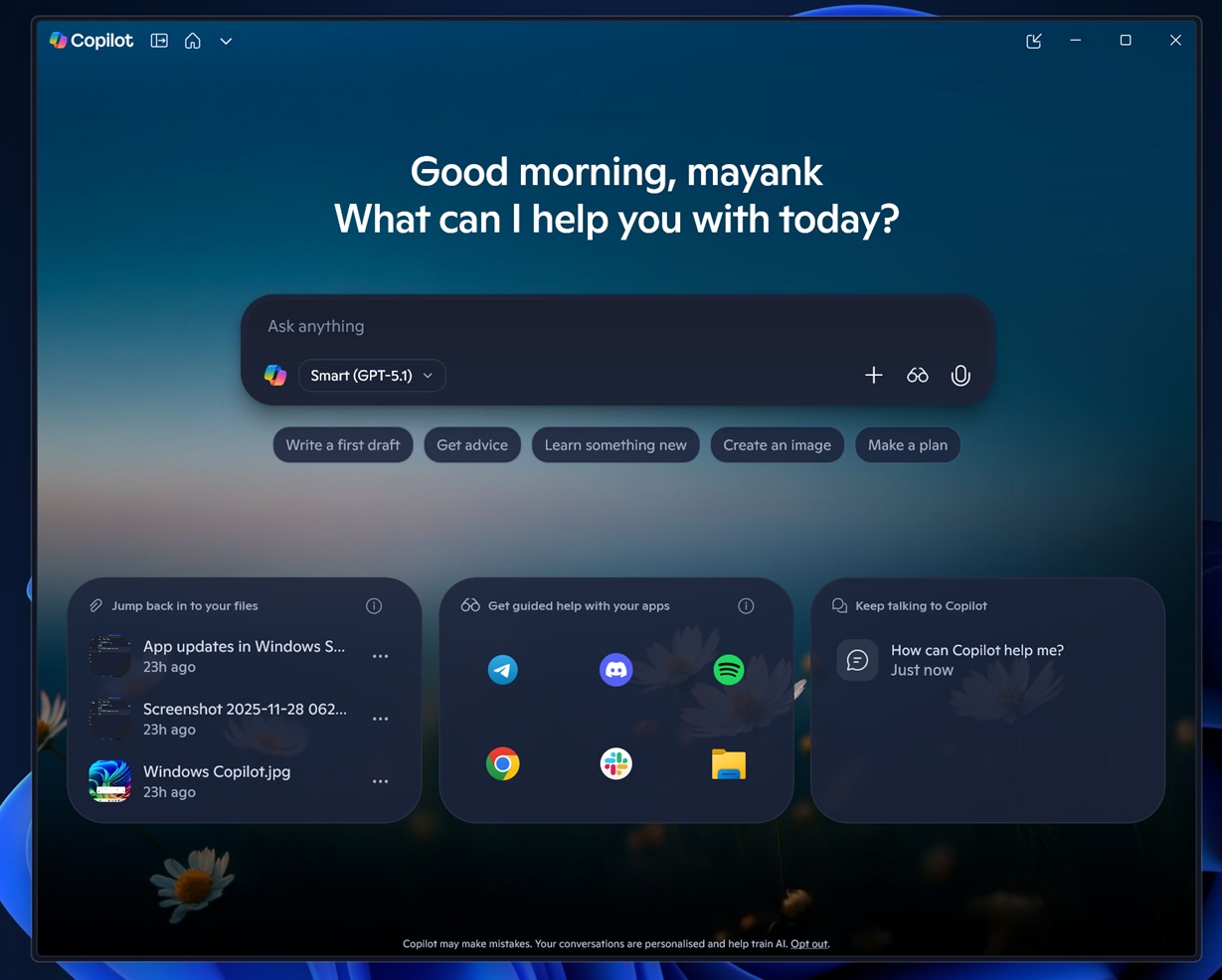
I’m also subscribed to Microsoft 365, but I don’t think that helps with the access, as it only reduces the usage limitations.
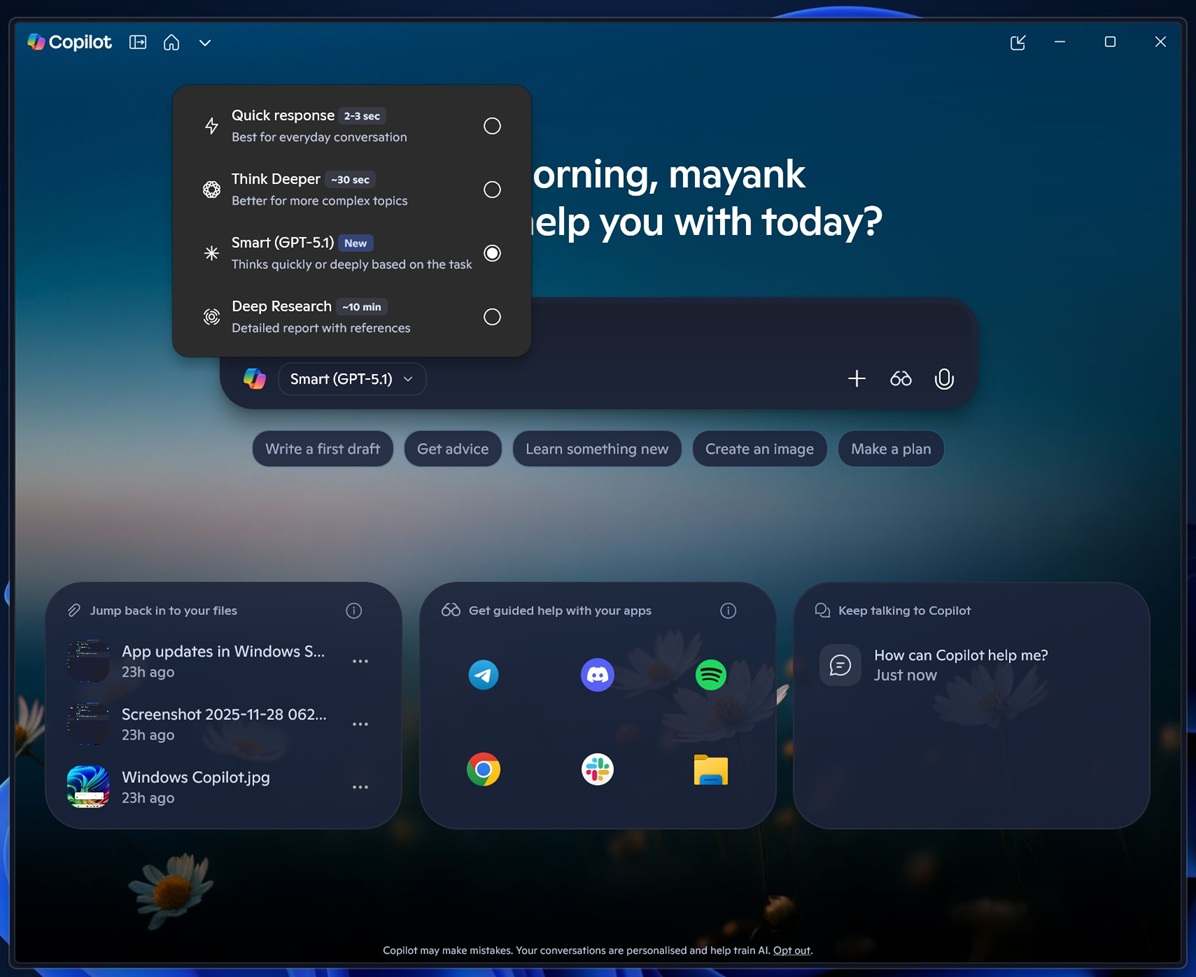
GPT 5.1 is the default “smart” mode in Copilot, but if you switch to Think Deeper, Copilot will use GPT 5.1 in ‘Thinking mode.’
Now, this is only available on ChatGPT if you pay at least $20 for the subscription. That’s something you’d get for free with Copilot, but we really don’t know if it’s always GPT 5.1 Thinking and if it is, what is the juice (thinking) level?
Copilot on Windows now has Labs, but some features are still missing
Windows 11’s Copilot is actually one of the rare native apps. It uses WinUI 3 for most of the interface, including the conversation, compose box, etc. But you’d still find WebView2 for the “Pages” feature. Microsoft is still unable to bring all features to Copilot on Windows 11, but we’ve reasons to believe that this could change in the future, starting with Labs.
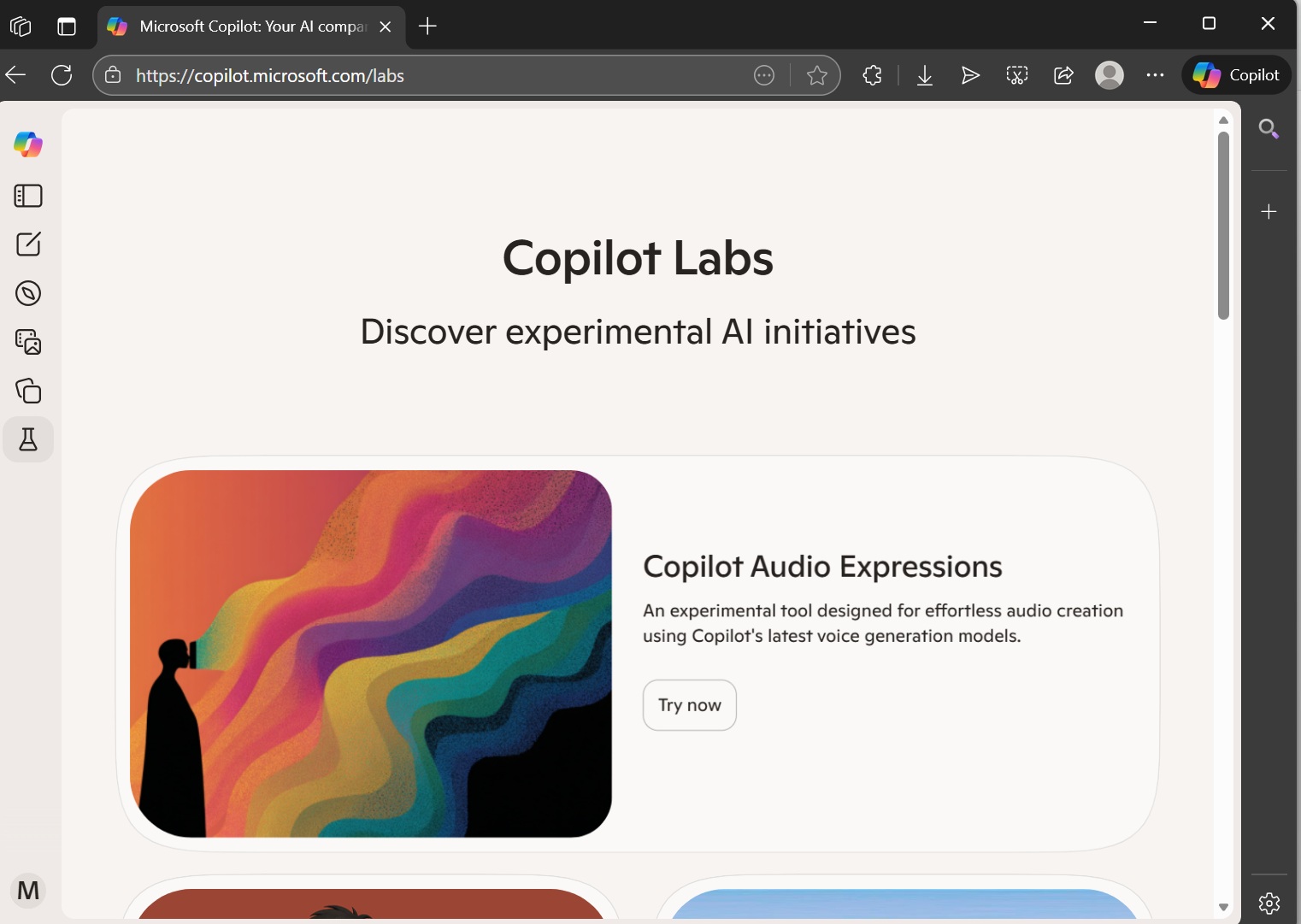
Copilot has a “Labs” program, where experimental features are bundled together. For example, Copilot has an experimental feature that could generate podcasts for you or help you with homework using Mico avatars.
Microsoft is now testing Copilot Labs for the Windows desktop app, and one of the early features is ‘Vision.’
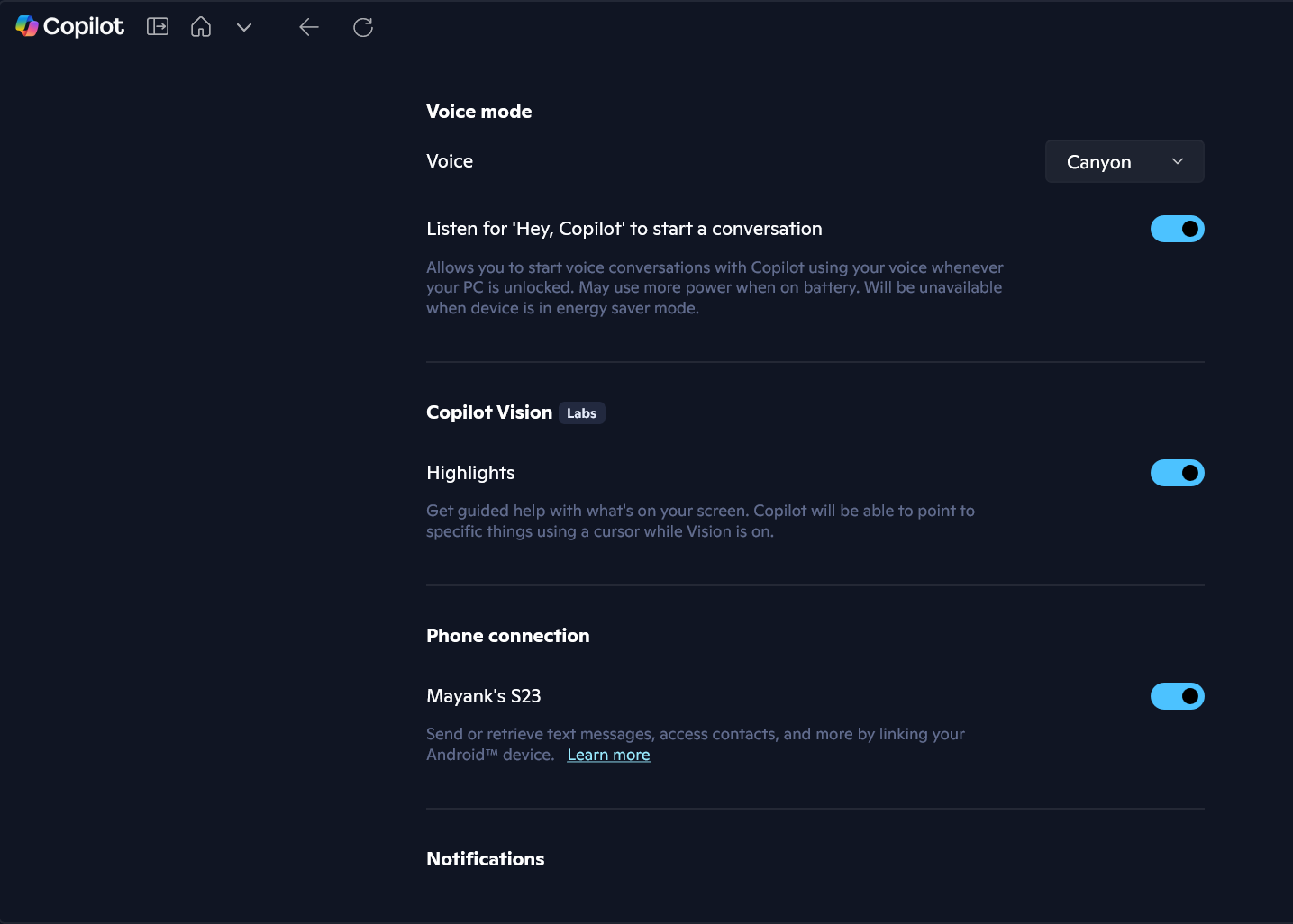
Eventually, Microsoft plans to bring Copilot 3D or audio expressions as a native feature to Copilot on Windows. Right now, these shortcuts redirect to microsoft.copilot.com in your default browser.
“Copilot Labs is now accessible directly from the Windows desktop app! Vision is already available in-app, and for experiments that require a browser—like 3D, Audio Expressions and Portraits—you’ll be smoothly redirected to their respective sites,” Microsoft officials confirmed.
Microsoft begins testing controversial ‘Agentic’ features on Windows
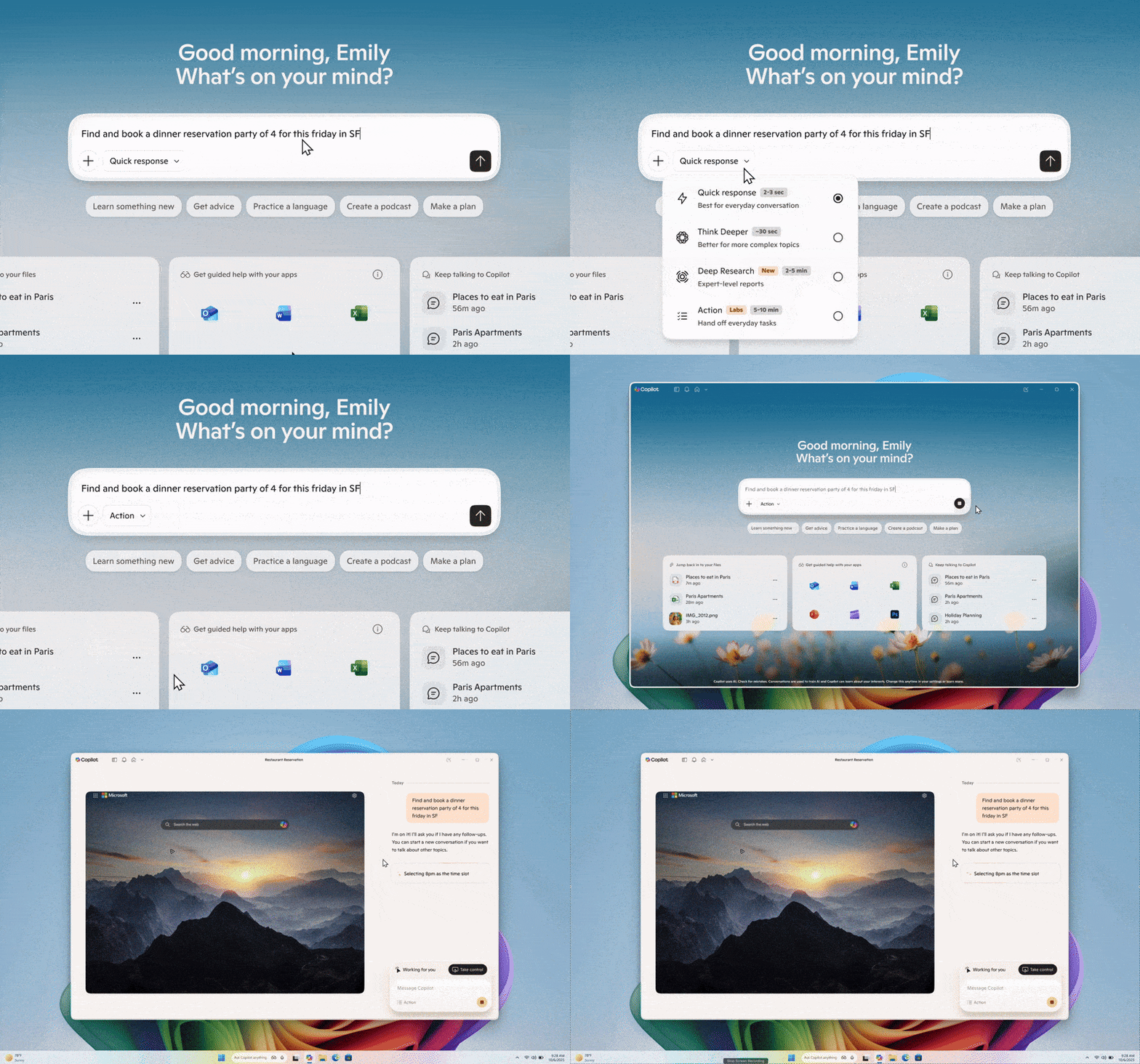
The next Lab feature in Copilot could be ‘Actions.’ As you can see in the above GIF, when you choose ‘Actions’ in Copilot, you are allowing Microsoft’s AI to access your personal files or folders on the device and perform tasks directly.
For example, you can ask Copilot to arrange photos or convert your files. You can also ask Copilot to extract info from a PDF. All of these files or PDFs are stored on the device, which is being accessed by Copilot in real time. Some potential use cases:
- Sort files in the File Explorer’s folder.
- Organize documents folder, etc.
- Extract text or info from PDF, then turn it into a document or PPT, etc.
For example, Copilot will be able to refer to your local files when it’s working on a PowerPoint presentation. Eventually, it’ll be able to open PowerPoint, refer to local files, and do things for you.
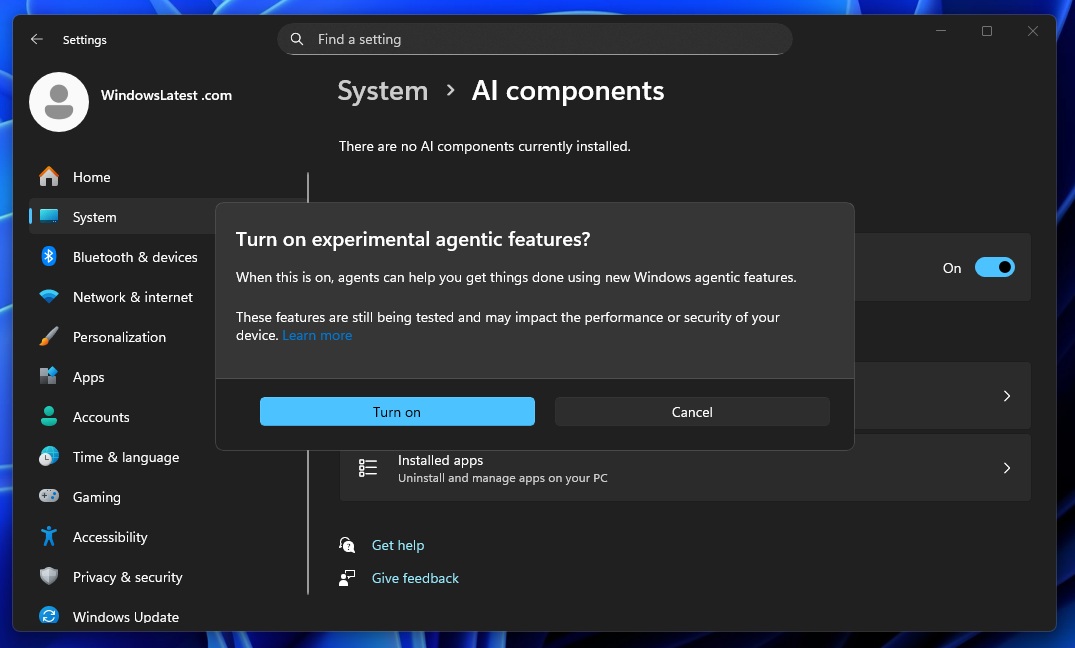
This Copilot experience is powered by the ‘Agent Workspace‘ feature, which creates a “container space” on Windows for agents to have a field day. Agents have access to a separate desktop, so it does not interfere with your workflow. That also means Agents will always run in the background with access to personal files or folders.
“This dedicated agent account establishes clear boundaries between agent activity and your own, enabling scoped authorization and runtime isolation. As a result, you can delegate tasks to agents while retaining full control, visibility into agent actions, and the ability to manage access at any time,” Microsoft noted in a support document.
Copilot’s new “Actions” feature runs inside this Agent Workspace, and it’s being tested on preview builds as part of “Labs.”