







Nvidia says it’s aware of an issue where some games could have “lower performance” after recent Windows updates, and it’s rolling out a new display driver (version 581.94) to address it.
Nvidia confirmed that when KB5066835 (October 2025 Update) or newer (KB5068861, November 2025 Update) is installed, a bug could reduce FPS. This issue was first observed in our tests in October when the Patch Tuesday update shipped, and Nvidia has finally confirmed our reports.
KB5066835 is a Patch Tuesday release, and it is automatically applied on PCs running Windows 11 25H2 or 24H2 (these two are the same platform, so you’re affected regardless). Even if you skipped Windows 11 KB5066835 somehow, you’re still going to experience performance issues because newer releases also include those changes.
How to check if you are affected by the Windows 11 25H2 / 24H2 gaming performance issue?
- Open Settings > System > About.
- Locate Device specifications.
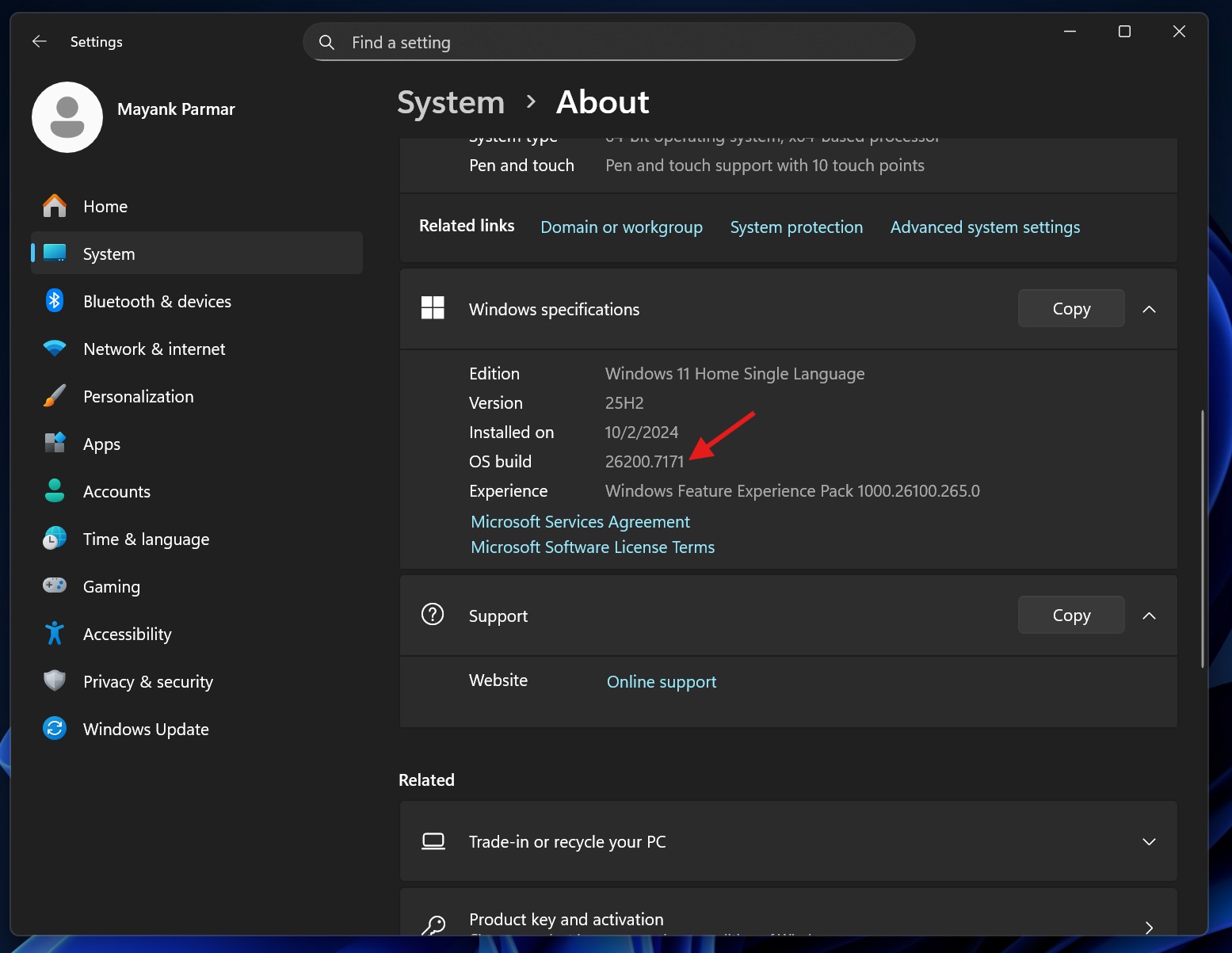
- If the Build number is 26200.6899 (OS version 25H2) or newer and 26100.6899 (OS version 24H2) or newer, you’re affected. In my case, I’ve installed Build 22000.717, which is newer and likely affected.
It’s fair to assume that gaming performance issues are mostly isolated to GeForce drivers, as only Nvidia has acknowledged the issue so far.
However, our tests previously showed that even AMD or Intel PCs could run into sluggish performance for regular tasks, such as opening File Explorer or the taskbar. We have not observed gaming (FPS) issues on AMD or Intel PCs. Windows Latest understands that there could be two separate issues affecting some PCs.
In a support document first spotted by Windows Latest, Nvidia says only some games will have ‘lower performance,’ which could refer to lower FPS, but we don’t know how many games are affected. We also don’t have a list of affected games, but it’s likely significant because Nvidia has issued an emergency update.
Download the GeForce Display Driver version 581.94 to fix performance issues
Nvidia has published Display Driver version 581.94, which you can download from their website. This fixes all potential performance issues.
Important
Some users told me that the driver update fixes a lower FPU issue in games like Assassin’s Creed: Shadows and CS2. On supported GPUs, you might experience smoother gameplay, but all other issues with the Nvidia driver remain unresolved. For example, the taskbar might still suddenly force the display to drop to 60Hz with visible flicker on some PCs.
Recent Windows updates have been a hell of a ride
Once in a while, there are certain “cursed” updates that often break too many features, and the October 2025 Patch (KB5066835) is one of those unfortunate releases.
Localhost issues
KB5066835 started rolling out on October 13, 2025, and as soon as we installed the patch across our 100+ test machines, we noticed that it accidentally broke localhost. Later, Microsoft confirmed our report and admitted that a bug affected HTTP.sys, which powers features like Internet Information (IIS). When IIS goes rough, localhost does not work.
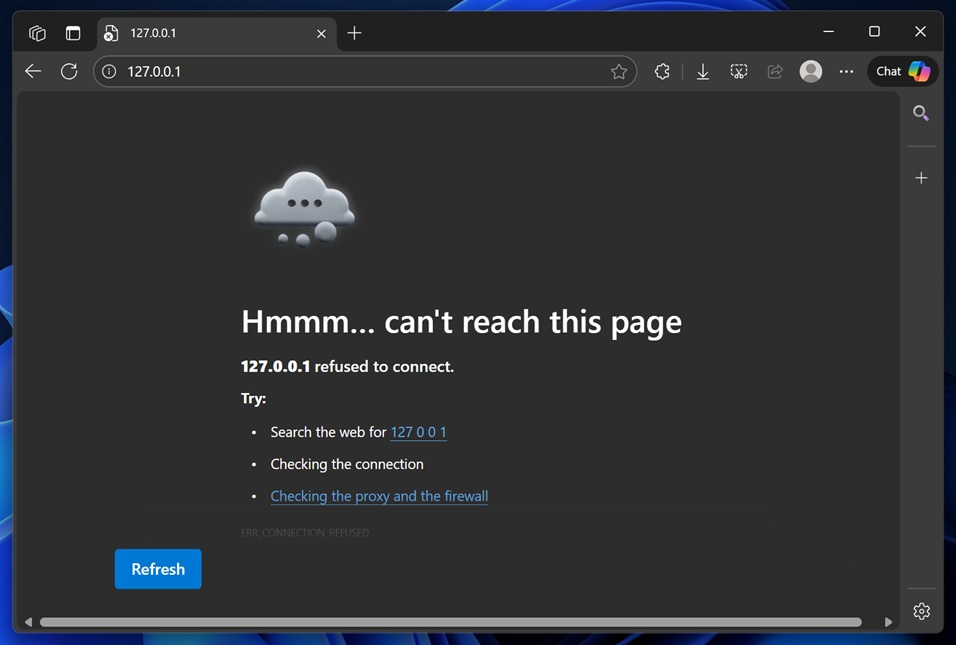
If you were affected, you would have run into “Connection reset – error…” or other alerts in Edge or other locally hosted apps. Localhost is mostly used by developers or enterprises, and Microsoft quickly addressed this issue via a server-side patch.
BitLocker alert
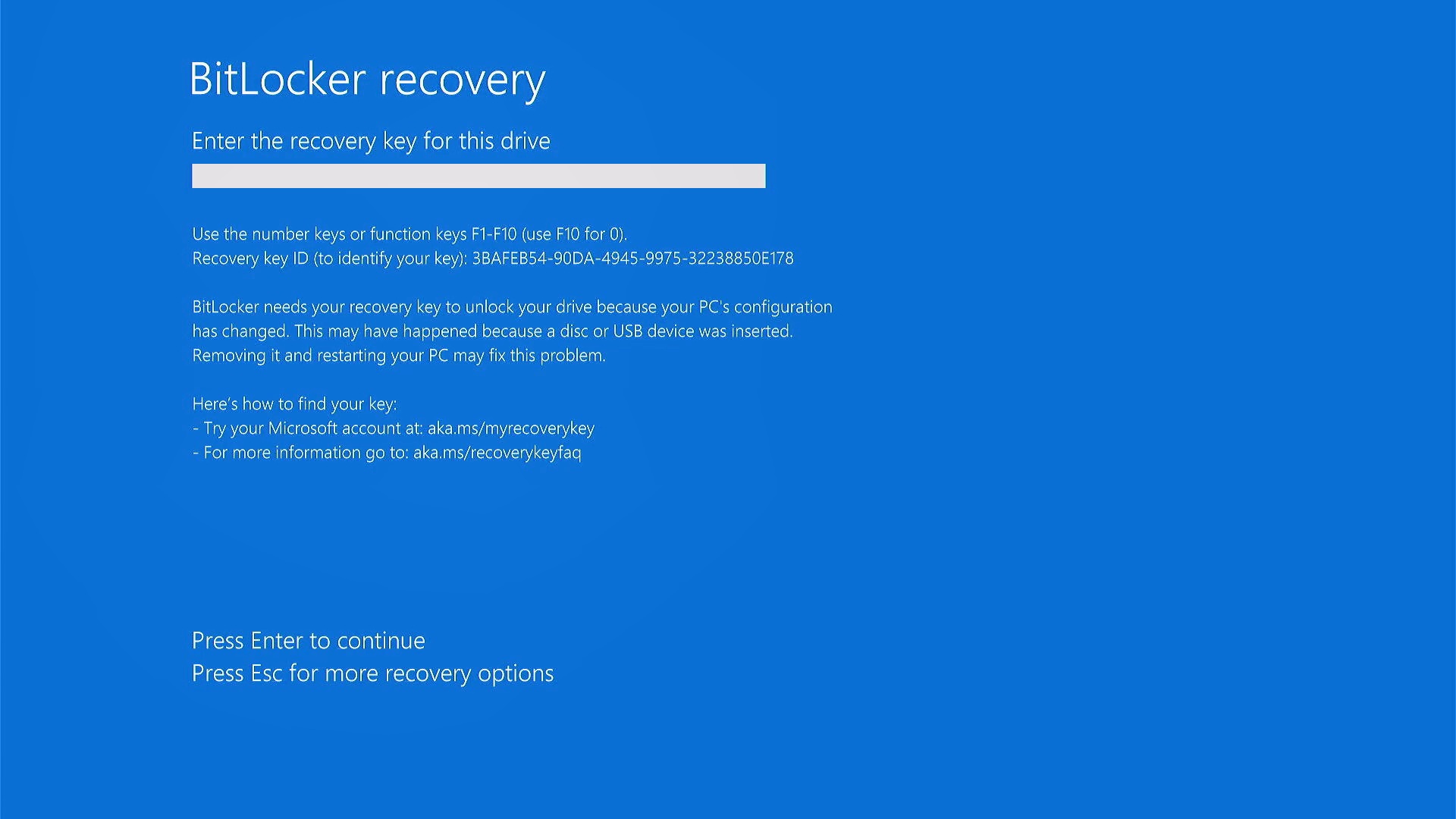
The same update, which is causing performance issues on Nvidia PCs, has also triggered BitLocker recovery on some PCs. This means that affected users were asked to enter the recovery key, which is often synced to their Microsoft account. However, those who did not have the recovery key were required to wipe their drives and start over again.
Other issues affecting Windows 11 since October 2025
In our tests, we found that Microsoft also broke WinRE (Windows Recovery), as we were unable to use the mouse or keyboard during the recovery process. That means it would be impossible to recover a computer if it’s stuck on the recovery screen unless you’ve a PS keyboard/mouse.
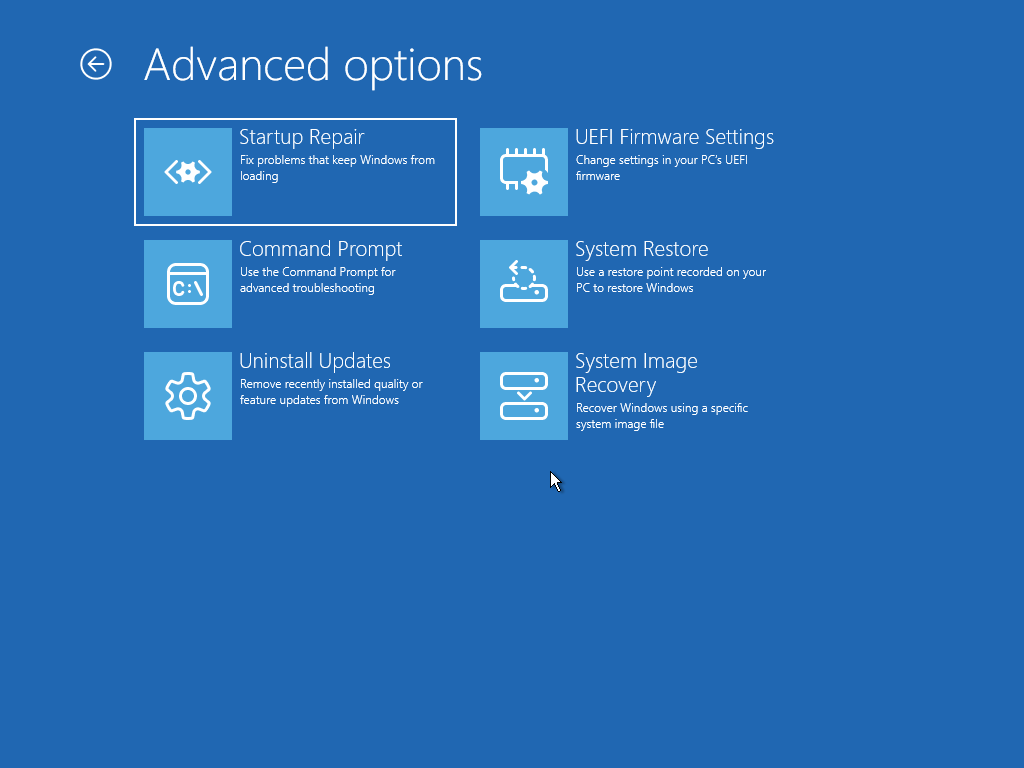
After outrage, Microsoft issued an emergency update for KB5070773 to patch WinRE problems.
Last but not least, the October 2025 Update also turns off the preview panel in File Explorer for internet downloaded files, as part of security measures.
What about you?
The October 2025 Update has been a hell of a ride. On the other hand, the November 2025 Update has been relatively calm, and we don’t expect Windows to run into problems in December 2025 or January 2026, as Microsoft’s developers will be away due to the holidays. Microsoft will also not release optional updates in December 2025.
Over to you. How are recent Windows updates treating your PC? Let me know in the comments below.
Update: The article has been updated to clarify that it discusses File Explorer, the taskbar, and other OS-level performance issues for Intel and AMD PCs. We are not aware of gaming/FPS issues on Intel and AMD PCs.