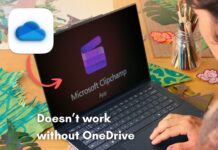





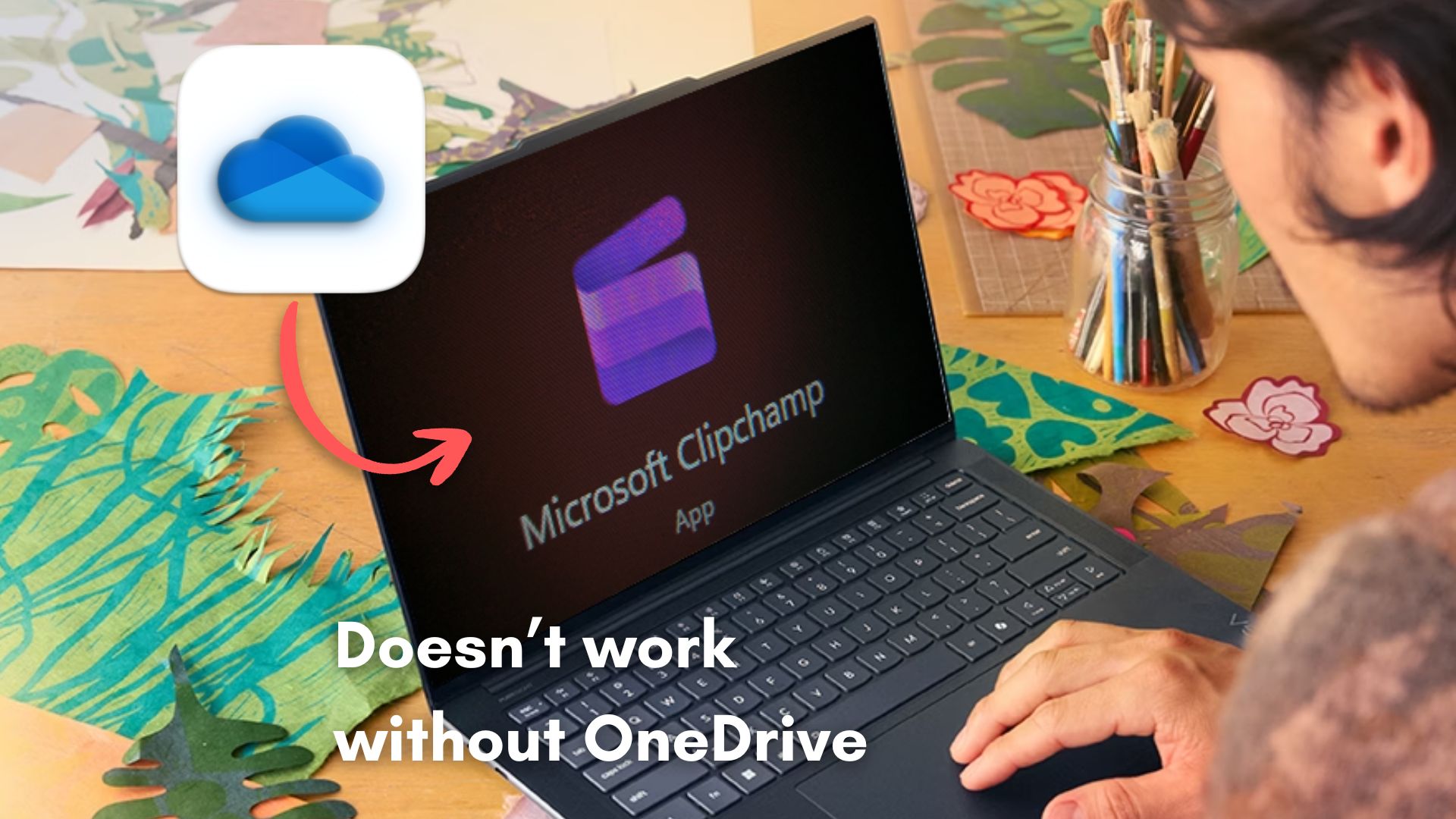
Microsoft is now forcing Clipchamp users to save all projects to OneDrive to continue editing them. Also, the built-in “free” video editor from Microsoft will no longer work unless you enable OneDrive to sync video projects. If you want to store video projects locally, they will not show up in the Clipchamp app anymore.
“Projects must be saved to OneDrive to stay editable”, says Microsoft.
I have been using Clipchamp for quite a while now to trim and edit some screen recordings. It’s simple, free, and has some basic editing features. Recently, when I opened Clipchamp, I was prompted to click a Continue button that would save all these previous projects to OneDrive.
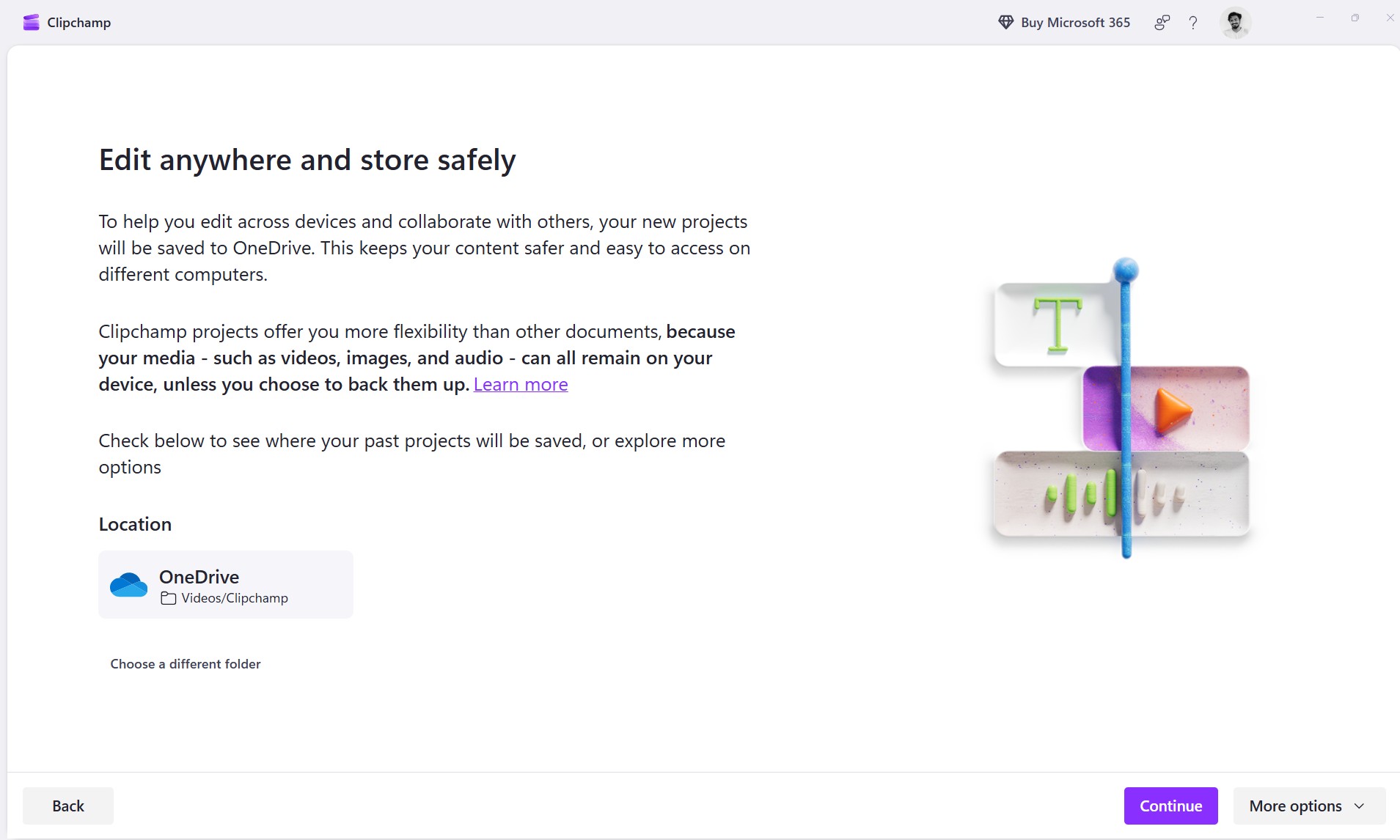
I, obviously, didn’t want to do that since I do not have a OneDrive subscription. But when I tried to select the obscurely placed option to store them on my PC, I was told by Clipchamp that I would not be able to edit these projects until I backed them up to OneDrive, which was strange and infuriating because I had almost 36 projects that I used to come back to often.
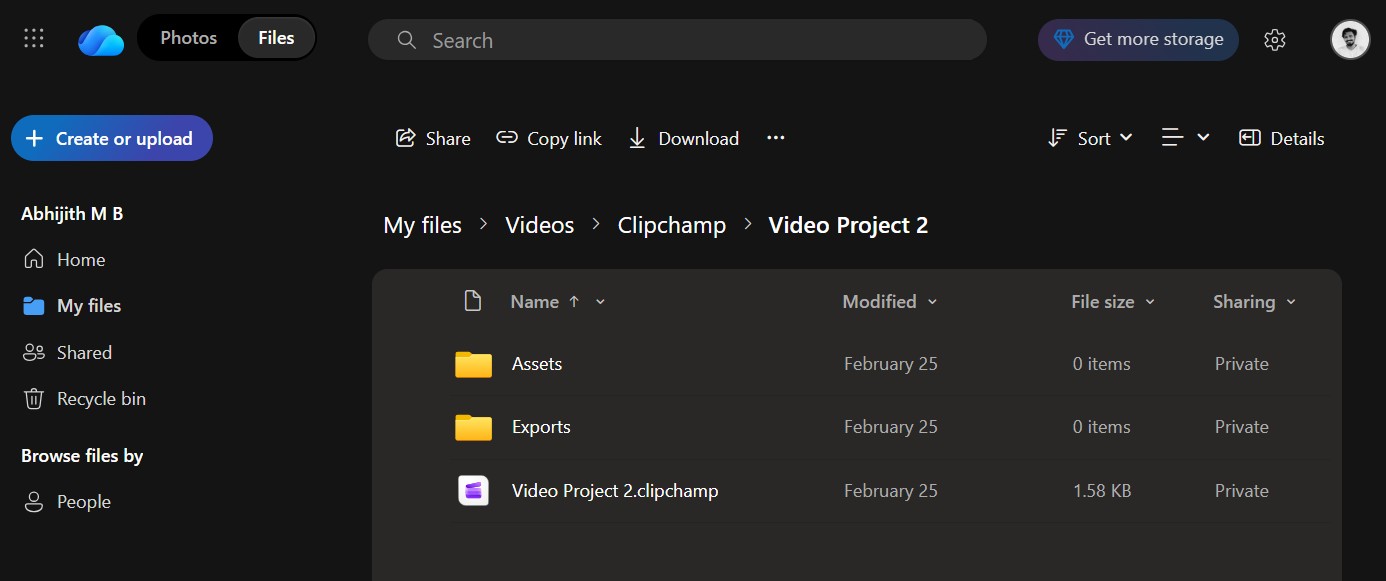
I continued saving these projects to my local drive anyway, but the issue here is that if I ever want to edit any of those projects, I’ll have to upload them to OneDrive first.
What’s even more absurd is that Microsoft says my media files will remain on my device unless I choose to back them up to OneDrive, but the projects will still need to be stored in OneDrive to make it easy for me to access them on different computers. If I’m not backing up media files to OneDrive, how would I be able to edit the same project on another PC?
Microsoft Clipchamp video editor doesn’t work without OneDrive
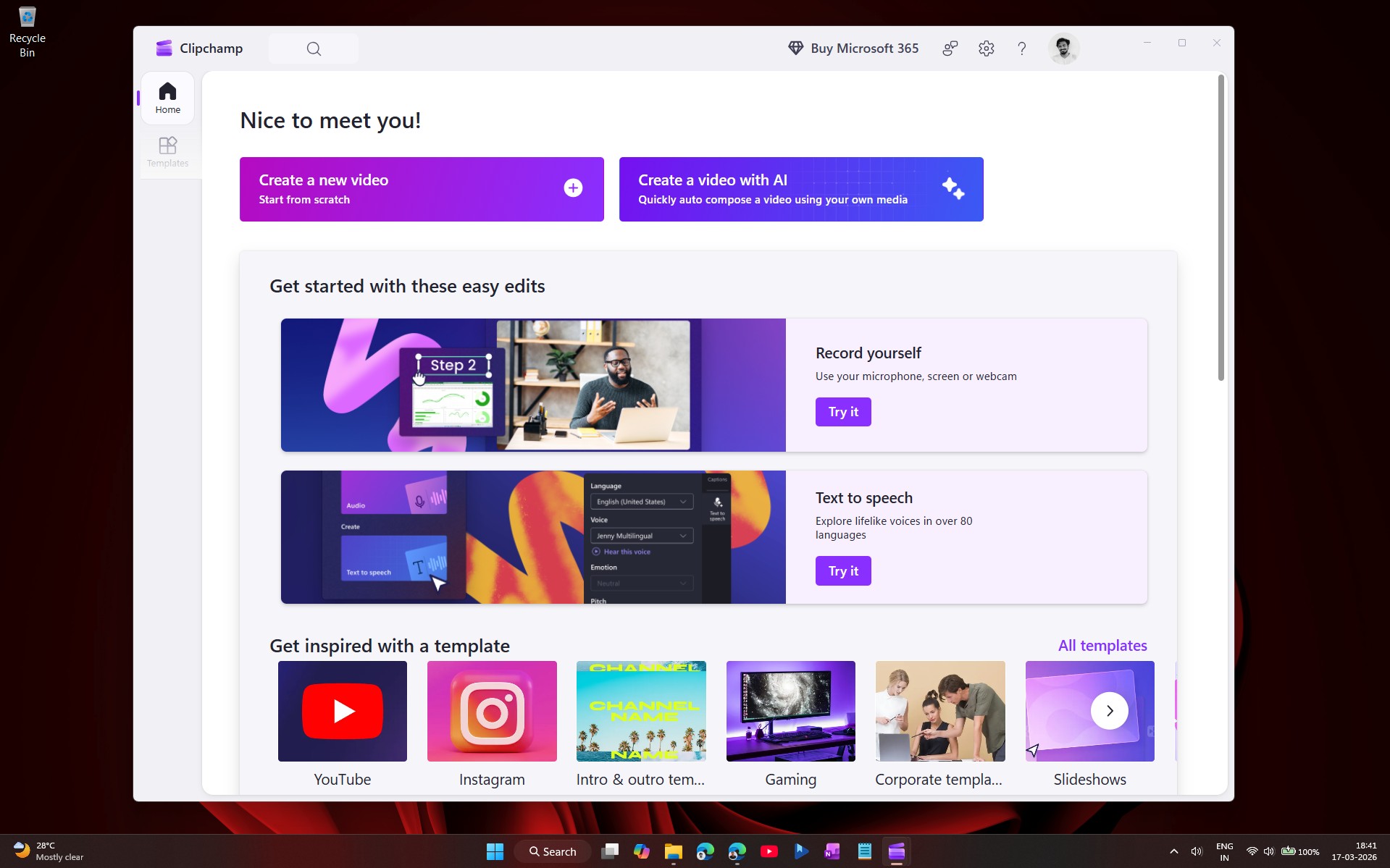
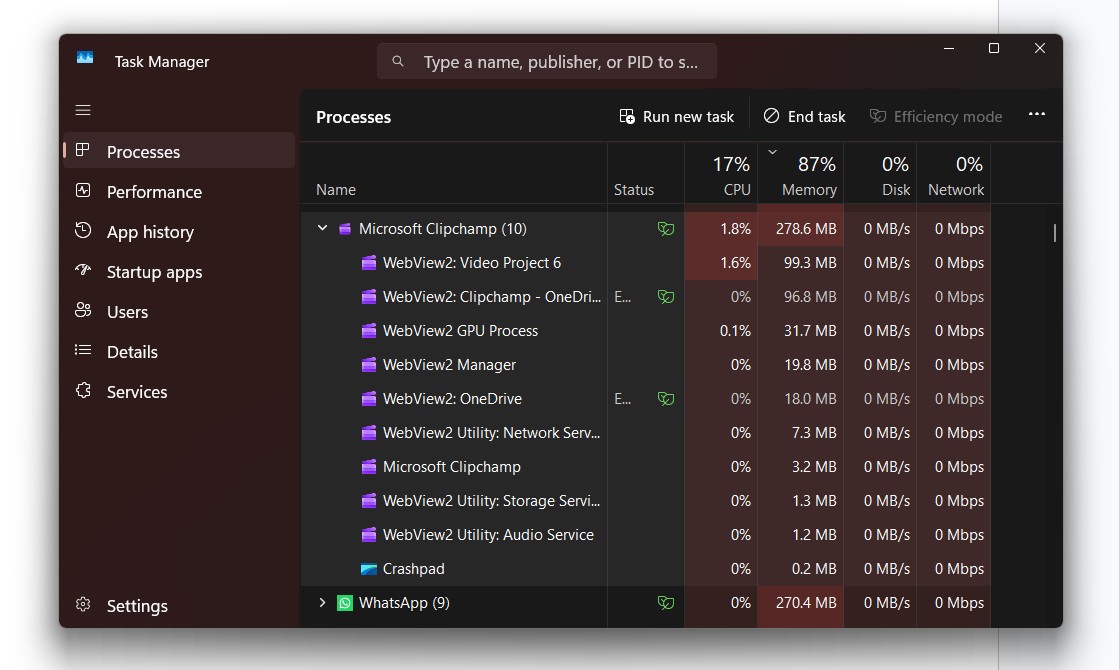
Clipchamp is a freemium video editing tool, originally launched as a browser-based editor and later integrated as a Windows app. Note that Microsoft’s default video editor is still a web wrapper and not based on the native WinUI3 framework.
OneDrive integration in Clipchamp came early, with the ability to import photos and videos from the cloud storage service, and that should’ve been the end of it.
But in August 2025, Microsoft began experimenting with saving video projects to OneDrive. Now, the transition is complete as Microsoft has officially stopped the ability to store video projects on the device.
Clipchamp is effectively unusable without OneDrive and will prompt you to save video projects in OneDrive, and there is no way around it, except that Microsoft provides “More options”, but these just allow you to either archive your existing projects on your device or delete all your past projects.
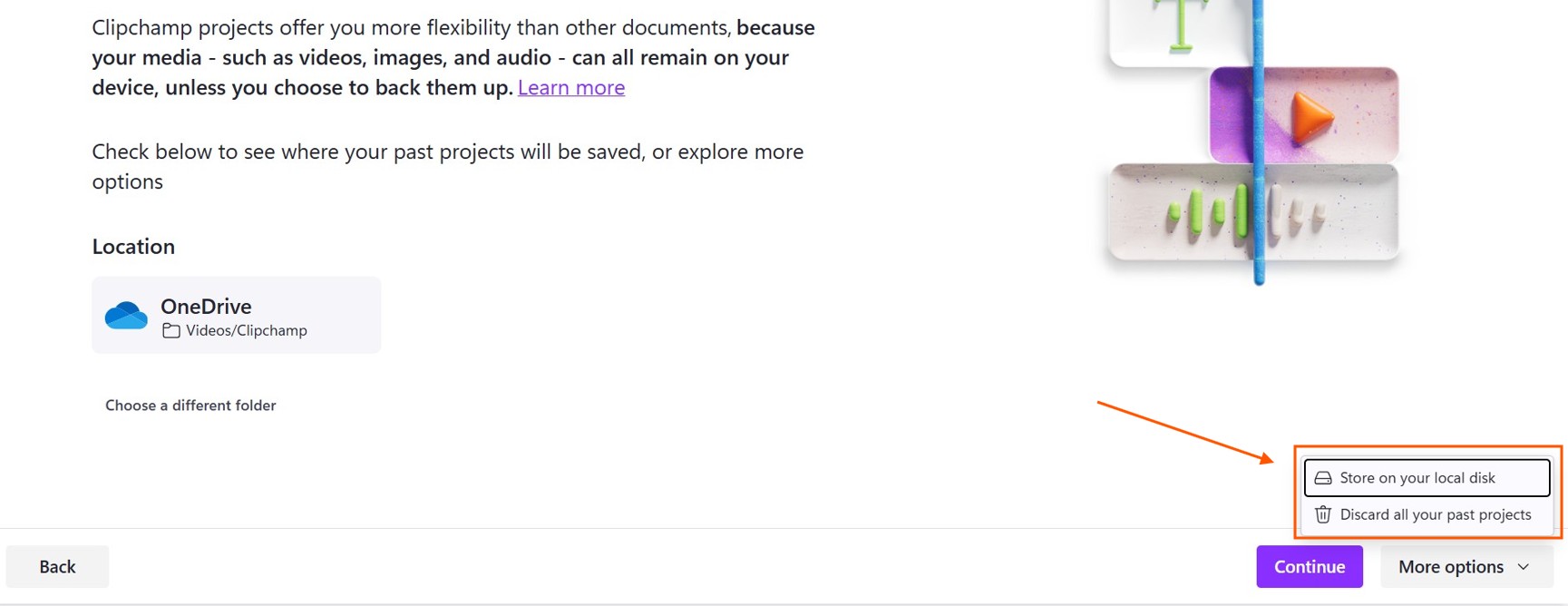
Selecting “Store on your local disk” would remove your existing projects from Clipchamp and prompt you to choose a folder to which you can archive your existing video projects in Clipchamp.

However, the permissions that Clipchamp asks when you choose a folder are deeply concerning…
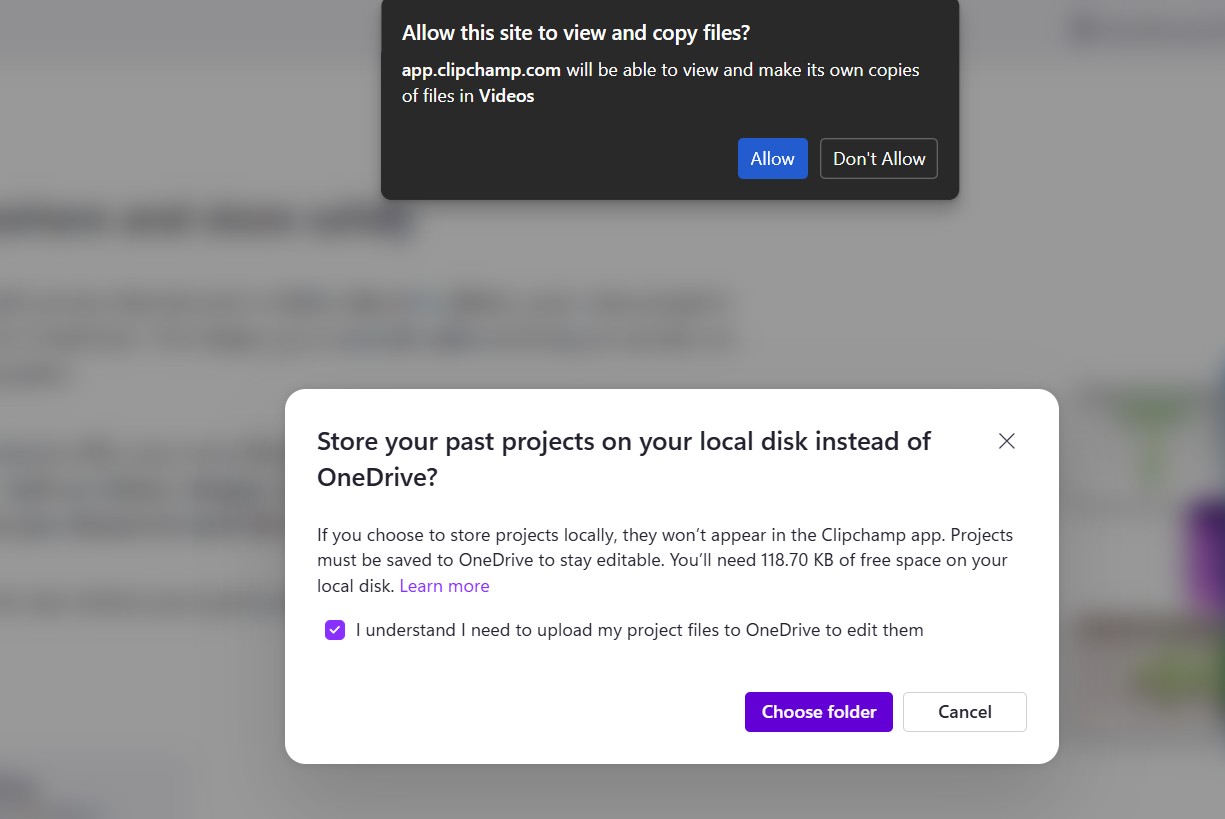
The saving option would take some time, depending on the number of projects you have.
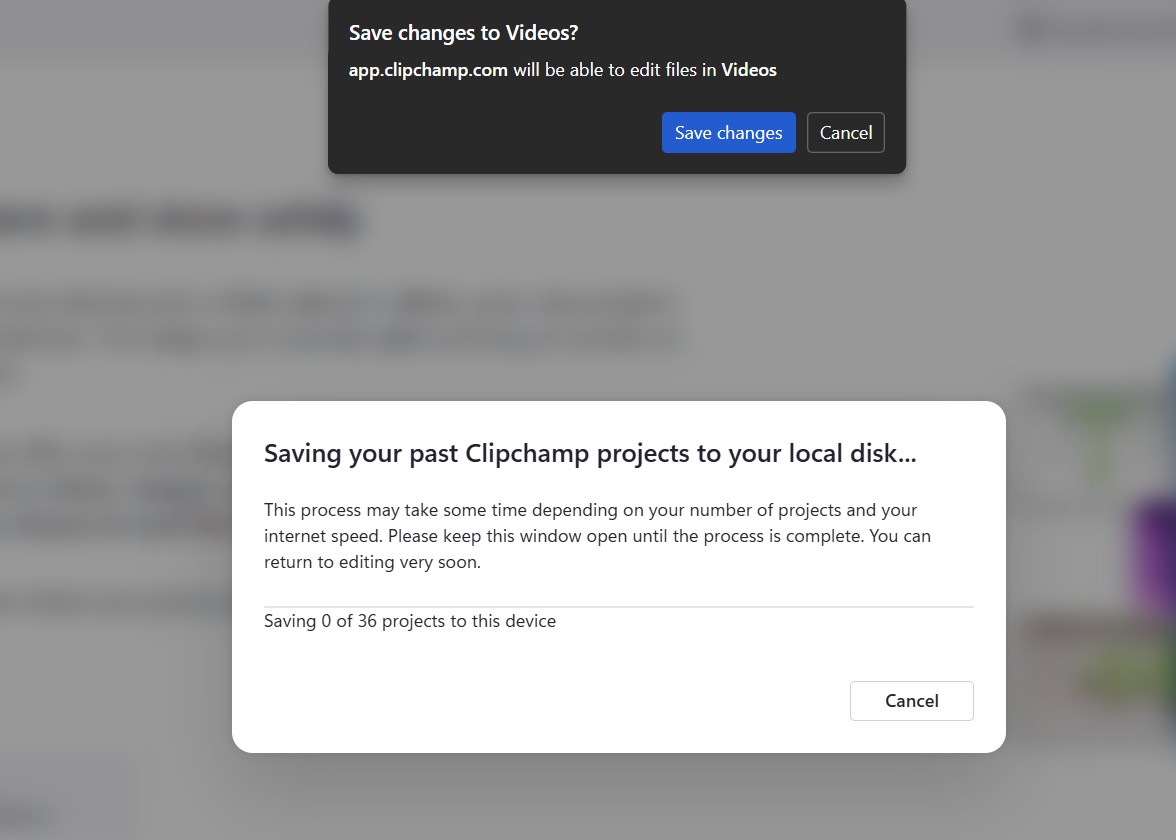
Essentially, what Microsoft is implying here is that since Clipchamp now saves video projects to OneDrive, you can choose to save those projects to your device to avoid storing them on OneDrive. But if you want to edit those projects later on, you’ll have to upload them to OneDrive.
Microsoft has also confirmed it in an updated support document.
“If you don’t want to save your existing projects to OneDrive, you can archive them to your local disk. However, to edit again in the future, you’ll need to upload them to OneDrive,” the company noted.
The other option is to “Discard past projects” which avoid giving Microsoft access to your video projects, but that would mean that you’ll also lose access to them.
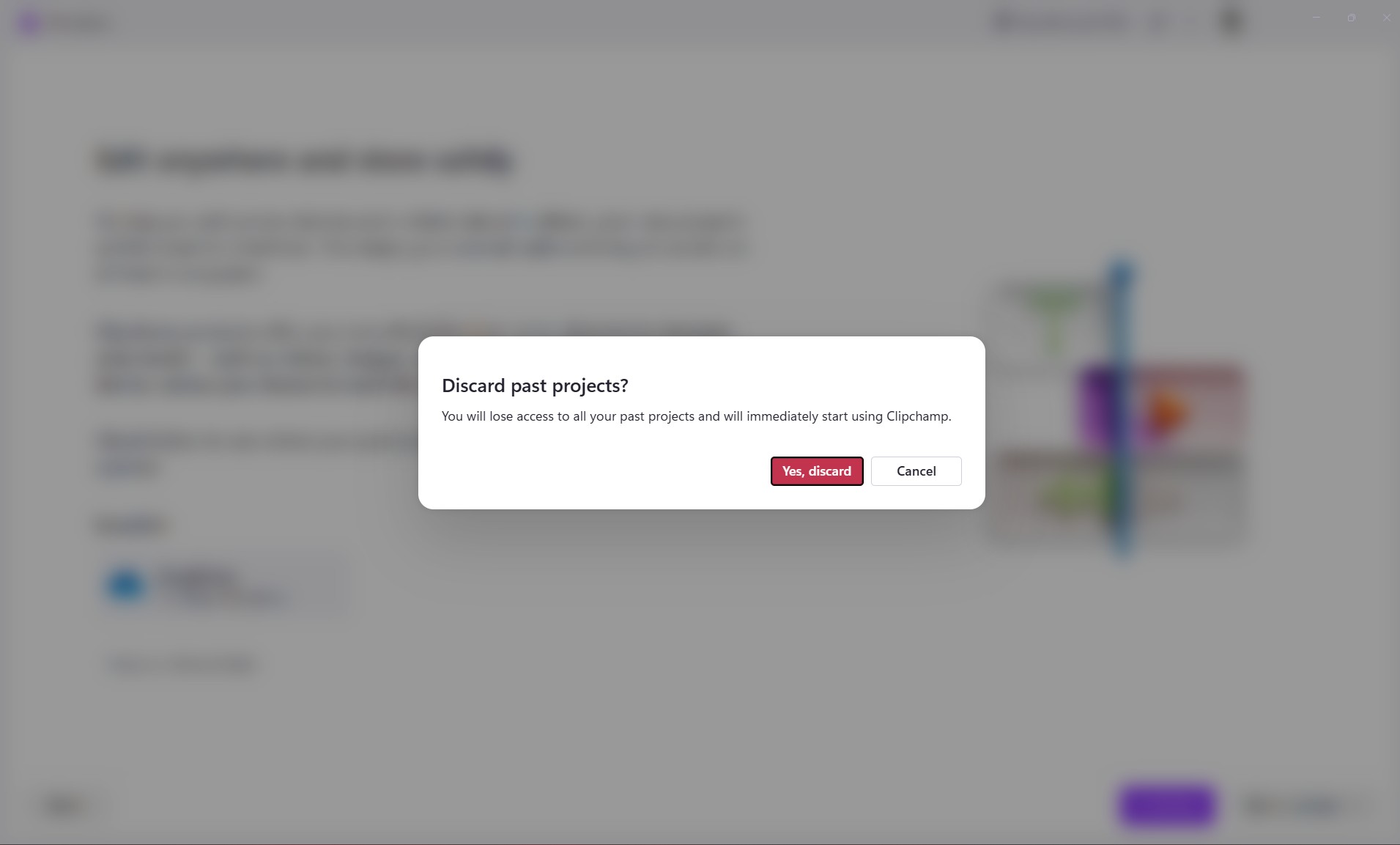
Regardless, the only way to now use Clipchamp would be to allow it to save video projects to OneDrive. Any new videos you edit in Clipchamp will automatically create a video project in your OneDrive account.
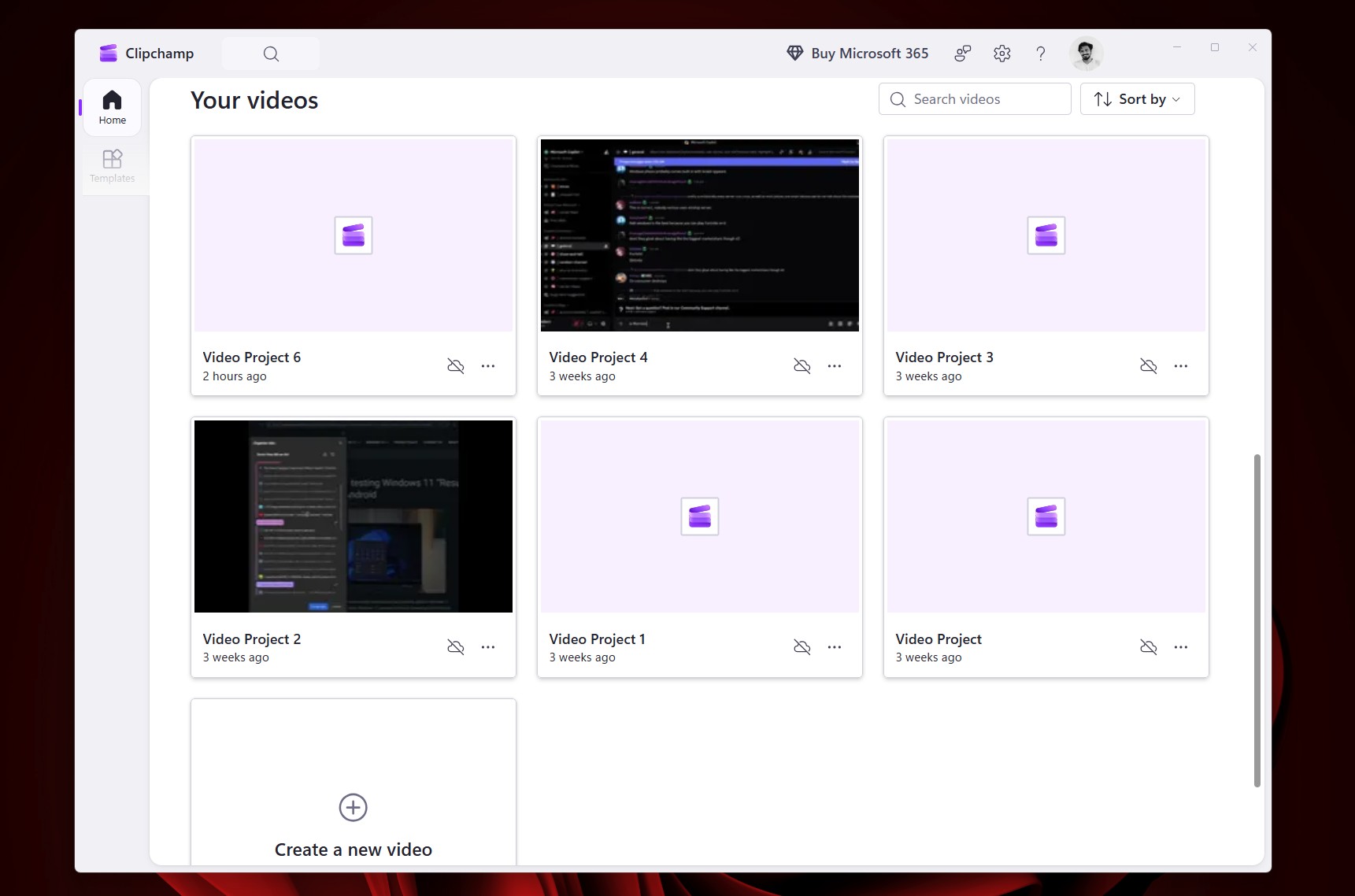
Note that the media files (photos and videos) inside these video projects are not synced to OneDrive, unless you choose to.
Anyway, I won’t be coming back to Clipchamp anytime soon, because sometimes, I just want to combine two videos, and I do not need a cloud storage service for that, and that is what tempted me to find free open source video editing apps for Windows.
Best free open source video editor alternatives to Clipchamp
Fortunately, Windows 11 is open, and there are a bunch of free video editors that aren’t trying to mine your data or push you into buying their premium tiers.
A few years ago, I used to edit full-fledged YouTube videos in Adobe Premiere Pro, but now, I don’t need all those bells and whistles, and I’m perfectly okay with a simple video editor, which is why I resorted to Clipchamp to begin with.
Anyway, I will recommend three free and open-source video editors for Windows 11, and the three serve different purposes.
OpenShot
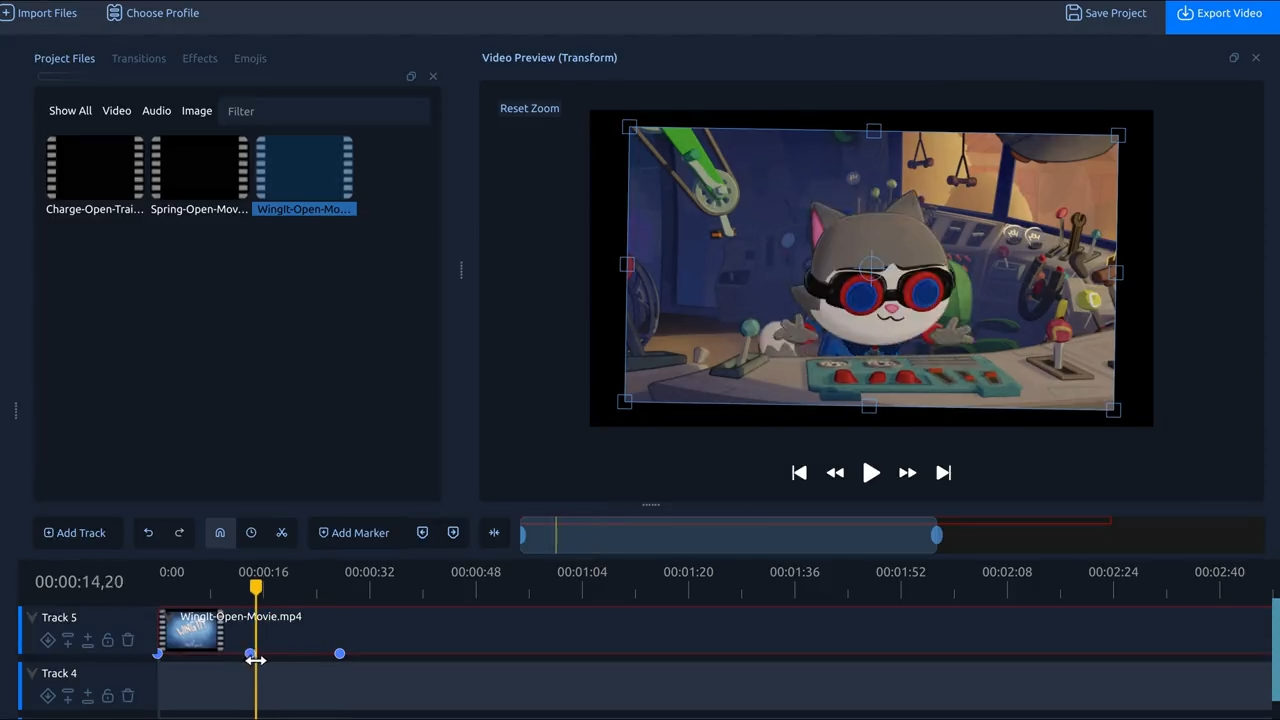
If you’re coming from something like Clipchamp, and you are a total beginner in video editing, OpenShot works best for you. It also has a very clean interface.
Shotcut
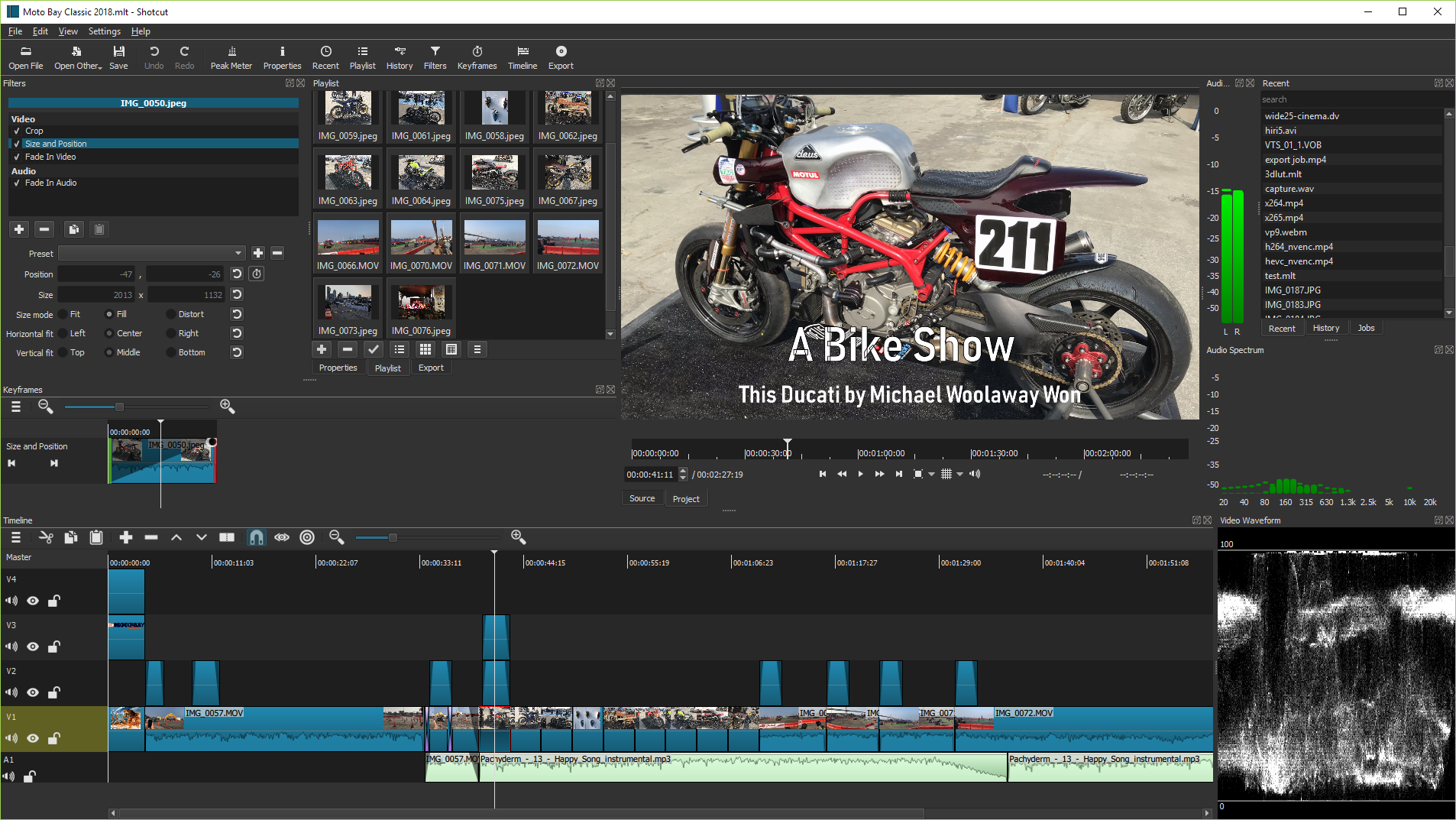
Shotcut has more features than OpenShot, but it’s still simple to use. It’s good if you’re already used to the UI of professional video editing tools.
Kdenlive
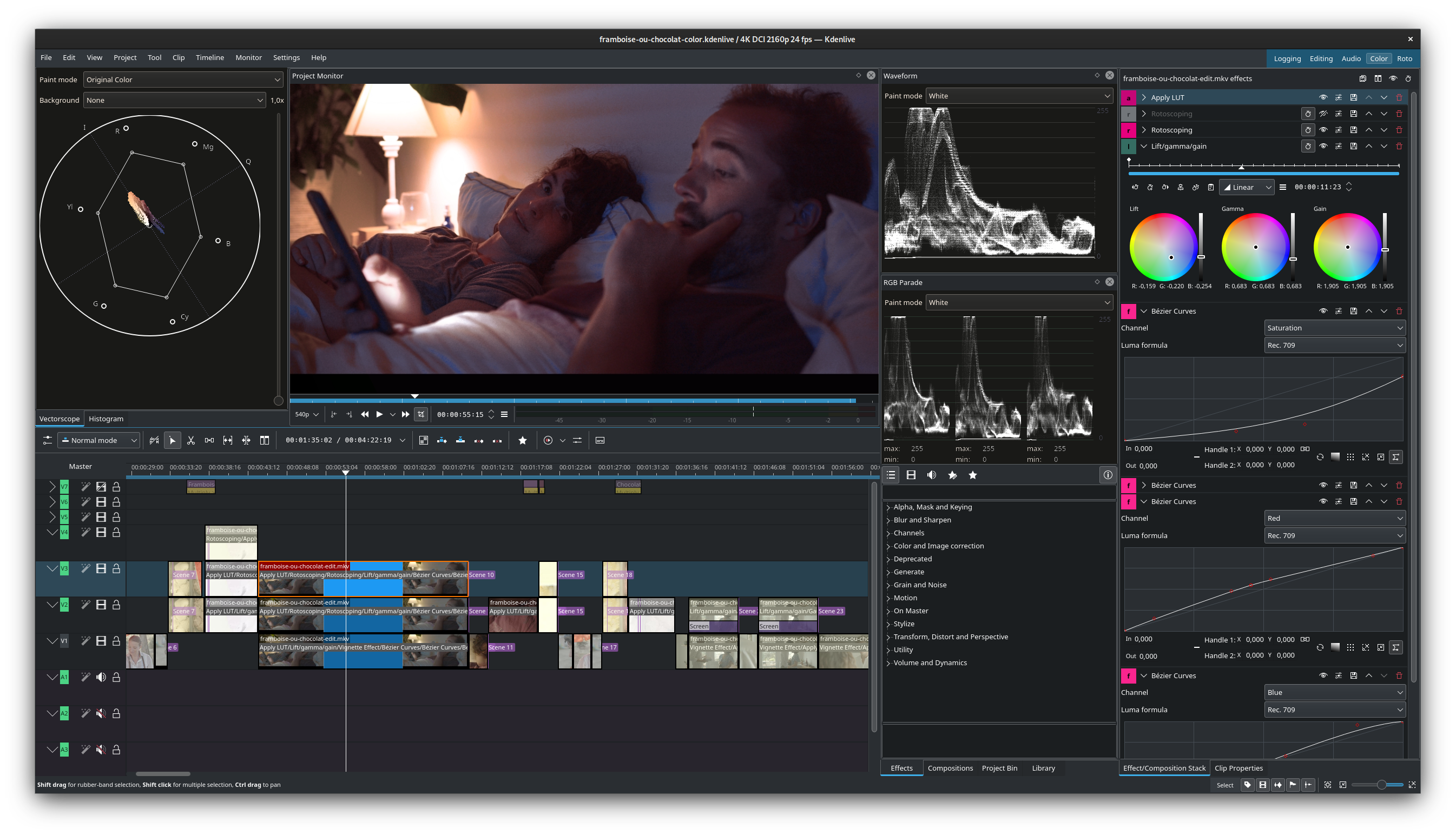
Kdenlive is for the video editors out there, and it’s not as easy to use as the above ones. Naturally, it has more advanced tools.
Sure, there are other tools too, but these are an easy replacement for something like Clipchamp. I’ll be going with OpenShot for the time being, considering its simplicity.
The Windows 10 default Photos app had a nifty video editor feature, something that the more advanced Windows 11 doesn’t have. Remember that this is the same Microsoft that had Windows Movie Maker decades ago. And it was free.
Apple still has iMovie, which is more than capable of editing complex scenes. It’s free too. Despite being called the cash-grab company, Apple has free tools that do not try to push AI or cloud services as much as Microsoft. With the new MacBook Neo, things aren’t looking good for Windows 11.
Of course, I’m not against paid software, but Windows 11 itself is not a free OS.
A simple video editor in Windows 11, made with native code, is a basic right for anyone who uses the platform. As Microsoft is on its journey to fix Windows 11, and it’s reputation, these are the kind of stuff that the company should first concentrate on.