





Apple hit a home run with the $599 price of the newly launched MacBook Neo, and it is the first time that a MacBook has come into the radar of someone looking for a budget PC.
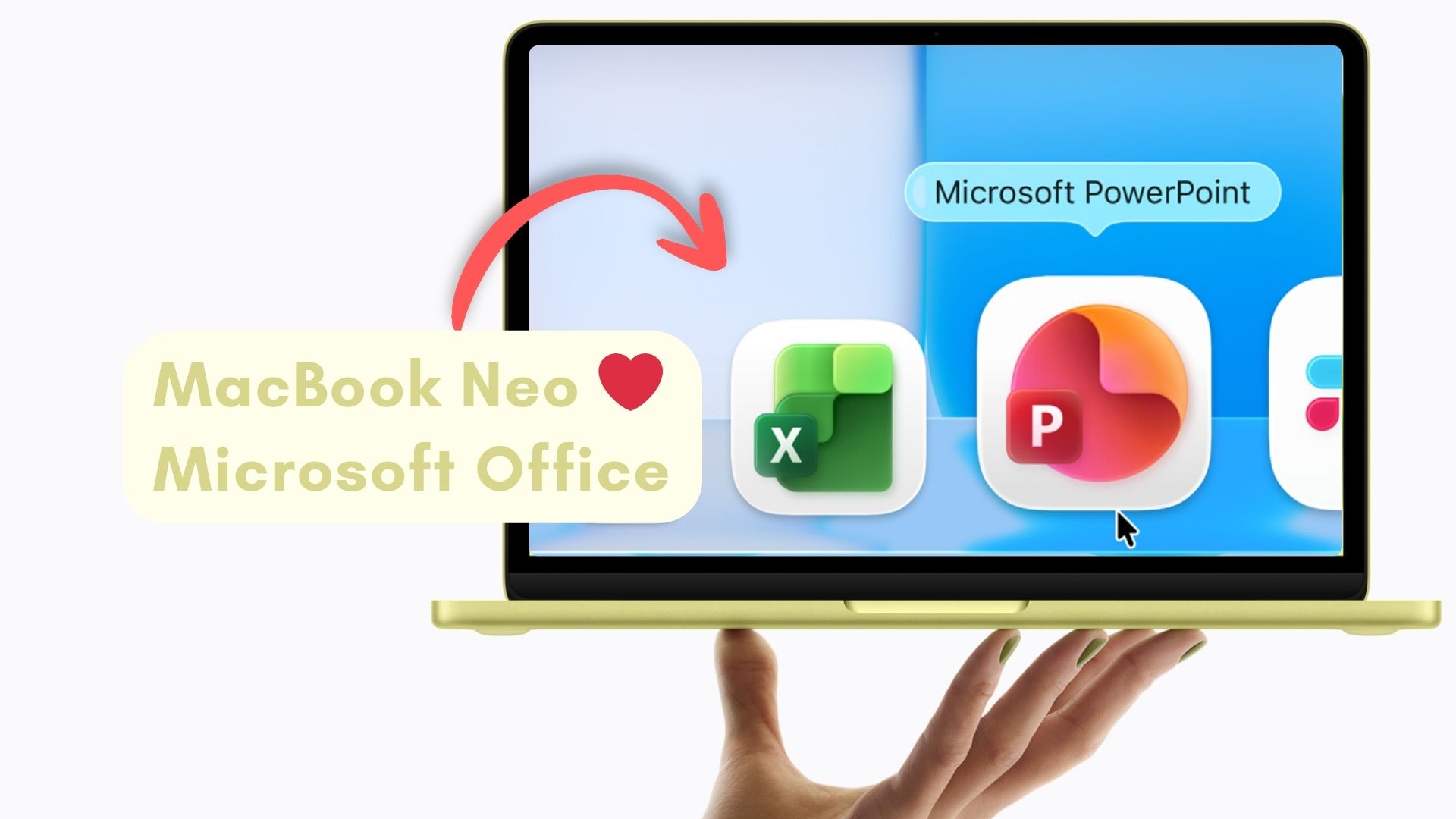
Naturally, Apple would want PC buyers in the $500 range to know that their “budget” MacBook can do everything that a Windows PC can, and the easiest way to do that is to just show them that MacBook Neo can run the most popular productivity apps…from Microsoft.
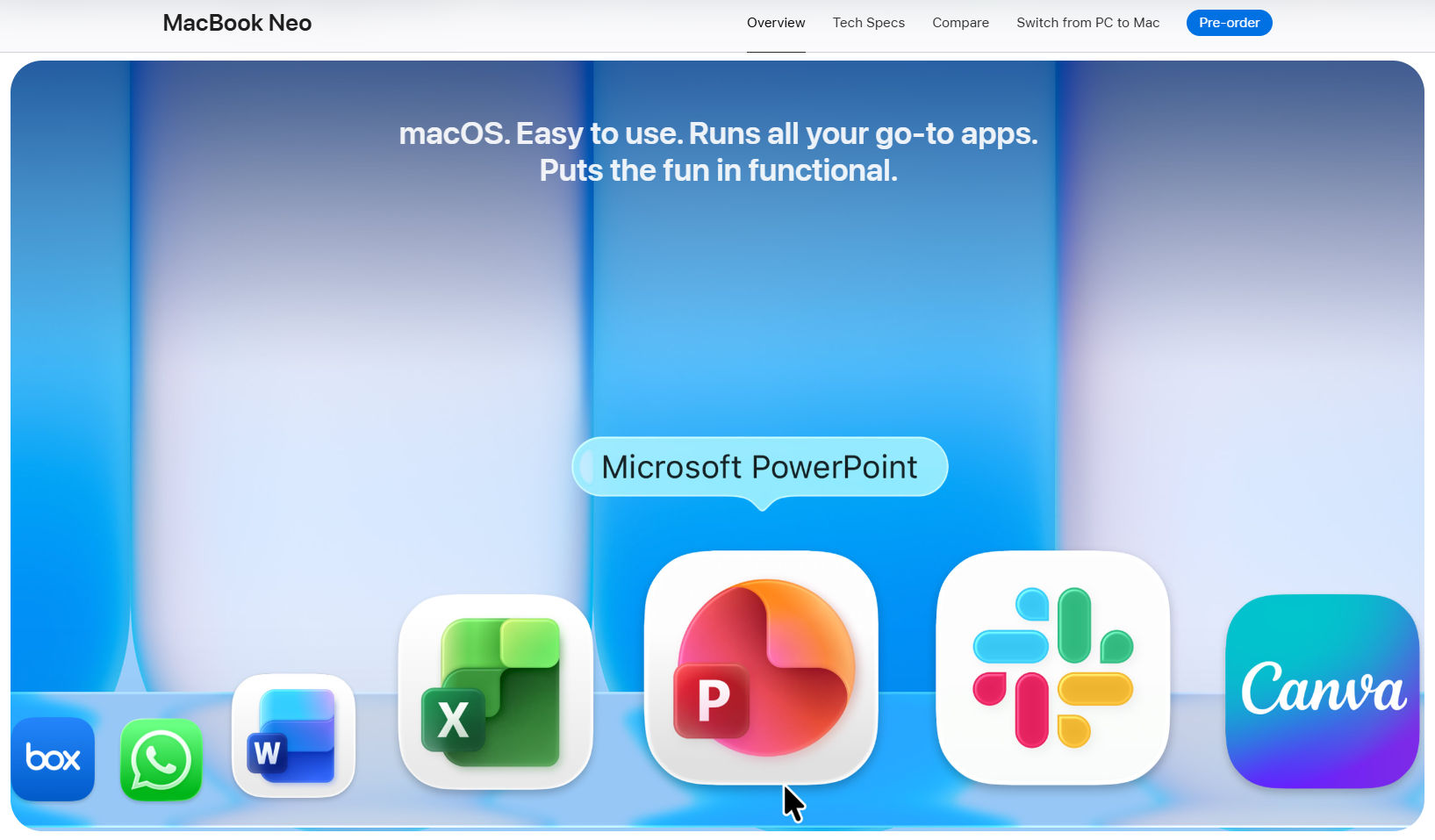
The MacBook Neo product page has a “Get the highlights” section just below the hero image, where you can see the “highlights” of the device in a horizontally scrollable carousel format, and one of the highlights is Microsoft’s Office suite, specifically PowerPoint, Excel, and Word. Slack and Canva also take the stage, but the “highlight” here is definitely Microsoft PowerPoint.
It’s not like Apple doesn’t have an Office suite of its own. Pages, Numbers, and Keynote, though being considerably limited in functionality, still exist and come free with macOS. Also, these apps are now a part of the new Apple Creator Studio subscription bundle. So, a newly launched budget, mass market, MacBook Neo’s highlight section could’ve been the perfect opportunity to showcase Apple’s own productivity apps, right?
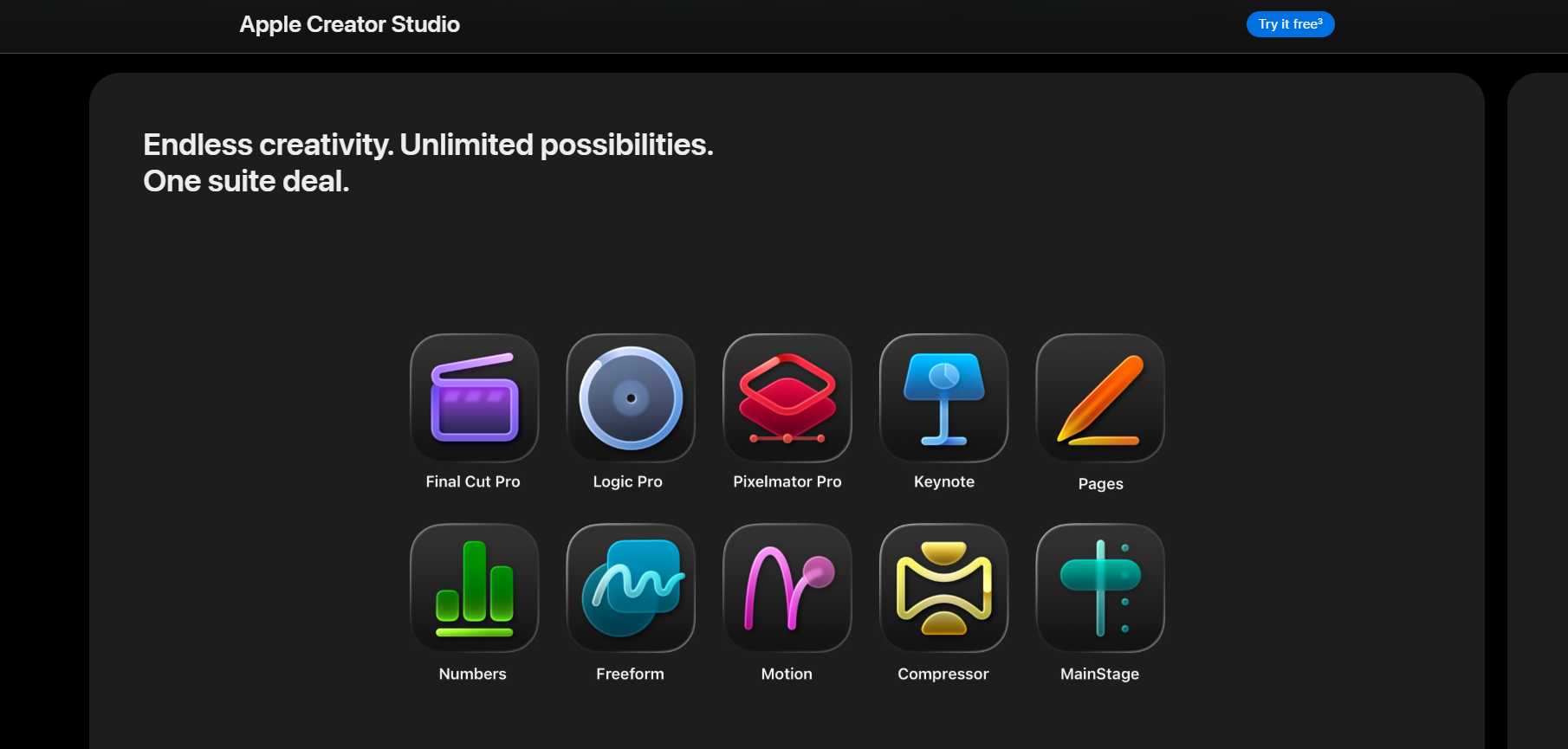
Well, Apple didn’t do that, and placing Word, Excel, and PowerPoint in the highlights is either Apple admitting that Microsoft’s Office apps are still the gold standard, or it can be Cupertino’s way of telling a new target audience, who are traditionally used to the Microsoft Office suite, that their “go-to” apps can be also found on macOS.
On second thought, it can be both of these reasons. In any case, Apple didn’t just stop at the MacBook Neo product page.
Apple MacBook Neo promo video shows Microsoft Office suite in the most-used app list
With its seemingly infinite marketing budget, Apple has mastercrafted the art of making product introduction videos, and the one for the MacBook Neo is no different. Every frame of the 3-minute 49-second video is likely to be meticulously created with back-and-forth discussions of what to include and what not to include.
So, when the MacBook Neo marketing video shows Microsoft Word, Excel, and PowerPoint in the recent or most used apps list, it’s a win for Microsoft.
The video shows Word, followed by Slack, PowerPoint, and Excel in the most used/recently used section, with the narrator saying “…and it’s easy to add the apps you already use.”, while adding Microsoft Word to the Dock (Apple’s version of Taskbar), says a lot about Apple’s respecting the immense popularity of the Microsoft Office suite.
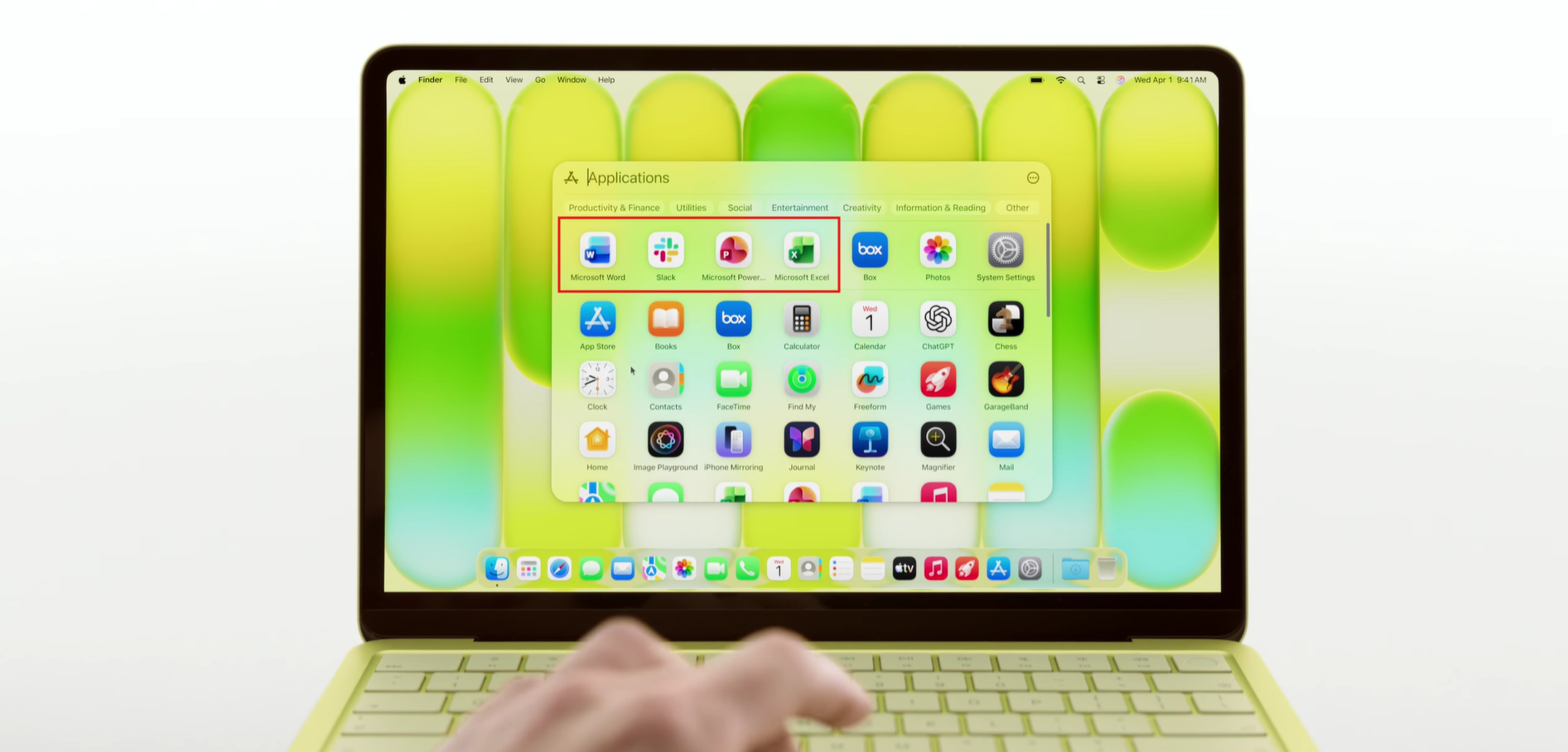
Pages, Keynote, and Numbers are no match for the Microsoft Office suite, and Apple might hope that showing Word, Excel, and PowerPoint will lure in customers already accustomed to the Office apps.
But, unfortunately for Apple, Word, Excel, and PowerPoint for macOS don’t have full feature parity with their Windows counterparts. The versions in Microsoft’s own OS consistently offer more advanced features and deeper integrations, which isn’t surprising.
And as such, enticing budget-conscious PC buyers by showing the Microsoft Office suite in macOS is a good marketing strategy, but a bad ploy for customers.
On the bright side, getting users to stick with the Microsoft Office suite even while on macOS is favorable news for the Redmond giant.
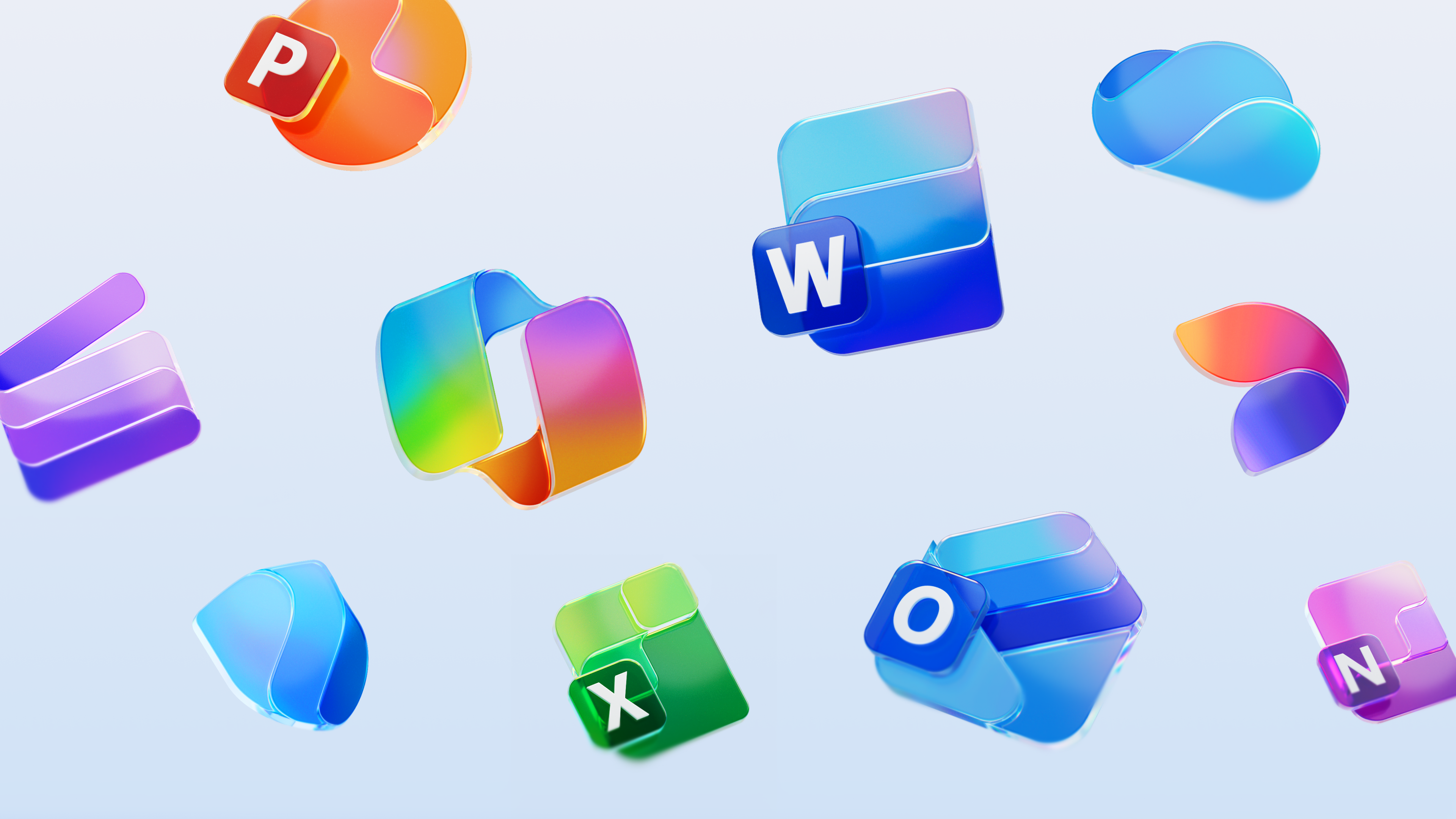
Besides, both the promo video and the product page for MacBook Neo showcase a flattering look for Word, Excel, and PowerPoint, especially with new Office icons, which may boost morale for Microsoft.
However, Apple isn’t keen on Windows having a win, as the MacBook Neo product page also shows users that they can easily switch from PC to the budget MacBook.
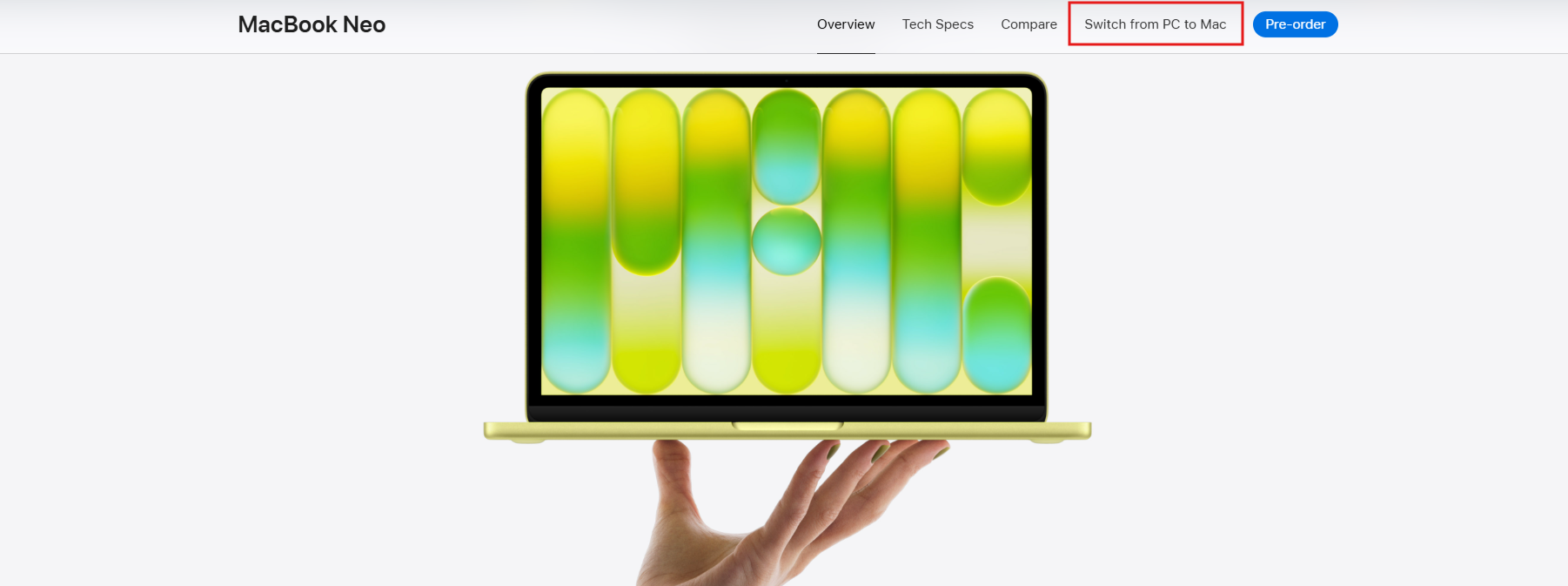
MacBook Neo product page has a dedicated “Switch from PC to Mac” tab
With such an aggressive price point, Apple is targeting Windows users who are either switching from Windows 10 or looking for a budget option that helps them to steer clear of the universally hated Windows 11.
The timing can’t be more perfect as Windows has never had such a bad reputation online, with performance and reliability issues combined with excessive and intrusive AI branding.
Anticipating a huge wave of Windows users for the $599 MacBook Neo, Apple has deliberately added a dedicated “Switch from PC to Mac” tab both on the header of the MacBook Neo product page, just before the Pre-order button, and well into the product page.
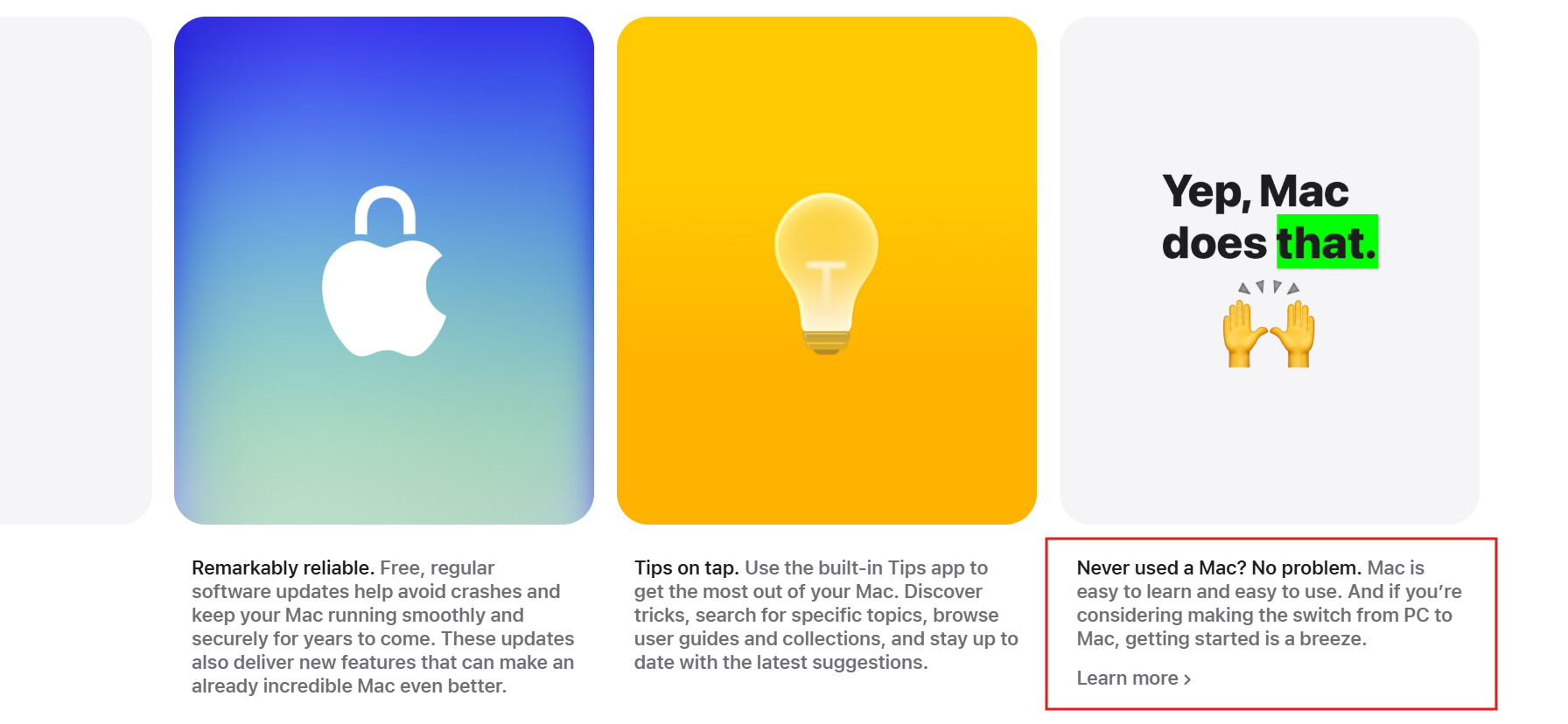
Of course, switching from a Windows PC to a Mac is a breeze because Windows is a more open OS, but what happens when a clueless user switches to a Mac and realizes that the $599 price was just an entry point to make them spend more by climbing the inevitable Apple price ladder?
They won’t be able to come back to Windows, because unlike the world’s most popular desktop operating system, macOS is a part of Apple’s heavily controlled ecosystem.
However, Apple’s “Switch from PC to Mac” page doesn’t convey any of this, for obvious reasons. But it does manipulate a typical user into thinking that they are making the right choice.
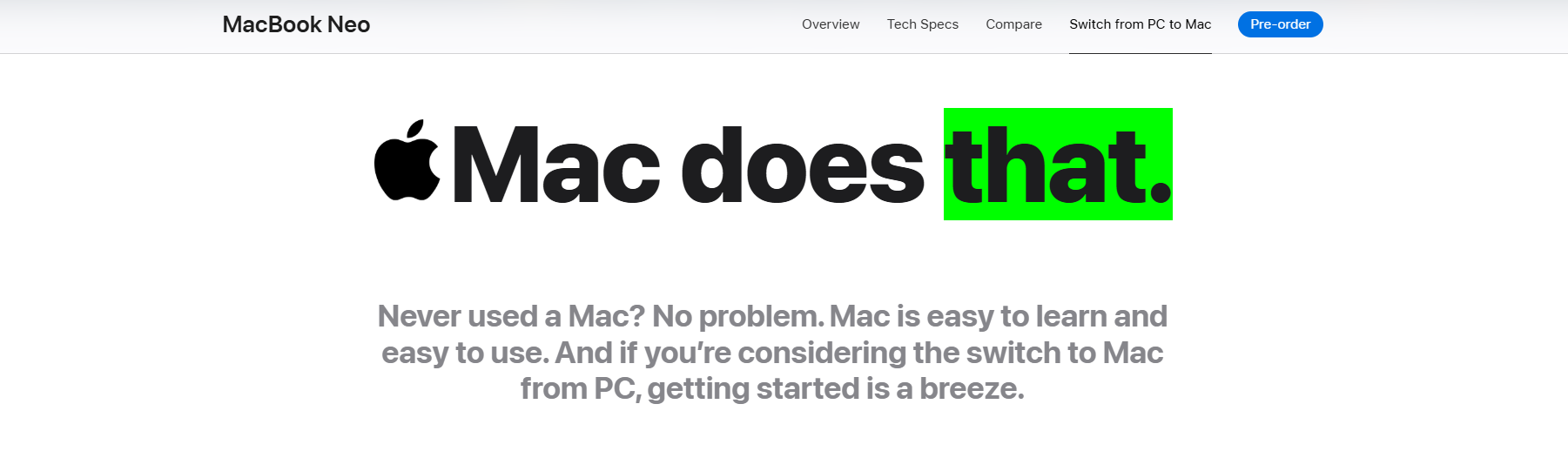
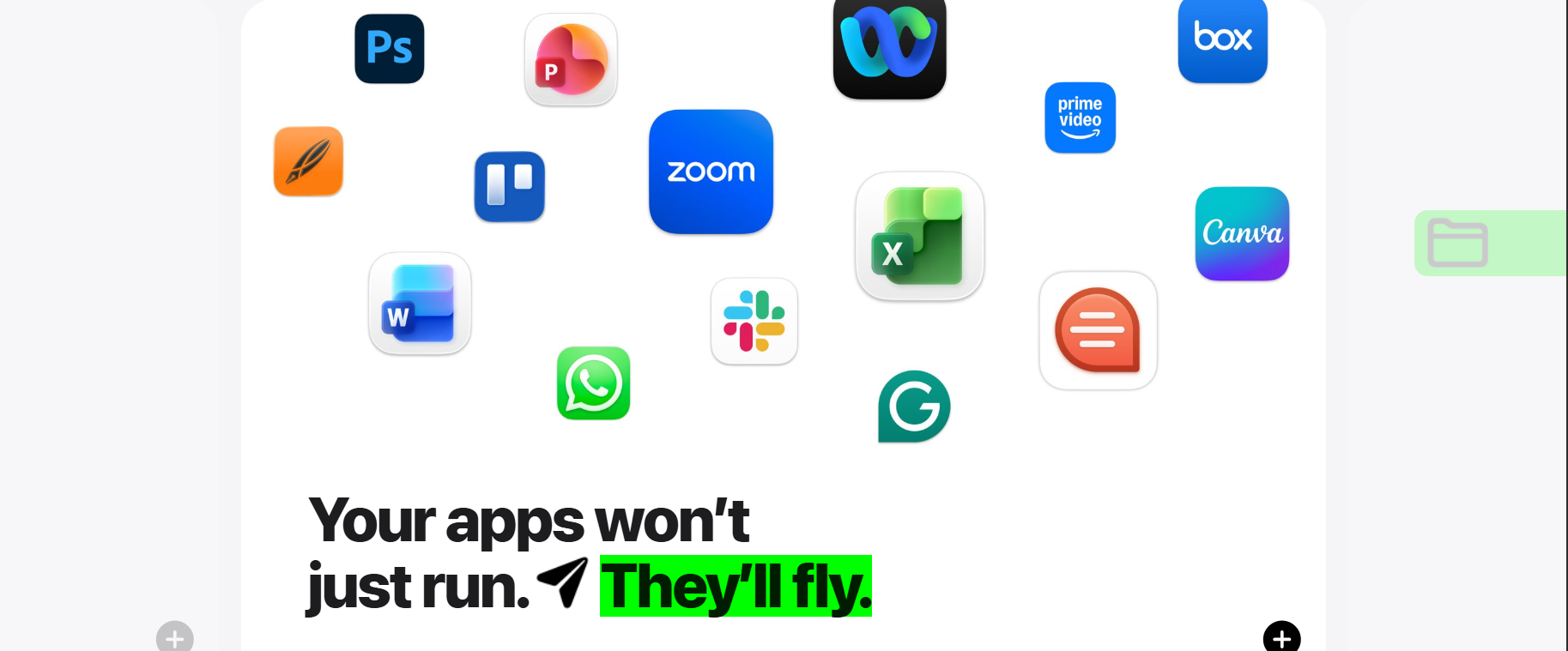
Every part of this page is trying to convince someone who has never used macOS that it’s better than Windows. For example, when Apple says “Your apps won’t just run. They’ll fly”, while showcasing Microsoft Office apps too, someone who has only used an old laggy Windows PC will imagine macOS to be this super fast OS, not realizing that it’s the same with newer Windows 11 PCs as well.
Then there is an FAQ section in the “Switch from PC to Mac” page with a carefully chosen list of questions that answer seemingly simple concerns that a Windows user may have about macOS.
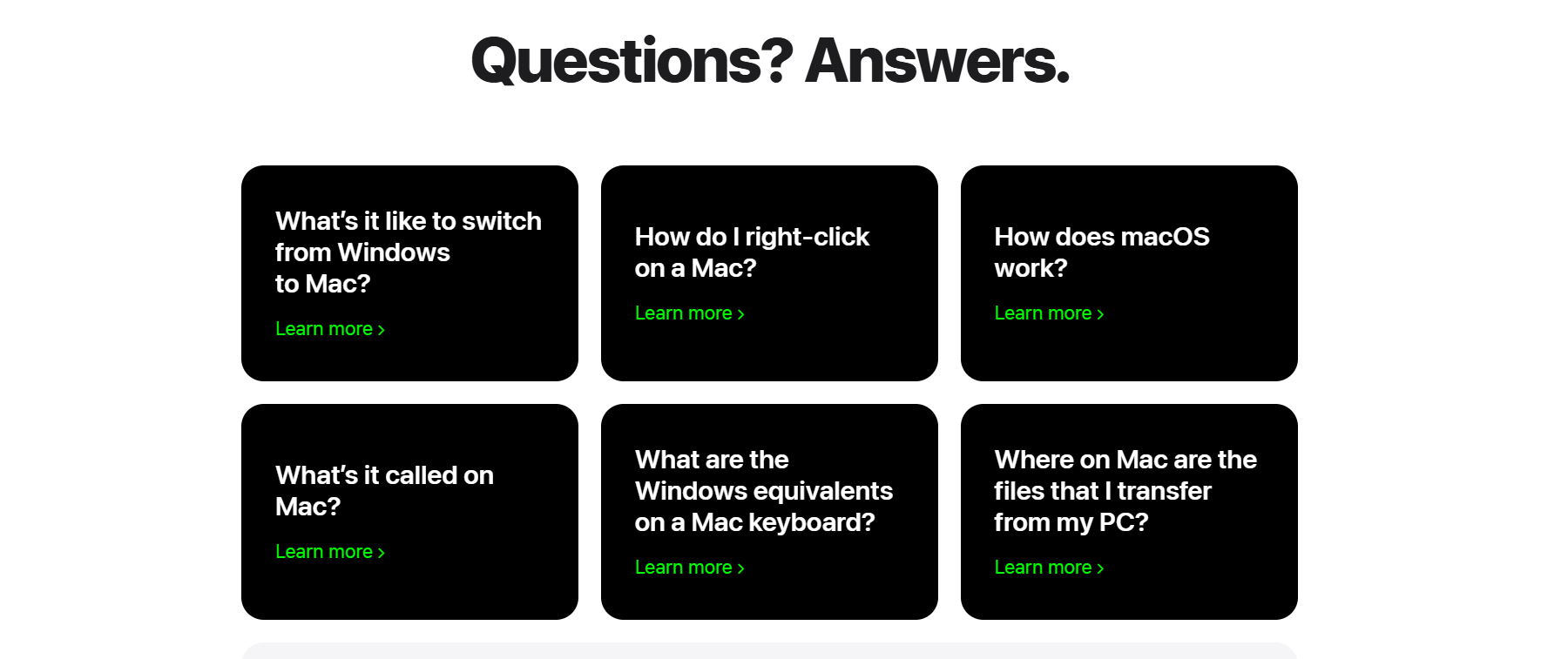
Clicking the first one itself has blatant lies as Apple says, “Your Mac can do everything your Windows system does — and more.” I don’t know Apple, can it game?

Apple’s “Switch from PC to Mac” tab is a well-designed, dangerously convincing page that speaks in the simplest of languages to uninformed Windows users who are in search of greener pastures.
The $599 price tag will definitely hurt Apple as the company is used to getting higher profit margins, but Apple’s game plan is to draw users into its mythical walled garden, from which few ever escape.
This means that buying a budget MacBook Neo will eventually cause users to be pulled into the Apple ecosystem, where peer pressure will force them to buy newer, more expensive iPhones, AirPods, and Apple Watches. Hence, making their initial purchase of a $599 MacBook, their most expensive one yet.
However, a Windows PC in the same $599 price bracket offers more performance than the MacBook Neo, while also giving at least 16GB of RAM, with options to upgrade, and of course, works well paired with a budget Android phone as well, which is just as capable as iPhones.
That said, the ball is in Microsoft’s court to fix Windows 11 once and for all in 2026 and to do whatever it takes to bring back users’ trust.