






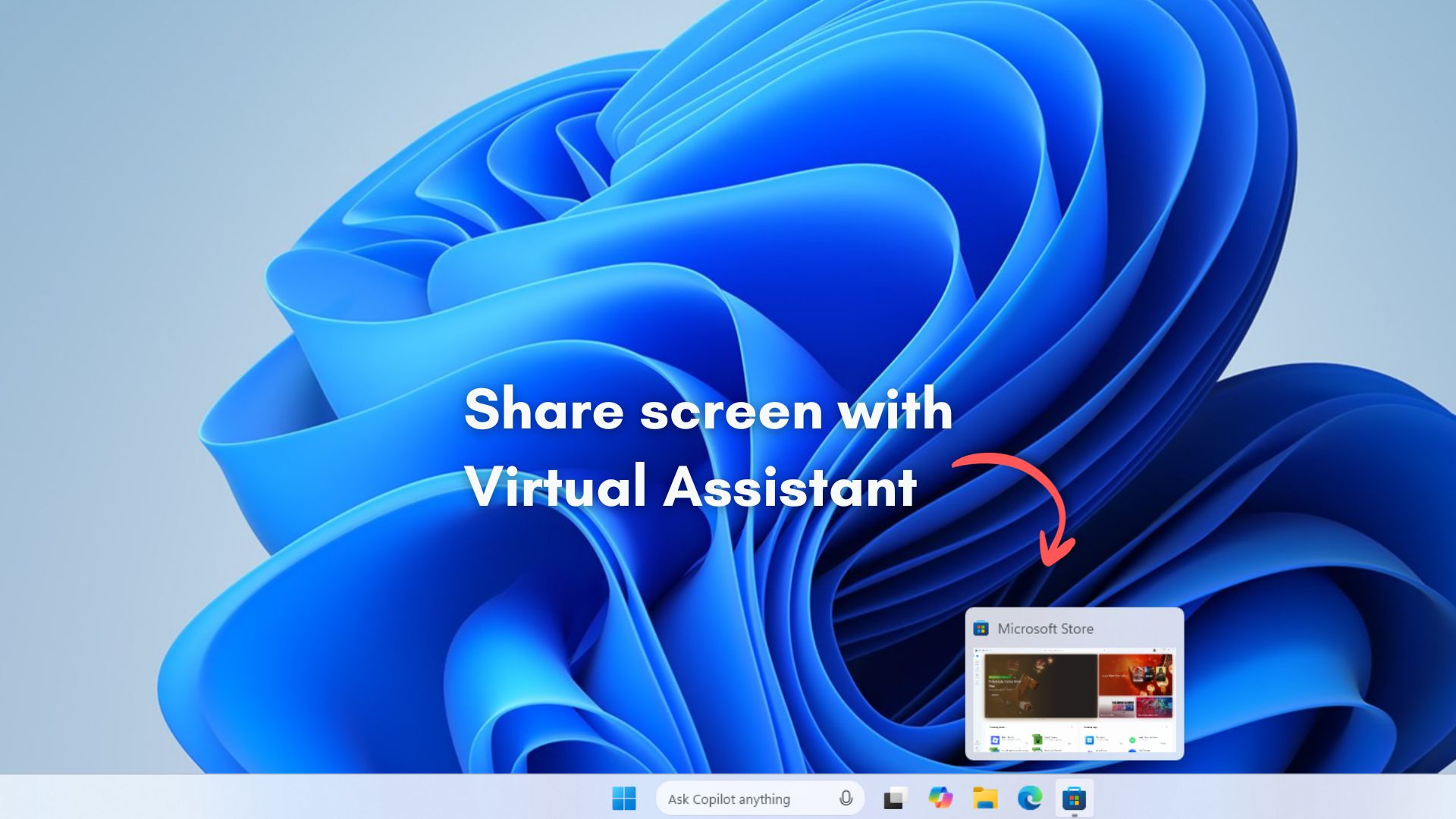
Microsoft appears to be experimenting with yet another way to weave AI deeper into everyday Windows workflows. A new option called “Share any window from my taskbar with virtual assistant” has started showing up in Taskbar settings, allowing supported apps such as Copilot and Microsoft 365 Copilot to access whatever window you choose directly from the taskbar interface.
The idea is to skip the process of manually screen sharing to an AI assistant and just let Windows hand off a live app window straight to Copilot or Microsoft 365 Copilot, of course, with your permission, and it all aligns with Microsoft’s inevitable plan of making the taskbar into a dynamic hub for AI.
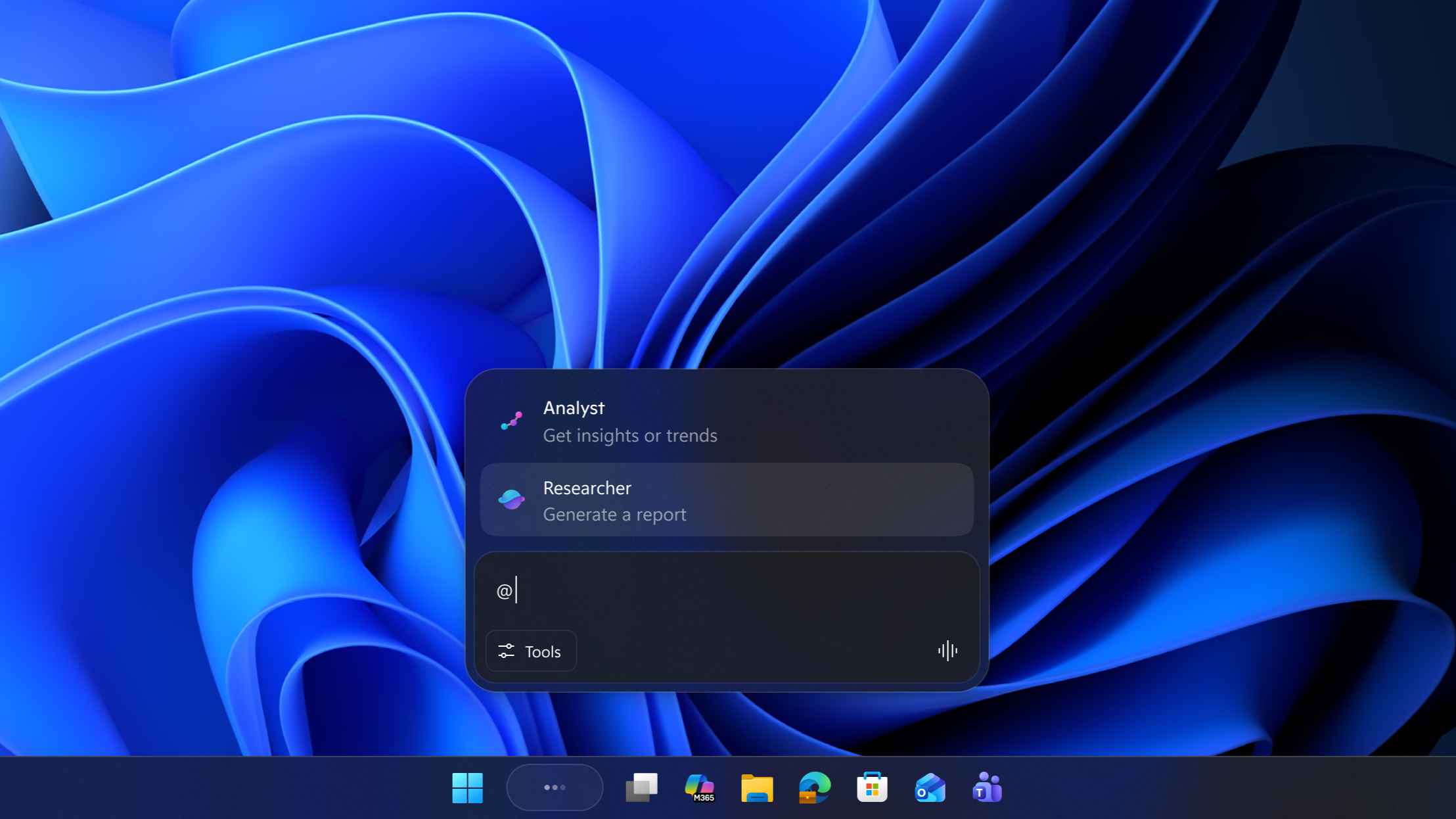
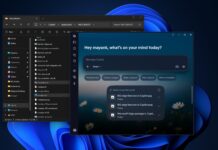
The company is already toying around with Ask Copilot, which is an AI-powered potential replacement for the traditional Windows Search on the Taskbar, featuring a single button access to Copilot Voice and Copilot Vision, the latter of which lets you share your screen to Copilot and make it do tasks for you.
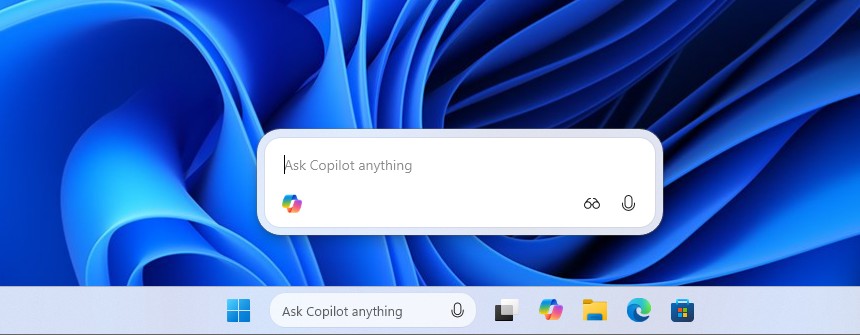
However, the “Share any window from taskbar with virtual assistant” toggle is a part of Microsoft’s broader plan to make Windows into an Agentic OS, because from the looks of it, the space isn’t just reserved for Copilot and may include more AI agents in the future.
Windows 11 is preparing to let you share app windows directly with AI assistant
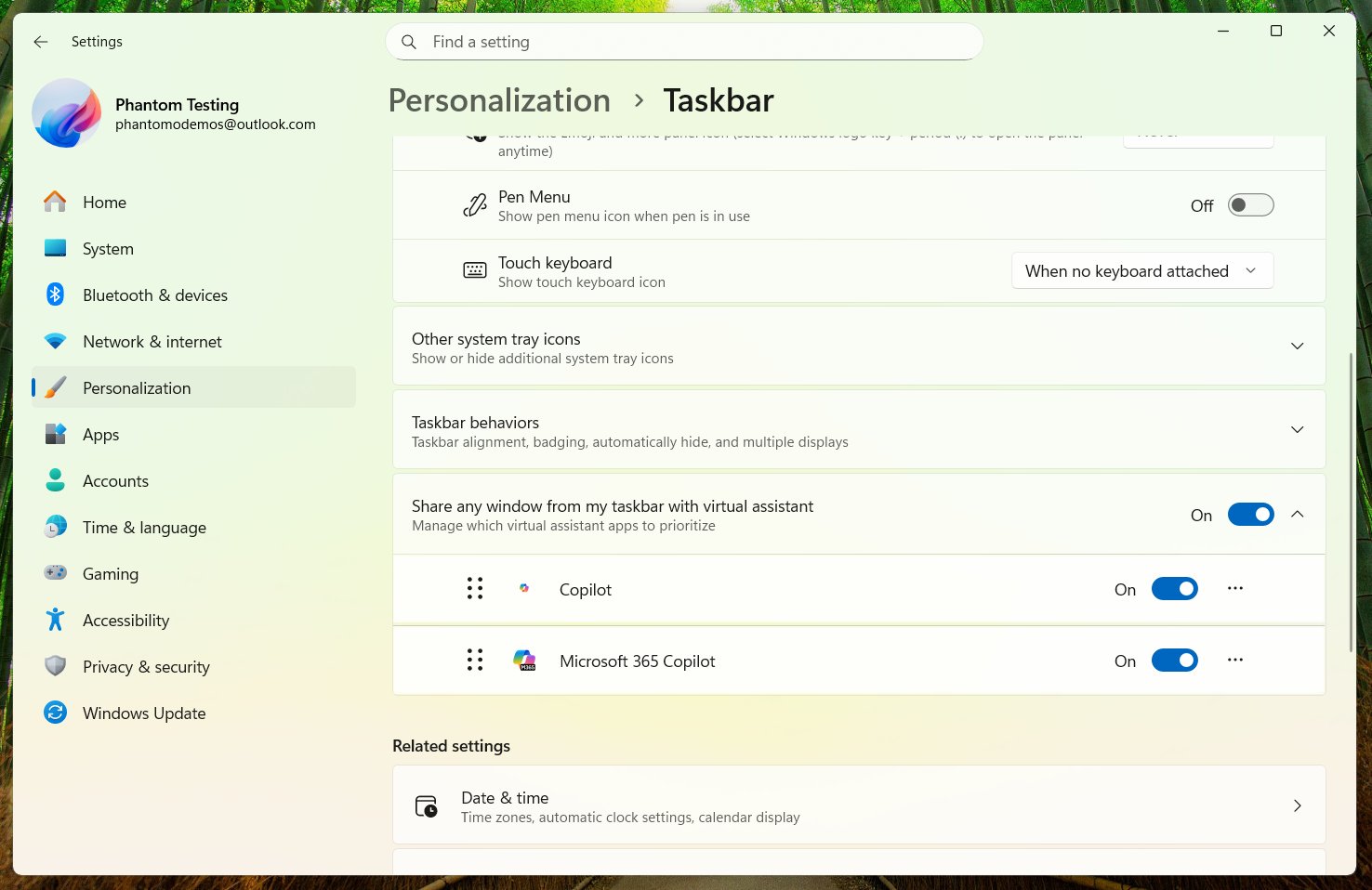
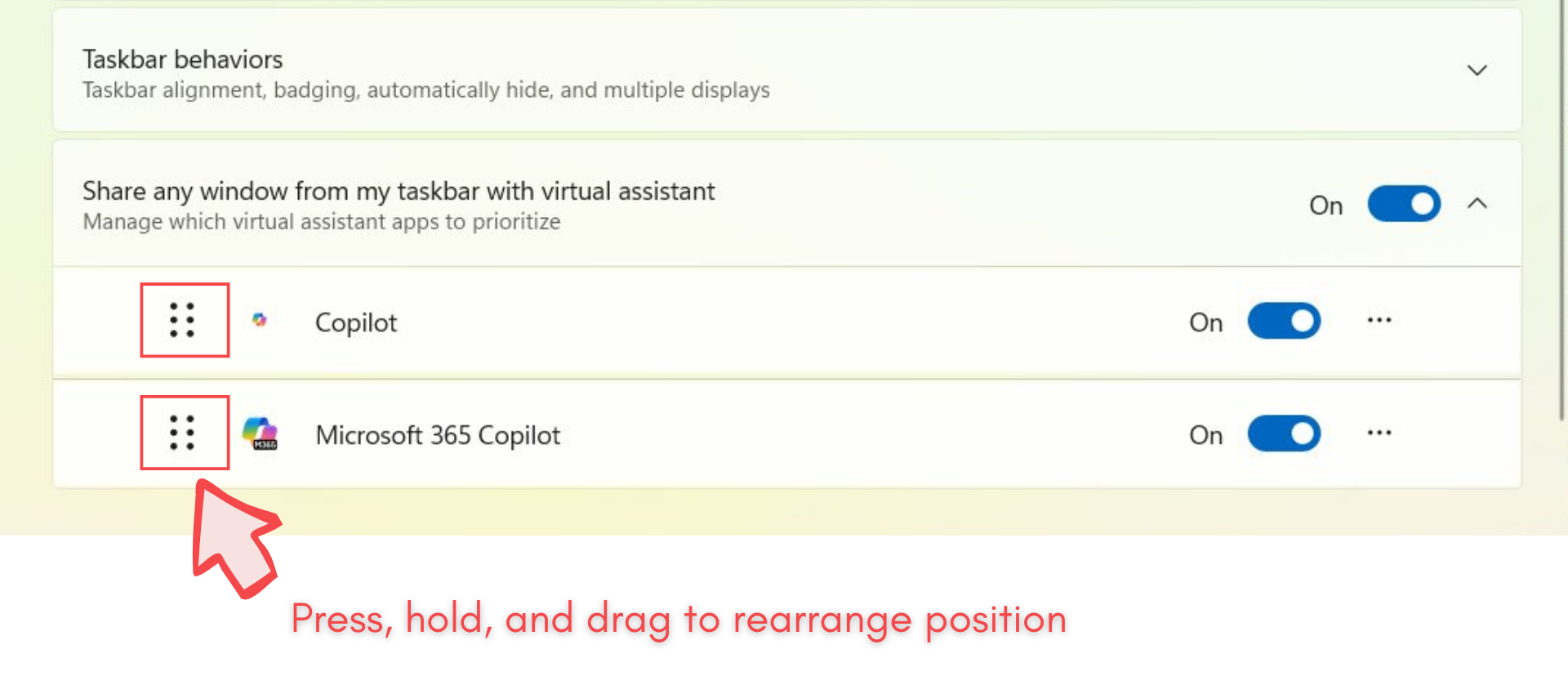
The screenshot by Windows enthusiast @phantomofearth shows a new Taskbar setting called “Share any window from my taskbar with virtual assistant.” The toggle appears to be the settings-side control for a feature Microsoft has already been testing under the name “Share with Copilot.”
That implementation added the option to share a specific app window directly to Copilot when hovering over that app’s thumbnail preview on the taskbar. It allowed Copilot to analyze what’s on screen and provide contextual help. Windows Latest tested Share with Copilot on apps like Outlook, Cloudflare WARP, and more.
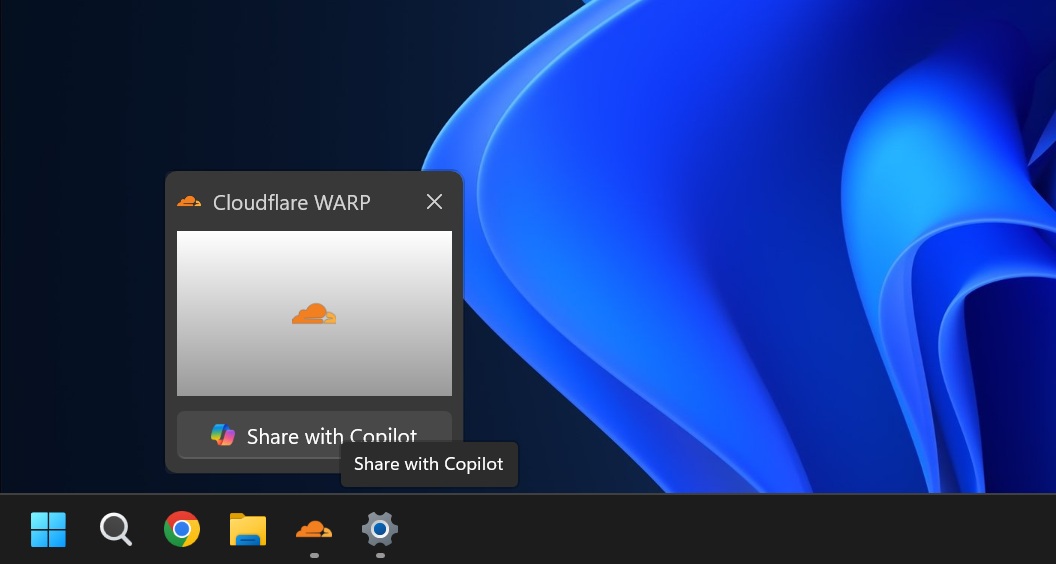
Once a window is shared, Copilot can read visible content, summarize information, suggest replies, or guide you through actions by highlighting UI elements with its own cursor. It is designed as a read-only, assistive layer. The AI sees what you see, but it does not take control of the app or interact with protected content.
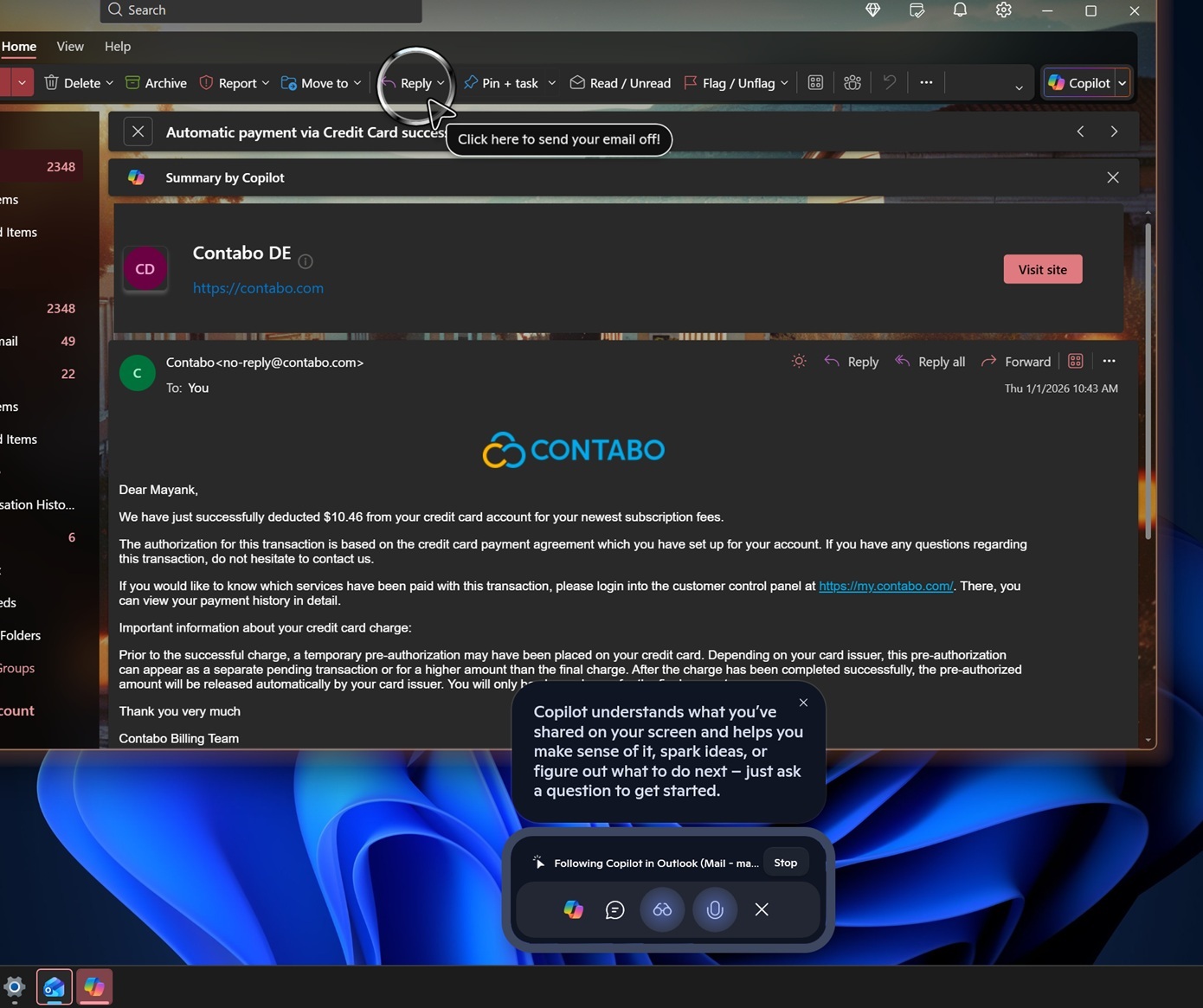
The newly spotted toggle suggests Microsoft is formalizing that capability into a system-level permission model. Users may now be able to choose which “virtual assistant” apps are allowed to request access to open windows. The list already includes Copilot and Microsoft 365 Copilot, and we believe that third-party AI agents may make their way here.
Windows Latest found that Microsoft is using a Windows API called ” Windows.UI.Shell.ShareWindowCommandSource.” to allow apps like Teams to plug into the taskbar. This API is marked as a “Limited Access Feature”.
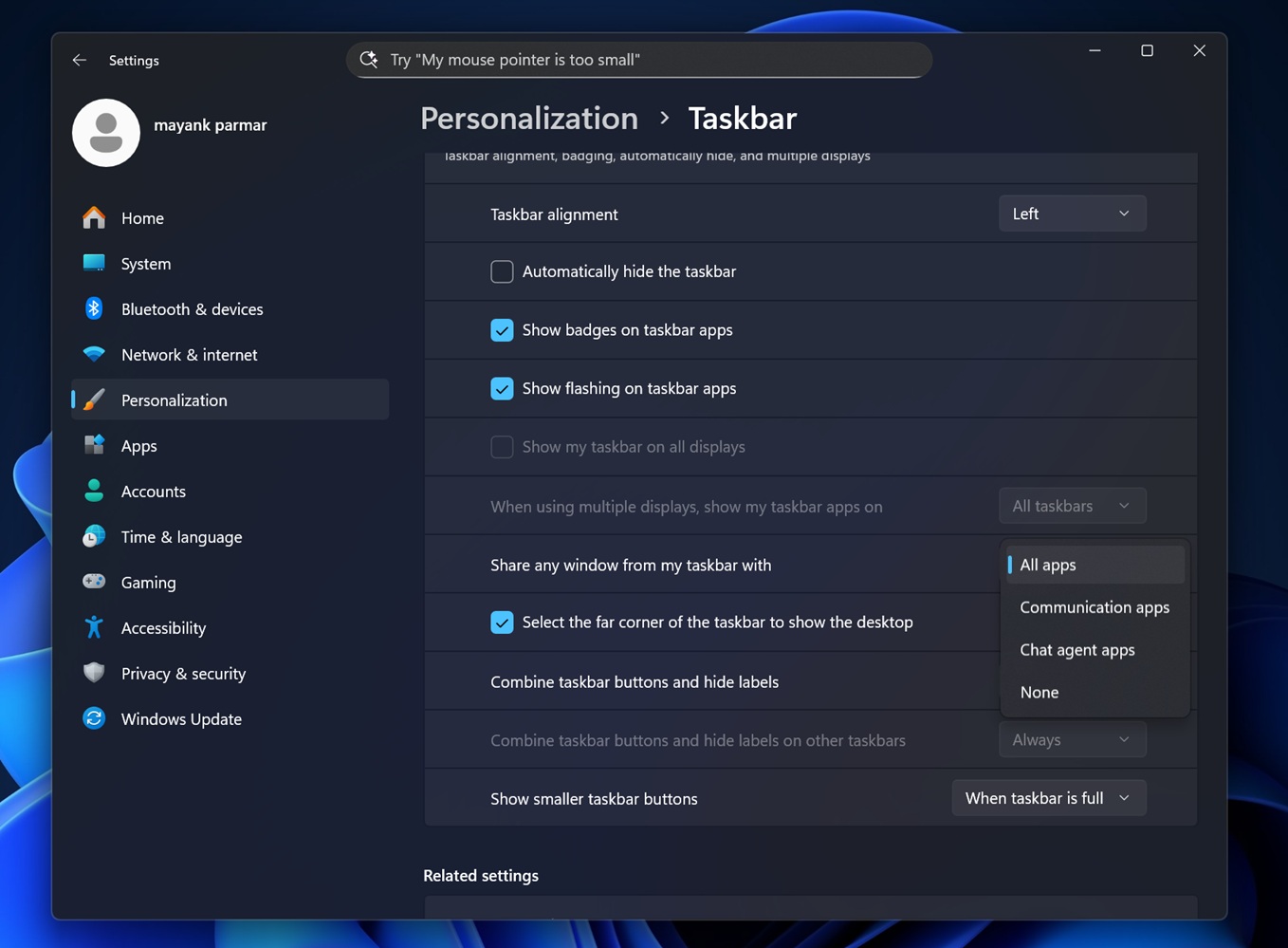
This Windows shell-level sharing infrastructure was originally meant for communication apps. Microsoft appears to be extending that plumbing so AI agents can register as sharing targets, letting Windows pass along a selected WindowId from the taskbar itself.
Until now, Microsoft has only approved the Copilot app, but now Microsoft 365 Copilot is also whitelisted. For any third-party AI Agents to make the cut, the company has to approve those developers. And once they do, you’ll start seeing other AI agents in the list.
The screenshot shows that you’ll be able to turn on or off individual AI Agents from this list.
The option to Share window with virtual assistants is, in fact, an option, and a simple toggle can completely turn off the feature. Also, the feature is turned off by default.
To enable the feature, go to Settings > Personalization > Taskbar, and check under Taskbar beaviors:
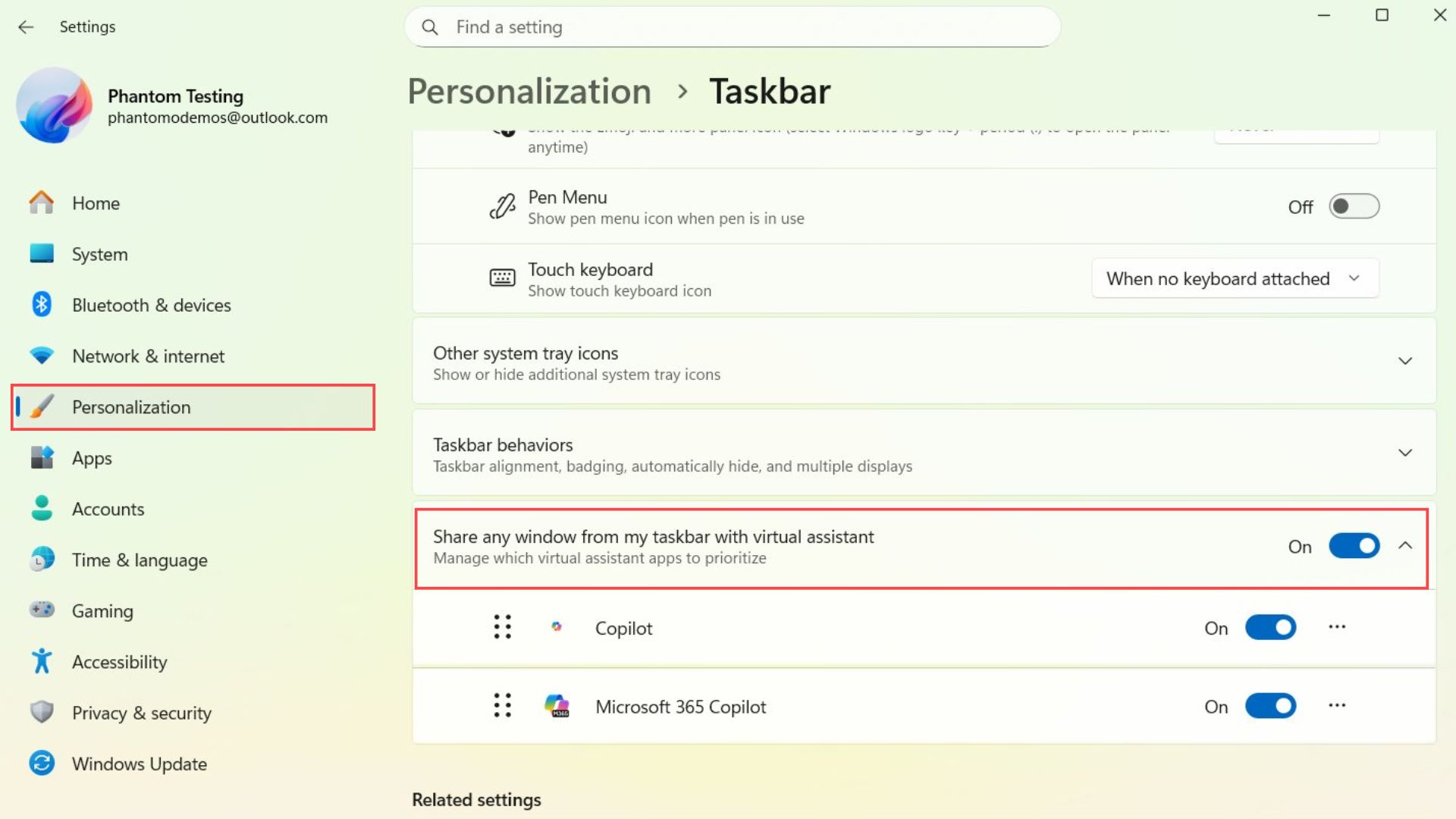
You can prioritize AI Agents while sharing an app window
Interestingly, you can decide which AI Agents get higher priority while sharing an app window. The screenshot shows 6 dots on the left of each AI agent, and they can be long-pressed and dragged to move them up or down. However, we are not sure how we can choose a particular AI Agent when selecting the option to share the window with a virtual assistant.
Windows 11 is redefining the taskbar for the AI era
For decades, the taskbar was little more than a launcher. It held the Start button, showed running apps, and stayed mostly unchanged from Windows 7 through Windows 10.
Windows 11 initially drew criticism for removing long-standing behaviors, including the ability to move the taskbar to different edges of the screen. That decision frustrated power users who had built workflows around a more flexible layout.
Now Microsoft appears to be reversing course while simultaneously expanding what the taskbar can actually do. The company is already working on bringing back the ability to move the taskbar and even resize it, features that are reportedly under active development for upcoming Windows 11 updates.
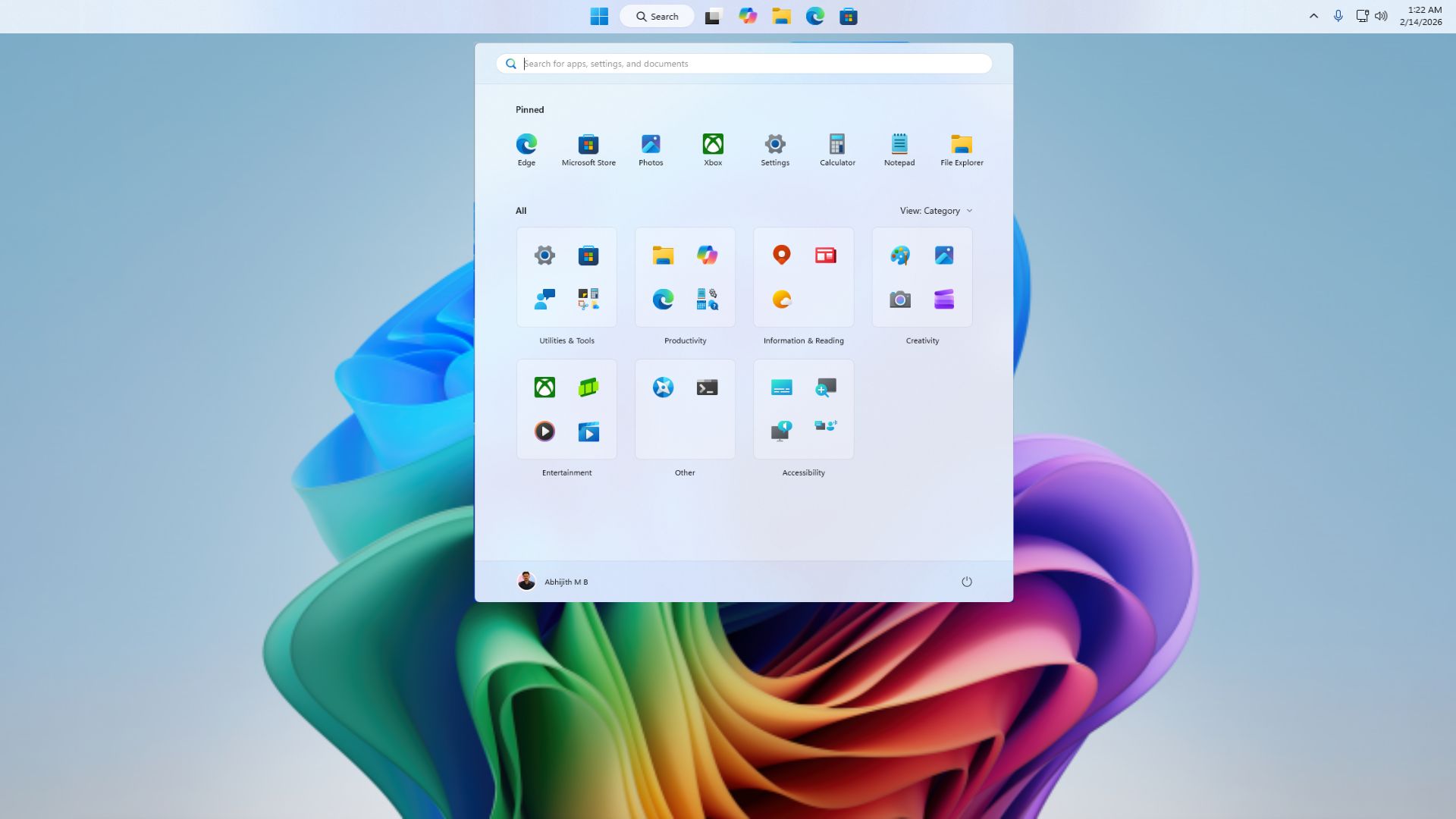
Microsoft has also been layering in new functionality, such as updated battery indicators. Recent preview features include a built-in network speed monitoring from the taskbar, which could be a very nifty feature. Microsoft increasingly wants everyday information and actions to appear directly from this strip of UI.
The addition of AI entry points follows that same course. Windows 11 is embedding them into places users already interact with constantly. We have recently seen how AI agents run on the taskbar via Ask Copilot.
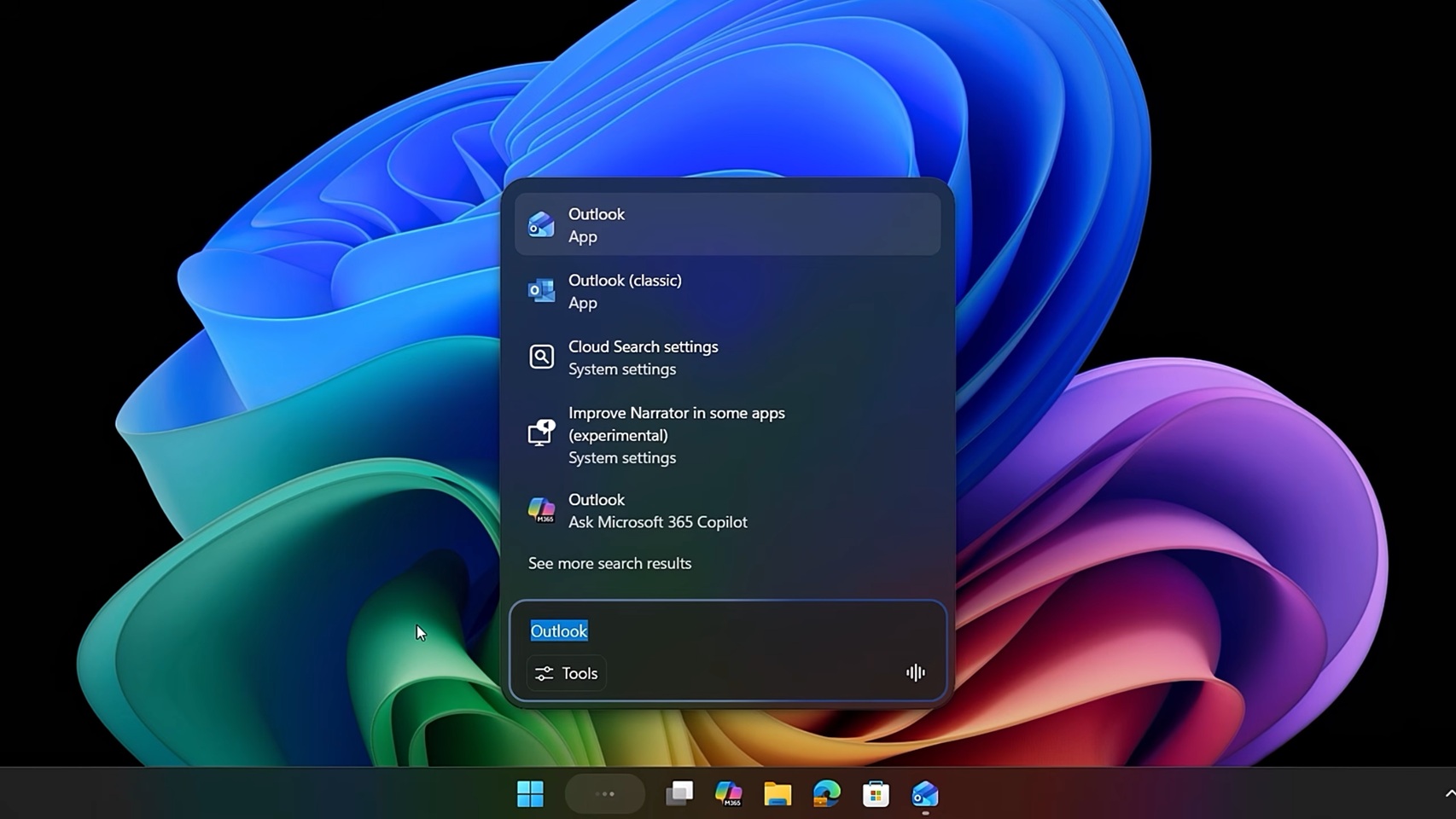
Note that Microsoft is not replacing the taskbar with something unrecognizable. It is layering new capabilities on top of a familiar foundation, testing them in limited rollouts, and adjusting based on feedback. The newly spotted toggle can be turned off, but the UX may change before it reaches a wider audience.