







Windows Latest has learned that Microsoft is adding image support to Notepad on Windows 11, and sources told us that the feature has “minimal impact” on performance. Microsoft sources also told us that the feature is part of Notepad’s existing Markdown support, and you’ll be able to disable it in Settings along with other features.
Notepad is no longer the simple text editor it once was, at least out of the box. Microsoft has been upgrading it with more features to make up for the loss of WordPad.
Unlike Notepad, WordPad has always supported images and other markdown features. In fact, in many ways, WordPad felt like a less-powerful version of MS Word, while Notepad remained a simple text editor.
With WordPad gone, Microsoft has been trying to fill the void and is adding new features to Notepad. More recently, the company added support for markdown. With markdown, you can bold or italicize text, and even insert links in Notepad, which is also why the company found a vulnerability in the text editor.
Now, the next new feature is full-fledged support for images in Notepad.
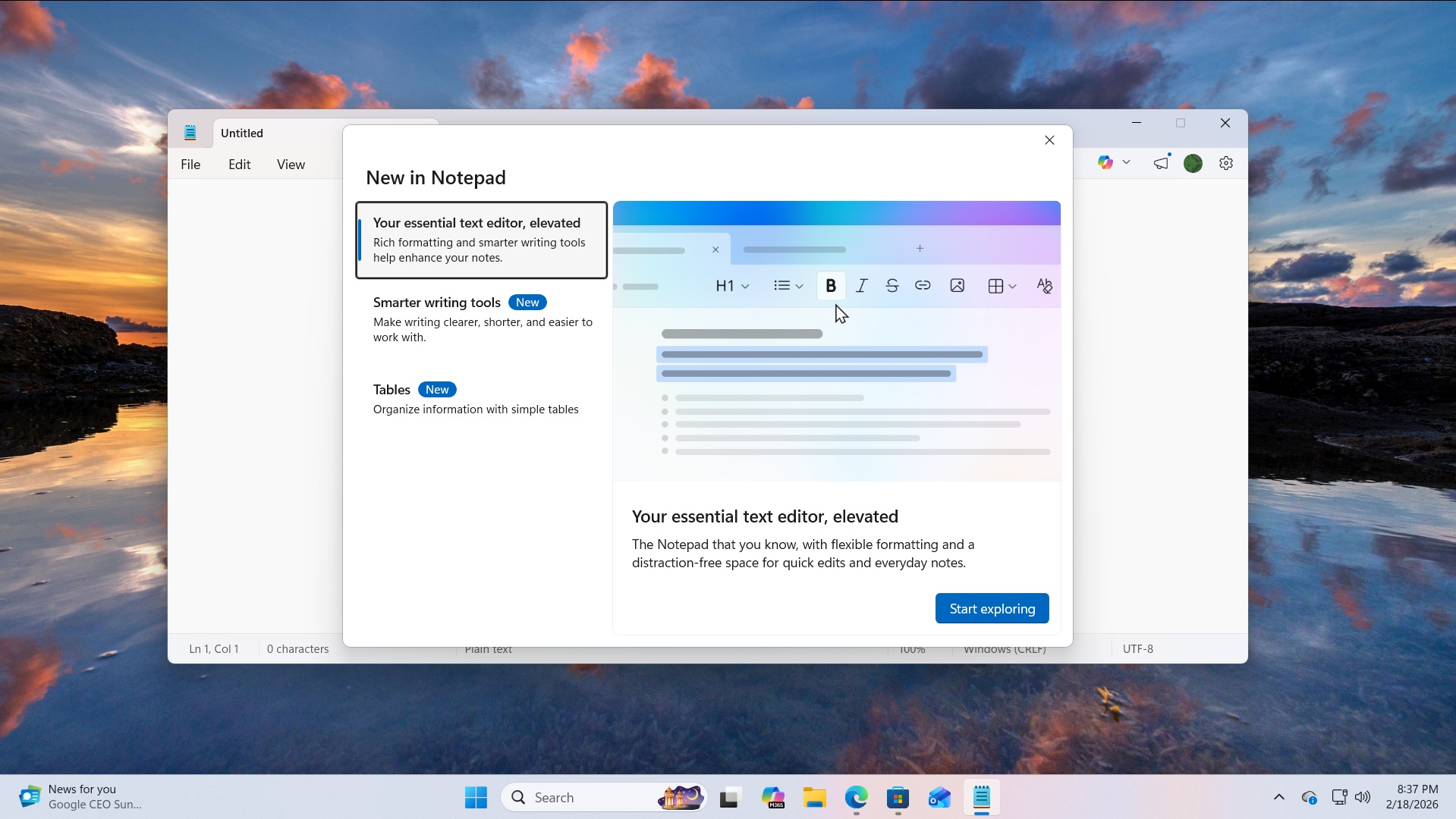
After a recent update in the Windows Insider Program, some of you might have noticed that there’s an image button in the toolbar of Notepad. It only shows up in the “What’s new” dialog of Notepad, which appears when you install Notepad for the first time or apply one of the recent updates.
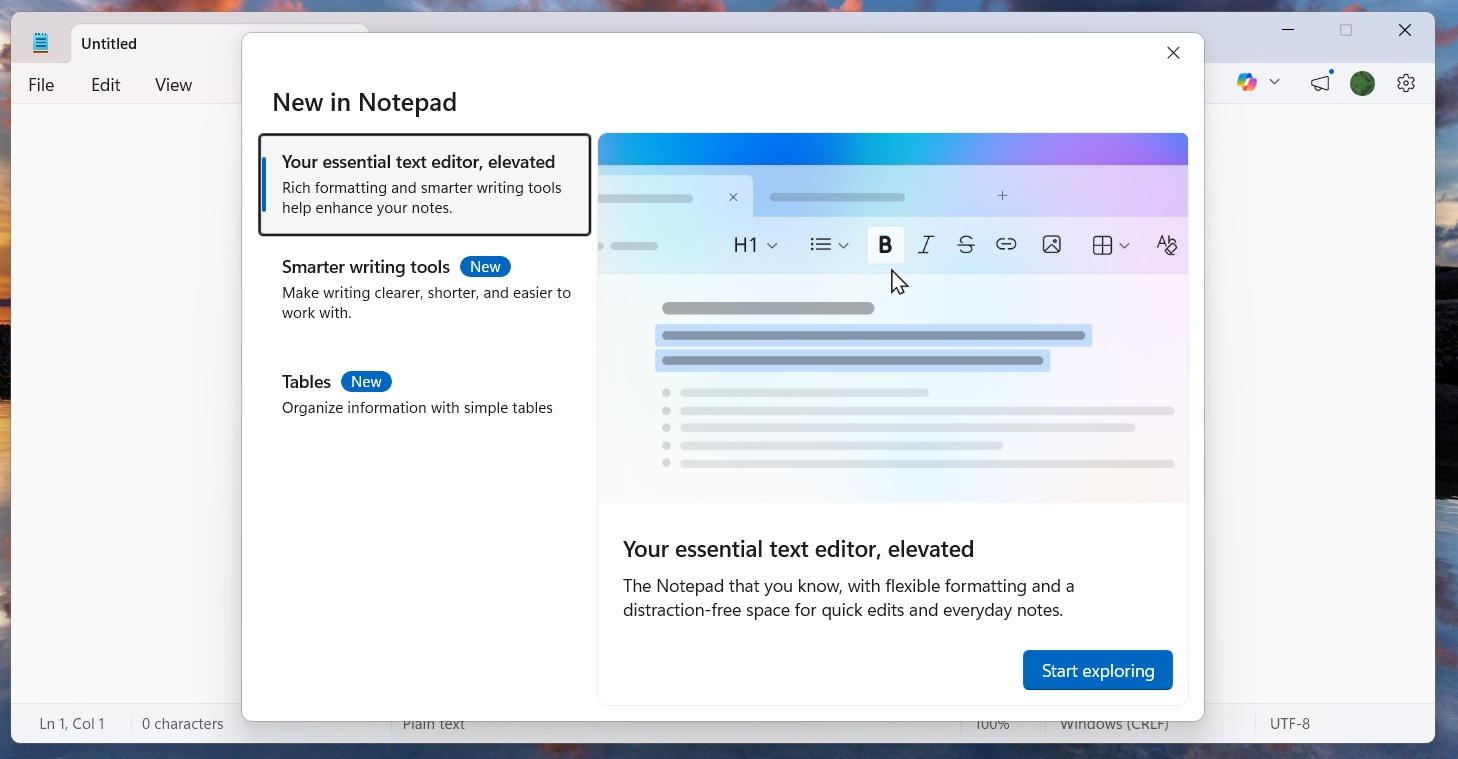
Right now, this button does not work, but the image shortcut in the marketing material is not a mistake. Image support is real, and it’s being worked on internally for a wider rollout in the coming months.
Microsoft sources confirmed to Windows Latest that image support is being tested in internal builds of Notepad. In tests, Microsoft found that images and other markdown features have minimal impact on performance.
Like rest of the formatting options, the feature will be turned on by default, and you’ll be able to disable it from Settings:

The company internally describes the idea as a way to provide more flexibility for consumers, so they can properly structure their text, and it will begin rolling out soon.