








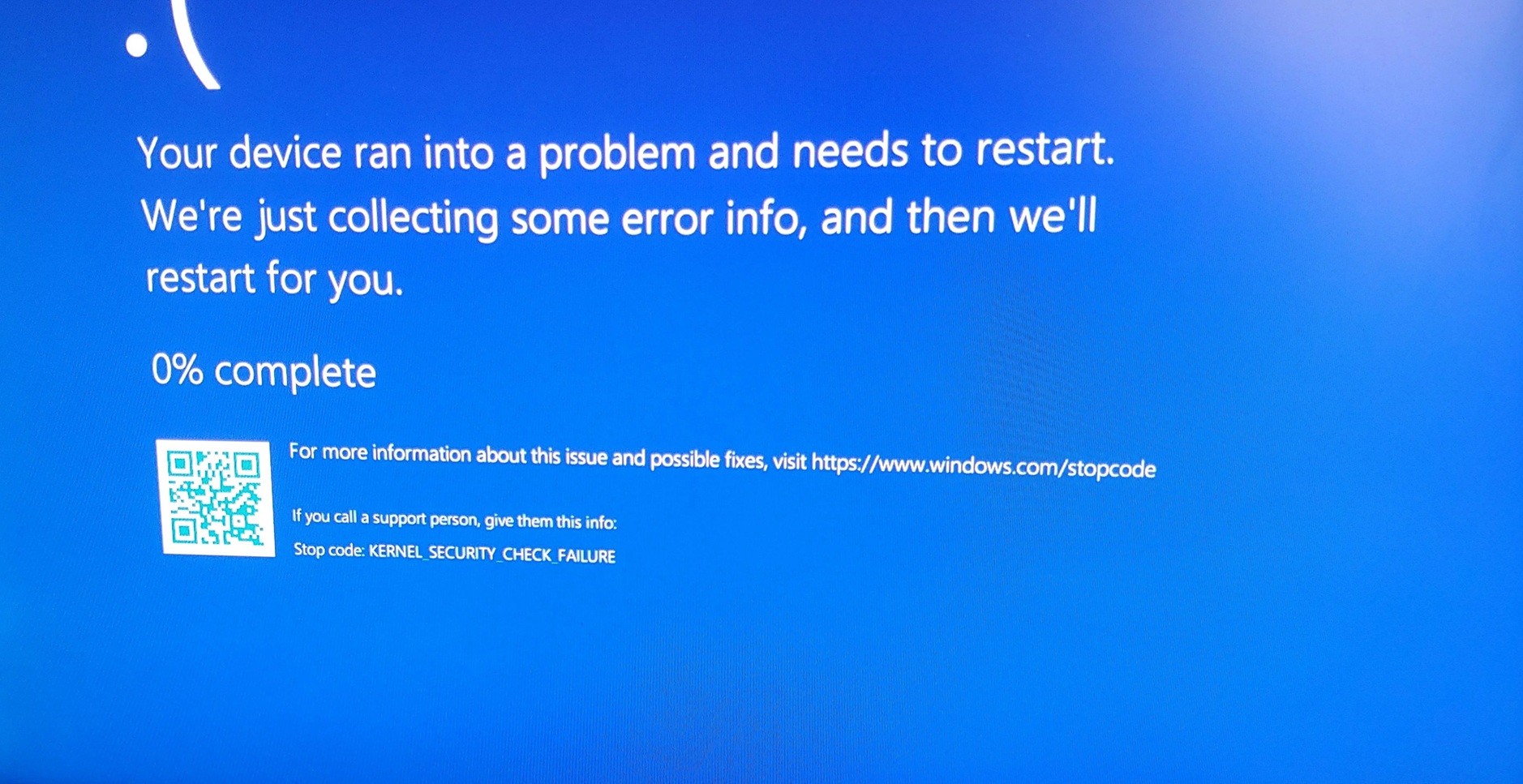
Microsoft says it is aware of two separate issues that could affect some Windows 11 installs, including a fatal bug that crashes affected PCs with certain GPU configurations, likely not just Nvidia GPUs. If only Nvidia GPUs were having issues, Microsoft would have specifically admitted it. Moreover, Microsoft has confirmed another bug that causes issues with WPA3 Wi-Fi.
According to Microsoft, a bug in Windows 11 causes certain PCs to crash with a Black Screen of Death (BSOD), and the error code is KERNEL_SECURITY_CHECK_FAILURE. The kernel security error code is not exactly new, as reports of the issue date back to 2023, and there is also a very detailed support document that explains what causes the problem.
However, it appears that after recent Windows updates, more testers started running into this KERNEL_SECURITY_CHECK_FAILURE error, which can also show a green screen instead of black. The blue screen was recently updated to use a black screen as part of modernization efforts in Windows 11.
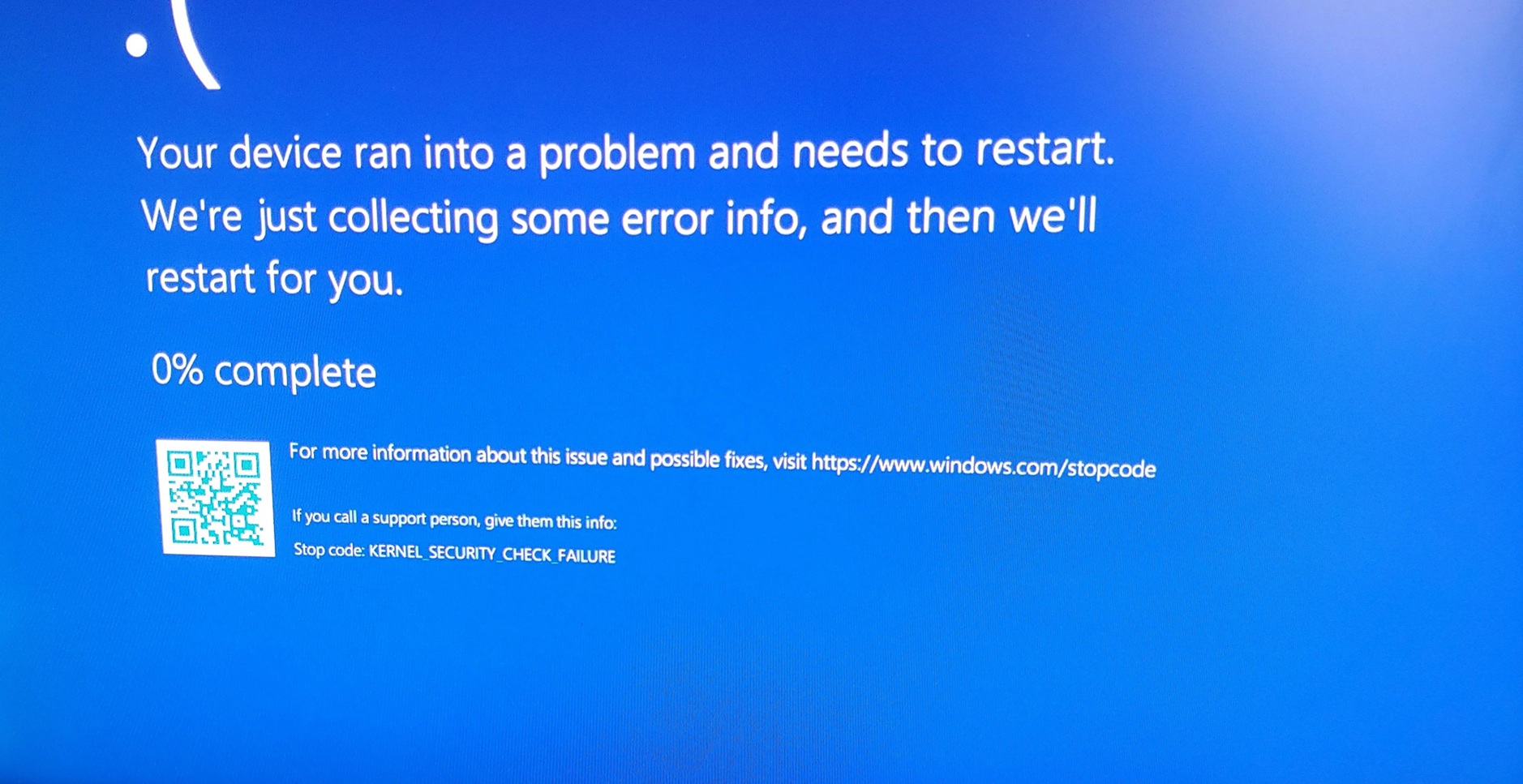
In a Feedback Hub post, one user noted that they run into the BSOD error KERNEL_SECURITY_CHECK_FAILURE when trying to play Genshin Impact if kernel-mode hardware-enforced stack protection is enabled. There’s also a thread on Reddit that points out similar issues.
Thankfully, it’s all patched up now, after a long delay. In the release notes of Windows 11’s February 2026 Update, Microsoft quietly confirmed that it was aware of the GPU BSOD bug and is now rolling out a fix:
“[Graphics] Fixed: This update addresses an issue where certain GPU configurations might recently have experienced a system error related to dxgmms2.sys, resulting in the KERNEL_SECURITY_CHECK_FAILURE error.”
According to Microsoft, if you don’t install the recent updates, some PCs could run into a system error involving dxgmms2.sys, which is a core DirectX graphics memory management component.
When that happens, Windows may stop with KERNEL_SECURITY_CHECK_FAILURE (Bug Check 0x139), an error that appears when the kernel detects corruption or an invalid change in a critical internal data structure and shuts down to protect the system.
After the update, you should no longer run into BSODs due to your GPU.
This issue is patched in Windows 11 Build 26200.7840 or newer.
Microsoft confirms Wi-Fi issues on Windows 11
In another support document, Microsoft admitted that a bug in Windows 11 prevents some PCs from connecting to WPA3-based Wi-Fi networks, but the company insists that it affects only certain networks, and it does not have a list of affected adapters.
According to Microsoft, this issue originates from the January 2026 optional update (KB5074105), and is finally getting fixed in Build 26200.7840 (KB5077181).
“[Networking] Fixed: This update addresses an issue that prevented some devices from connecting to certain WPA3-Personal Wi-Fi networks. The issue might occur after you install KB5074105,” Microsoft confirmed in the updated release notes spotted by Windows Latest.
While these issues are patched in Windows 11’s February 2026 Update, it is important to note that fixes are rolling out gradually. Even if the patch is installed, you might still run into the problem until the fix is fully applied to your system.
In addition, Microsoft confirmed it fixed black screen and other gaming issues hitting some Nvidia GPUs.