







Windows 10 KB5075912 is rolling out on PCs with Extended Security Updates (ESU), and it bumps the OS to Build 19045.6937. This update has multiple bug fixes, including a fix for an issue where Windows does not shut down correctly. In addition to Windows Update, Microsoft has posted direct download links for KB5075912 offline installers (.msu).
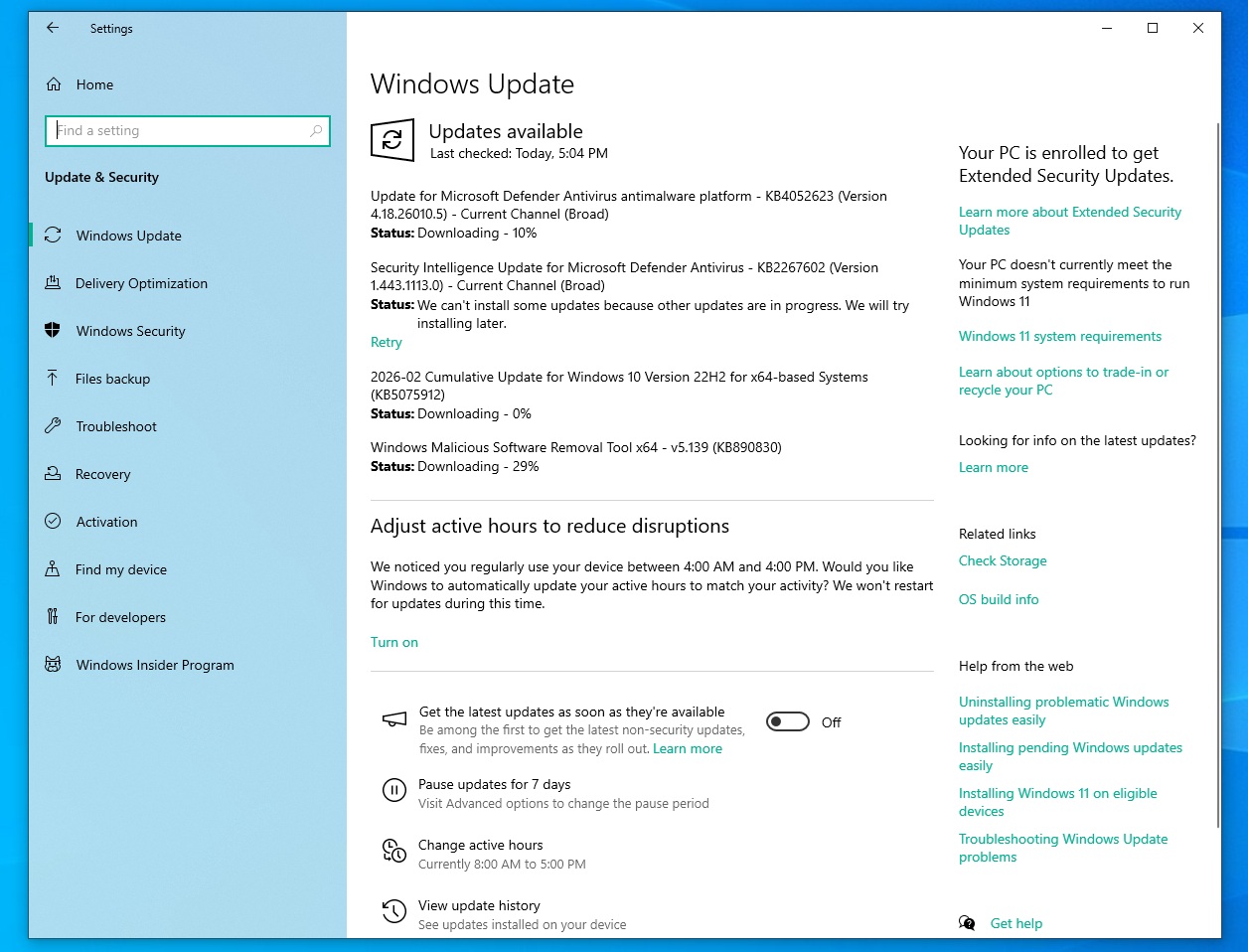
KB5075912 is a mandatory update rolling out as part of February 2026 Patch Tuesday, which also covers Windows 11 and Windows Server. This update is titled “2026-02 Cumulative Update for Windows 10 Version 22H2 for x64-based Systems (KB5075912),” and it downloads in less than three to five minutes.
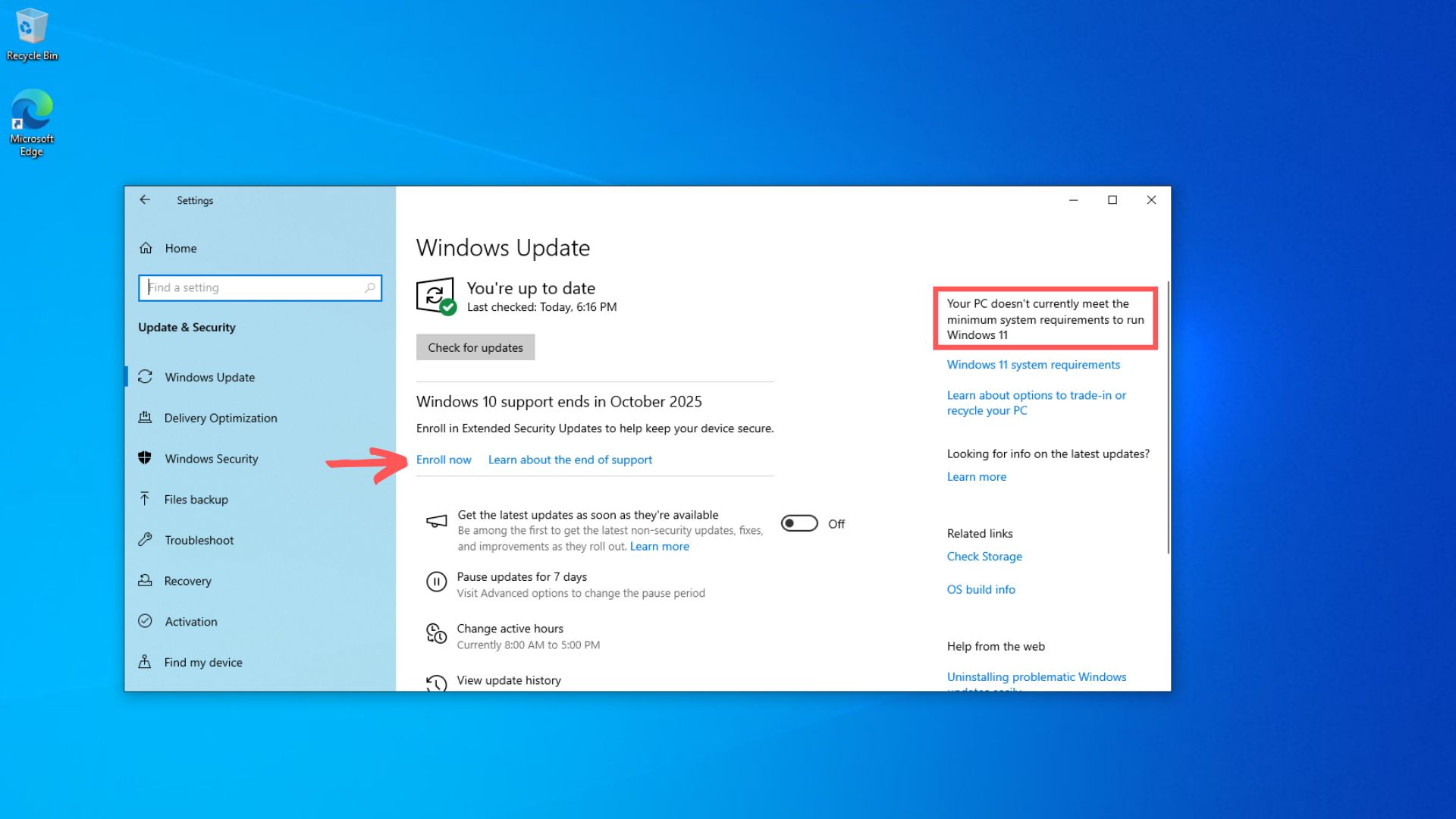
To download and install the February 2026 update for Windows 10, open Settings > Updates & Security > Windows Update and check for updates.
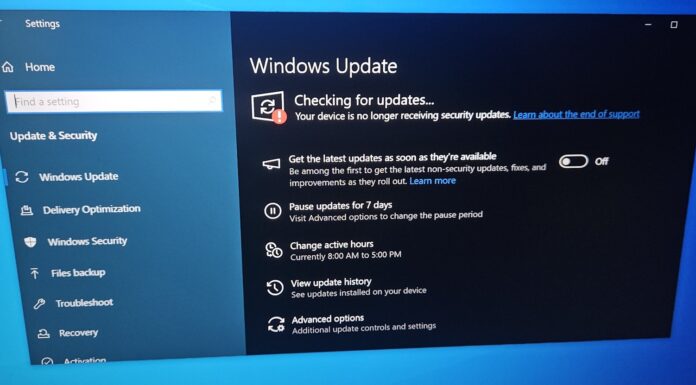
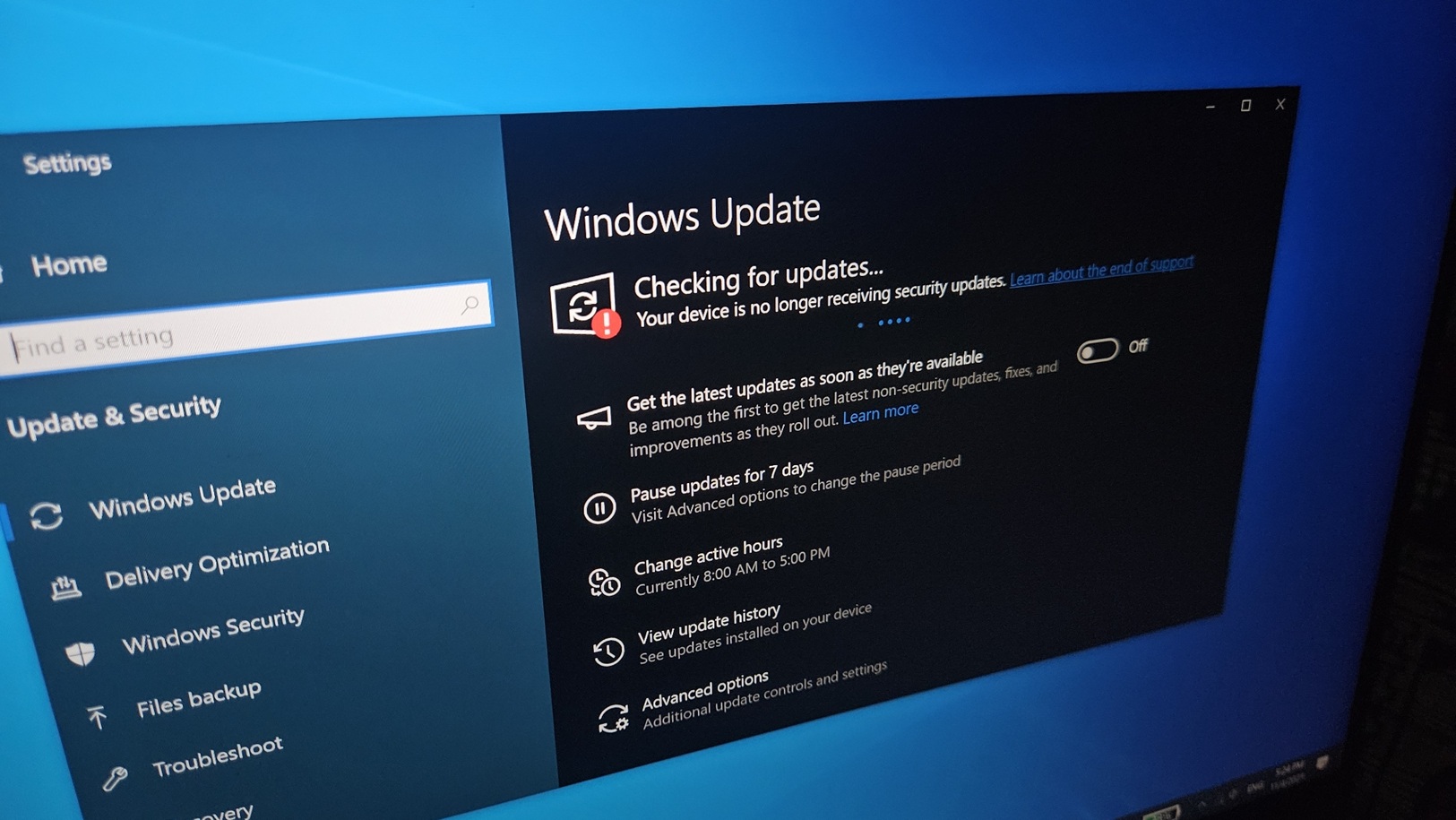
In most cases, it should be downloading already, but if you’re not using ESU (Extended Security Updates), the Feb patch won’t show up. Instead, you’ll see an error that says Windows 10 is no longer supported.
Download Links for Windows 10 KB5075912
Windows 10 KB5075912 Direct Download Links: 64-bit and ARM-64 | ESUs are now offered in .cab format, and they don’t install if you’re not signed up for Windows 10 Extended Updates.
Microsoft lets you sign up for ESU directly from Windows Update when you click “Enroll now.”
What’s new in Windows 10 Build 19045.6937?
Windows 10 is out of support, so you can’t expect any new features, but there are several notable bug fixes. For example, Microsoft has included a fix for an issue where Windows 10 does not shut down correctly. It was reported after the January 2026 Patch Tuesday (KB5073724).
After recent updates, a bug broke Windows 10’s shutdown behaviour, but it affected a small subset of users, especially those who use Secure-Launch Capable PCs with a specific feature called “Virtual Secure mode” turned on. Most consumers don’t use it, and were not affected.
However, if you have trouble shutting down Windows 10 after recent updates, today’s build 19045.6937 should help. Microsoft says hibernation was also affected, as some devices rebooted automatically instead of shutting down or entering hibernation.
This issue also means that some devices used more power than usual, as they would not enter hibernation.
Microsoft says a Windows 10 bug that causes stability issues is now fixed
Some users informed Windows Latest that January 2026 Updates or even those released in December 2025 have been causing stability issues, including slow performance, lower FPS when playing games, and taskbar freezing, among other problems.
Stability issues affected Windows 10 PCs with Nvidia GPUs only, but Microsoft won’t share the list of affected GPUs. Regardless, you should install Windows 10 KB5075912 if your computer feels unstable after recent updates.
A bug that broke File Explorer customization has been fixed
Windows Latest previously reported that a bug in Windows 11 causes issues with desktop.ini in File Explorer, but it turns out the issue was also present in Windows 10’s January 2026 Update.
For those unaware, Windows has a bug where File Explorer stops honoring folder customizations stored in desktop.ini. Desktop.ini is a built-in Windows feature used to control how a folder appears in Explorer, even if the folder’s real name on storage stays the same.
When the bug hit, Explorer would still open the folder normally, but it would ignore the LocalizedResourceName setting inside desktop.ini, so the folder would suddenly show its raw, actual directory name instead of the friendly display name you configured.
But was it really a critical bug? Well, if you ask, it was, especially for IT admins. On Windows 10, an IT team might keep a shared folder physically “Printer_drivers_2025_HP_Dell,” but use desktop.ini to display it as “Printer Archive” in Explorer for clarity.
Due to issues with the desktop, the ini file, and File Explorer displayed the original raw name, causing confusion among users who were used to seeing simpler names.
With Windows 10 KB5075912, it’s fixed, which means Explorer once again displays the friendly names defined by desktop.ini, as it should.
Is Microsoft aware of the known issues in Windows 10 KB5073724?
Microsoft confirmed that it’s not aware of any new known issues in Windows 10 KB5073724, and it makes sense. Windows 10 is in the Extended Security Updates phase, and it’s mostly getting security fixes.
The February 2026 Patch Tuesday patches up to 58 security issues, including five critical issues. The table below has the complete list of security fixes:
| Vulnerability type | Count | Notes |
|---|---|---|
| Elevation of Privilege | 25 | This covers bugs that can let attackers jump to higher rights (including an actively exploited RDP/RDS EoP: CVE-2026-21533). |
| Security Feature Bypass | 5 | This includes actively exploited SmartScreen/Windows Shell prompt bypass via crafted link or shortcut (CVE-2026-21510). |
| Remote Code Execution | 12 | This covers code-execution bugs fixed across Windows components. |
| Information Disclosure | 6 | Microsoft has patched information-leak flaws, while it also began a phased rollout of updated Secure Boot certificates. |
| Denial of Service | 3 | This includes an actively exploited Remote Access Connection Manager DoS (CVE-2026-21525) that can crash orstop a service locally |
| Spoofing | 7 | A bug that used to impersonate a trusted identity or endpoint has been fixed. |
| Total fixed this month | 58 | 6 actively exploited zero-days issues in Windows Update. |
If you run into any specific problem, let me know in the comments below, and I’ll ask Microsoft to look into it.