





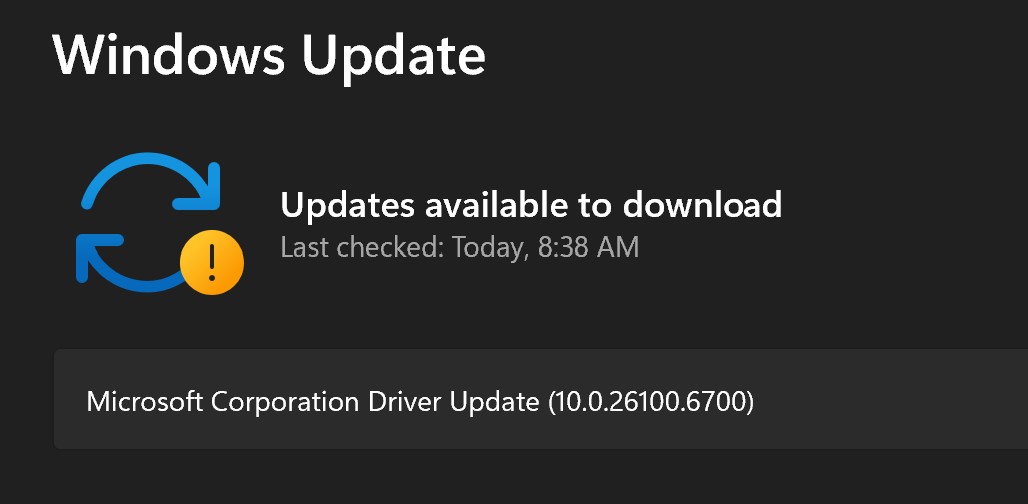
If you haven’t seen it already, you may soon notice some Windows 11 driver updates appearing with a generic label, such as “Microsoft Corporation – Driver Update [version number].” The issue is that it’s a very generic name, and it doesn’t tell you if it’s a driver update for your camera, microphone, or some other hardware. Microsoft wants to patch it in a future release.
What is Microsoft Corporation Driver Update?
In our tests, Windows Latest observed that “Microsoft Corporation Driver Update” shows up for specific features maintained by Microsoft. For example, it could be used for certain camera updates, including Windows Studio Effects. This is one of the useful features of Copilot+ PCs.
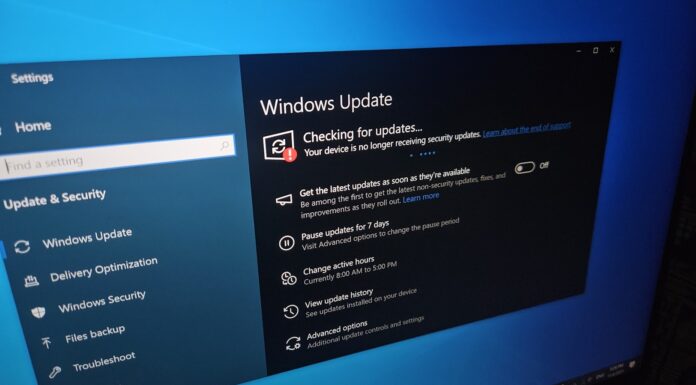
But when you open Windows Update and find “Microsoft Corporation – Driver Update,” you can’t tell if it’s an update for your camera, audio hardware, or something else.
For example, after I installed “Microsoft Corporation – Driver Update,” I noticed a new item called Voice Clarity in Device Manager. Voice Clarity is an interesting feature, and it’s meant to make your voice sound better during calls. That’s why it suddenly appeared after installing the update.
Windows Update just says “Microsoft Corporation – Driver Update” with a version number, but it doesn’t say “Audio,” “Camera,” or “Printer.” So you can’t tell what you’re installing unless you dig into Device Manager or check the driver’s INF details.
However, is that really an issue? I mean, if there’s a driver update and it’s not optional, you’re going to install it anyway, right? Well, yes. But if you’re an experienced Windows user or have worked with enterprises, you probably know that some drivers can add features but also break things.
You can always uninstall the driver update, but if the driver is updated again, or another driver is released for a different hardware with the same generic name, how do you know if you want to keep it or skip? For example, a driver broke my Windows camera, and I installed the same driver again because I did not know the device class.
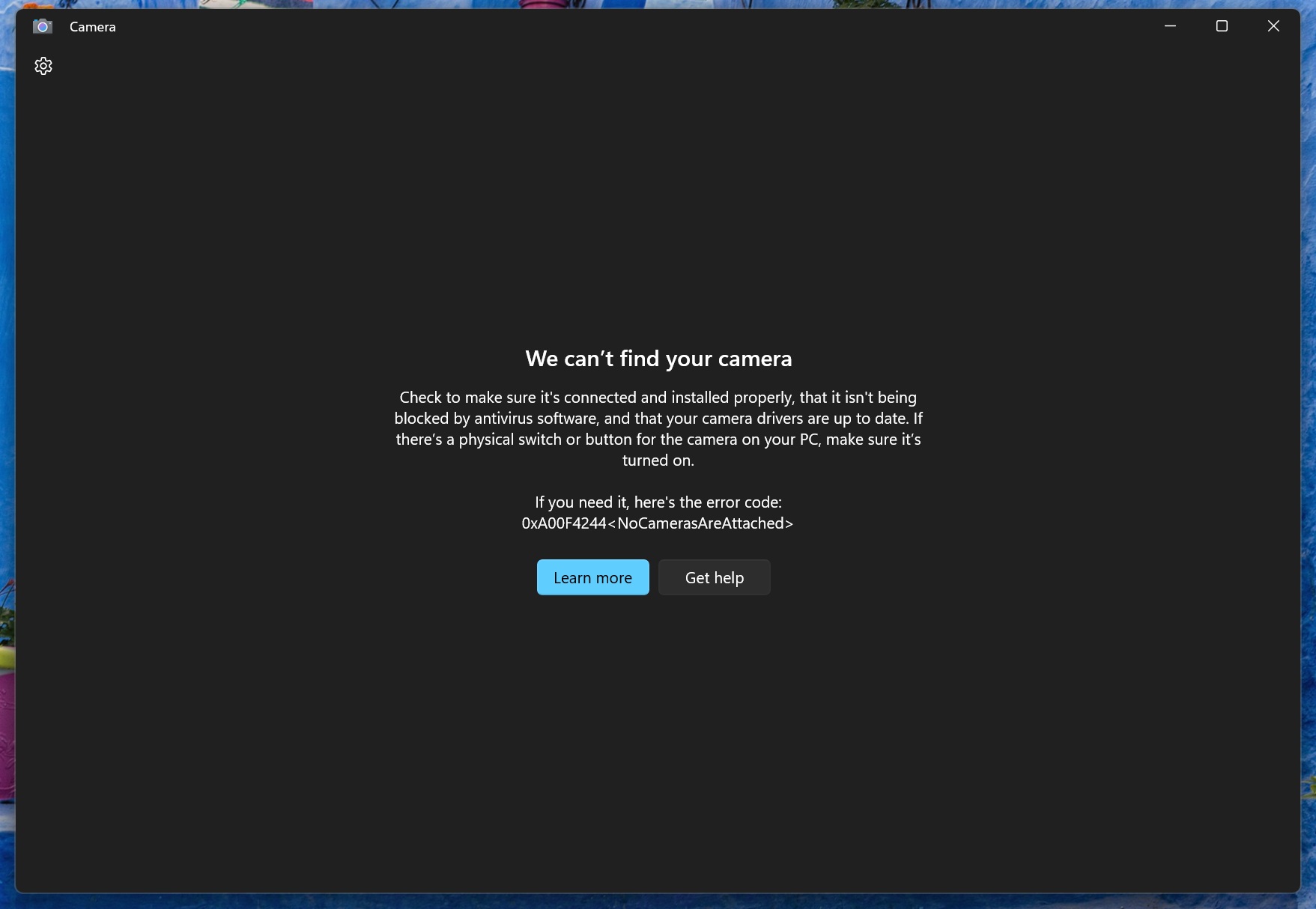
If you can’t figure out which driver update is linked to what hardware, you can never recover Windows properly. These generic names make it impossible to identify the device class that is being updated.
Microsoft plans to add a device class name to all Windows driver updates
Microsoft plans to show the class name for all Windows 11 drivers. For those unaware, a device class is basically a label for what type of hardware something is. For example, a device class could be a camera, display adapter, network adapter, Bluetooth, or basically anything you can find in Device Manager.
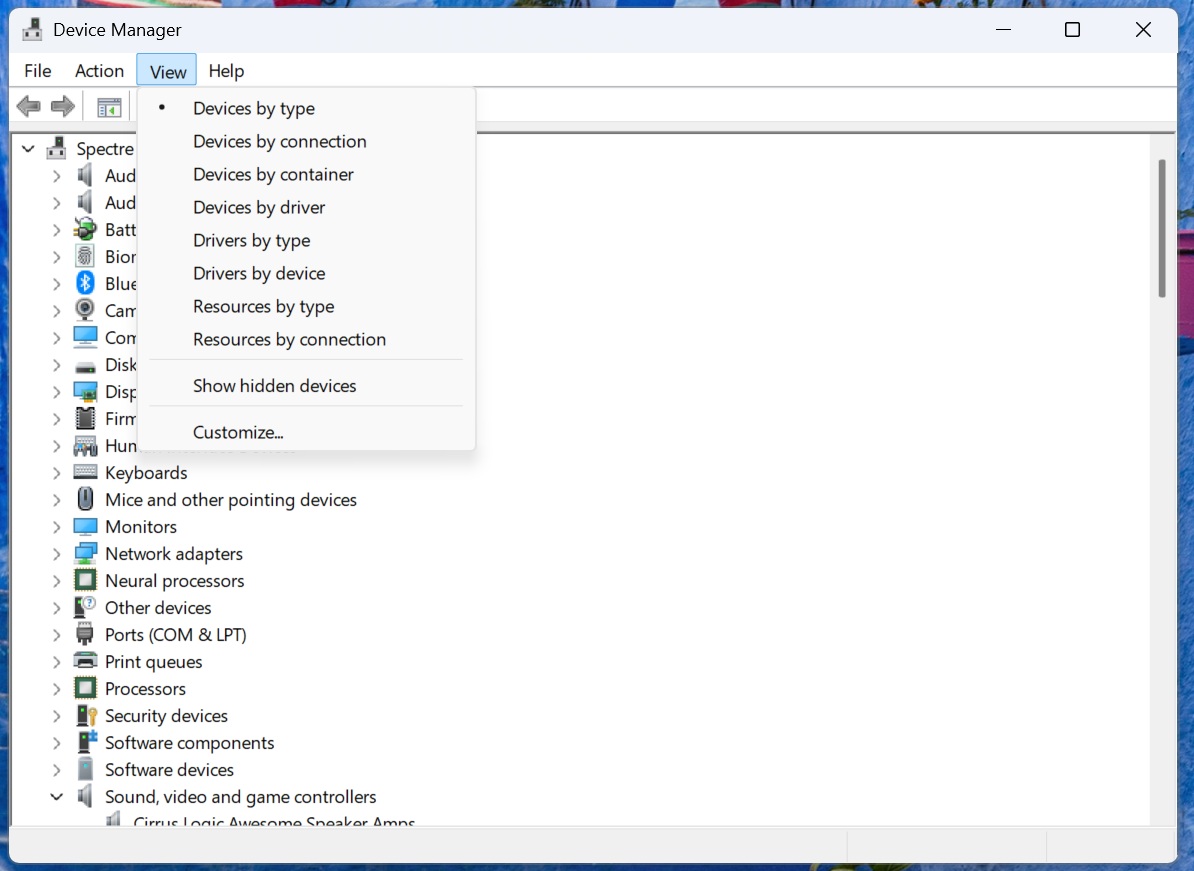
I asked Microsoft when they plan to make these Windows drivers easier to understand when they show up on Windows Update. Aria, who works with the WSUS team at Microsoft, told me that they’re “working on exactly what metadata we can get” and how OEMs can start sharing the metadata.
“Nothing yet. We are still working on exactly what metadata we can get, ensuring partners (e.g., OEMs) publish that metadata with their drivers, then standardizing it and changing titles. Unfortunately, no ETA yet,” Microsoft told Windows Latest.
We don’t know when Windows will stop using generic names for drivers, but it’s going to be a time-consuming process, as Microsoft alone can’t fix it. It needs to work with OEMs, who publish the drivers for most devices.
Previously, Microsoft heard our feedback and reverted the controversial Windows update title change that dropped dates from update titles.