







Office brand isn’t dead, says Microsoft in a statement to Windows Latest. The Office app got renamed to Microsoft 365 Copilot, which was previously renamed to Microsoft 365. This mess is a perfect example of how bad Microsoft is with naming products, and it’s only getting worse, as Copilot rolls out across the company. But why is “Office is dead” talk of the town again?
The clarification comes after a couple of viral posts on X, particularly by Perplexity AI, claimed that Microsoft had killed the Office brand and that millions of users were now using AI overnight.
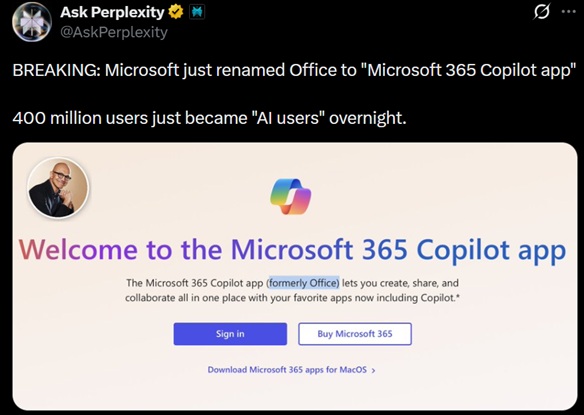
This is far from reality, and Windows Latest was among the first publications to call out Perplexity for spreading misinformation on X.
It’s true that “Microsoft 365 Copilot” exists, and it’s installed on Windows 11. Windows Latest first reported the development in January 2025, a year ago from today, contrary to Perplexity’s claims that this “just” happened.

However, Microsoft 365 Copilot is the name of an app originally called “Office (hub)”, where Hub is silent. Office (Hub) was renamed to Microsoft 365 in November 2022, and later it became Microsoft 365 Copilot.
Office hub > Microsoft 365 > Microsoft 365 Copilot. NOT Office to Microsoft 365 Copilot
The real story is that Microsoft has been phasing out “Office” as the consumer-facing brand for years and pushing Microsoft 365 instead, which remains Microsoft 365, not Microsoft 365 Copilot. It makes sense because Microsoft 365 includes services beyond Office, including Clipchimp, a video editor.
The “Office” name still shows up in a few places, such as Office 2021 LTSC. Office brand is also used to refer to Word, Excel, PowerPoint, and other Office apps within the Microsoft 365 subscription.
That means the “Office” brand name is not dead, and it can’t be killed off. There’s no reason to do that because Microsoft says “Office” is part of the Microsoft 365 ecosystem, and “Microsoft 365 Copilot” is an app within that ecosystem.
Gareth Oystryk, Senior Director of Marketing, Microsoft 365, shared the following statement with Windows Latest:
“We have not made any recent naming changes to our Office apps. Word, Excel, and PowerPoint — the Office apps within the Microsoft 365 productivity suite — remain unchanged.
In November 2022, we renamed only the Office ‘hub’ app for web and mobile to the Microsoft 365 app. In January 2025, we updated it to the Microsoft 365 Copilot app to reflect its role in bringing Copilot and Microsoft 365 productivity experiences together in one place.”
So, if Office name is still a thing, and it’s part of Microsoft 365. What the hell is Microsoft 365 Copilot?
Microsoft 365 Copilot is the original Office hub that gives you access to Office apps like Excel and Word in one place.
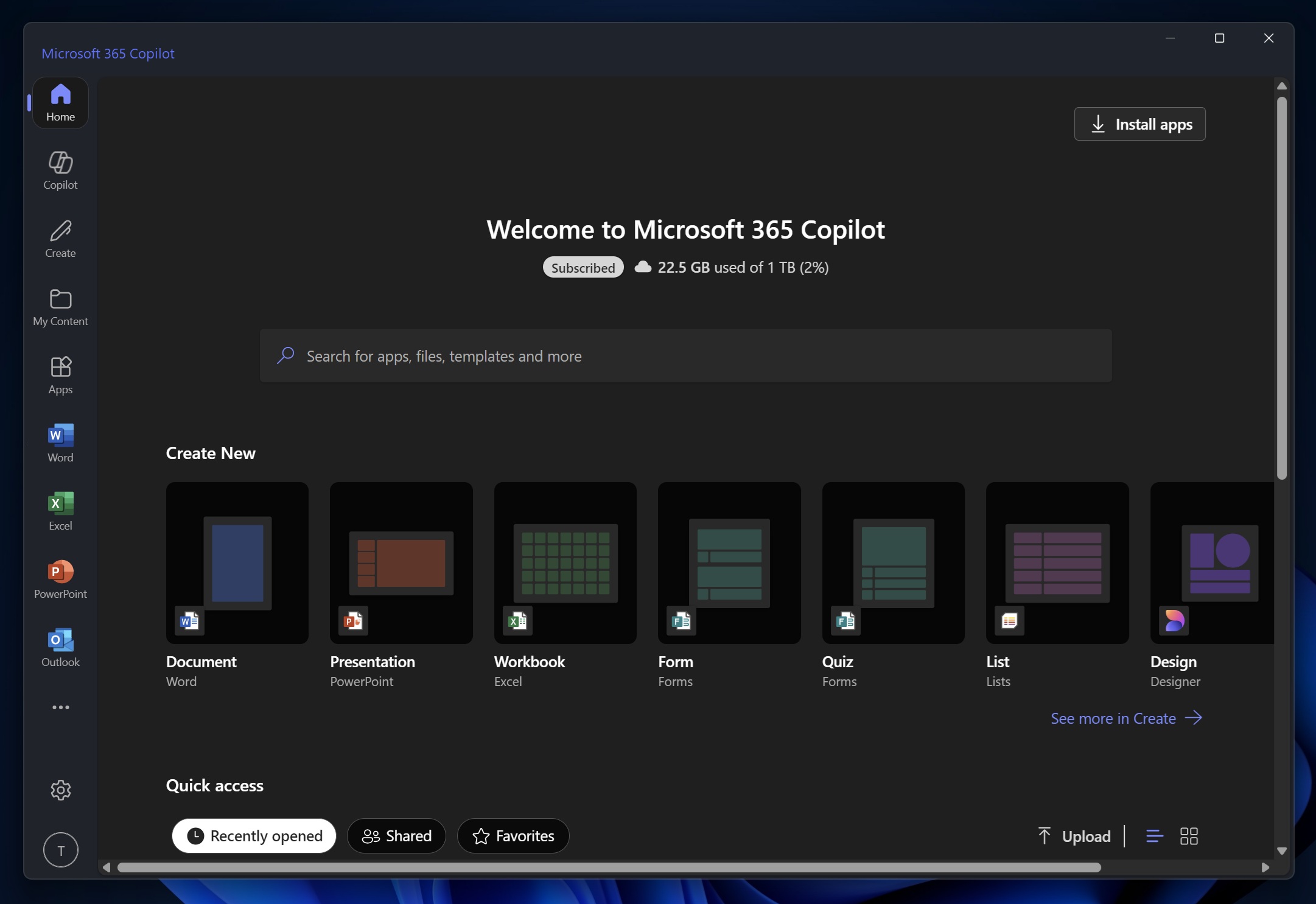
In November 2022, Microsoft renamed the “Office” app, also called “Office Hub,” to Microsoft 365. Microsoft 365 is also the name of the subscription that gives you access to Microsoft products.
Originally, Office Hub/Microsoft 365 app bundled access to Word, Excel, PowerPoint files, PDFs, etc. However, that changed when Microsoft began to focus more on Copilot. In January 2025, Microsoft renamed “Microsoft 365” (originally called Office, also “Office Hub) to “Microsoft 365 Copilot” to reflect the Copilot integration.
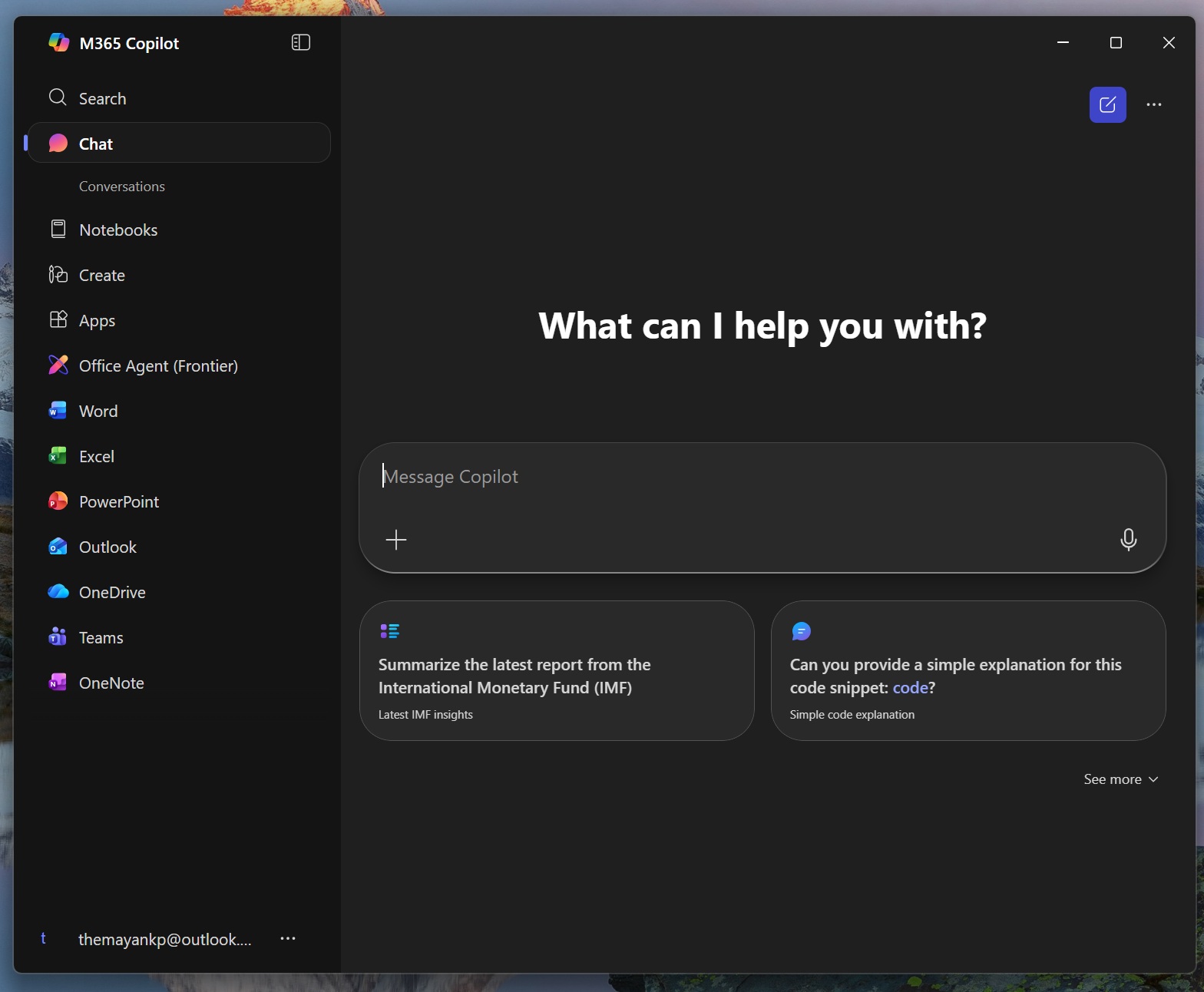
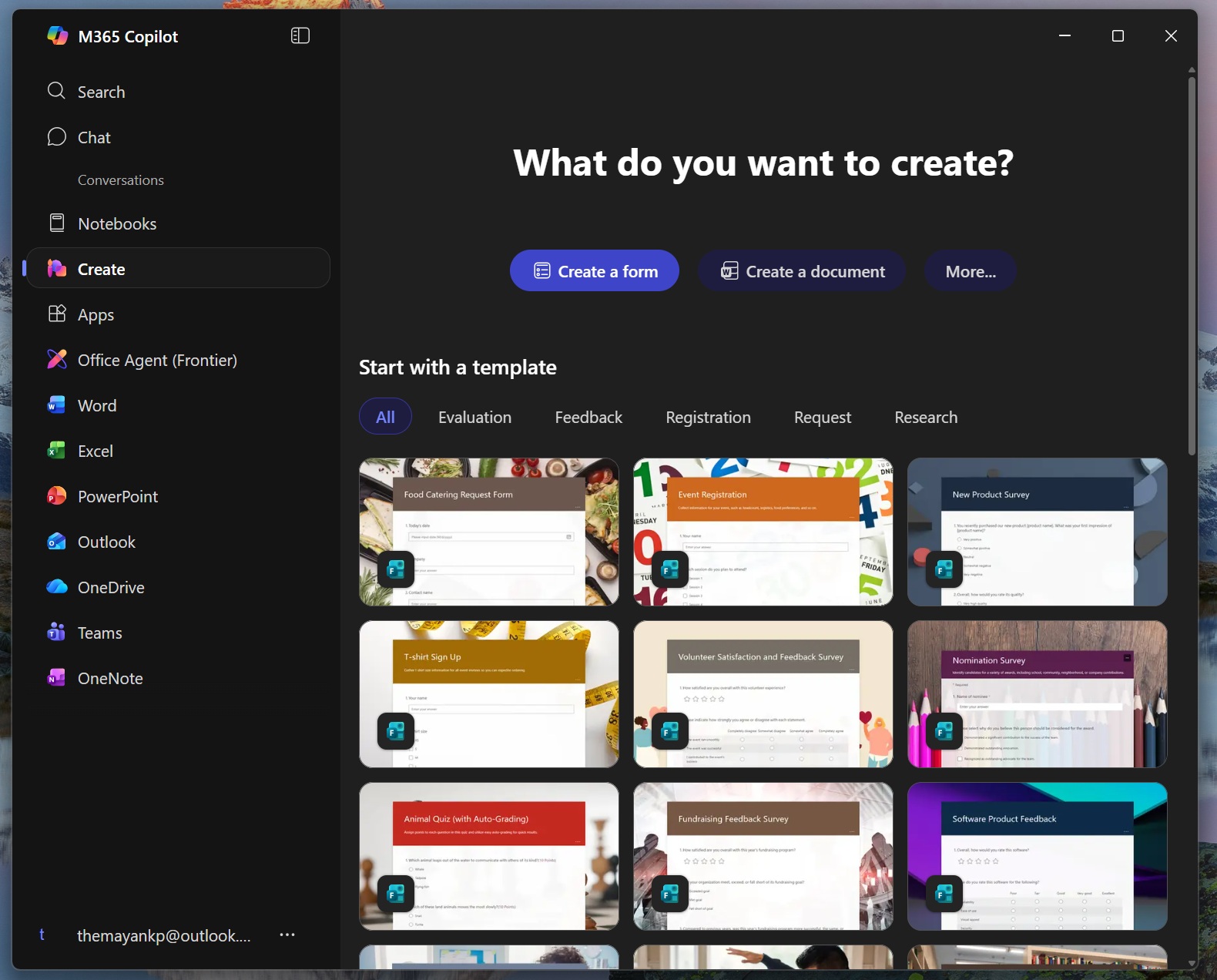
That’s why Microsoft Store, Play Store listings, and the splash screen of Microsoft apps can make it look like “Office” or “Microsoft 365” itself got renamed, but it’s really just the app label.
The claims made on social media are basically confusing an app (Office) rebrand with a full product rebrand.
This is “poor wording” because when people see “Microsoft 365 Copilot app,” they assume Microsoft renamed everything. In reality, Microsoft just slapped Copilot branding onto the Hub app that used to be called the Office/Microsoft 365 app.
Microsoft 365 is not called Microsoft 365 Copilot
Microsoft also told me that Microsoft 365 hasn’t been renamed to “Microsoft 365 Copilot.”
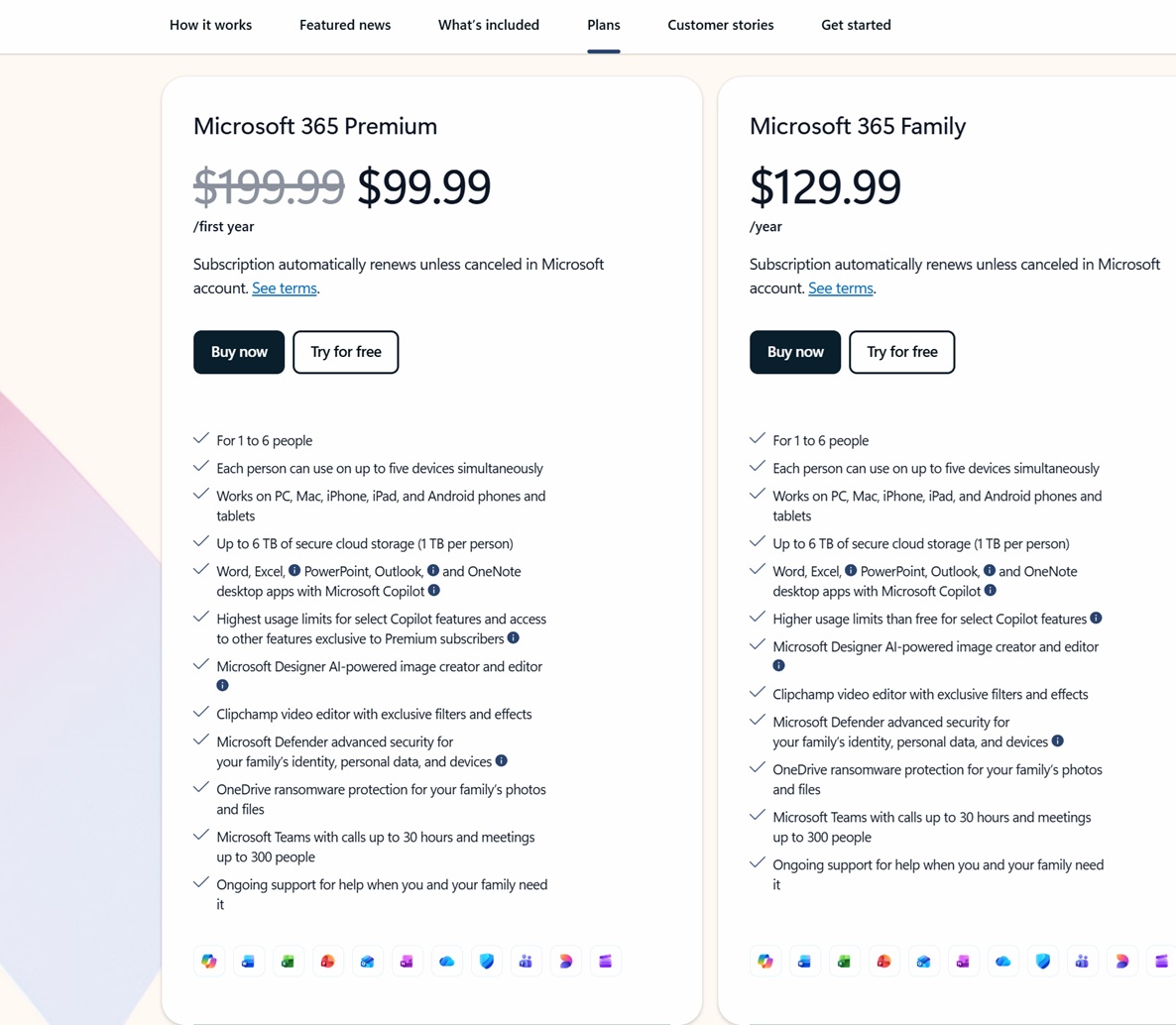
Microsoft 365 is the name of the subscription bundle (for work or personal use) that gives you Office apps (Word, Excel, PowerPoint, Outlook, etc), OneDrive storage, Exchange email (business), etc. It also includes Microsoft 365 Copilot app.
It’s also worth noting that for enterprises, Copilot inside Word, Excel, PowerPoint, or Outlook isn’t automatically included for everyone. For many users, it’s a paid add-on or a higher tier, while Personal or Family users may get limited Copilot usage via credits and can often disable Copilot UI.