




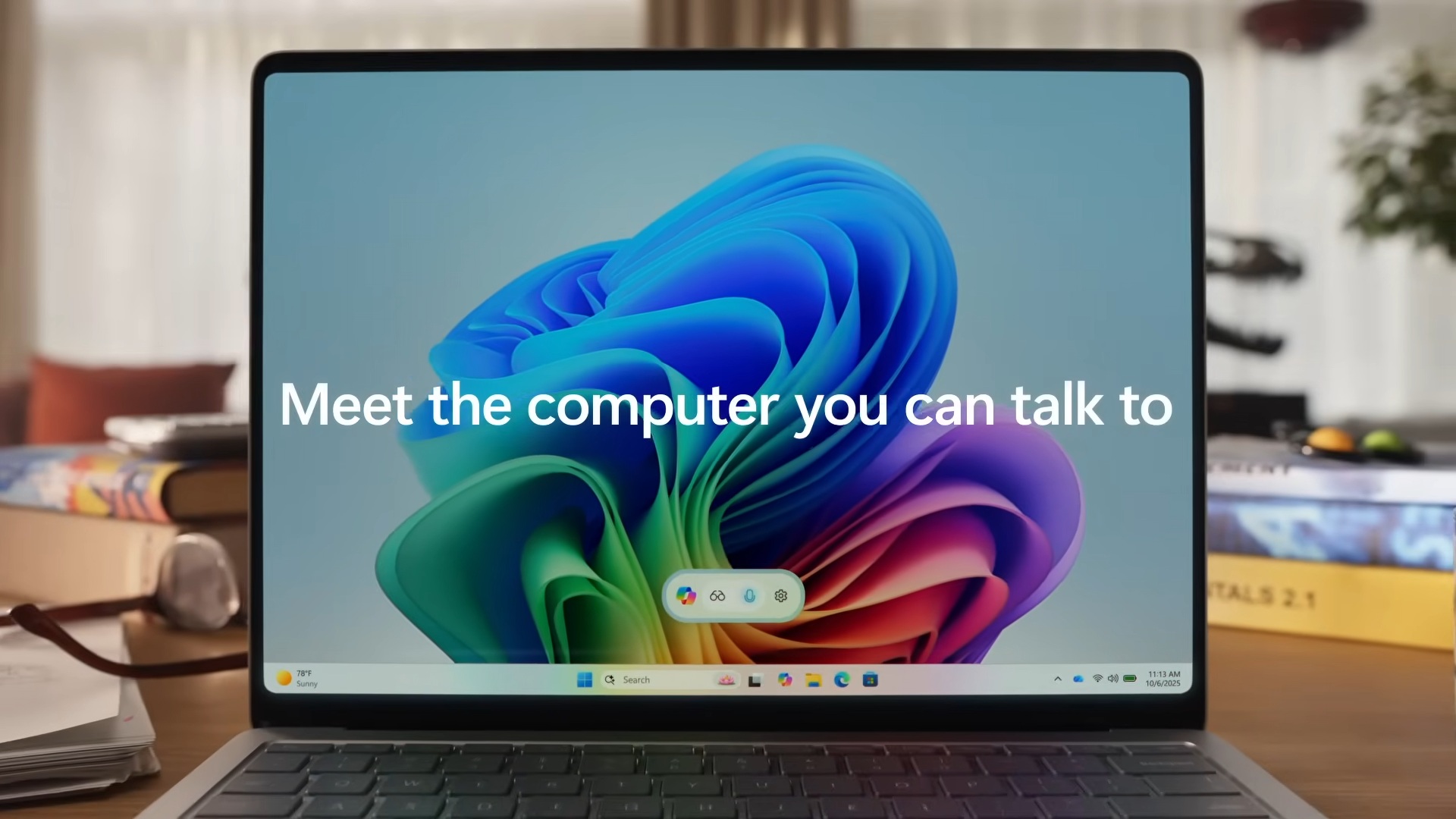
If you have a Copilot+ PC, your PC is quietly getting new AI models regularly, but this can be difficult to track, especially if you don’t really pay attention to the component’s version number. Most of us don’t even monitor the Windows Update history page, but unlike us, Microsoft now maintains a full list of new AI components.
Windows Latest today found a new support document called “Release information for AI components.” This document has been published alongside the existing release notes for Windows 11 updates, such as version 25H2, version 24H2, and so on. And just like the Windows update, Microsoft plans to maintain changelogs for all models.
Here’s a screenshot of the AI components changelog document:
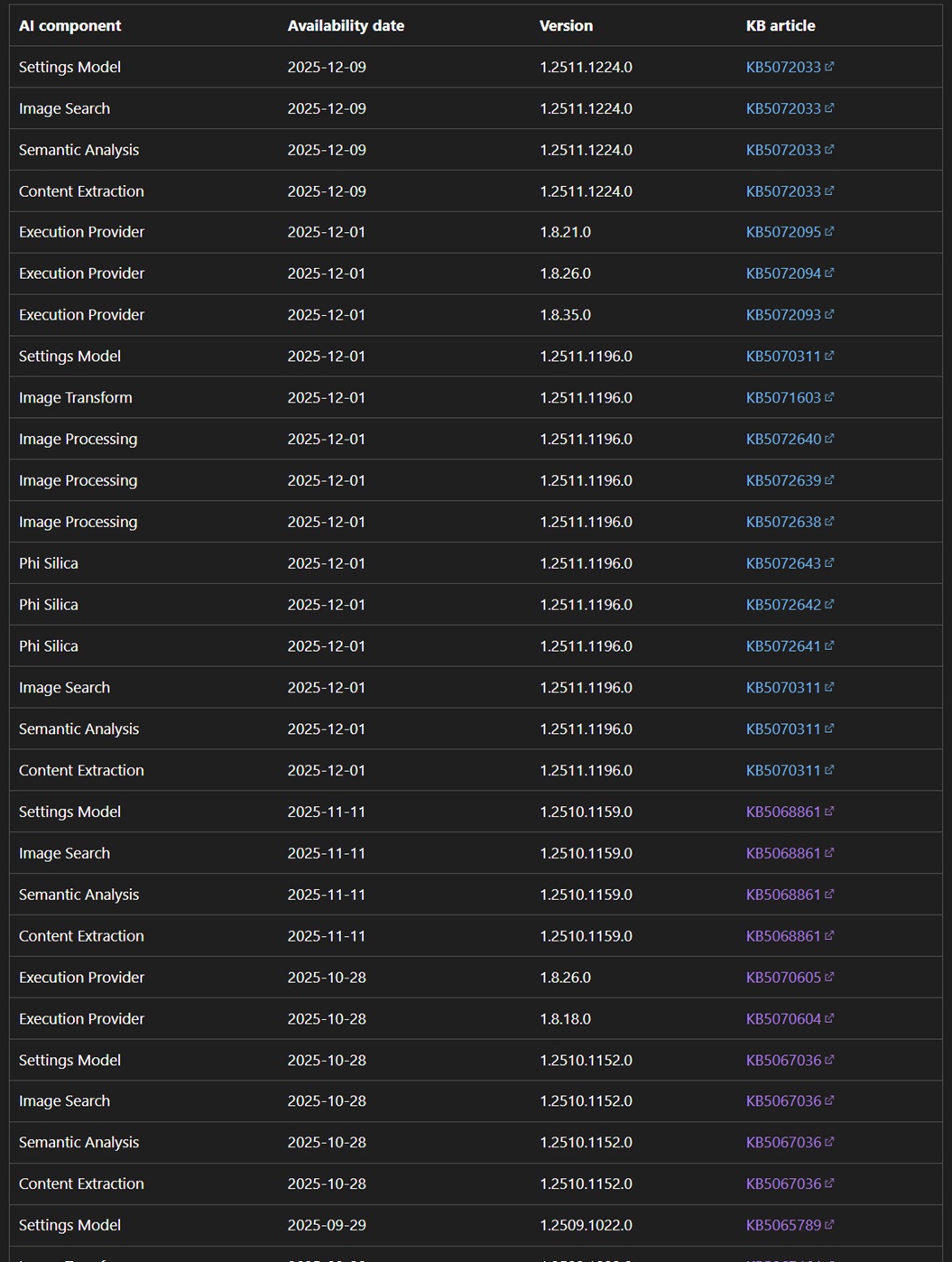
Heads up: Most of these documents in the screenshot redirect to the Windows Patch Tuesday releases, and a separate changelog is not available for now.
What are AI components on Windows 11, and how can you install them?
These AI components are what let certain AI models run locally (on-device), and Microsoft now says you should check the KB release notes to see what changed and how to install updates. At the moment, AI models can be installed via Windows Update, and they’re mostly automatically installed on supported PCs (requires 40+ TOPs of NPU).
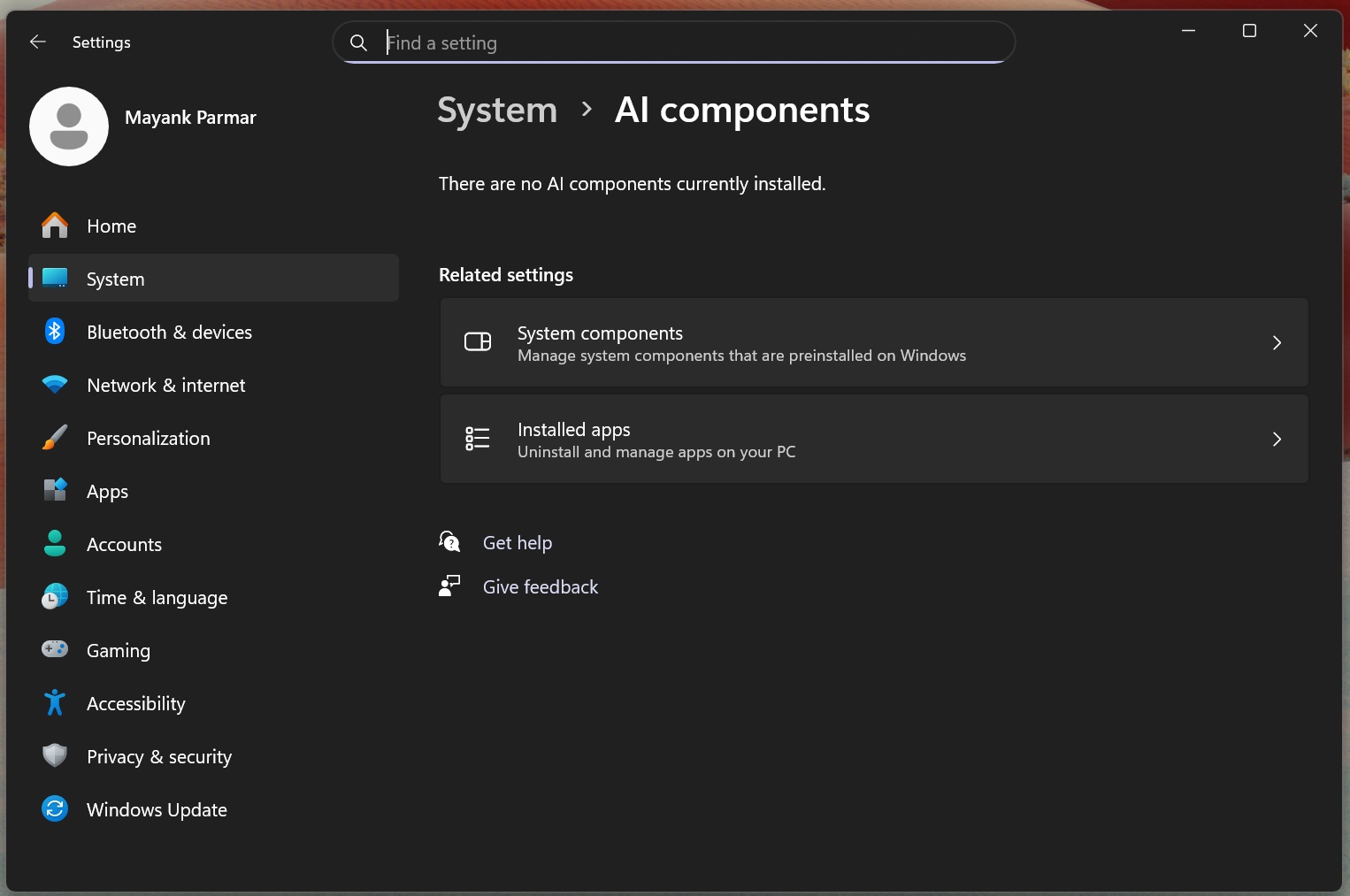
Or you can use Microsoft Update. For those unaware, Microsoft Update Catalog packages (.msu) include these models by default, which is why the size of Windows 11 Patch Tuesday updates has increased to 4-5GB compared to older updates (the era before Copilot+ PC), when monthly updates were smaller than 800mb.
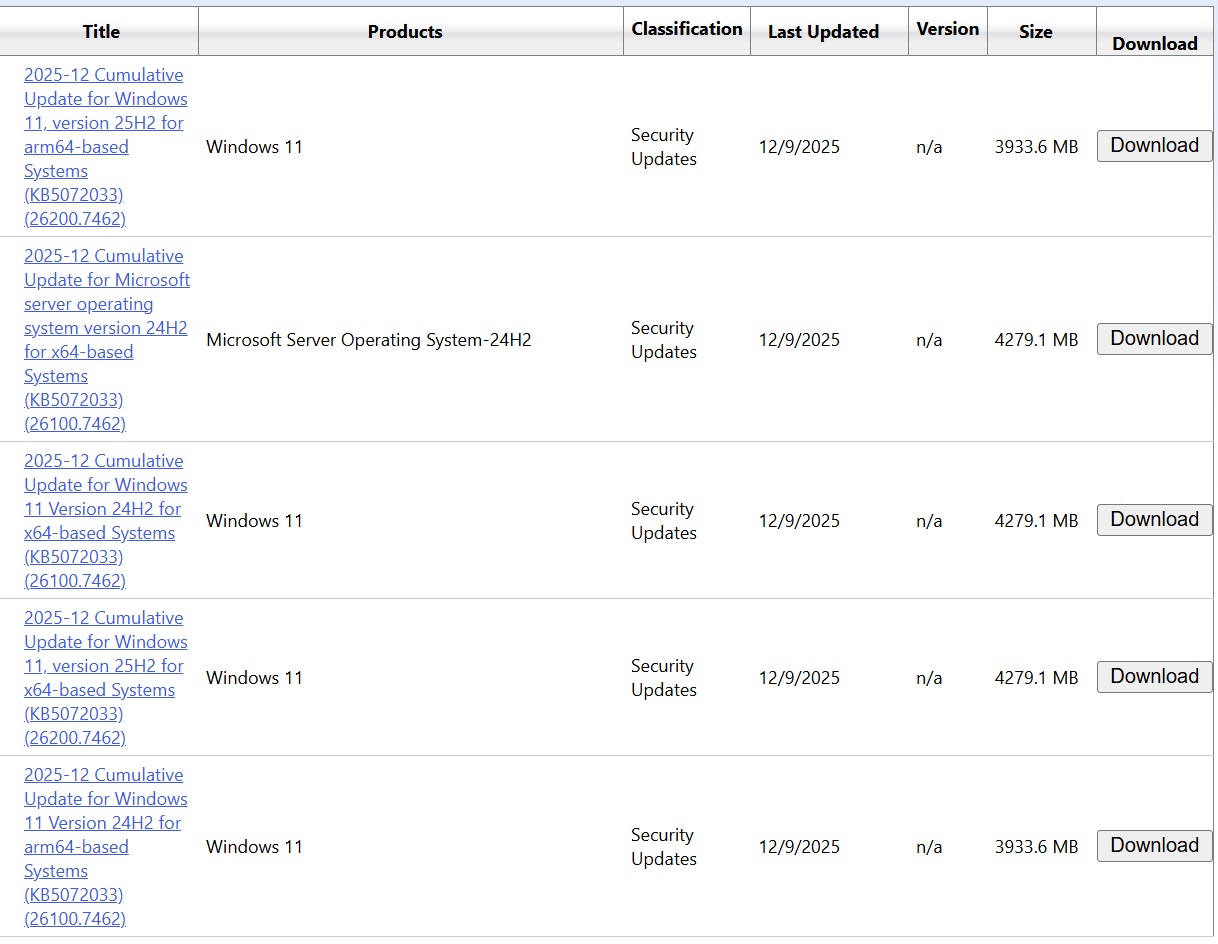
If you own one of the “AI” PCs, you can manage the components from Settings > System > AI Components. This page is empty on older PCs.
Note: All new PCs are “AI” PCs.
List of AI components on Windows 11
The changelog-style table lists individual components like Settings Model, Image Search, Semantic Analysis, Content Extraction, plus lower-level bits like Execution Provider and imaging parts such as Image Transform and Image Processing. It also includes Phi Silica, which appears as its own component with separate KB entries.
Windows Latest observed that AI models are quietly updated once every few weeks, but there are no visible changes. For example, updates were released on December 9, including version 1.2511.1224.0 for several components, which lines up with the Windows 11 December 9 Patch Tuesday release.
Other updates were released on December 1, 2025, including version 1.2511.1196.0 across multiple components, as well as multiple Execution Provider versions. This lines up with the delayed November 2025 optional updates rollout, which began on December 1, 2025.
Some of these models might have improved the Copilot features in apps like Paint, Notepad, or Windows Recall, but as I mentioned, there are no detailed breakdowns.
It’s entirely possible that Microsoft is preparing for more regular model and component updates on Windows 11, and it needs a clearer way to track what changed outside the main monthly Windows updates.
For comparison, Microsoft does not maintain separate changelog support documents for inbox apps like Photos or Paint, except for popular products like Office and Outlook.