







Microsoft has finally confirmed what Windows Latest reported several weeks ago: Windows 11’s Phone Link’s Photos section will stop working in the coming days if it hasn’t already, and you’ll need to use File Explorer to view pictures and other media stored on your Android phone. Sadly, you still cannot connect an iPhone to view its Gallery.
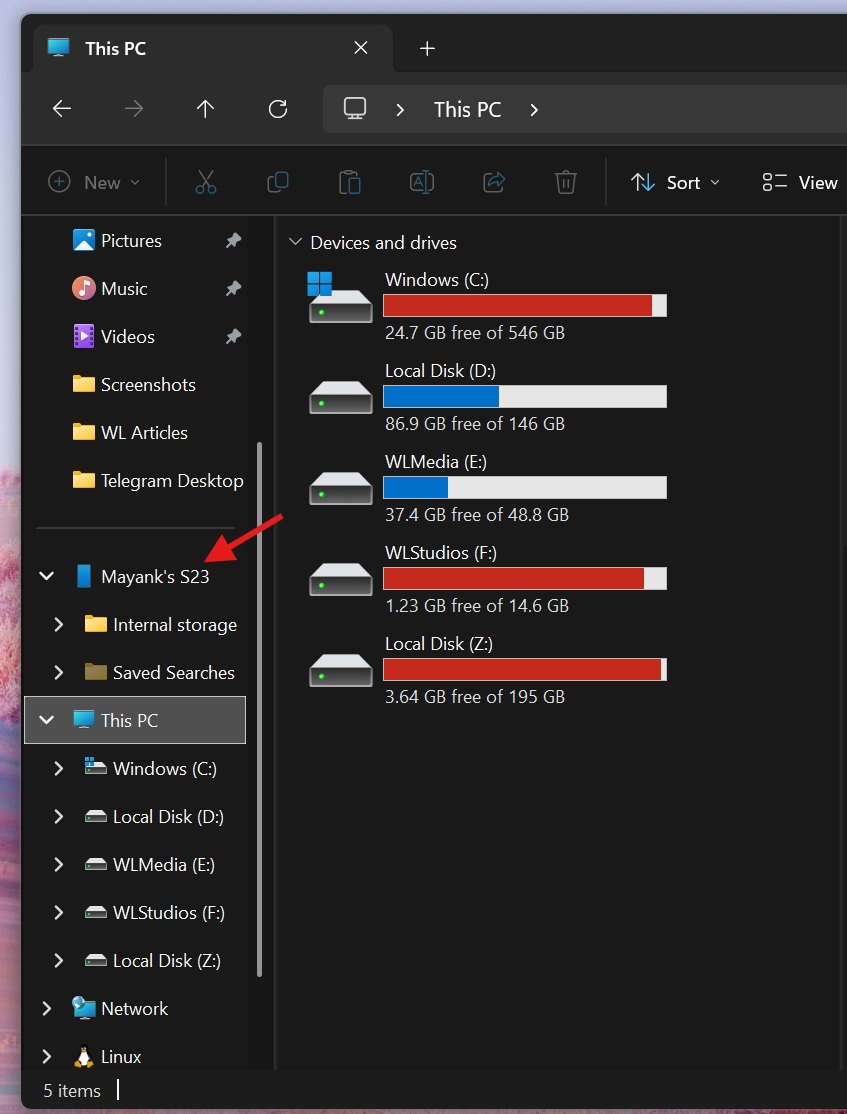
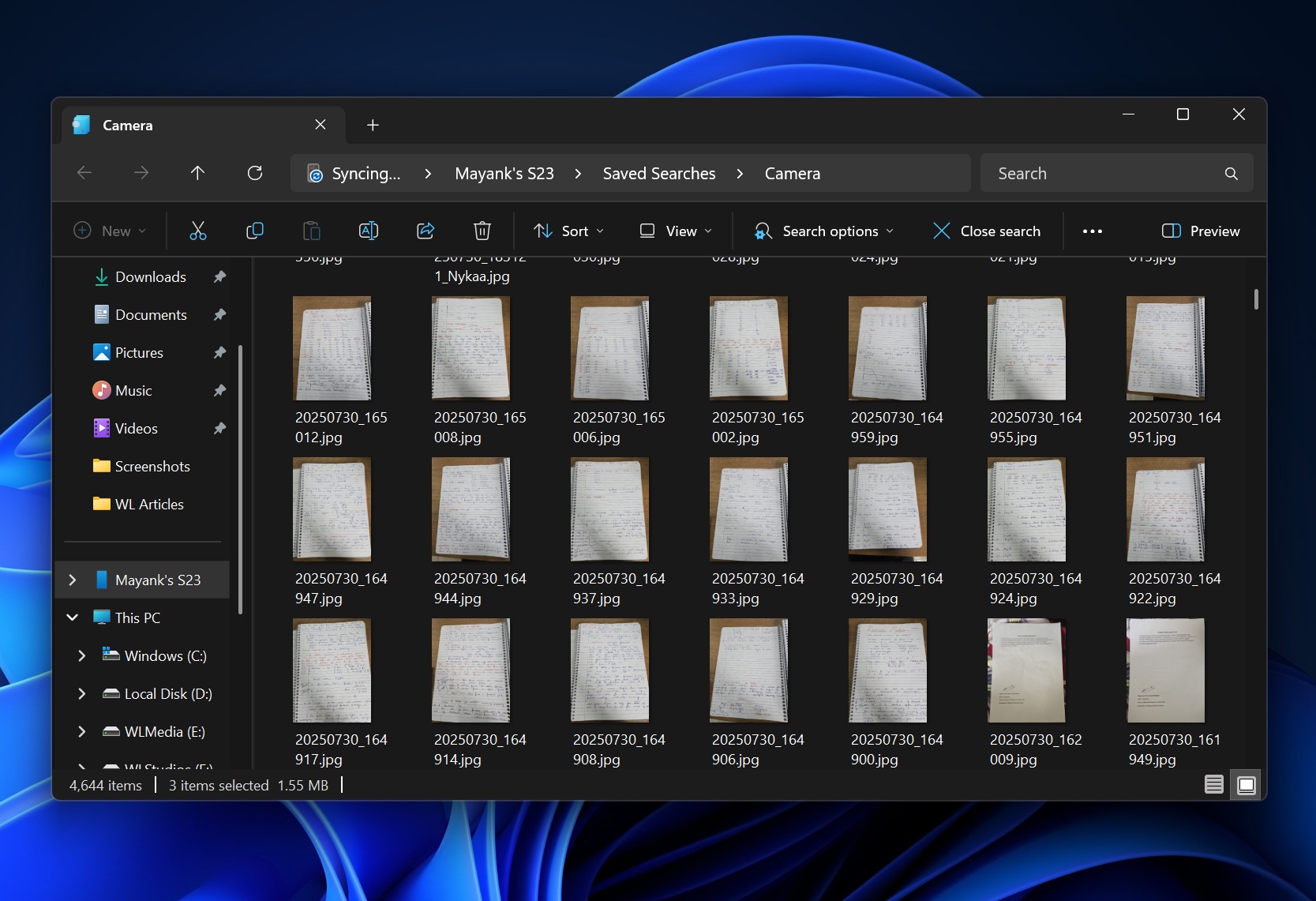
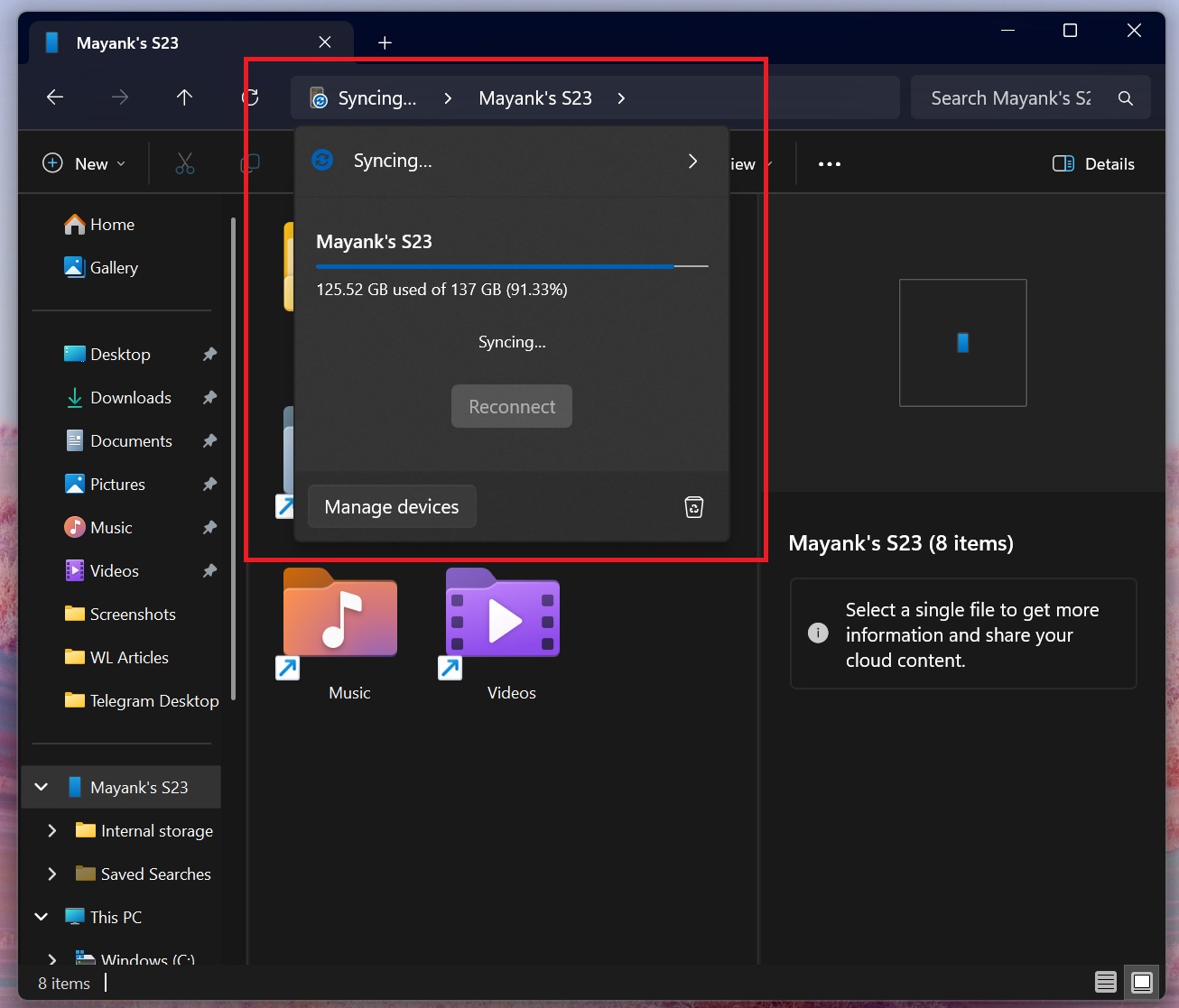
File Explorer’s Android integration is not exactly new because Windows Latest spotted it almost a year ago, but it has barely improved over the past several months. In fact, you might still run into frequent sync problems, where File Explorer is always stuck at “syncing,” and if it does sync, your photos will not be arranged in the same way as the Phone Link app.
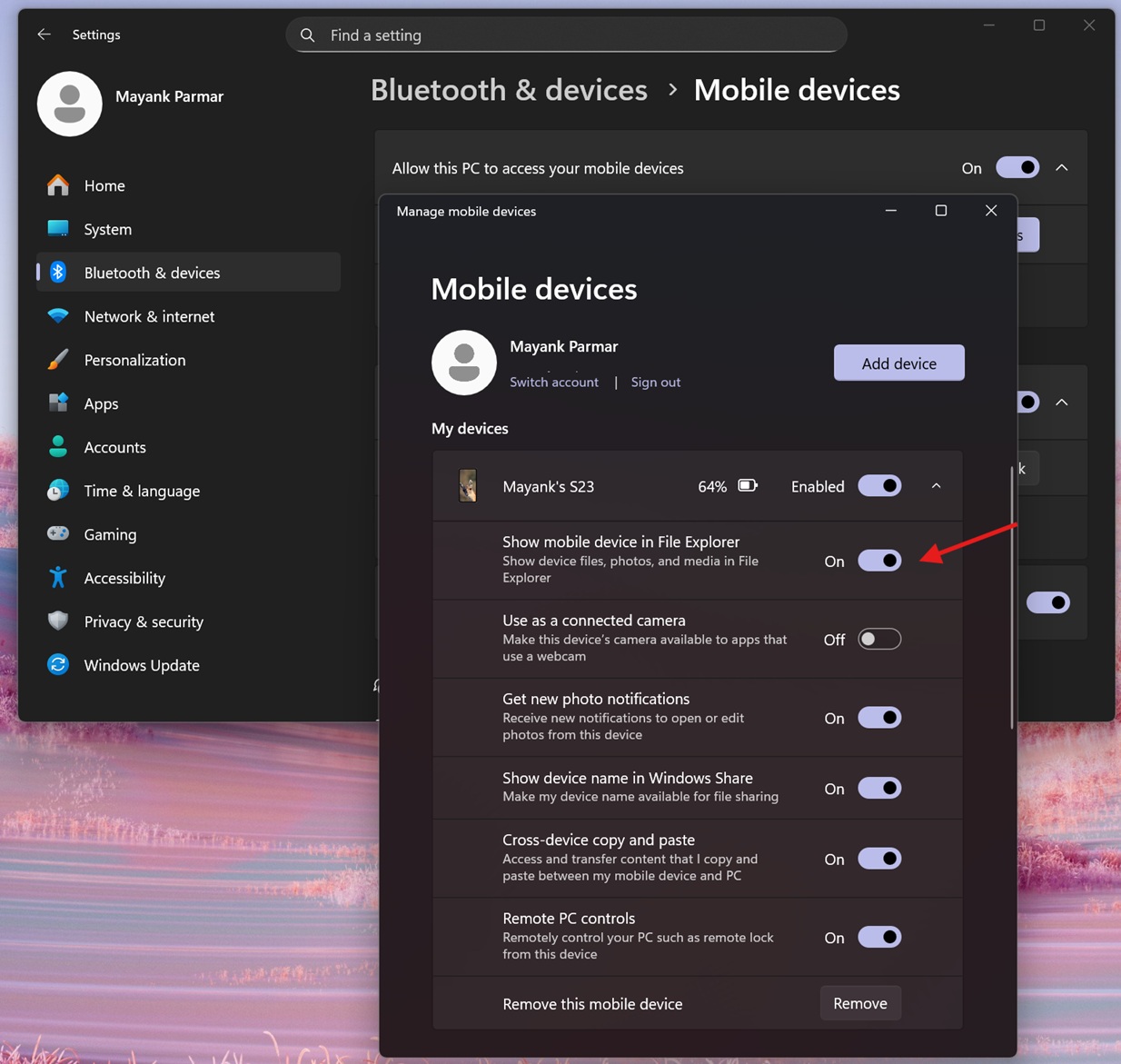
If you don’t see your mobile device in the left sidebar of File Explorer, make sure it’s toggled on in Settings > Bluetooth & Devices > Mobile devices > Manage mobile devices.
However, the poor File Explorer and Android connection wasn’t exactly an issue because you had the Phone Link app, which gives near-instant access to the Photos app on your Android. At the same time, you could still use File Explorer for advanced stuff, such as accessing a particular media folder for viewing photos or even videos.
Sadly, Microsoft no longer wants to maintain ‘syncing’ of media across two places – Phone Link and File Explorer. Windows Latest recently found that the “Photos” section in the Phone Link app is being shut down, and Microsoft wants you to use File Explorer instead.
In an update to its support document spotted by Windows Latest, Microsoft has now confirmed “Photos feature moved from Phone Link to File Explorer.”
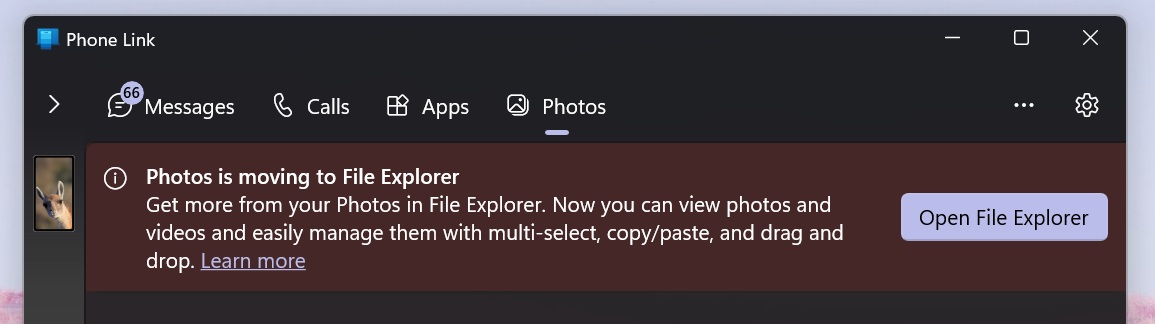
While it says the Photos feature has already been moved from Phone Link to File Explorer, I still have it in the Phone Link app. Given the past trends, I would not be surprised if the Phone Link’s photos feature disappears out of the blue so you should get used to File Explorer integration if you have not already.
With this change, Microsoft says it’s improving “consistency,” which was a “long-requested feature.”
Why is Microsoft moving the Photos section in the Phone Link app to File Explorer?
Microsoft says it’s moving the Photos feature from the Phone Link app to File Explorer as part of its efforts to “provide a better and more consistent experience” and unlock support for all users, which is probably the only interesting support coming from Microsoft.
Unlike the Phone Link app, which is not supposed to work with all Android phones, File Explorer’s integration does not have a specific requirement. Microsoft also says it’ll offer “improved capabilities,” but I beg to differ. Phone Link app’s Photos section has a couple of advantages that I prefer over File Explorer.
Microsoft Phone Link’s Photos section does two things better. First, it is more reliable, as images show up almost instantly. If they do not sync, you can tap the Refresh button. The sync usually completes in less than a minute, unlike File Explorer, which can take several minutes.
Second, Phone Link’s Photos section shows all your photos in one place. This includes screenshots, camera roll, WhatsApp, and even Telegram images. More importantly, your new photos automatically appear at the top of the list, and you don’t have to hunt for them.
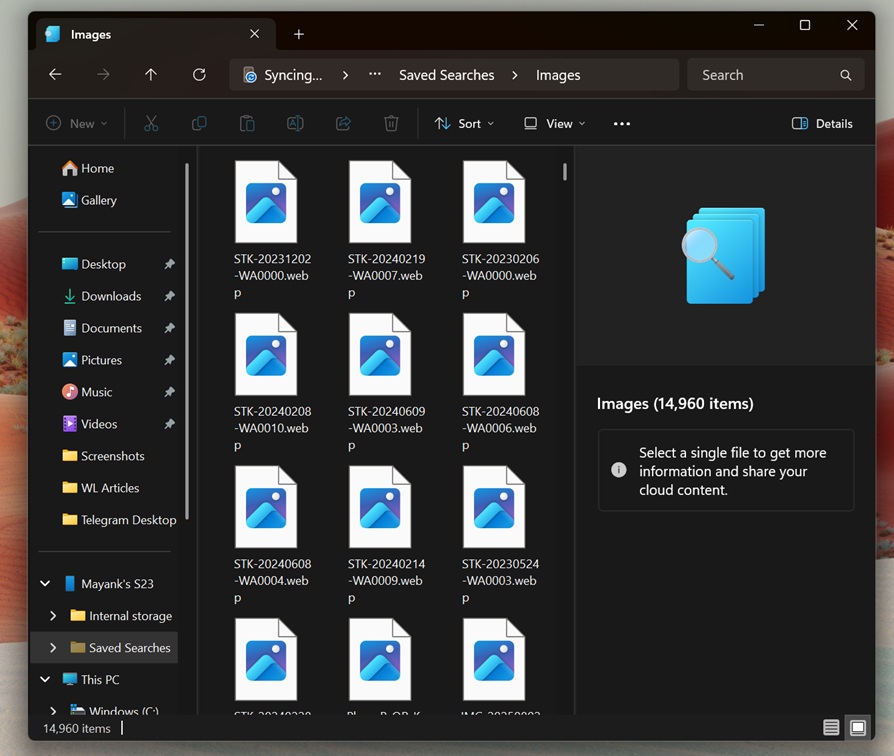
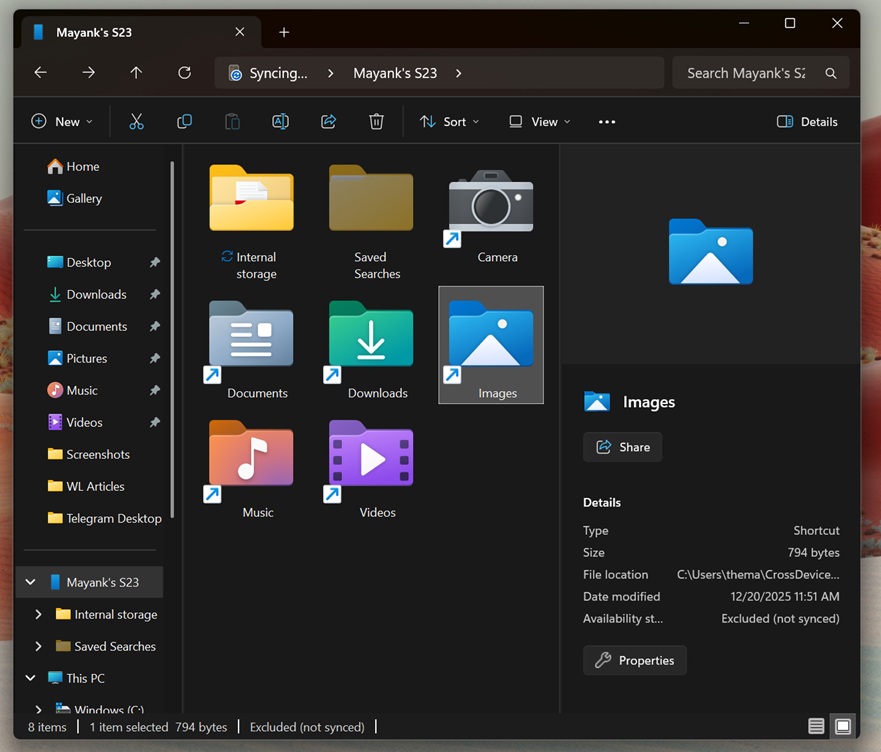
File Explorer also has access to these folders and even to most other folders on your phone that the Phone Link app does not. However, images are inside individual folders, and the experience feels similar to connecting a phone to a PC using a USB cable. That means you cannot instantly find recent photos saved on your mobile unless you know the folder name.
While the Phone Link app keeps all photos in one simple view, File Explorer makes things more complicated and breaks the simplicity of the older integration.
What do you think? Let me know in the comments below.