






Windows 11’s October update is the perfect recipe for a nightmare for everyone, including gamers and businesses. This update broke WinRE, Task Manager, localhost, and even triggered BitLocker. But if you thought that was it, you’re wrong. As Windows Latest previously observed, there’s another issue where the frame rate in some games can take a big hit.
Gamers have found that the October 2025 Update (KB5066835) tanks FPS in games like Assassin’s Creed Shadows.

If you uninstall the update, performance goes back to normal, but you can’t always do that once it’s been installed for more than 7–14 days. Windows does not allow you to uninstall older security updates unless you clean install the OS from an older ISO.
This means that if you are affected, you are left with only the hope that Microsoft will release an update to patch the issue. Unfortunately, that hasn’t happened. In fact, Microsoft still hasn’t confirmed these reports, but Nvidia has shipped a fix, and players are confirming that their FPS is back to normal after installing the updated driver.
GeForce driver v581.94, which shipped on November 19, was designed to address lower performance in some games.
“This Hotfix addresses the following: Lower performance may be observed in some games after updating to Windows 11 October 2025 KB5066835,” Nvidia noted in a support document.
You can download and install GeForce driver v581.94 from Nvidia’s website. This will save an executable (.exe), and you just need to run it to apply the update.
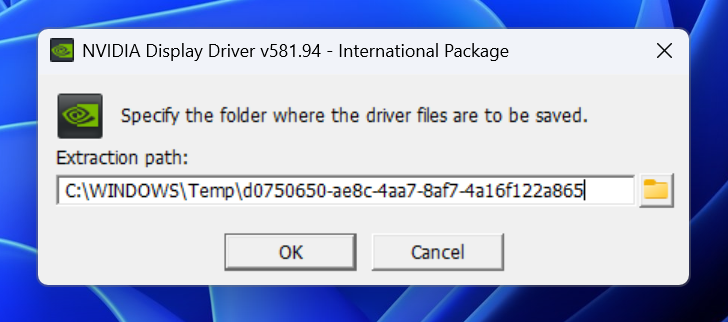
However, if you use the Nvidia app, please note that the hotfix may have an older date (April 16) due to an issue with the Nvidia app. GeForce driver v581.94 is a fresh release from November 19.
How a Windows update bug botched up the performance of some games
After a late-September Windows 11 update (KB5065789), a lot of Assassin’s Creed Shadows players suddenly saw their frame rates cut in half.
However, the late September release was optional, so most people skipped it, and it was not the talk of the town. Fast forward to October 14, Microsoft released a mandatory KB5066835 Patch Tuesday update with the exact same issue.
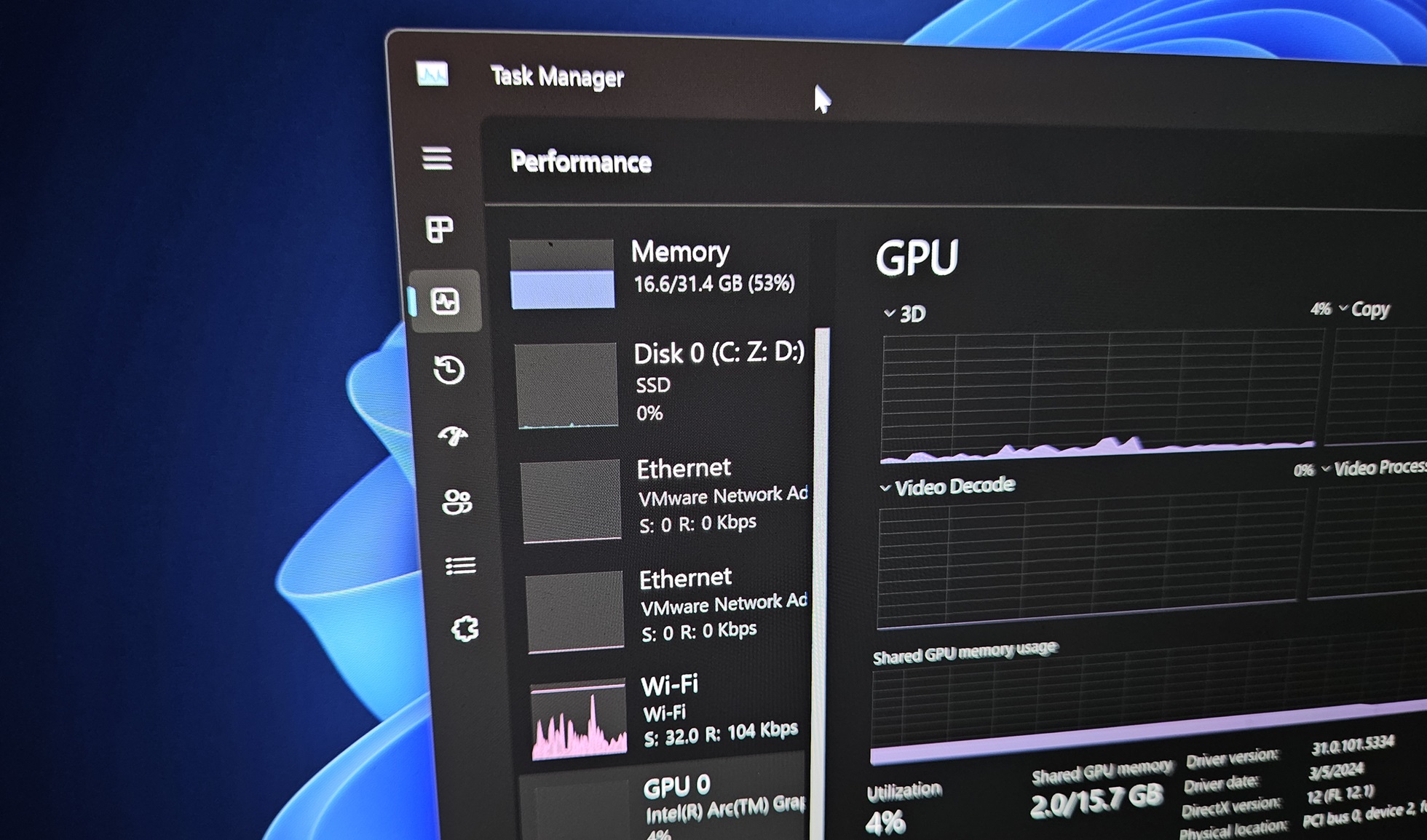
Those who were playing at 120–140 FPS suddenly started reporting 40–70 FPS range on perfectly capable Nvidia hardware. Performance issues were not just limited to lower frame rate, as gamers also found heavy stutters. At that point, you might wonder if Windows is incorrectly using integrated graphics, as that would explain the lower FPS.
But Nvidia GPUs were still showing 99% usage. Despite the 99% usage, the power draw was way lower than normal. For example, in a Steam forum thread, one user found that Nvidia GPU power consumption was about 100W less after installing the September 29 update and October 14, 2025 update.
All recent Windows updates are affected
If you use Windows 11 Build 26200.6725 / 26100.6725 or newer, you’re affected and should install the Nvidia driver update.
Most reports came from Windows 11 24H2/25H2 systems, while Windows 10 users didn’t see the same problem, and people running the game on Linux or Steam Deck were fine. Based on reports seen by Windows Latest, Windows 11’s performance issues specifically affected Nvidia PCs:
- RTX 5000 series (5070, 5080, 5090, 5060 Ti)
- RTX 4080 and 4090 owners.
One RX 7900 XTX user told Windows Latest that performance stayed normal even with the same Windows updates installed, which suggests AMD cards weren’t affected in the same way.
While AMD or Intel PCs were not affected by ‘frame rate’ drop, Windows Latest found that you might experience sluggish performance with File Explorer, Taskbar, or even Start menu on non-NVIDIA hardware. All of that suggests that something is wrong with the October 2025 Update, but frame rate drops have been mostly limited to Nvidia hardware.
So what caused the ‘frame rate drops after the Windows 11 update?
Nobody knows what possibly caused frame rate drops, but the pattern points to an issue between the new Windows 11 updates, Nvidia’s newer drivers, and how the game engine uses the GPU. It’s possible that Windows was forcing the GPU to run at about half its normal power budget while still reporting high usage.
On November 19, Nvidia shipped a special hotfix driver that was built on top of the current release and specifically aimed at “reduced gaming performance after recent Windows 11 updates.”
Gamers told me that their performance was fully restored after the update, and in some cases, it even improved by 5%.
Microsoft still hasn’t acknowledge the issue, so a fix is not included in Windows updates, but Nvidia’s hotfix is all you need for now.