







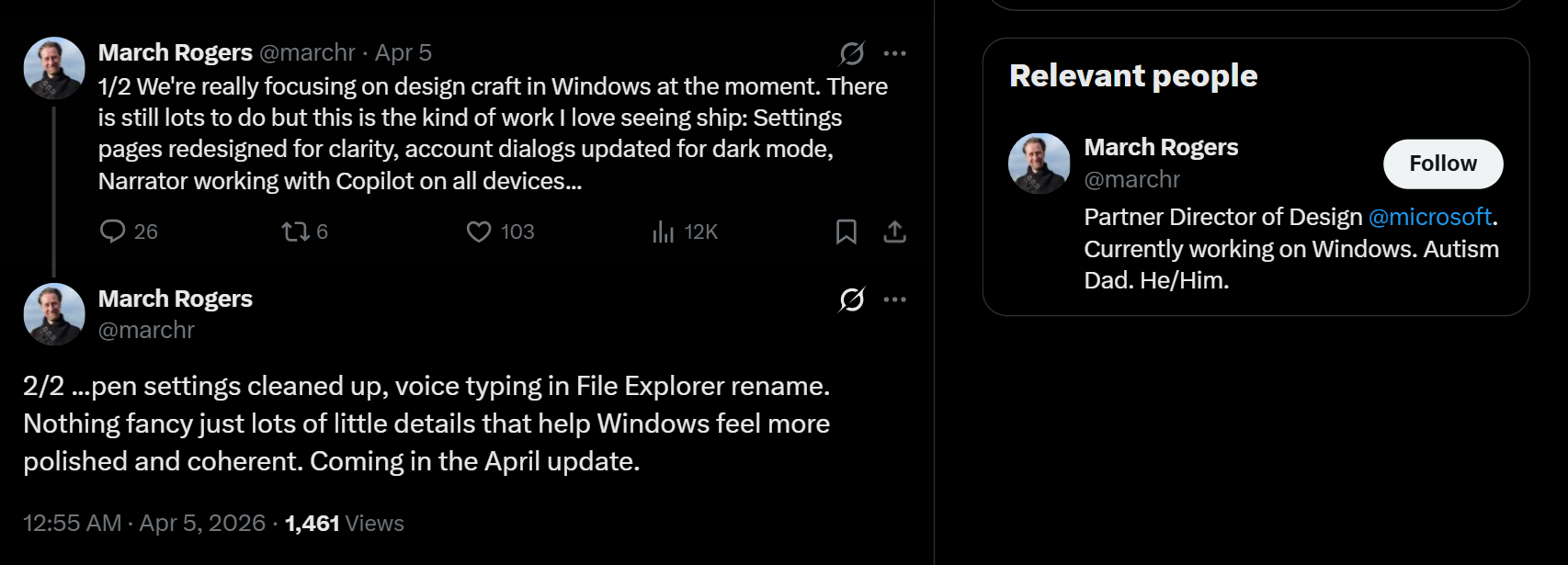
Microsoft’s Partner Director of Design, March Rogers, announced on X that they are focusing on fixing the designs of various elements, pages, and settings in Windows 11. While March acknowledges that there is a lot more work to do, he is still excited to see the design updates coming to Windows 11 in April.
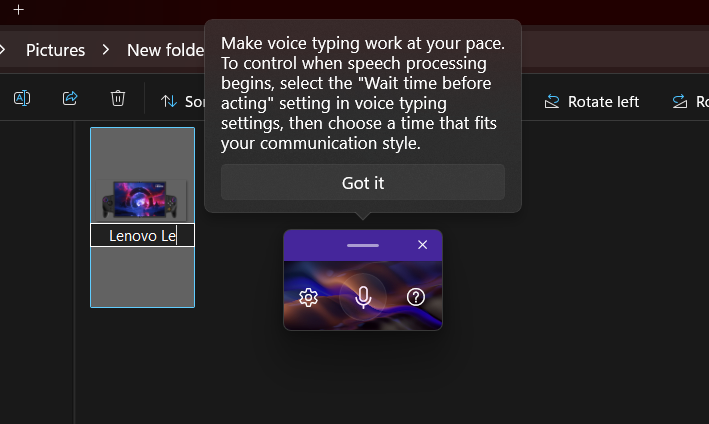
Those include improvements to Settings pages, account dialogues, Narrator working with Copilot, Pen settings, and voice typing to rename files and folders in File Explorer. Windows Latest already covered all the new features that came with the Windows 11 March Optional Update, and some of these design updates are already present in it.
Either way, it doesn’t, in the slightest, take away the momentum of Microsoft’s plans to bring more design changes and fixes to Windows 11 Settings pages.
But what gets me more excited is the software giant finally starting to care more about DESIGN.
Steve Jobs once famously criticized Microsoft for not caring about how their products look and feel, “The only problem with Microsoft is they just have no taste. They have absolutely no taste.”, and 30 years later, it still holds.
Although the rest of the quote continues to say Microsoft doesn’t think of original ideas, I downright disagree with that (even for 1996).
But I completely concede Microsoft’s indifference to aesthetics in their products.
This doesn’t mean that Microsoft is incapable of good design. If you look at some of their posters and ads involving graphical representations of Windows and the Office suite, the attention to detail is impeccable. I always wished for Windows to look as good as the ads suggested, and now it seems that Microsoft has plans to fulfill those wishes…
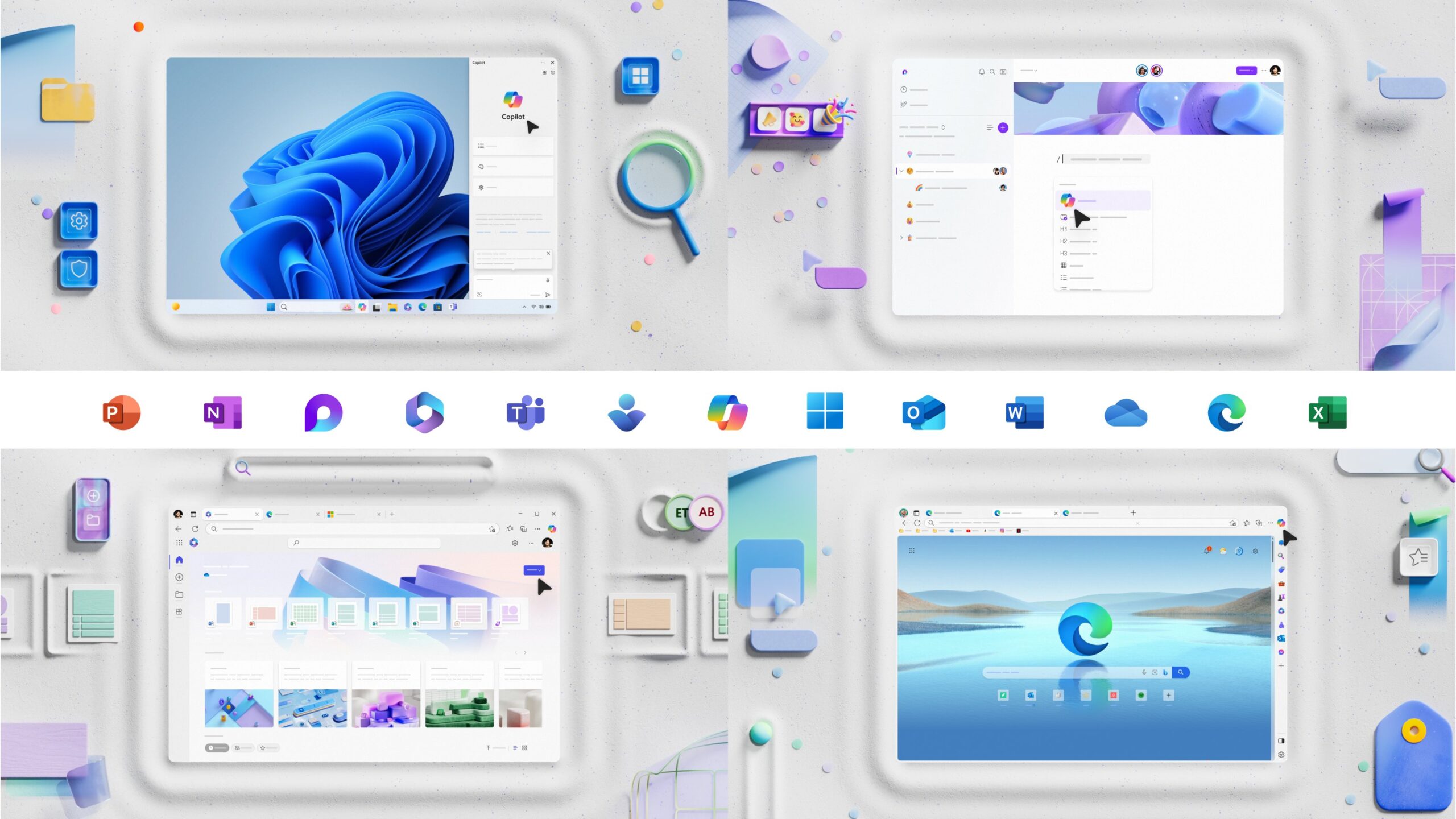
Microsoft’s design lead promises redesigned Settings pages in Windows 11
From the very first version of Windows, Microsoft has always preferred a substance over style approach. While it worked for power users back then, the world has come to a point where the majority of users prefer to have form over function, something Apple is famous for.
It is understandable, because unlike 3 decades ago, humans do more work with apps and tools that have GUIs and aesthetics, rather than a text-based or Command-Line Interface.
To make matters worse, Windows still doesn’t have a consistent UI framework, which is essentially forcing developers to make Web Apps for Windows 11, while many of them have native apps for macOS. It’s a shame because macOS has way less market share than Windows.
Anyway, the announcement from Microsoft’s Design lead, despite being minor tweaks, has the potential to make Windows 11 feel more aesthetic and consistent. Here are some of the changes coming to Windows 11 in the April update:
Redesigned Settings pages
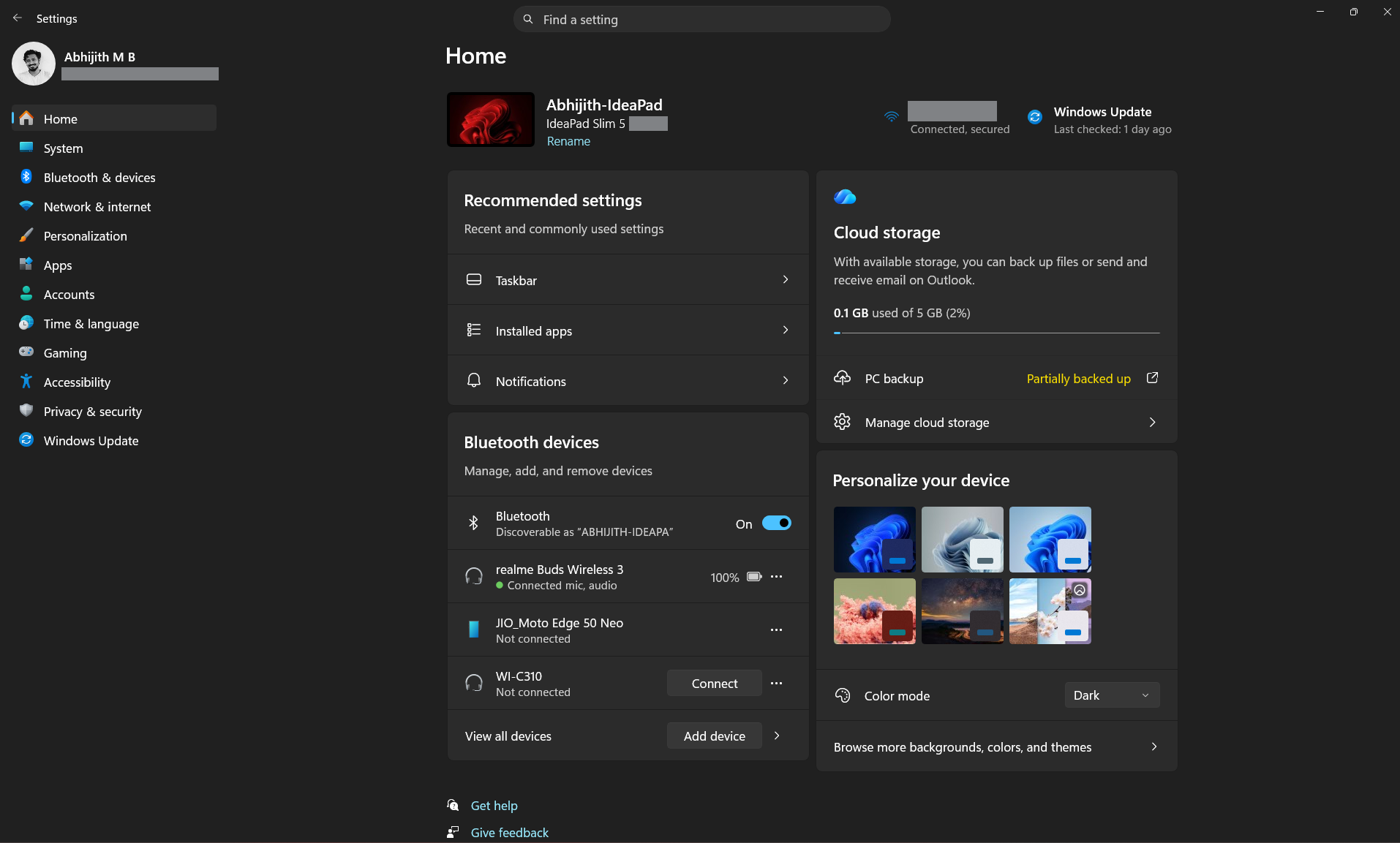
The Settings pages in Windows 11 are cluttered, to be honest, with a lot more information crammed into pages. Much of it can be removed if Microsoft decides to polish the Settings app based on user feedback. Fortunately, the redesigned Settings pages coming in 2026 will fix some of this mess.
Account dialogs updated with dark mode
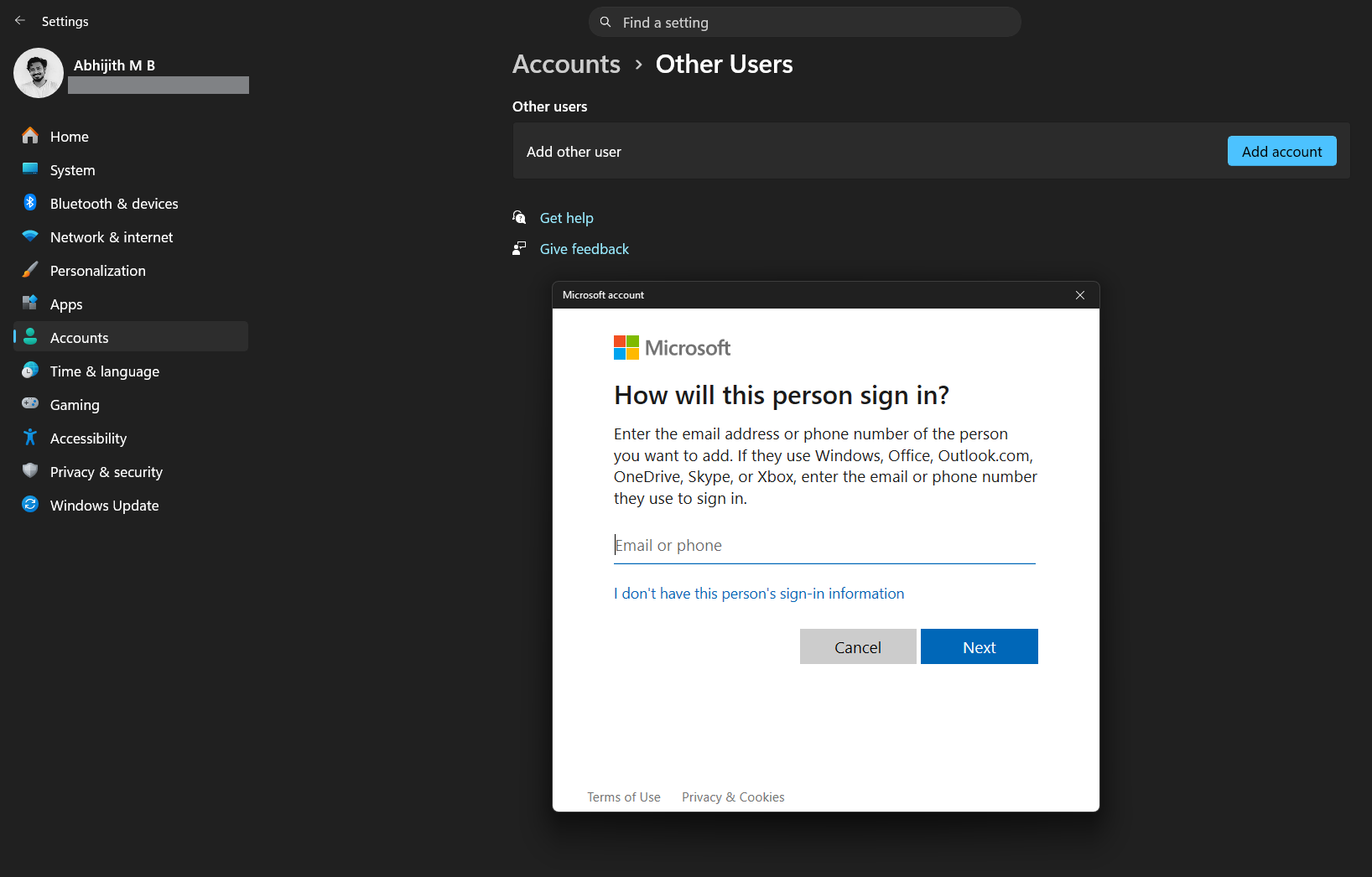
Open the Windows Settings app, go to Accounts, and try to add a new user via Other Users. You’ll see the Account dialog box. But if your PC is in Dark Mode, you’d expect this dialogue box to also be the same theme as your PC. Unfortunately, it’s not the case. Microsoft is now fixing it and soon Account dialog boxes will also be in Dark mode.
Narrator working with Copilot on all devices
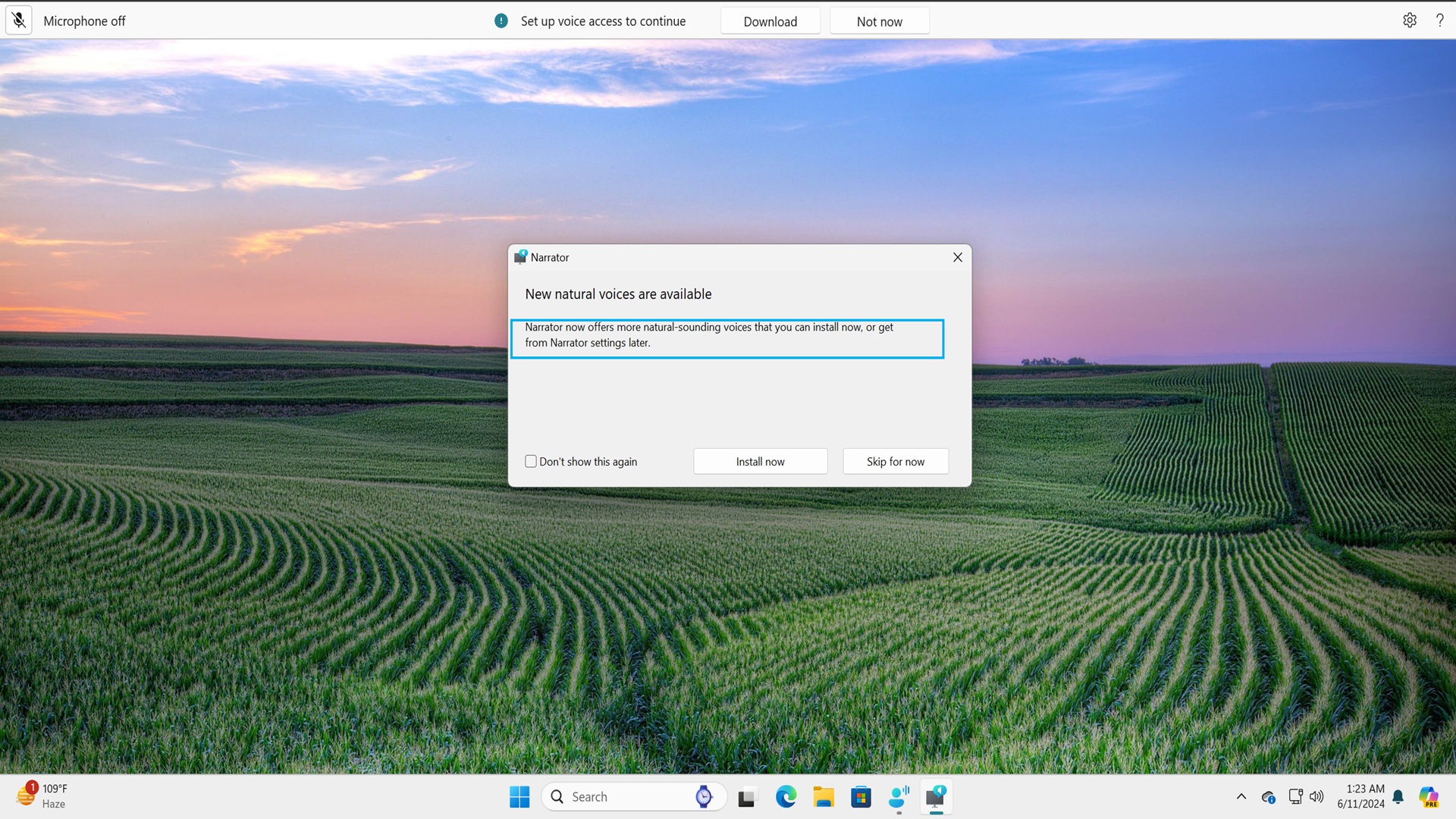
Narrator is a brilliantly capable accessibility feature, and getting Copilot integration on more devices is a positive development.
Polished Pen settings page
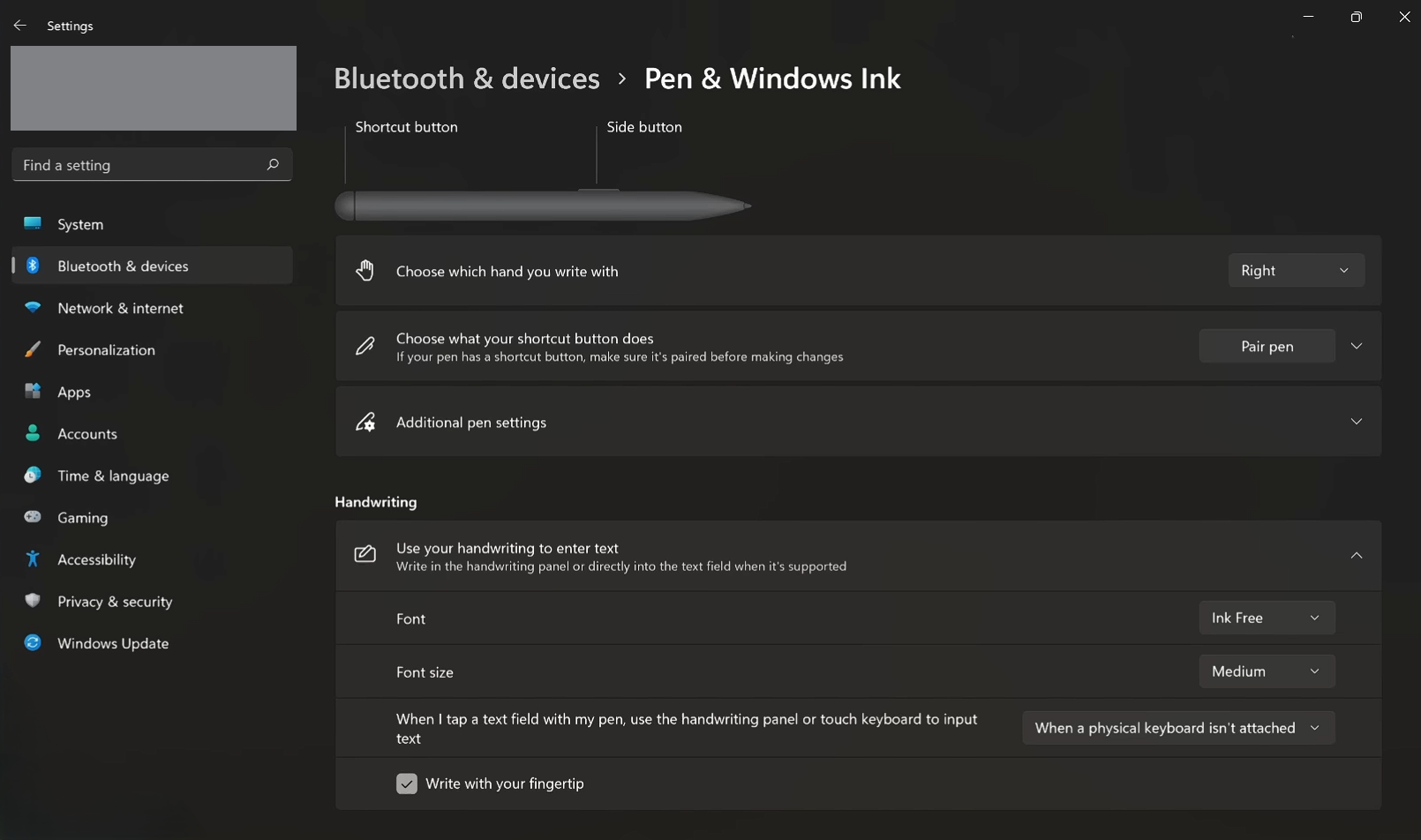
The Pen settings page hasn’t seen an update in over years. Now that 2-in-1 PCs with Pen support are on the rise, it makes sense to clean it up a bit.
Voice Typing to rename files in File Explorer
If you’ve already installed the March update, you can rename files in the File Explorer using your voice, which is a very welcome update, and I already use it to edit some of my old screenshots.
Microsoft’s new interest in better design throughout Windows, combined with their renewed efforts to increase the number of native apps in the OS, has what it takes to make for a coherent experience for Windows users, and considering that it’s just April so far, 2026 looks to be a great year for Windows users.