





Nvidia has confirmed that it’s aware of Windows 11 gaming issues after the January 2026 Update (KB5074109) and is looking into them despite the fact that “it started after a Windows Update.”
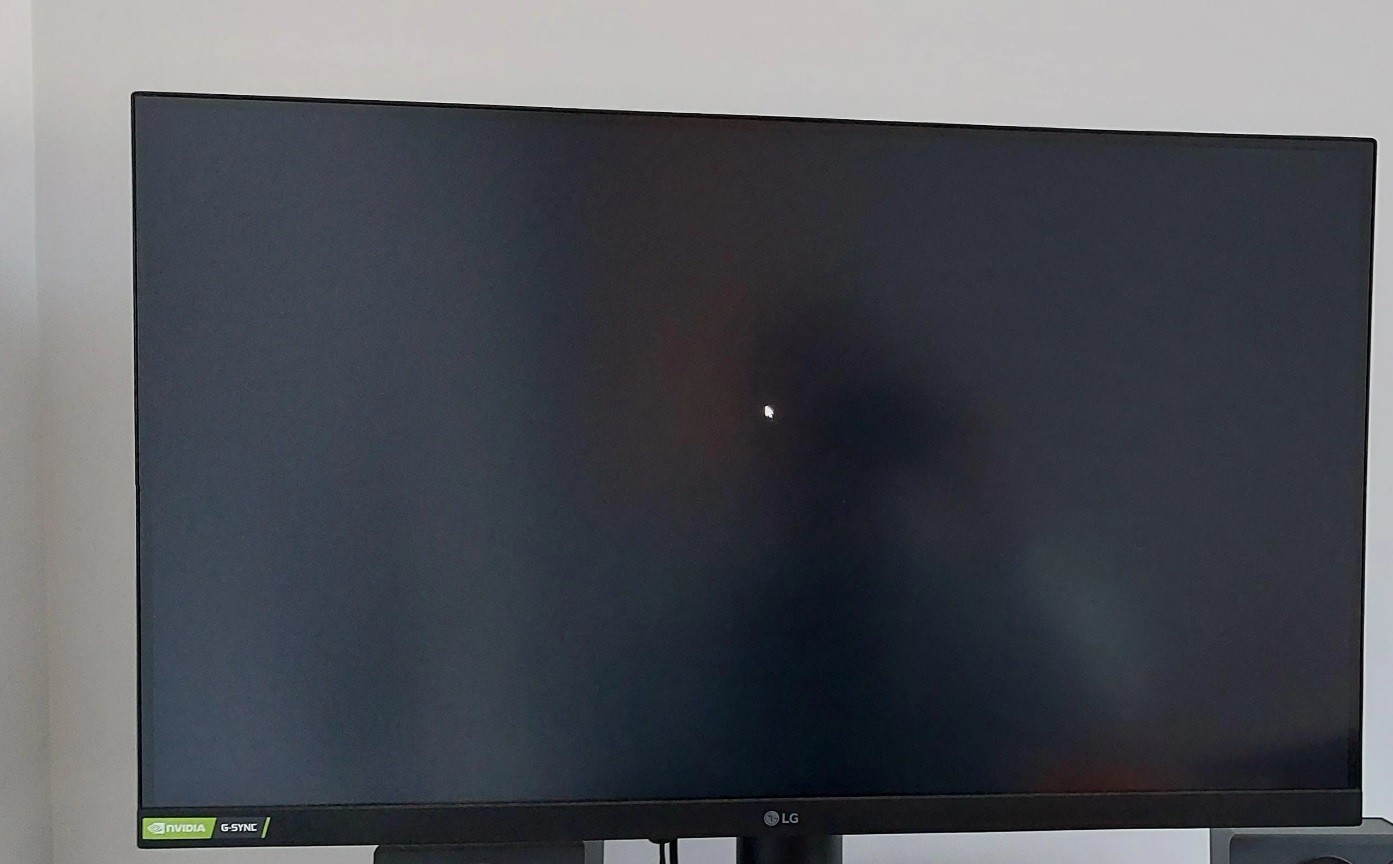
This year’s first Windows Update (KB5074109) was supposed to be a “minor” release with only security fixes. However, it’s causing a wide range of issues, including a bug that causes a black screen before the desktop finally appears. We’re also seeing reports of artifacts (rectangles) or graphic glitches in games such as Forza Horizon.
In our tests, Windows Latest observed that the mandatory January Update causes a black screen before the desktop finally loads or resets the desktop wallpaper. Some of you might also have a black screen before you can play a game, but the issue does not affect everyone.
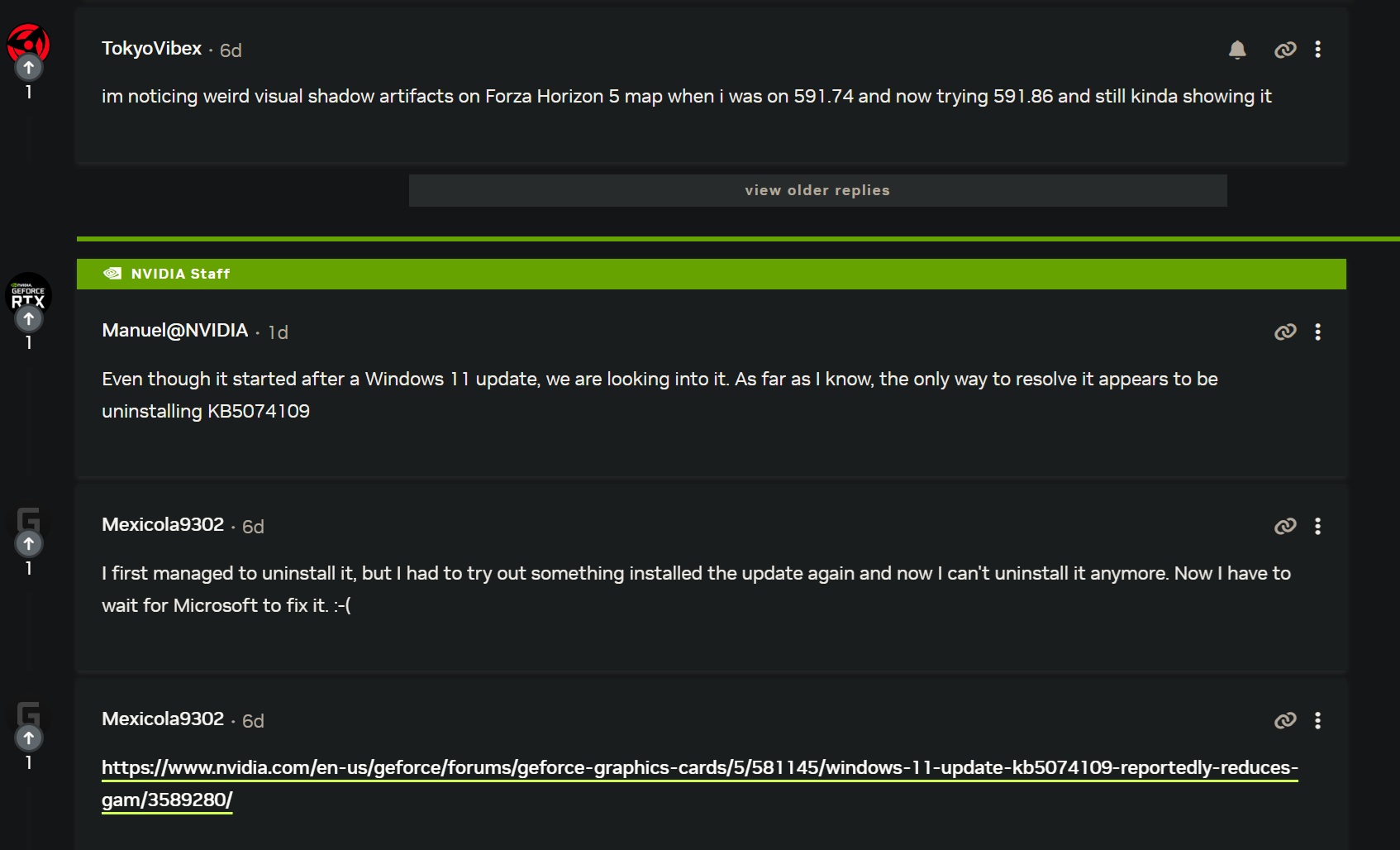
A forum thread on Nvidia.com has several users complaining about a wide range of issues, including black screens and artifacts after recent Windows Updates. While some initially thought it was due to the Nvidia drivers, which were also released in January 2026, the root cause is the January 2026 Patch (KB5074109).
“I’m noticing weird visual shadow artifacts on the Forza Horizon 5 map when I was on 591.74 and now trying 591.86 and still kinda showing it,” one user wrote in a forum post.
“Tested and I can confirm, you might not notice it on light games, but fire up some intensive games, and you’ll see. Definitely lost 10 to 20 fps, and even worse, the 1% low was noticeably worse. As soon as I uninstalled the Windows security update KB5074109, everything went back to normal, working like a charm. And Microsoft has not even acknowledged this mess; it’s crazy. I have Windows fatigue at this point, and I wonder if Nvidia will bail them out another time,” another user wrote in a forum post.
There are several similar complaints across Nvidia forums, WindowsLatest.com’s comments section, and even Microsoft’s Feedback Hub.
In a Feedback Hub post, one user posted: “I have a laptop with an Nvidia GPU. From last week, my apps/games kept crashing, and Windows froze while using the GPU. I couldn’t understand why. But after uninstalling KB5074109, the issue is not recurring. It’s a bad update.”
Nvidia is investigating Windows 11 issues
As first spotted by Windows Latest, Nvidia confirmed that it’s looking into the reports, and one of its engineers observed that removing Windows 11 KB5074109 appears to solve the problem (artifacts in games).
“Even though it started after a Windows 11 update, we are looking into it. As far as I know, the only way to resolve it appears to be uninstalling KB5074109,” wrote Manuel, who works at Nvidia.
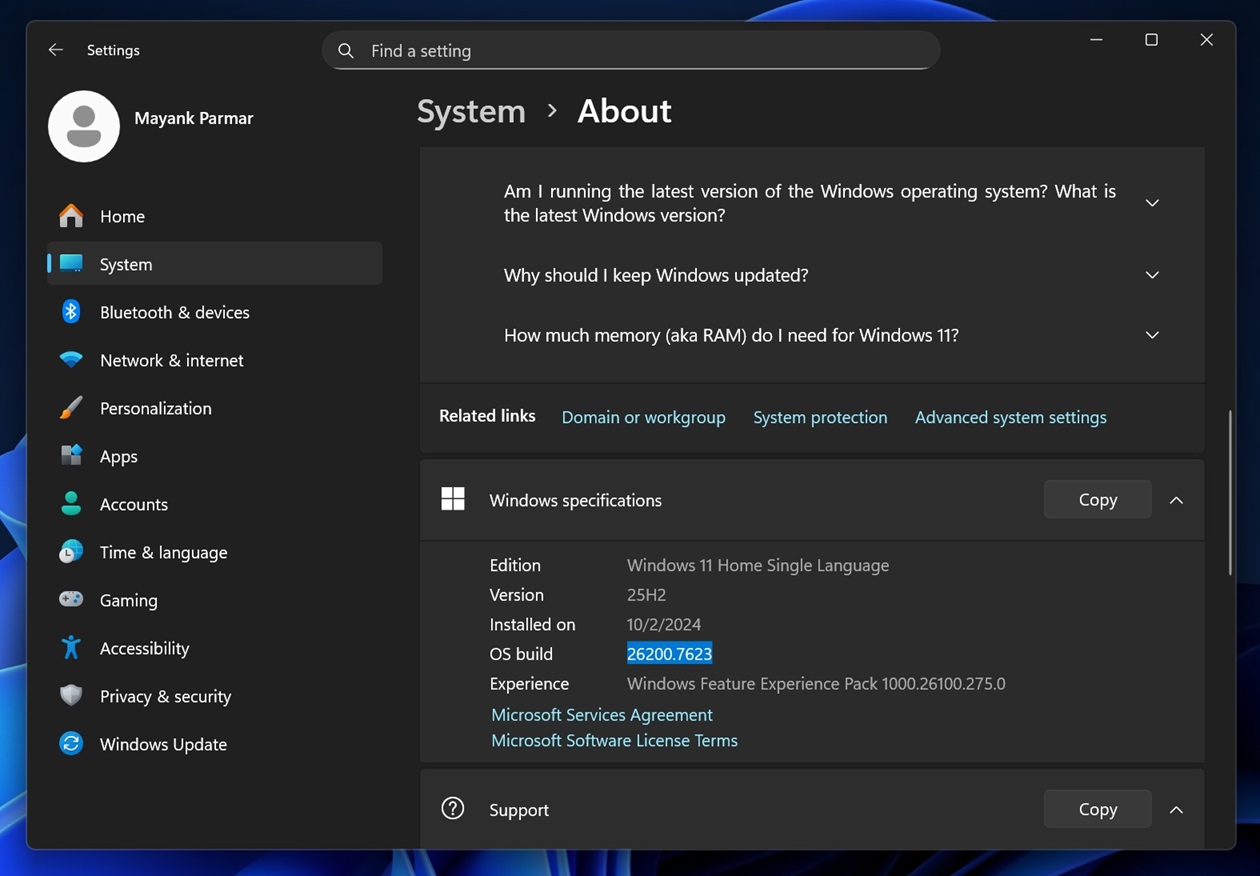
KB5074109 is a mandatory January 2026 Update with Build 26200.7623 and 26100.7623, and it’s most certainly installed on your PC unless you paused Windows Updates. You can verify the installed OS Build in Settings > System > About.
When a user asked whether Nvidia would bail out Microsoft on Windows update issues, Nvidia’s Manuel responded that the black screen was most likely resolved by a newer Windows update, “KB5074105.” This is an optional update rolling out as part of the January 2026 cycle, and it does include a fix for the black screen issue we found.
“[Display and Graphics] Fixed: This update addresses black screen issues in isolated multiuser environments, typically after a Windows upgrade,” Microsoft noted in the release notes of the optional update.
But in case you have artifacts in games, Nvidia says it’s looking into it. Nvidia staff member Manuel suggests removing the buggy update (KB5074109). It doesn’t look like the newer update (KB5074105) addressed artifacts in games.
However, I don’t recommend removing the January update or other updates if you don’t have any issues. After all, we’ve one billion PCs running Windows 11. Not everybody is affected.