






You can now open Settings > Personalization > Desktop Background, and choose any .webp image as the background. This feature is included in Build 26220.7653 for testers, and it’ll be coming to Windows 11 24H2 or 25H2 machines in the future. It’s not a big deal, but I still find it a nice addition.
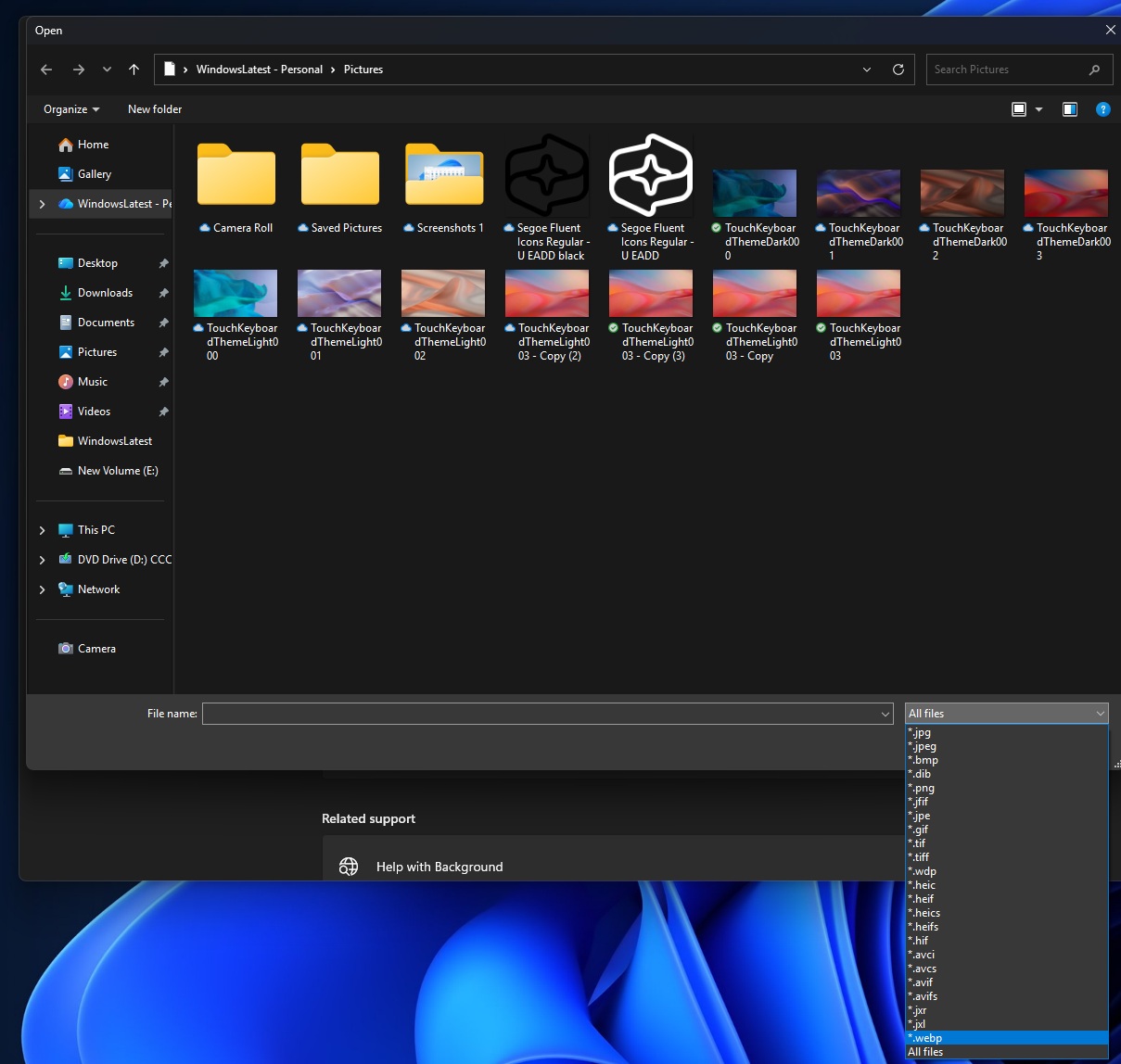
.webp, which is typically much smaller than JPG and especially PNG at similar quality, has always been supported on Windows. Windows apps or web browsers can load .webp, but if you pick a background in Settings > Personalization > Background, Windows doesn’t just “show an image.”
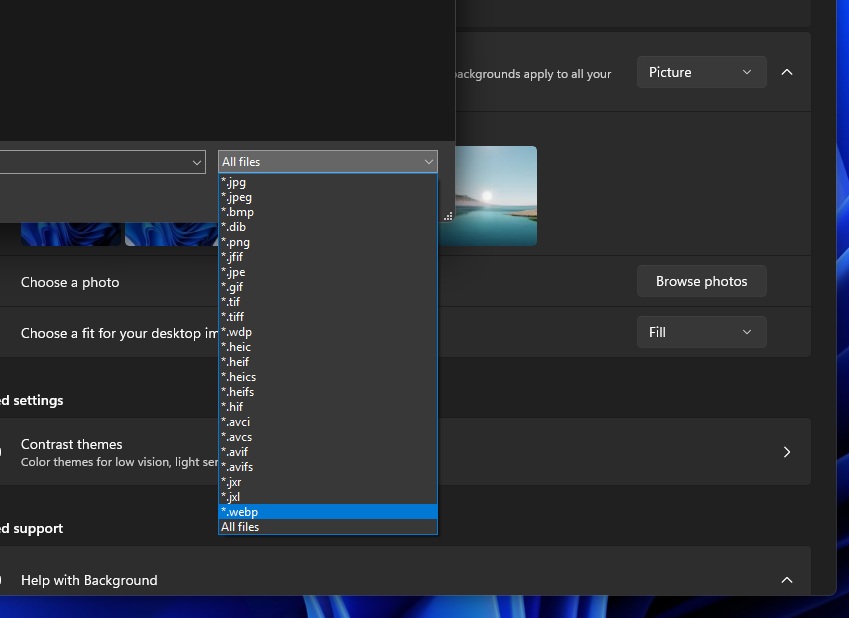
Adding WebP here means Windows is now reliably decoding WebP in that wallpaper path, instead of forcing you to convert to PNG/JPG first.
Microsoft has been mulling video formats for your desktop background, but recent builds have no sign of the feature
Microsoft has been internally testing .mp4 or other video formats for Windows 11’s desktop background.
If you set up a video as your wallpaper, it will play automatically in a loop, but it won’t drain your battery as much as third-party apps. For those unaware, there are third-party apps like Lively wallpaper that allow you to achieve the same result as the video below:
Another similar one is WallpaperEngine, which is very popular on Stream, and it simply lets you set a video as a wallpaper. All of these integrations are quite complicated, but Microsoft’s idea seems to be very straightforward, and it will be integrated into Settings > Personalization > Background.
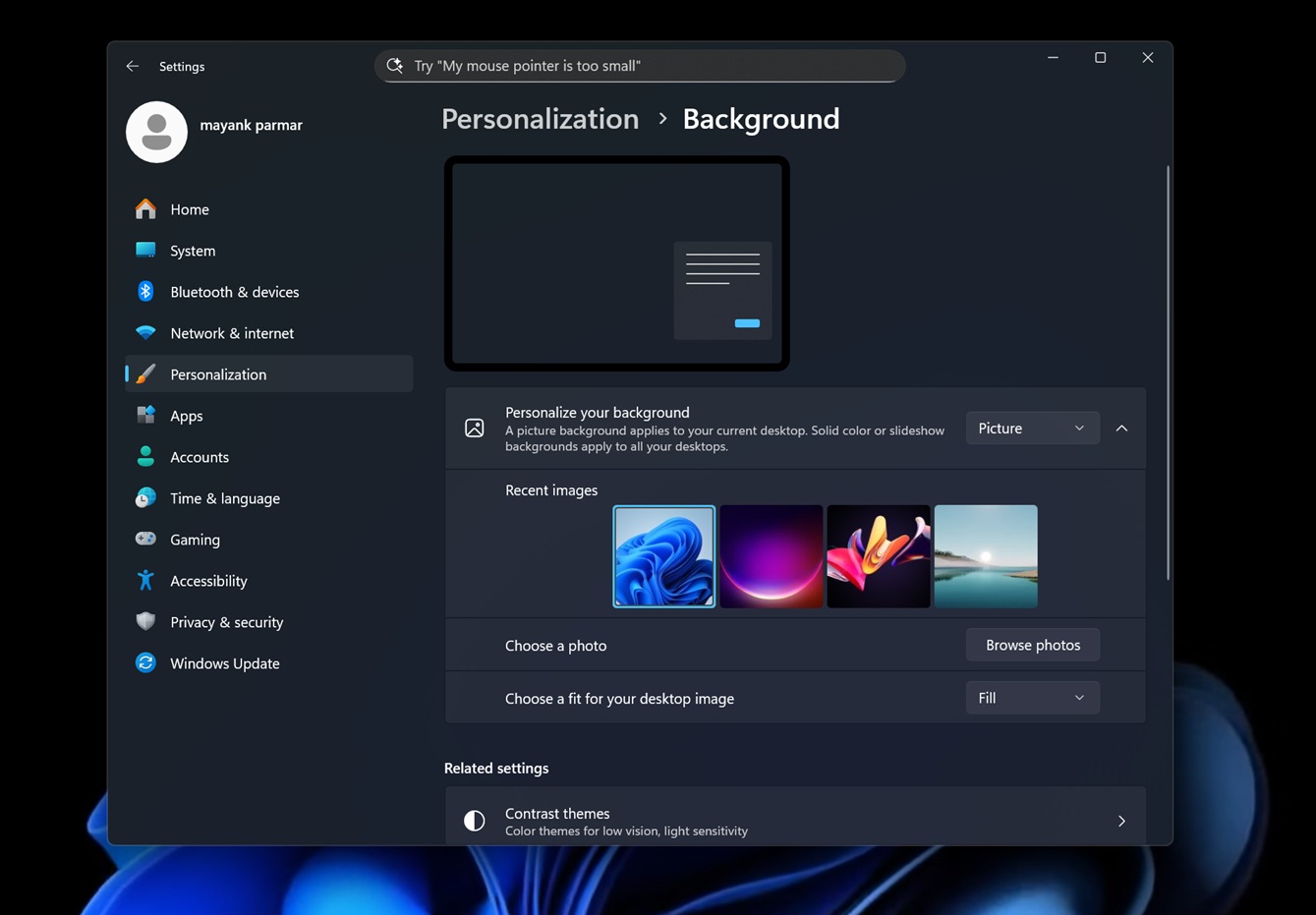
In the above screen, you need Browser photos (yes, it’s not yet renamed), and then you need to choose the video-related file formats, such as .webm, mp4, .m4v, .mov, .wmv, .avi, .mkv, and .webm.
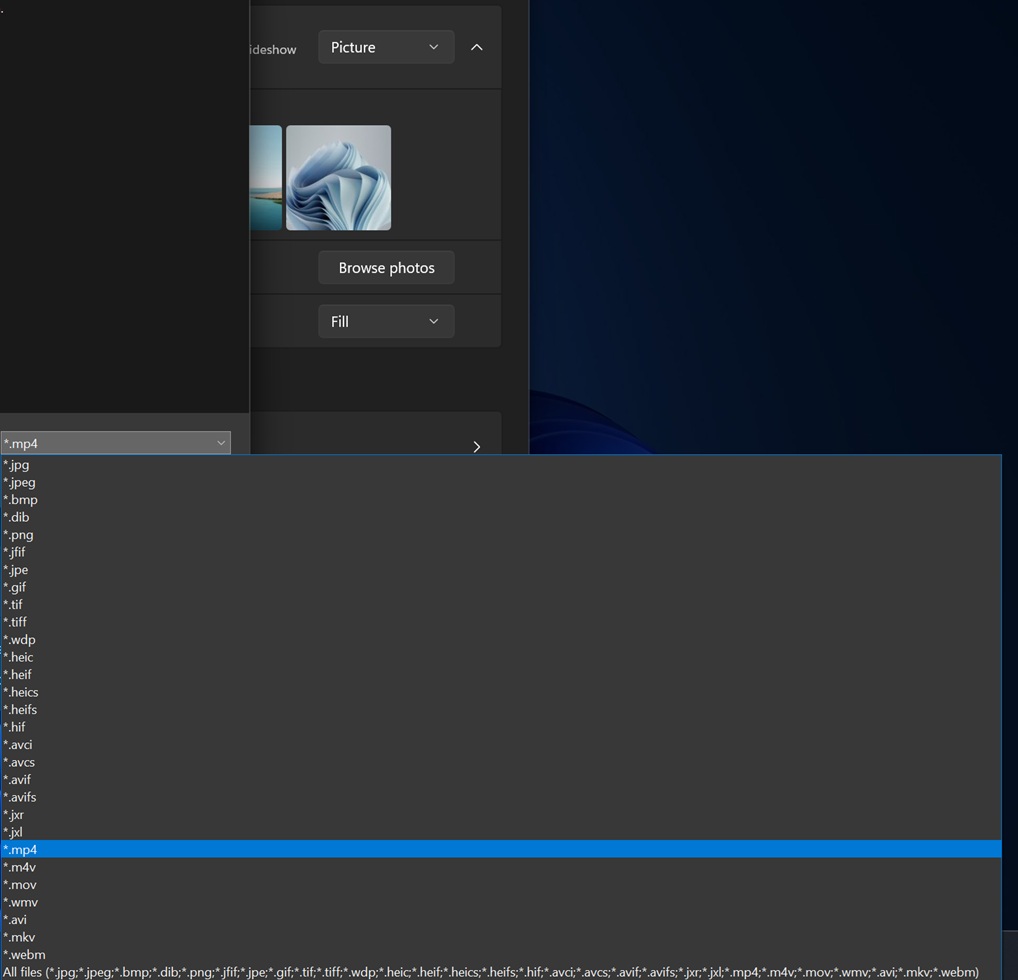
I selected an MP4 file and restarted Explorer.exe, and the video was automatically applied to the desktop.
As you can see in the above demo, Windows plays the short Windows Bloom wallpaper as my desktop background, and it’s in a loop. The Bloom video is not the right video for the background, but if you have something aesthetic with minimal movements, you might really enjoy the video backgrounds.
In our tests, Windows Latest observed that there’s no size limit, so any video could be applied, and we did not notice an increase in resources or power usage, but the catch is that Windows 11’s video wallpaper feature first appeared in preview builds in September, and it’s missing from the recent builds.
Is the Video wallpaper idea canned now? We don’t know, and only time will tell. For now, we’re only getting .webp as a desktop background.