





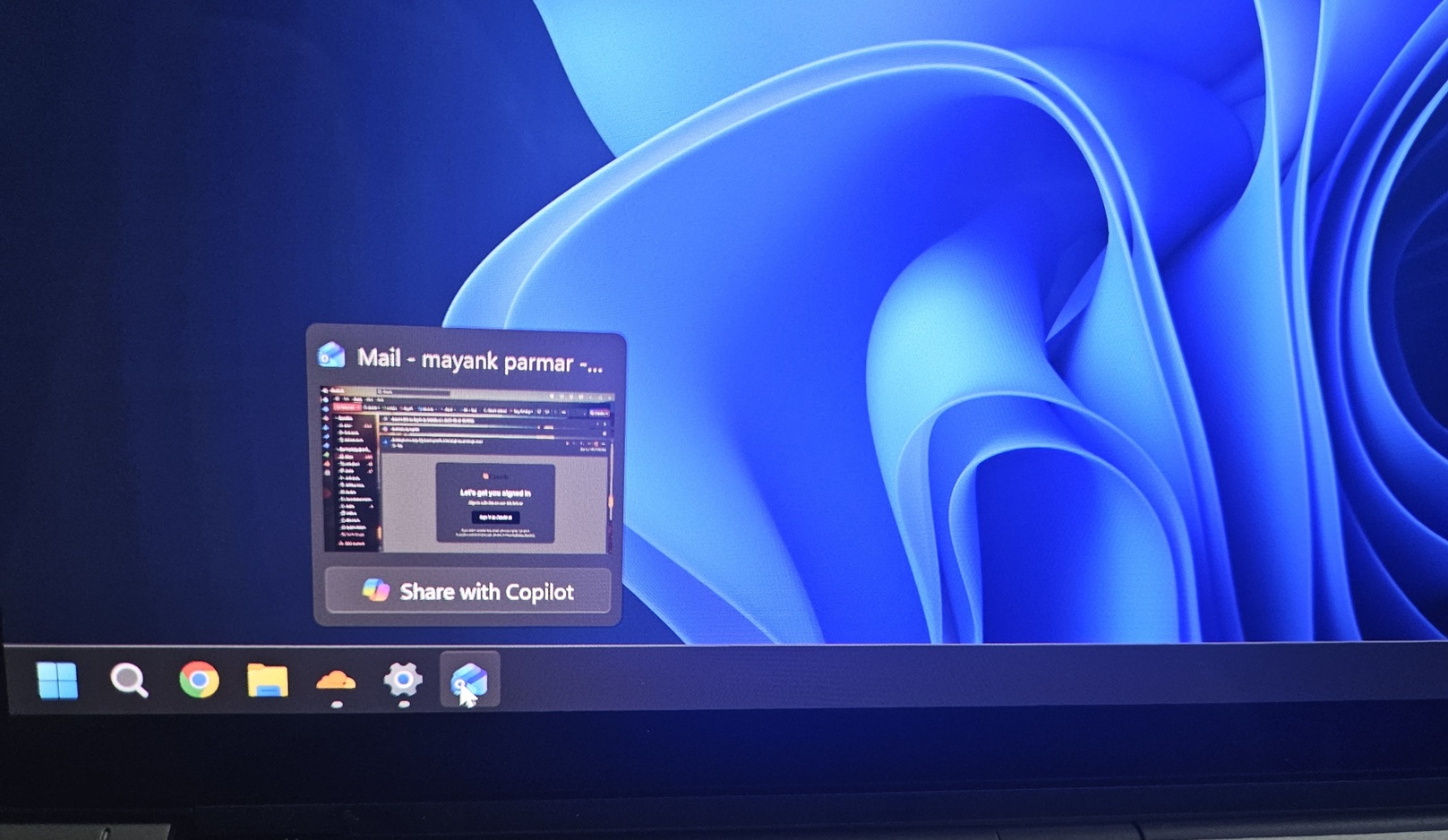
If you hover over apps on the Windows 11 taskbar, you can now share your app’s window with Copilot and start asking questions, such as how to reply to an email if you are in Outlook. As silly as that might sound, this is the whole point of Copilot Vision.
I spotted the “Share with Copilot” feature on my Intel Lunar Lake Copilot+ PC, but it’s rolling out to everyone, and does not require one of these “AI” PCs. This means, if you have non-AI PCs, including AMD or Intel, you are still going to see “Share with Copilot” on your taskbar, and that makes sense (more on that later).
“Share with Copilot” is rolling out with Windows 11 KB5072033 (Build 26200.7462 / 26100.7462 or newer), and it’s turned on by default, but I found a way to turn it off if you hate the idea (and you should).
How does “Share with Copilot” on the taskbar work?
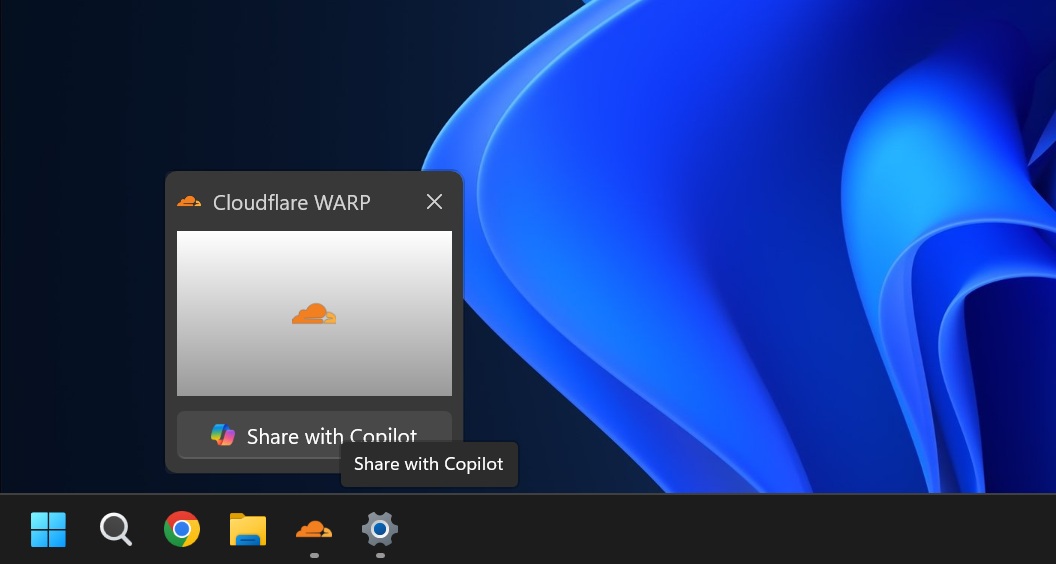
In our tests, Windows Latest observed that “Share with Copilot” shows up when I hover over open apps on the taskbar. And it literally shows up for any app window, including Cloudflare WARP, which is a VPN-like service. I also spotted the toggle for Netflix, which has DRM-protected content, so it does not work correctly.
When you share any app window, Copilot uses cloud-based AI to analyze the content of the app and provide insights. For example, I opened an Outlook email in the background and shared the window with Copilot. Copilot started reading my email, which was already open, but it was unable to browse other emails, move around, or click anywhere.
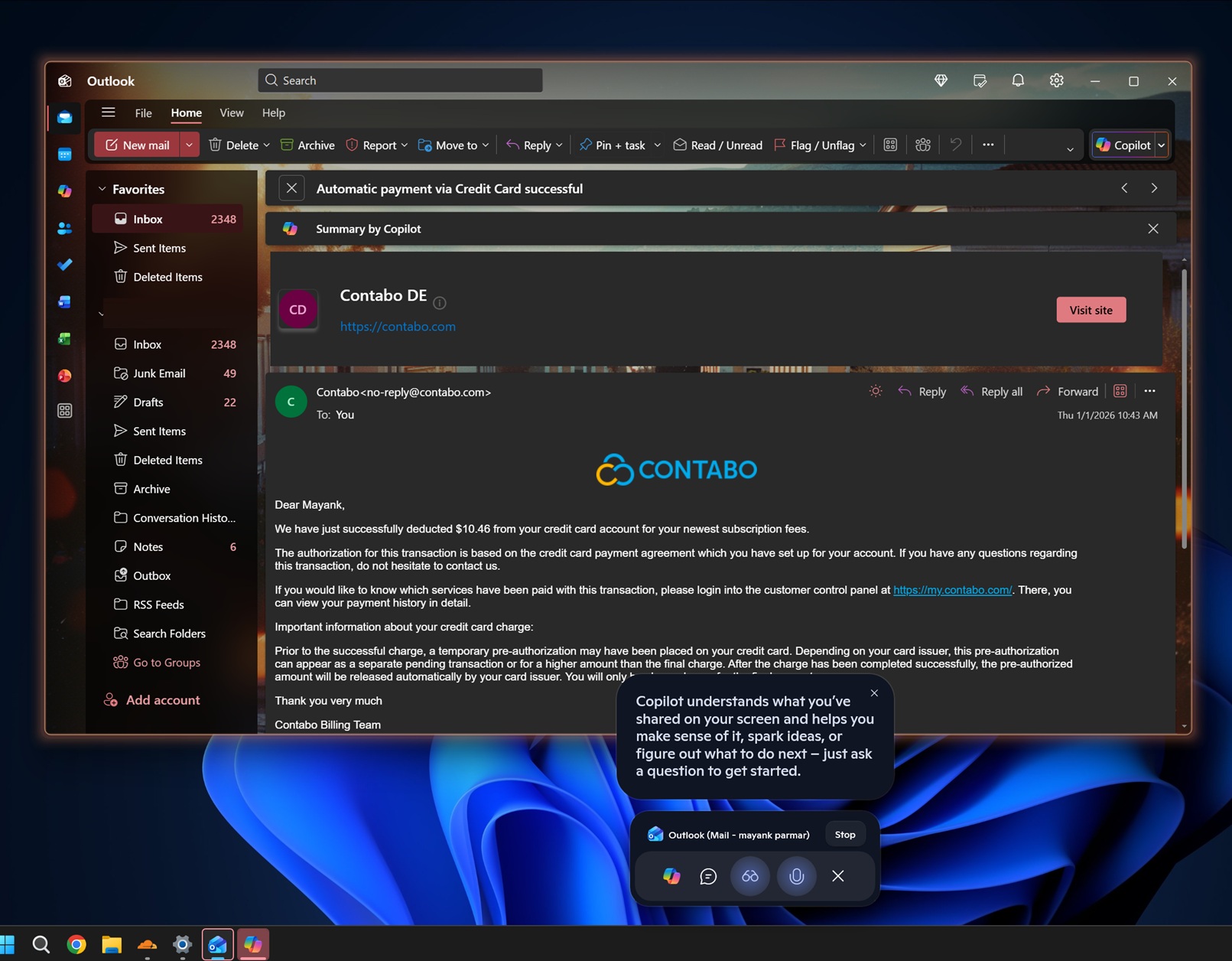
That’s because Copilot Vision is a “read-only” and “dictate-only” feature, which means Copilot can only see what you can see, and it can offer “assistance.”
For example, I asked Copilot how to respond to the email, and it told me to look for a “Send” button that doesn’t even exist. At that point, Copilot was hallucinating. Then, I specifically asked it to show me how and where to click. This time, Copilot Vision worked as I expected.
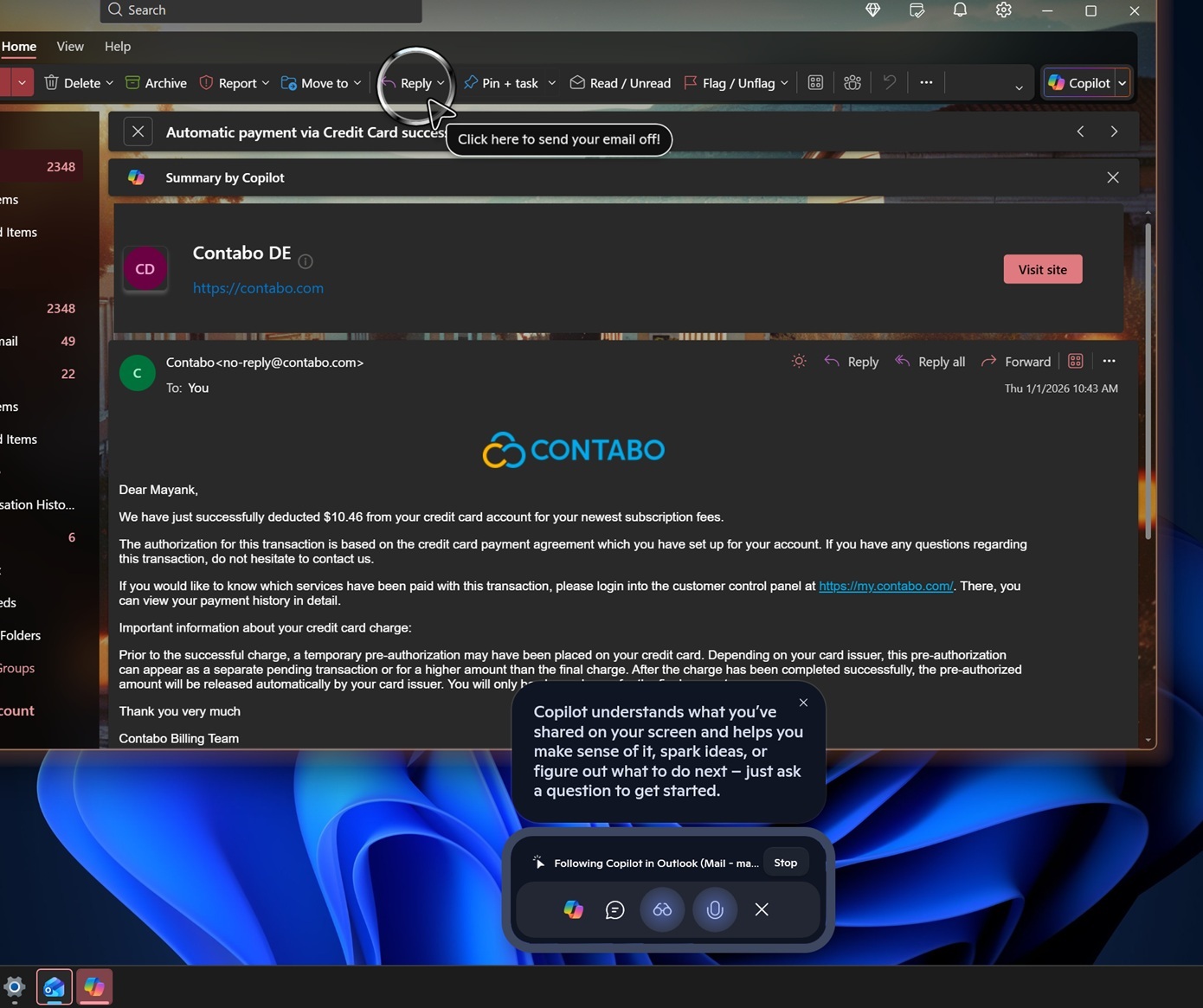
Copilot activated its own “cursor”, which showed up on the screen, and then it highlighted where I needed to click. Thankfully, Copilot correctly analyzed my screen and told me to use the ‘reply’ button, not ‘send,’ which does not exist on the screen, but was recommended last time.
Next, I asked Copilot how to delete the email, and it again highlighted the correct option.
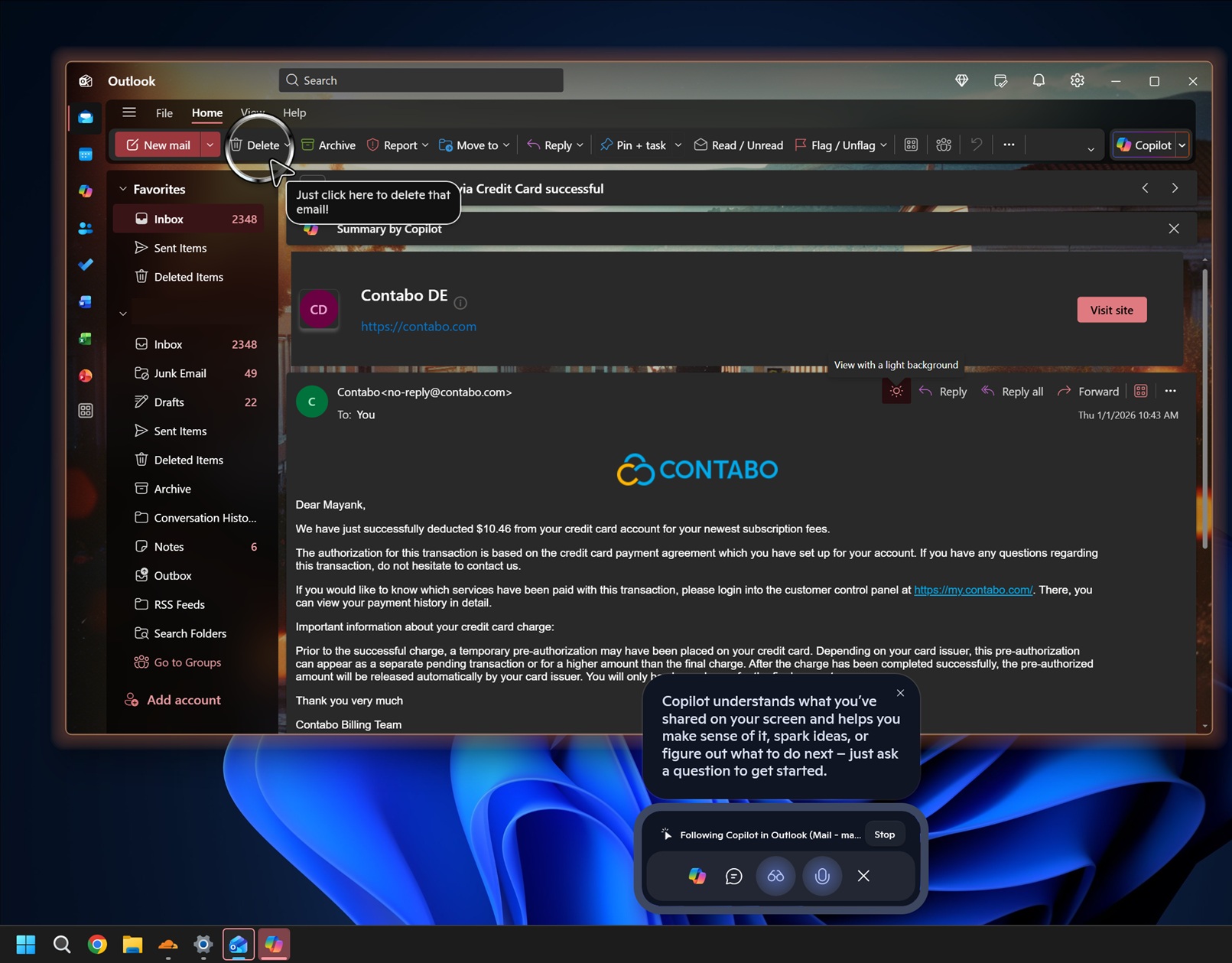
Microsoft calls it “guided assistance,” and one support document confirms that Copilot Vision is supposed to help you, but it won’t work for DRM-protected or sensitive content.
How is Microsoft adding “Share with Copilot” to all app windows on the taskbar?
Windows Latest found that Microsoft is using a Windows API called ” Windows.UI.Shell.ShareWindowCommandSource.”
According to a support document, this API allows a communication app to plug into Windows 11’s Shell (like the taskbar or share UI) so Windows can show Start sharing / Stop sharing commands and pass the app the exact WindowId the user picked.
The API is supposed to be used by apps like Teams, but Microsoft is going out of its way to use it for Copilot. It’s not an open API that developers can use. And the biggest catch is that not everyone can use the API, as it’s marked as a “Limited Access Feature.”
When an API is marked as “Limited Access Feature,” it means Microsoft has to approve you and give developers an unlock token before they can use it in a real product.
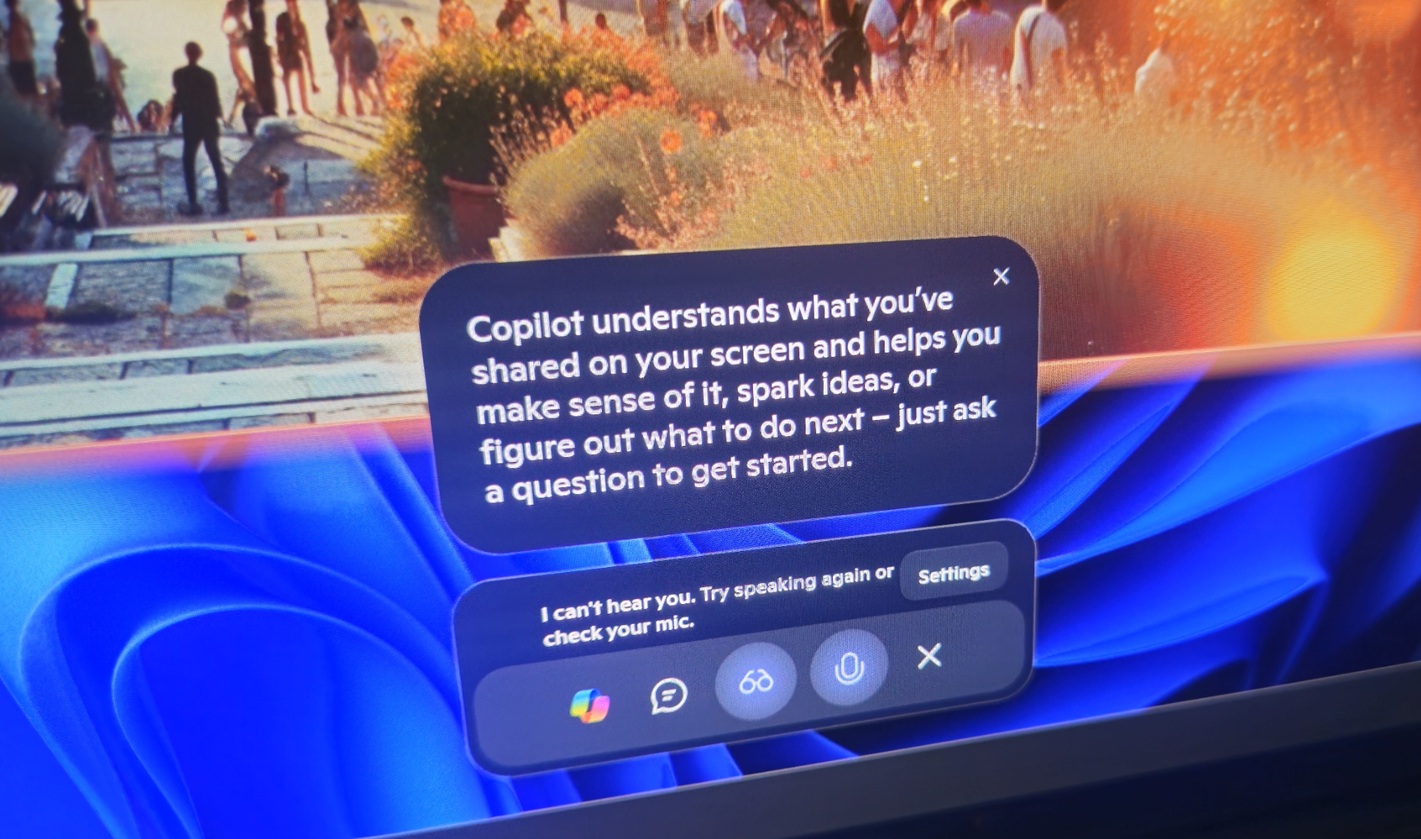
In other words, if OpenAI wants to replicate the same behaviour, it needs to reach out to Microsoft and wait for the approval. On the other hand, Microsoft can use its “limited access” APIs, which were designed for communication apps like Teams, for its own AI assistance.
That’s why we see only Copilot using it, as Microsoft can grant itself (or selected partners) access, and Copilot can then register during a session as a “sharing command source.”
Can I disable “Share with Copilot” on the Windows 11 taskbar?’
Yes, you can disable “Share with Copilot” on the Windows 11 taskbar when it shows up on your PC.
If you go to Settings > Personalization > Taskbar and expand “Taskbar behavior,” you’ll find a new toggle “Share any window from my taskbar with.” It has options like Communication apps, such as Teams, Zoom (if approved by Microsoft),etc. And it also has a new “Chat agent apps” toggle.
You can either choose “communication apps” or “none” to block the taskbar from showing the “Share with Copilot” option.
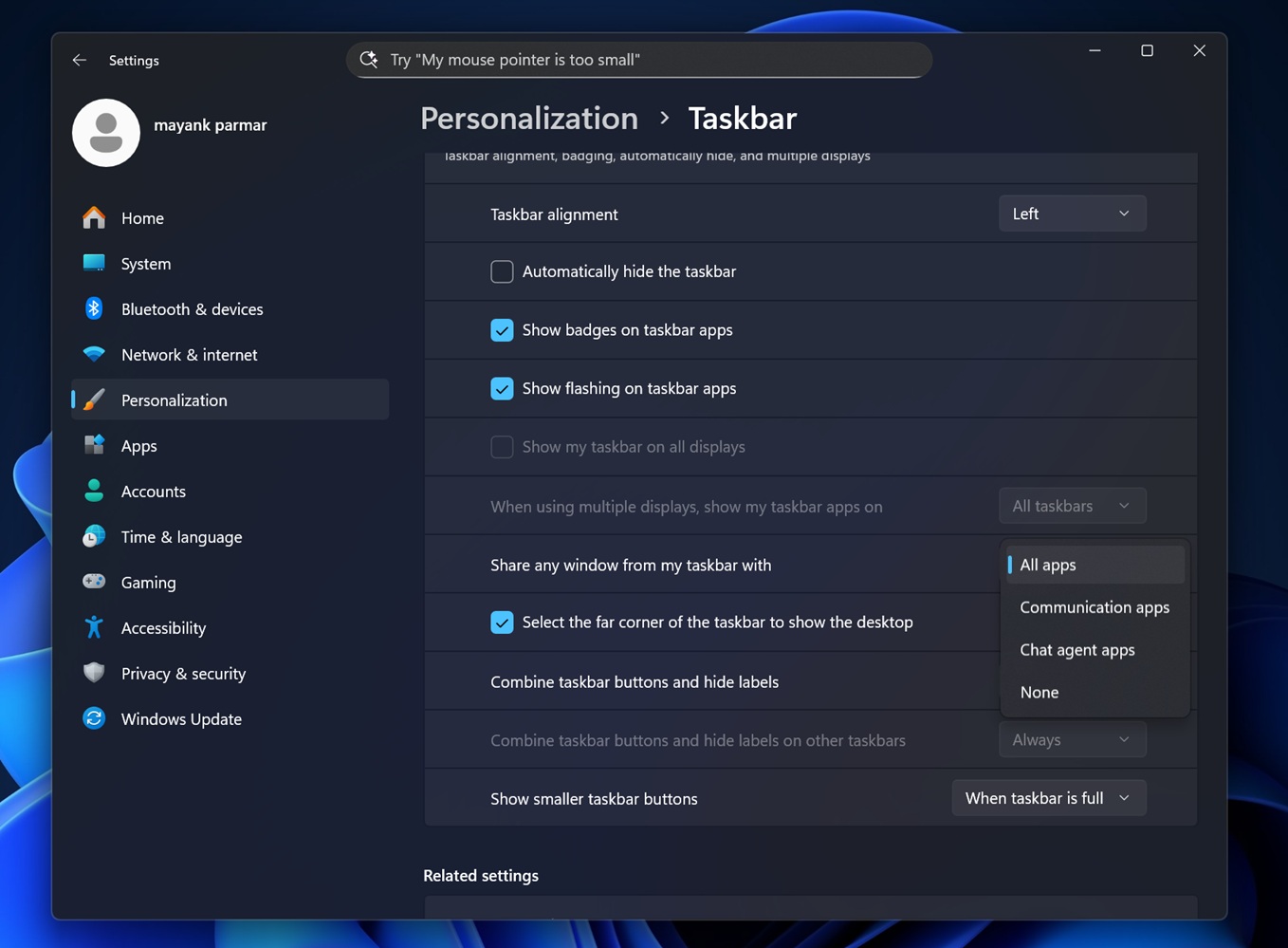
In most cases, this option will be set to “All apps” by default, and that explains why “Share with Copilot” popped up out of nowhere on my PC.
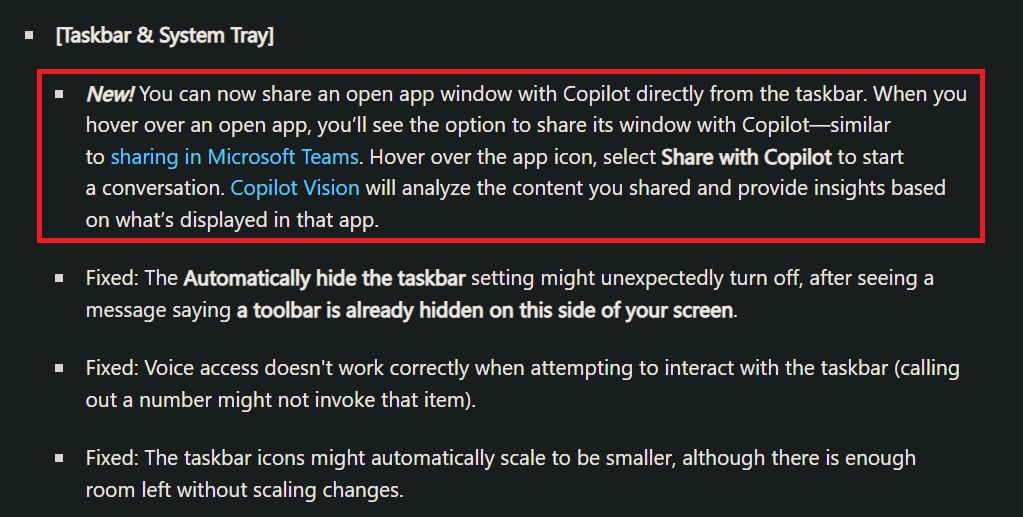
In the official release notes (screenshotted above), Microsoft confirmed that users will now see an “option to share its window with Copilot” after the update, but it also noted that the feature is rolling out gradually.