







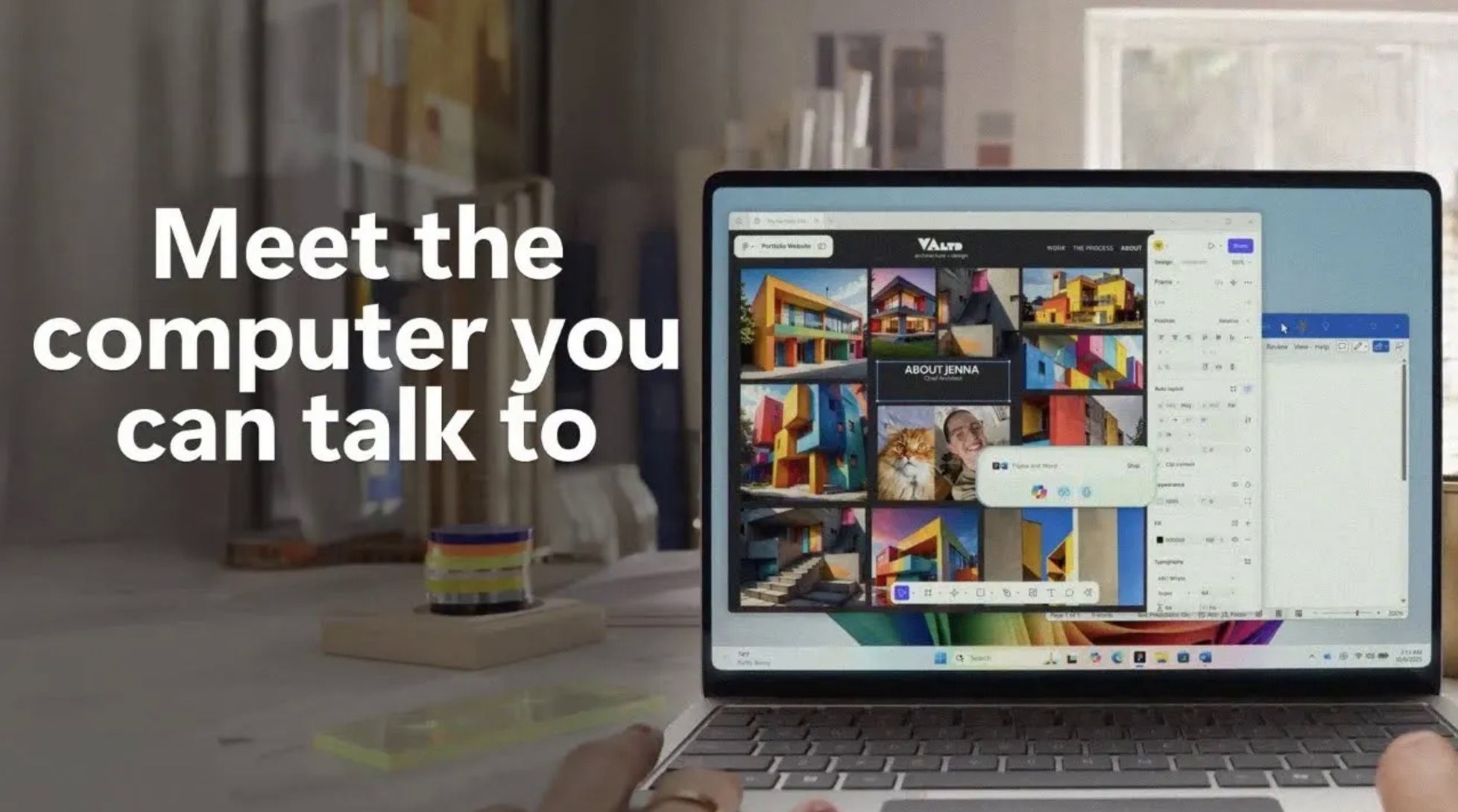
Microsoft has kicked off its new ad campaign for Copilot, taglined “Meet the computer that you can talk to.” In the most recent ad, Microsoft shows a dad spending Christmas talking to his PC more than the people around him. In the one-minute commercial, he keeps saying “Hey Copilot” in what could have been a cozy family scene.
Microsoft says Copilot Vision is all you need to plan your Christmas, as it can see what’s on your screen, and then you can ask follow-up questions. You can start Copilot Vision with the “Hey Copilot” command. Microsoft says the feature has the potential to create a “PC hands-free” experience where Copilot does everything for you.
“Copilot Vision understands what’s on your screen so you can use Voice to ask questions and control interactions with your PC hands-free. Just press the Copilot key or speak, and Copilot on Windows is ready to help when you need it,” Microsoft says.
It also appears that Microsoft really wants Copilot to feel a part of your family, because at one point, Copilot even jokes, “Toy assembly has declined due to hot cocoa consumption.”
“Talk to your computer” – Copilot Vision might sound stupid, but it does have a few use cases
I am going to play devil’s advocate here, but Copilot Vision does have a few use cases, and it has gotten significantly better in recent releases. You can invoke it with “Hey Copilot” and follow up with questions like “compare Samsung’s SSD with Sandisk” when you’re browsing Amazon with two tabs open.
While there are rough edges, Copilot Vision does have potential. However, the problem is that Copilot Vision on Windows 11 is not as good as Microsoft wants you to believe. It’s slow, often fails, and is limited in reality.
I have reasons to look forward to Copilot, but at the same time, I am not a fan of an AI agent getting in my way. I also don’t want pop-ups that encourage me to use Copilot.
“Hey Copilot, how can I uninstall you?”
The reaction to the Copilot commercial is very mixed, and a lot of it is jokes at Microsoft’s expense.
On YouTube, some users ask Copilot how to get rid of it, with one user asking, “Hey Copilot, how can I uninstall you?” and “Hey Copilot, how do I delete Windows 11?” Others ask how to install Linux or downgrade to Windows 11.
As I mentioned, Copilot has some use cases, and there are a few positive voices, too. Some users say they like Copilot and use it every day, calling it “a really good feature” and “the biggest gift of help.”
Overall, the reaction to the ad reads like a small holiday war between people who want AI in Windows and people who wish they could tell Copilot to disappear.