




This week’s optional update for Windows 11 has quite a few noteworthy fixes, including a fix for an issue where explorer.exe crashes when you receive notifications. Windows always gets notifications, but Microsoft says certain types of alerts can crash the taskbar and even the Start menu. This is fixed in KB5070311 (Build 26200.7309 / 26100.7309).
Microsoft won’t tell us what caused the problem, but we’ve run into it on one of the PCs where the taskbar suddenly disappears (because it crashed), and reloads. However, this happened even when I did not receive a fresh notification. But I did have a few unread alerts in the Notification Center. Is that what causes it? We can’t say for sure.
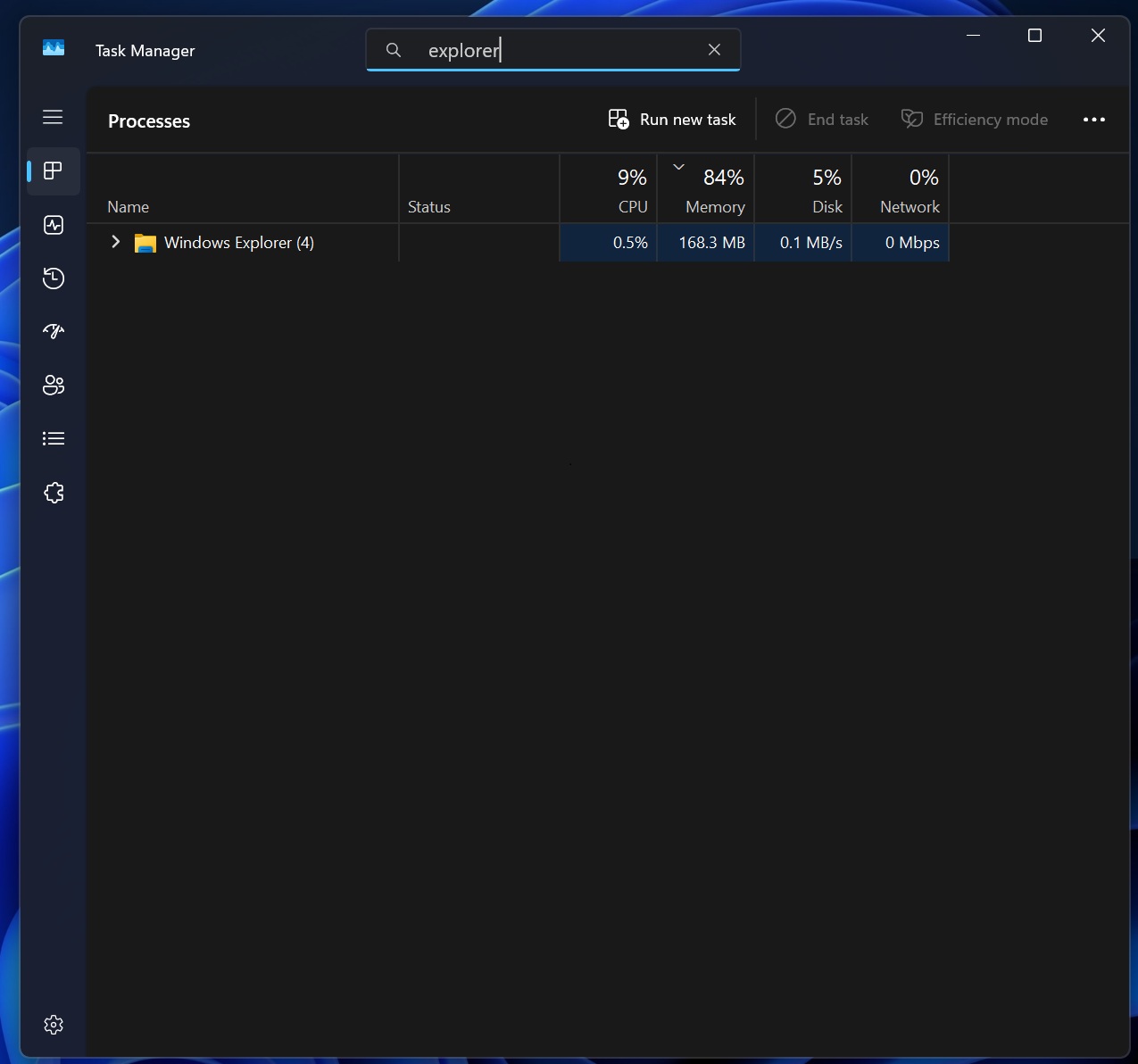
“After the latest updates, explorer.exe might stop responding (leading to the taskbar becoming unresponsive) after certain notifications,” Microsoft noted in the release notes of the November optional update, which rolled out on December 1. The fix is buried in the long list of changes, so you might not even notice it.
Microsoft says very high-resolution monitors have stuttering, but not always
I also found that Microsoft has quietly admitted some apps or games may experience stuttering when they launch, but that won’t hurt the frame rate during gameplay, as the issue is particularly isolated to the launch process.
For those unaware, apps or games may try to ask/query Windows 11 for the resolution, refresh rate, or mode your monitor supports. Based on the output, games are optimized for performance, so some games often try to query display settings, but only during launch time.
That process is not botched up. It still works, but if you’re on a very high-resolution or high-refresh monitor, the query causes a temporary stutter.
After this update, if you’ve a high-end monitor, things like launching some games, switching resolutions, or opening certain display tools should feel smoother, with fewer micro-stutters.
Windows 11 Build 26200.7309 or newer also has these two notable patches:
- A bug has been fixed where some PCs might not adjust brightness correctly or even reset to the original brightness value.
- A bug has been fixed where Windows throws “unsupported graphics card detected” when playing games or using apps. The issue was that it also happened when you used a supported GPU.
While it’s a nice update, it is worth noting that Windows 11 Build 26200.7309 causes white flashes in File Explorer and hides the ‘password’ icon on the login screen. Granted, the improvements are worth upgrading for, but I would recommend waiting until December 9, when Microsoft will release the December 2025 Patch Tuesday update.
Patch Tuesday updates are far more stable and should patch the white flashes problem.